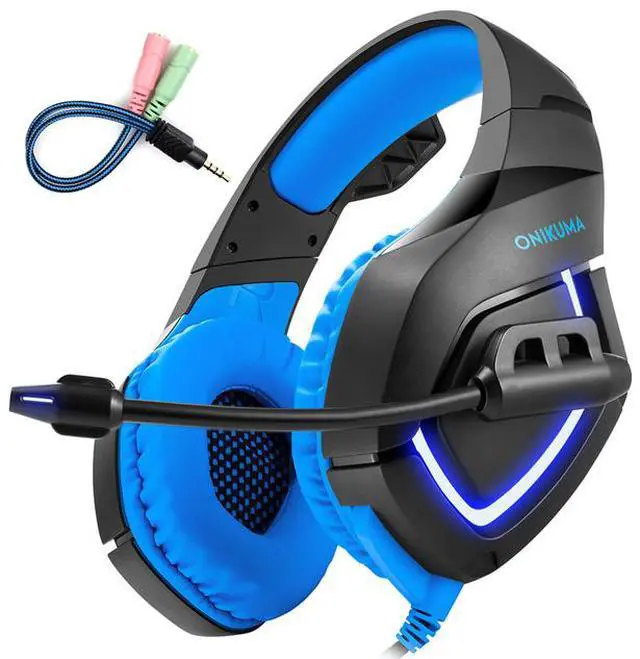
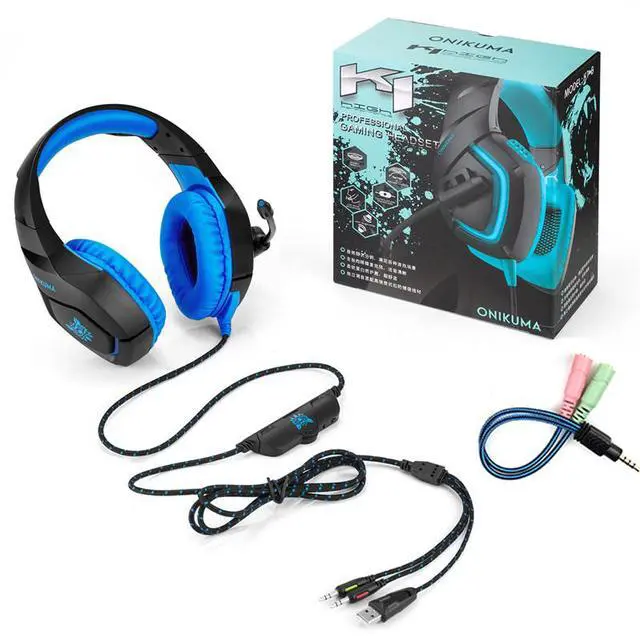
PC Gaming Headset for PS4 XBOX One, 3.5mm Stereo USB LED Headphones with Omnidirectional Microphone, Volume Control for Computer Laptop Mac PlayStation 4
NOTE:
There are two Shipments Location:
China ( Freedom of choice )
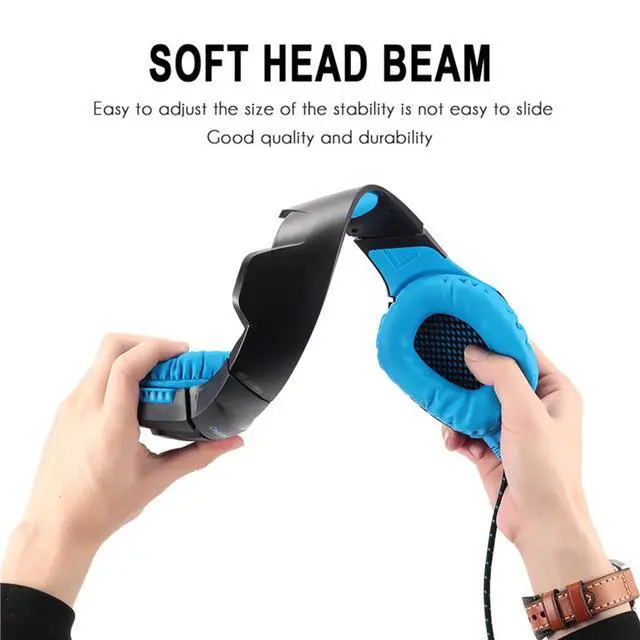
United States (With Retail Package)
Main Feature:
1. Universal Compatibility: Compatible with Mac, Windows 7 8 9 XP Vista. For PS4, new xbox one, mobile phone, iPhone, iPad, mp3, mp4, the 2 to 1 splitter line is need. Risk free for 12 months Limited Guarantee!
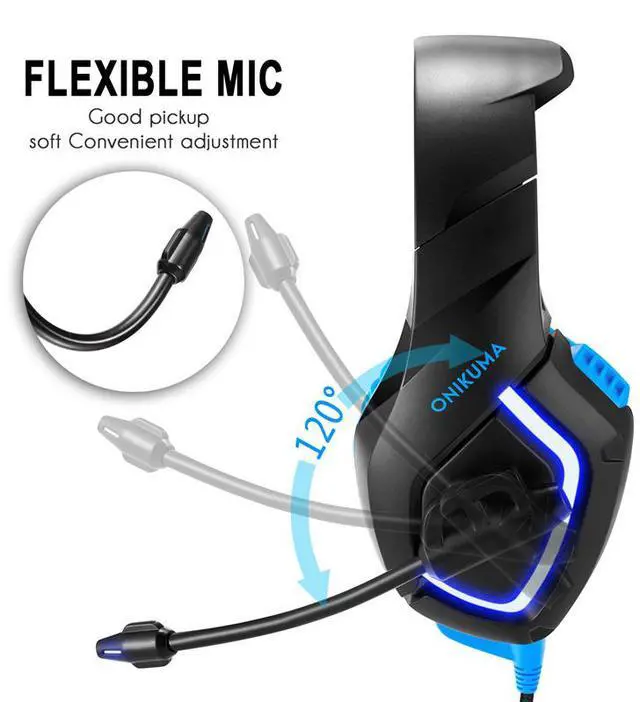
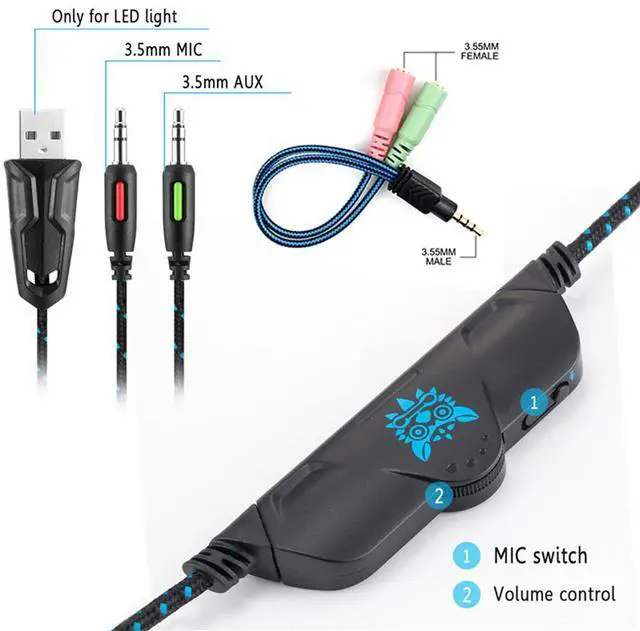
2. High Sensitive Adjustable Microphone: Durable microphone. Multifunctional in-line volume control for sound and Mic to make it easy to use.
3. Accurate Sound Pickup: High precision 50mm driver, bring you vivid sound field, sound clarity, sound shock feeling, capable of various games.
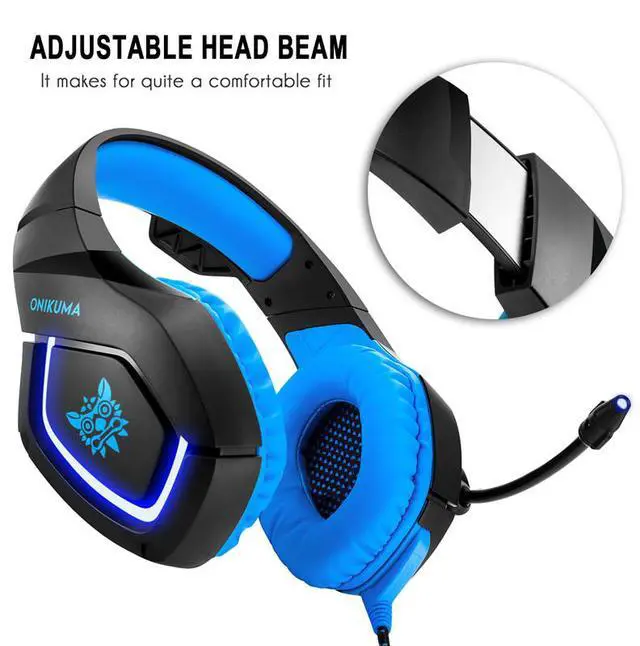
4. Comfortable to Wear : Super soft Over-ear pads, which is more comfortable for long time wear.
5. Noise Cancelling: Newest closed earcup design make you cut all of the external sound. It will make a better guaranteed comfort enviorment.
Specifications:
Speaker diameter: 50mm
Impedance: 20Ohm±15%
Sensitivity: 117dB±3dB
Frequency: 20-20000Hz
Headset interface: USB (plug the USB connector, LED light is on, unplug for off) + 3.5mm stereo audio and mic plug
Cable length: Approx. 2.0m / 6.56ft
Headphone weight: 358g / 12.63oz
Package content:
1 * ONIKUMA K1 Gaming Headset
1 * Multilanguage User Manual
1 * 2 to 1 splitter cable
PS4 Setting:
1. Before apply the headset on your PS4, please test it with your cellphone to ensure it function well.
2. Insert the headset own 3.5mm jack plug into the Gamepad, then long press the PS button or enter the system Settings.
3. There is a peripheral machines, choose "Adjust Sound and Devices", "output to the headphones", then change it to "all audio ".