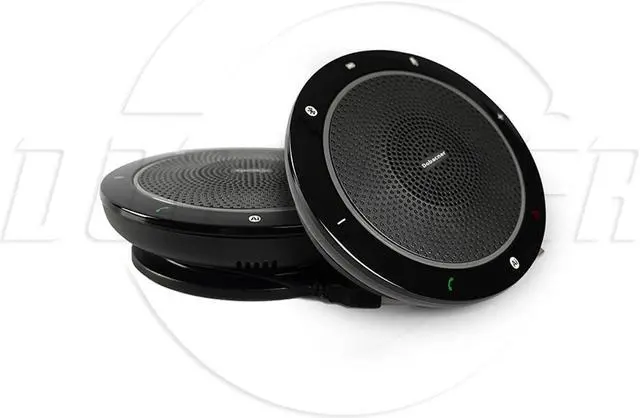
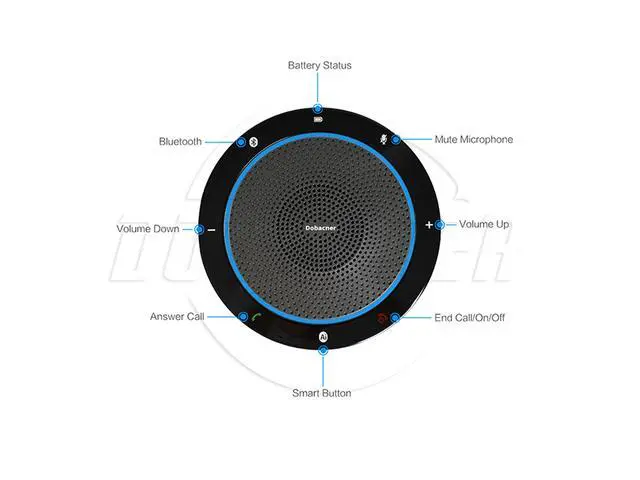
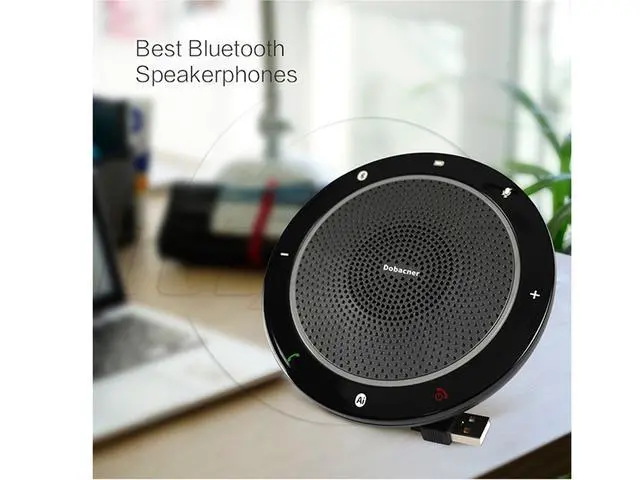
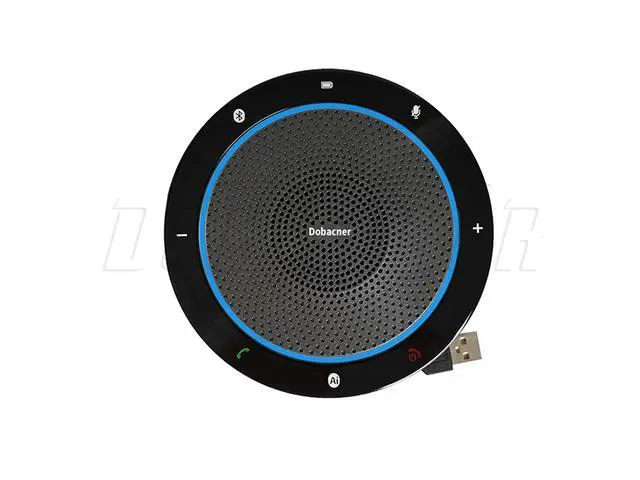
AI Function If you need to use the AI function, please connect the speakerphone to the mobile via Bluetooth. Please make sure the mobile network is available and the mobile phone itself comes with AI software, such as XiaoAi, Siri, etc. Skype & Skype for Business The answer /end call function is workable on Skype for Business but not on Skype. Please contact with your supplier to download software to activate answer/end call function on Skype. Connecting Your CP910 1. Connect to PC via
USB cable: The CP910 is plug and play. When connected to PC, the speakerphone will automatically power on and the blue ring light will be continuously on. The audio device on PC will be defaulted as CP910. 2. Connect to PC or mobile via
Bluetooth: CP910 for 2 seconds. You will hear prompt tone “power on”. The blue BT indicator will flash. Then pair the Bluetooth of your devices with CP910. The blue BT indicator will be continuously on after pairing successfully.
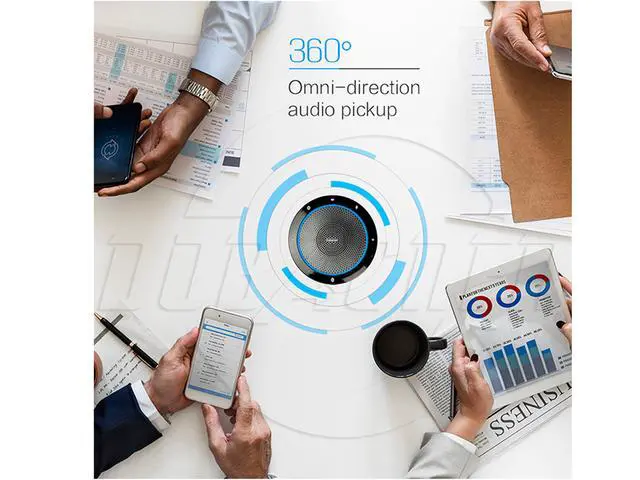
Note: To disconnect or reconnect Bluetooth, pleas tap “ ” again. 3. Connect headset with 3.5 mm connector if needed. 4. It is ideal for talking distance to be less than 2 meters between speakerphone and participants. 5. The speakerphone will automatically turn off to save power when Bluetooth is not connected within 7 minutes. Charging Your CP910 1. Charge the speakerphone via our USB cable or any other USB cable that can carry a current 500ma. 2. Insert the Micro USB plug into the speakerphone, and connect it with PC or power adapter. The power light will be on. The blue ring light will be on and off after 20 seconds. The power light will be off when the battery is full-charged. Troubleshooting 1. No sound coming from M900CP after connected with PC Please set CP910 as default device in both recording and playback setting.



 All Categories