


Meet Your Seller

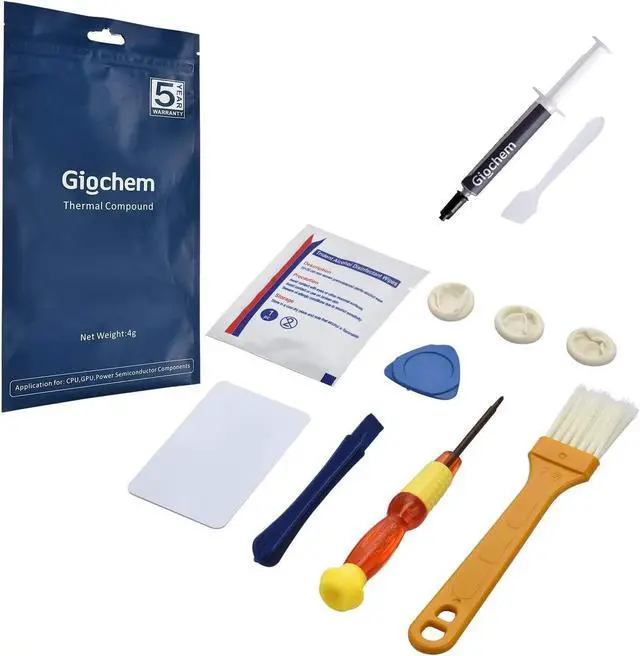
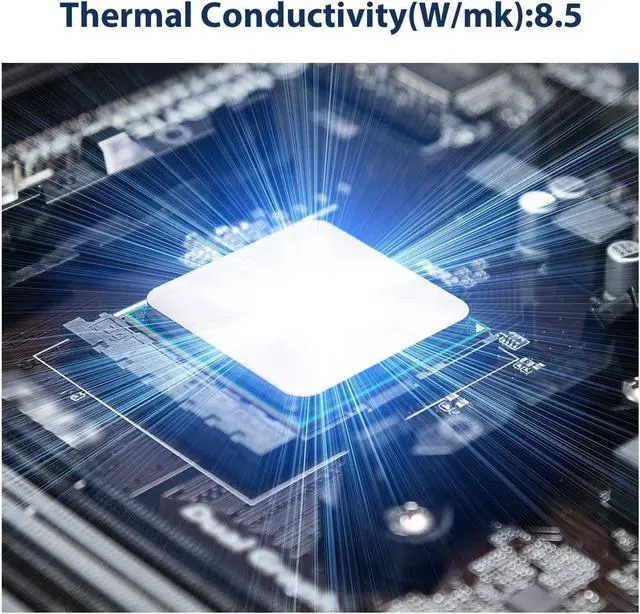
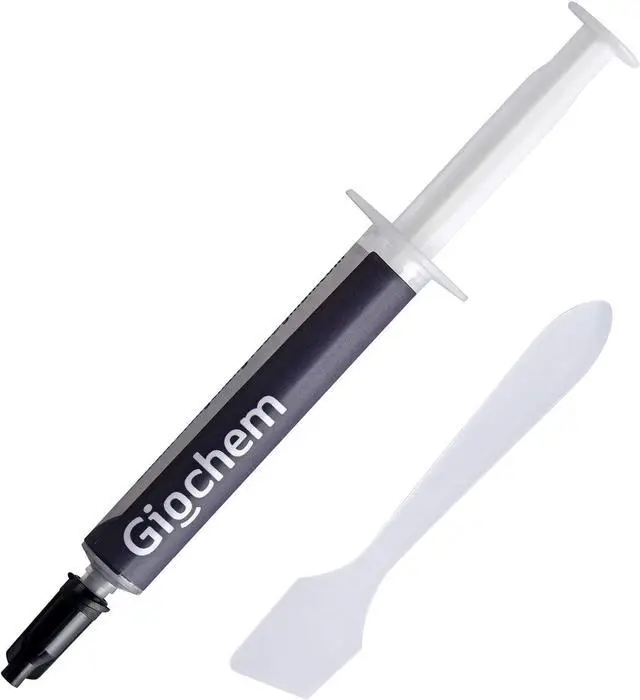
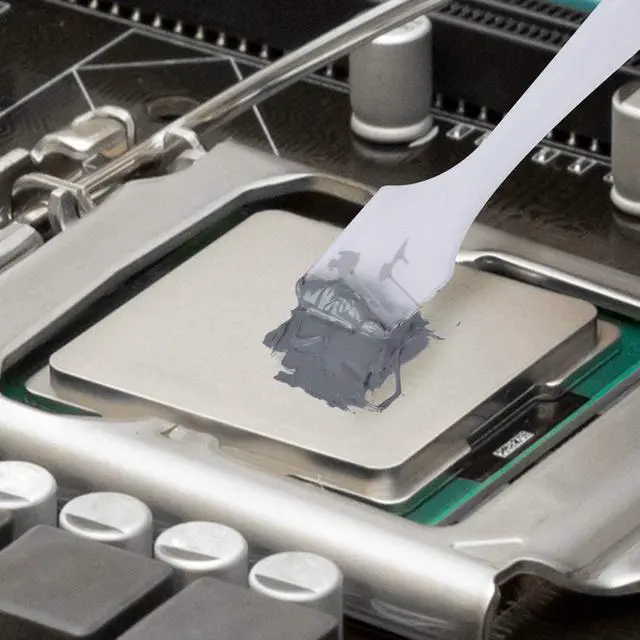


CPU Thermal Paste Kit 4 Grams with All Pro-Installer Kit,Thermal Conductivity: >6.5W/m-k Thermal Paste, Heatsink Past;Thermal Compound
- Item #: 9SIV36AKE32232
- Mfr. Part #: ID-TBCTQA110
- UNSPSC: 26121604
- SAFETY APPLICATION:Giochem is metal-free and non-conductive, which eliminates any risk of short circuit and adds more protection to the CPU and VGA card.
- HIGH DURABILITY:In contrast to metal and silicon thermal conductive adhesives, Giochem thermal paste 2022 will not compromise over time. After applying, you do not need to apply again because it will last at least 5 years.
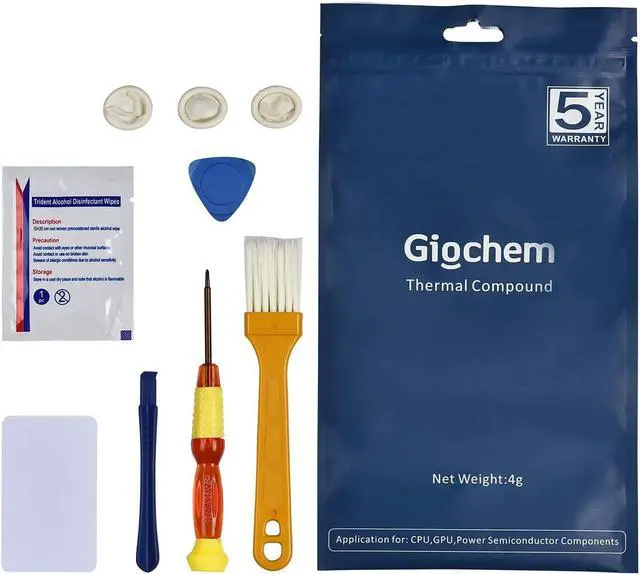
- COMES WITH A TOOL KIT:Giochem thermal paste has the perfect consistency, it also comes with a tool kit including 2 types of applicators, 4 types of applicator templates, and three finger cots to apply it smoothly and evenly, very easy to use even for beginners.
- THERMAL COMPOUND:Giochem thermal paste Edition 2022formula has excellent component heat dissipation performance and has the stability to push the system to the limit.
- NUMBER 1 ON THE MARKET:Confirmed by many tests, the most popular choice meets the highest quality standards not only of standard computer users but also of avid Overclocking fans
+
+
Overview
Specs
Reviews
Before you re-apply the thermal paste on your CPU, you should get rid of the old thermal paste from the ends of both the processor and the heatsink.
Dont worry, though; its quite simple.
Youll need:
Microfiber / Lint-free cloth or cotton swab
Isopropyl Alcohol
Replacement Thermal Compound
How To Correctly Apply Thermal Paste To CPU
1.get rid of the remaining thermal paste on the chip.
2.Do this until you get rid of it on the heat sinks end as well
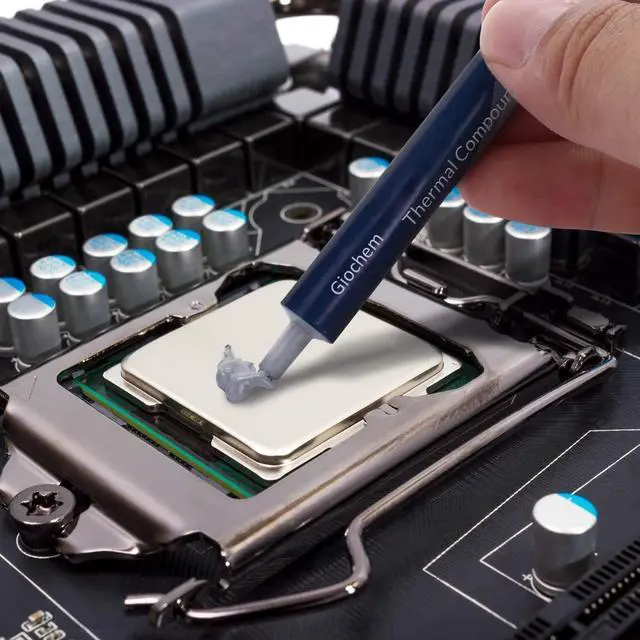
3.Carefully apply a dot of the replacement thermal paste on the CPU when the chip is cleaned and the alcohol has dried.
4.Make sure you carefully place the heat sink back on the CPU after the paste is applied.
Warranty & Returns
Warranty, Returns, And Additional Information
Warranty
- Please contact the Seller directly for warranty information. Warranty information may also be found on the Manufacturer's website.
- CONTACT
Return Policies
- Return for refund within: 30 days
- Return for replacement within: 30 days
- This item is covered by Electronics World Return Policy
Manufacturer Contact Info
- For a directory of all our manufacturers, please click below.
- Manufacturers Directory
LOADING...