


 All Categories
Built for How Business Buys.
All Categories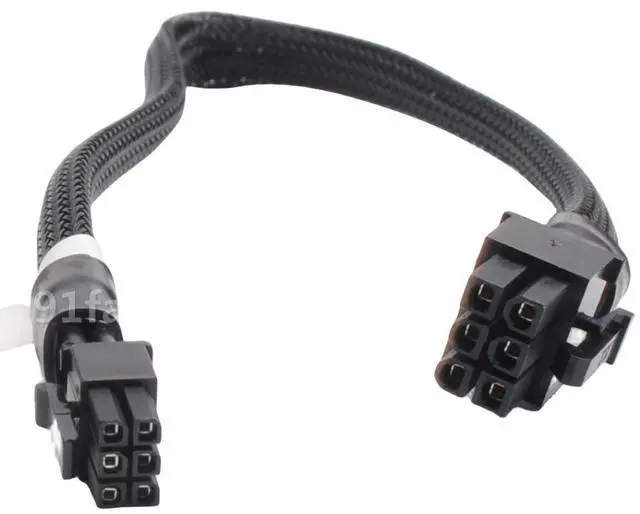
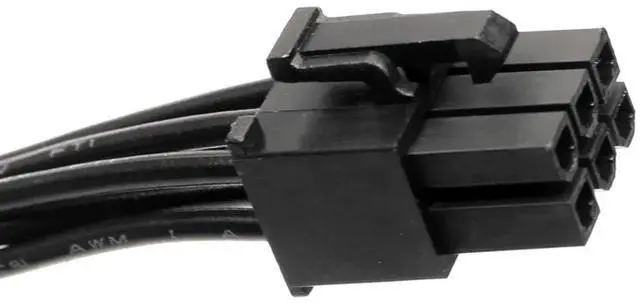
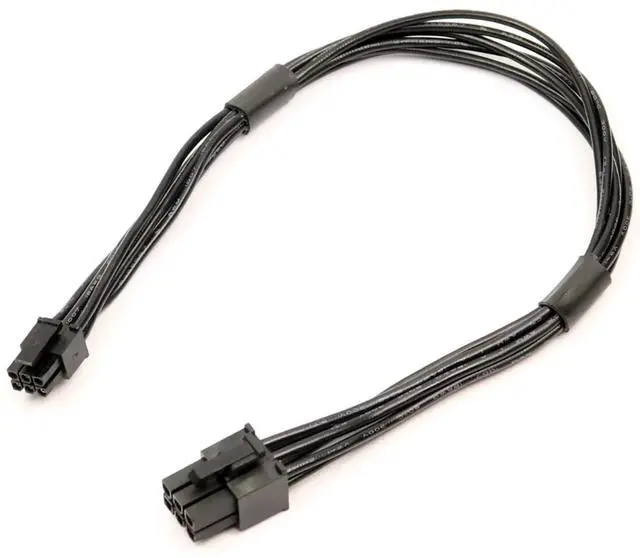


Are you looking to upgrade the graphics card in your Mac Pro or Power Mac G5, but your new GPU requires a standard 6-pin PCIe power connector that your Macs logic board doesnt directly support? This Mini 6 Pin to 6 Pin PCI Express Power Adapter Cable is the solution.
Apples Mac Pro and Power Mac G5 towers use a proprietary Mini 6-pin power connector on the logic board, which is physically smaller than standard PCIe 6-pin connectors-1. This adapter cable bridges that gap, converting the Mini 6-pin output from your Macs motherboard into a standard 6-pin PCIe connector for your graphics card.
Whether youre installing a newer NVIDIA or AMD GPU, this cable provides the clean, reliable power connection you need to breathe new life into your classic Mac tower.
Please verify your Mac model before purchasing. This cable is only compatible with the following systems-1:
Compatible Mac Models:
NOT Compatible With:
Note: The connector on the Mac motherboard end is Mini 6-pin, which is physically smaller than standard 6-pin PCIe connectors-1. This cable is designed for Mac Pro and Power Mac G5 logic boards ONLY. If you connect this cable to incompatible motherboards, it will burn or damage the motherboards or graphics card-1.
Technical Specifications| Connector A(Input) | 1x Mini 6 Pin Male (Mac Pro / Power Mac G5 proprietary) |
| Connector B(Output) | 1x PCIe 6 Pin Male (Standard) |
| Cable Length | 14 inches / 35 cm (including connectors) |
| Wire Gauge | 1007-18AWG Tin-Coated Copper |
| Compatible Models | Compatible Models Mac Pro (1,1 5,1) 2006-2012, Power Mac G5 |
Step 1: Identify Your Macs Power Port Locate the Mini 6-pin power connector on your Mac Pro or Power Mac G5 logic board. This is typically located near the PCIe slots.
Step 2: Connect the Cable Plug the Mini 6-pin male endLearn more about the Detailed Specifications
First Listed on Newegg July 22, 2026
