


Meet Your Seller


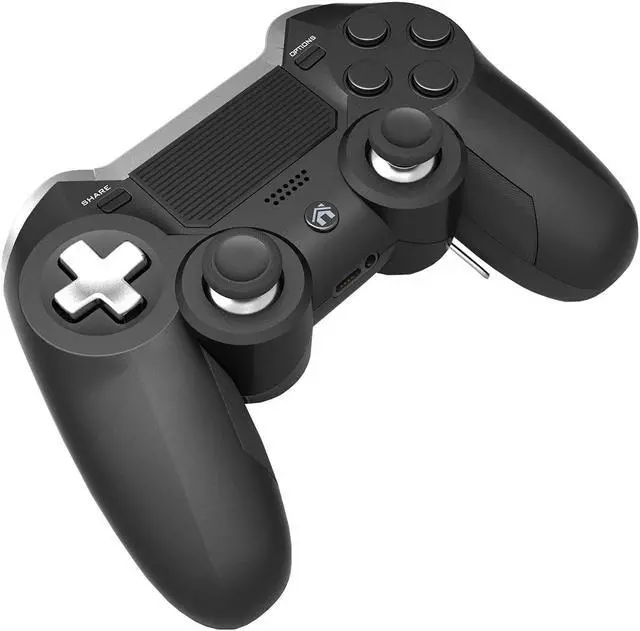
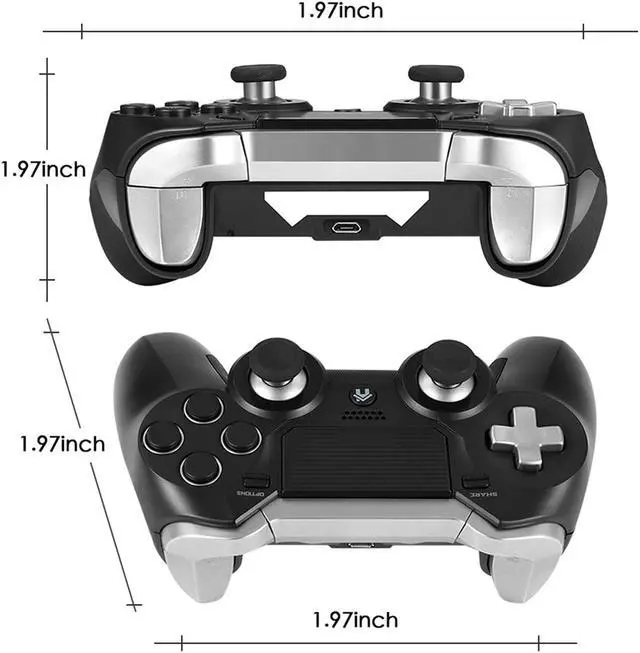
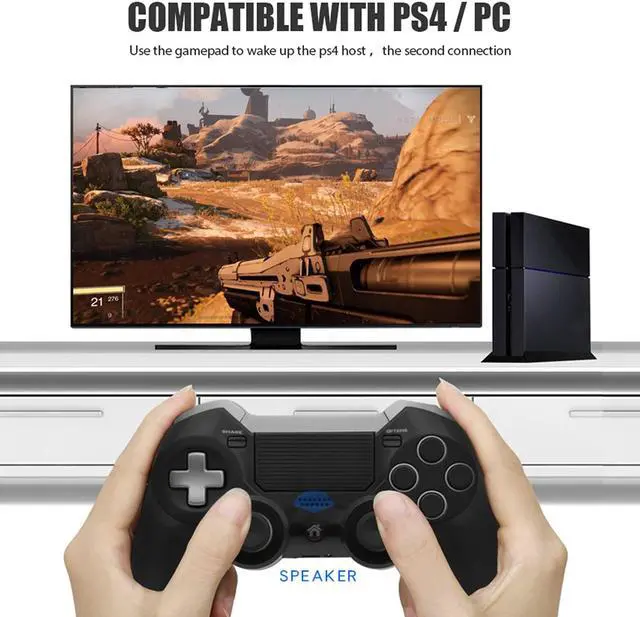


PS4 Elite Wireless Controller with Back Paddles,Dual Vibration Elite PS4 Modded Game Controller for Play Station 4 with Speaker and 3.5mm Audio Headphone Jack
- Item #: 9SIV36AKBN0955
- Mfr. Part #: FB08NSR8VXB
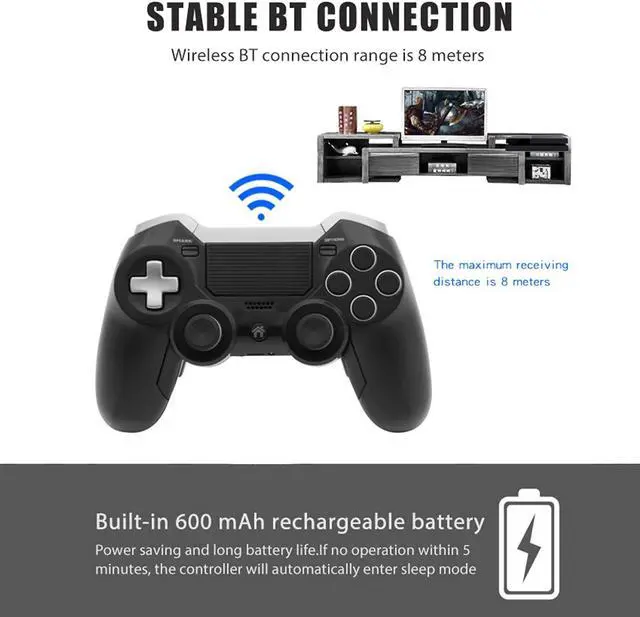
- Compatibility: The wireless scuff PS4 controller specially designed for PlayStation 4 console and perfectly compatible with PS4/ PS4 pro/PS4 slim, and it also working with PC.
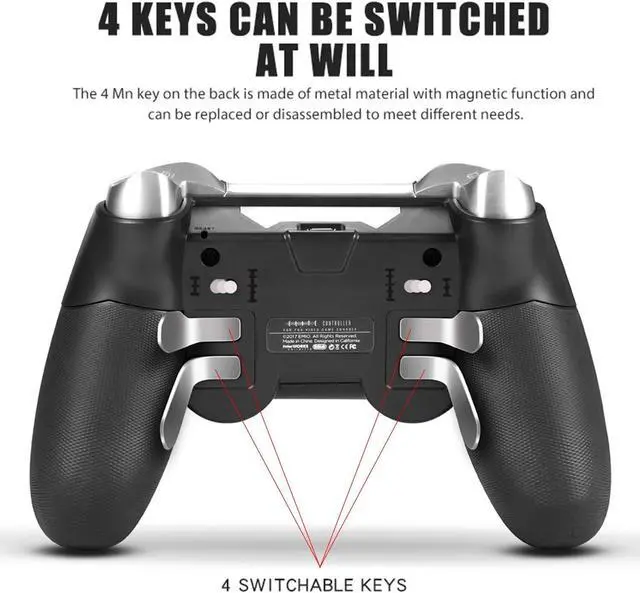
- Adjustable Metal Trigger Buttons: The metal trigger buttons can be locked to achieve pushing halfway, allowing for faster and sensitive button clicking with shooting game, and you can also switch it back to full-range trigger movement by click the 2 little metal buttons at the back of this ps4 elite wireless joystick.
- Programmable Back Paddles: The 4 back detachable metal paddles(M1,M2,M3,M4) can be remapped to replace all of the action buttons including L3 R3 button,the 4 paddles with the preset configuration for replacing the front 4 action buttons().
- Headphone Jack and Speakers: The elite ps4 wireless game controller built-in speaker and 3.5mm TRRS stereophonic hole,support stereo headset, microphone.
- Non-slip Surface: Heavy-duty body and scuff non-slip surface providing better grip feeling all around
+
+
Overview
Specs
Reviews
Connect the PS4 controller with PS4 console via the USB cable for pairing,Press the PS button to complete the pairing,and then pull out USB cable for wireless control.
Just simply connect the controller with your PC via USB cable and the connection completed,please notice that the vibration function do not support on PC.
Press one of the back Paddles+Share button and then release them to enter the setting mode,Press one of the action buttons that need to be set(such as LT button),and then press one of the 4 back paddles(such as M1) to complete the remapping settings,now you will get M1=LT.
Help others learn more about this product by uploading a video!SponsoredShop the eXtremeRate StoreAt least 882 products have a star rating of 4.0+Shop the eXtremeRate StoreAt least 882 products have a star rating of 4.0+ Connection Method for PS4 Consoles: Connection Method for PC: Remap Method for the Back Paddles:
Warranty & Returns
Warranty, Returns, And Additional Information
Warranty
- Please contact the Seller directly for warranty information. Warranty information may also be found on the Manufacturer's website.
- CONTACT
Return Policies
- Return for refund within: 30 days
- Return for replacement within: 30 days
- This item is covered by Electronics World Return Policy
Manufacturer Contact Info
- For a directory of all our manufacturers, please click below.
- Manufacturers Directory
LOADING...