• $24.88
  • Free 30-day Returns
  • Ships from China.

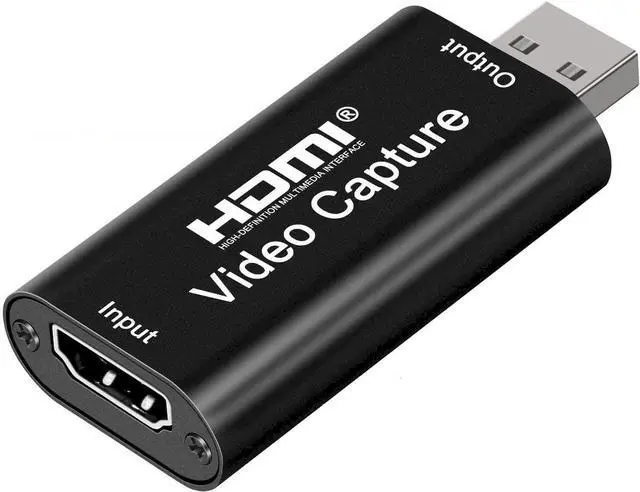
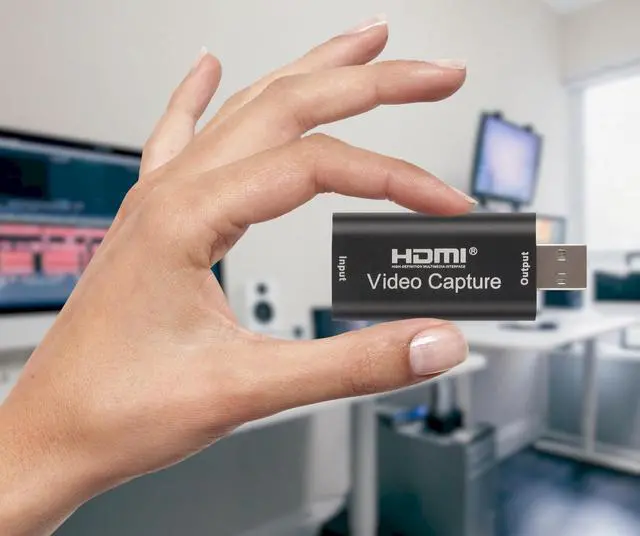
    BUCIER 4K HDMI Video Capture Card, Cam Link Card Game Audio Adapter HDMI to USB 2.0 Record Capture Device for Streaming, Live Broadcasting, Video Conference, Teaching, Gaming

    • Item #: 9SIV81TKM38371
    • Mfr. Part #: 8567457708
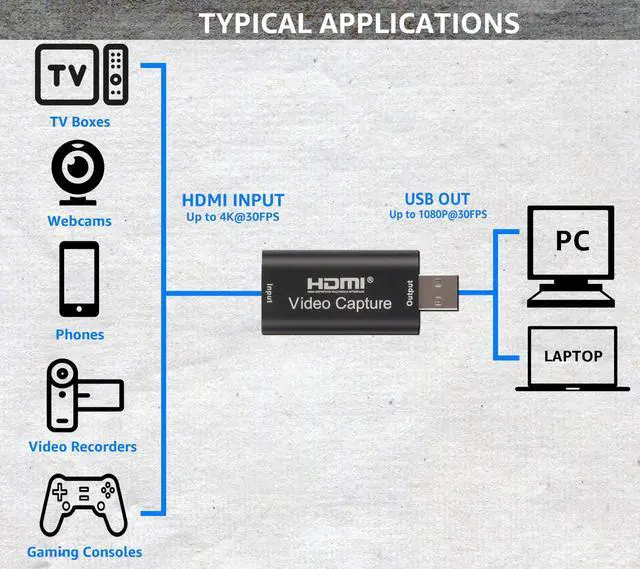
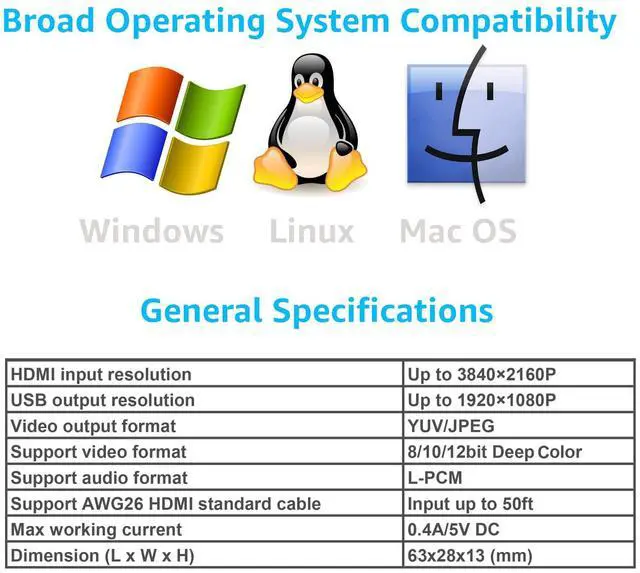
    • [Enhanced 4K-1080P Video Capture Experience] Capture the Magic: Elevate your video recordings to new heights with our upgraded anti-static 1080P Video Capture Card. Immerse yourself in stunning visuals, supporting HDMI input at 4K 60FPS and USB output for capturing in 1080P, complete with rich stereo sound. Enjoy crystal-clear video recordings, dynamic gaming live streams, and professional conference broadcasts. Note: HDMI resolution: Max input can be 3840×2160@30Hz / Video output resolution: Max output can be 1920×1080@30Hz
    • [Seamless Real-Time Preview] Stay in the Moment: Our advanced ultra-low latency technology ensures seamless real-time transmission of video streams. Experience instant, lag-free previews, allowing you to capture every detail precisely. Effortlessly record video directly to your hard disk, all without compromising on quality or introducing any delays.
    +
    +
    Overview
    Specs
    Reviews

    Capture & Record Moments

    Effortlessly capture and record high-quality streaming with HDMI to USB 2.0 Capture Card.

    Refer to the FAQ below for assistance or contact us directly anytime.

    Connection & Operation:

    1. Install Software: OBS or Potplayer.

    2. HDMI Source Connection: Connect UHD source (e.g., DSLR) to HDMI input using cable.

    3. USB Connection: Link capture card to computer's USB port.

    4. Operating Steps (OBS):

    - Select "Video Capture Device" as source.

    - Configure image size.

    - Opt for "Studio Mode".

    - Click "Start Recording".

    FAQ/TROUBLESHOOTING:

    1. Frame Rate & Quality: Optimize settings for performance & video quality.

    2. USB Port: Use USB 2.0 port to prevent drops.

    3. Compatibility & Firmware: Check updates, verify console compatibility.

    4. Fast Motion & Frame Drops: Reduce intensity, optimize settings.

    5. Input Lag: Ensure capable computer, quality HDMI cables.

    6. Capture Software: Configure settings for synchronization.

    7. Other Factors: Test with different games & devices.

    By addressing these factors, achieve optimal results with HDMI to USB 2.0 video capture card.

    Specifications:

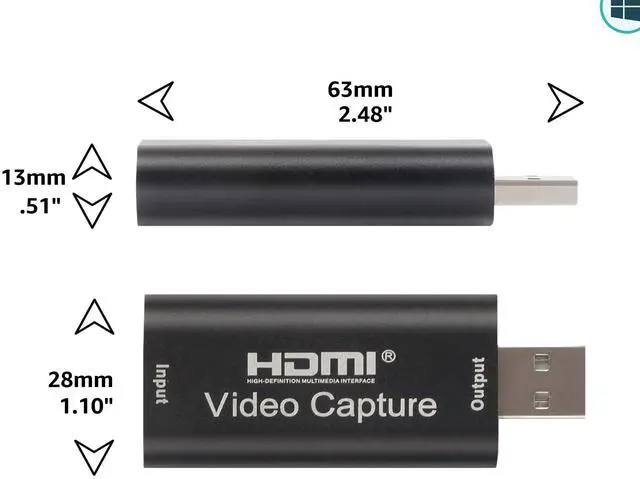
    - Input Resolution (4K): 3840×2160@30Hz

    - Output Resolution: 1920×1080@30Hz

    - Interface: USB 2.0

    - Video Output

    Warranty & Returns

    Warranty, Returns, And Additional Information

    Warranty

    • Please contact the Seller directly for warranty information. Warranty information may also be found on the Manufacturer's website.
    • CONTACT

    Return Policies

    Manufacturer Contact Info

    LOADING...