• $39.99
  • Free 30-day Returns
  • Ships from China.

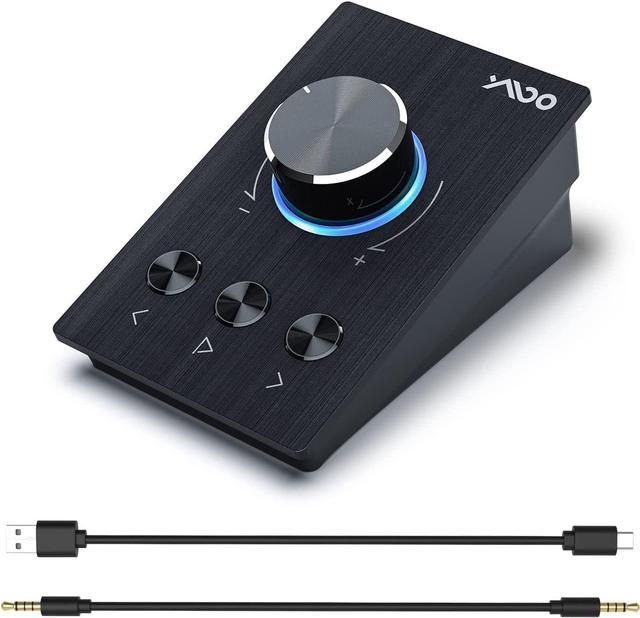
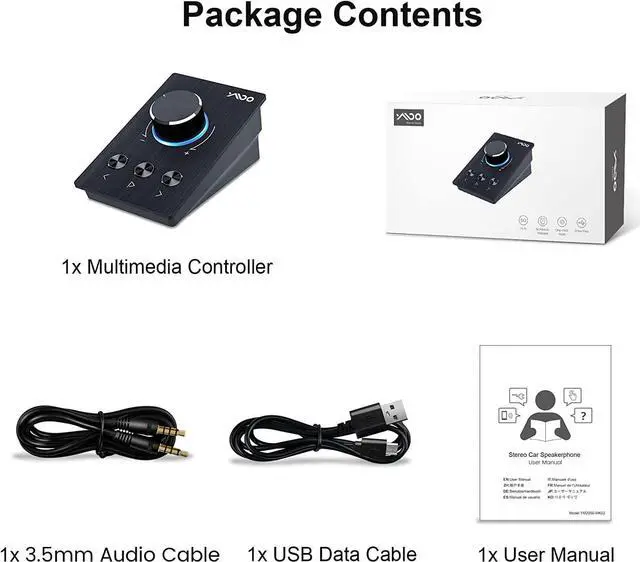
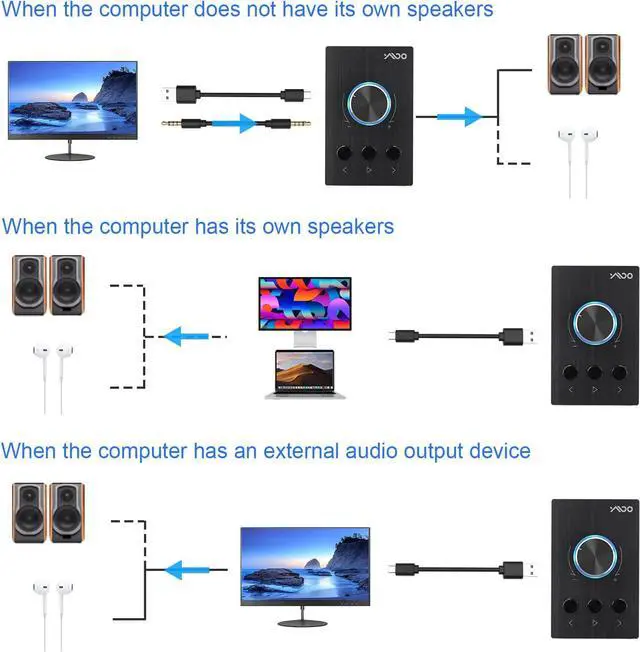
    USB Volume Controller, Multimedia Control Knob with Play/Pause/Back/Forward function, Metal Volume Knob One-Click Mute,Dual 3.5mm & Type-C USB volume control Compatible with Win7/8/10/11/MAC

    • Item #: 9SIV36AKE31968
    • Mfr. Part #: ID-UBGHW7923
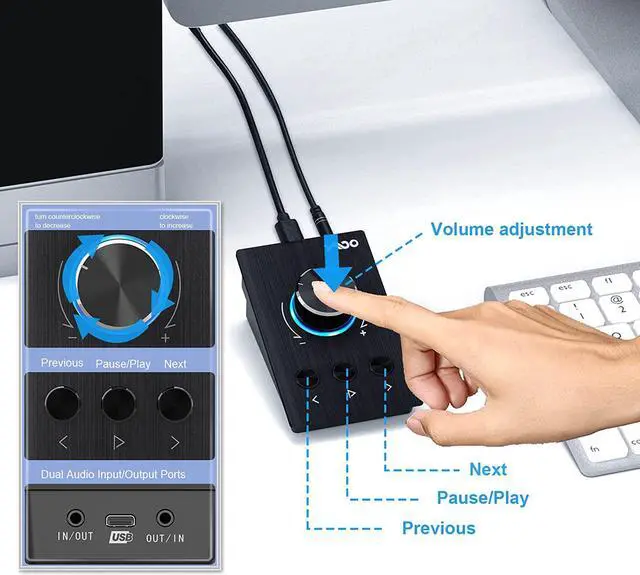
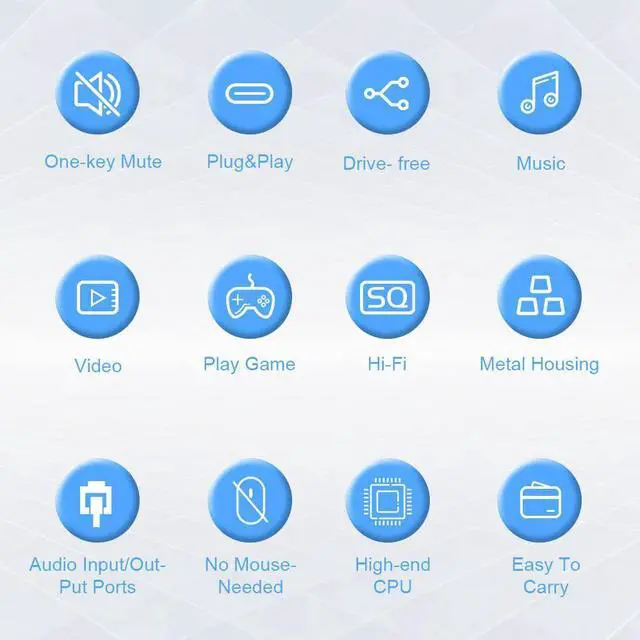
    • One-touch Mute Function: Enjoy rotate the Multimedia knob to control the volume.With one key mute function, just press the knob when you are listening to music, the music will be stopped and start playing if pressing the knob again.
    • Volume Control & Video Control:Rotate the YMOO S04 multimedia controller knob to increase or decrease the volume as needed without entering the computer desktop to operate. Perfect for listening to music, watching movies.Great for fine-tuning the volume, It can protect your ears. At the same time, it also supports playing, pausing, forwarding, and rewinding the video on the software side.(Reminder: try not to adjust the volume with abnormal high speed.)
    • Sturdy Metal Design:YMOO S04 USB volume knob is made of high-quality metal housing with solid hinge and detachable USB cable and 3.5mm cable. This audio conditioner is not only durable but also user friendly, easy to carry and use.
    +
    +
    Overview
    Specs
    Reviews
    You may need this controller knob when you in below situation:

    - Getting bored with mouse control

    - Too busy to control the volume without third hand helps you out of trouble

    - Old key board to control definitely troublesome

    - Old computer, control the volume cost one year

    Then try this usb volume knob and you will feel relaxed.


    Please know:

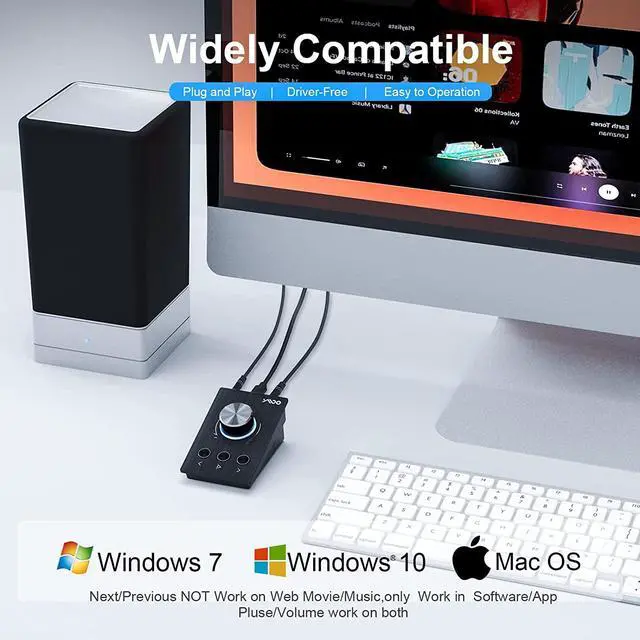
    Can not adjust volume of Application, like web player, Youtube, Clouds.

    Only can adjust volume of system, like windows and mac system.

    Please connect the controller to computer to ensure power and data steady.

    Do Not support Linux system.

    Do Not support Remote Control Desktop.

    Do Not support VMWare Workstation.

    Do Not support VM.

    Warranty & Returns

    Warranty, Returns, And Additional Information

    Warranty

    • Please contact the Seller directly for warranty information. Warranty information may also be found on the Manufacturer's website.
    • CONTACT

    Return Policies

    Manufacturer Contact Info

    LOADING...