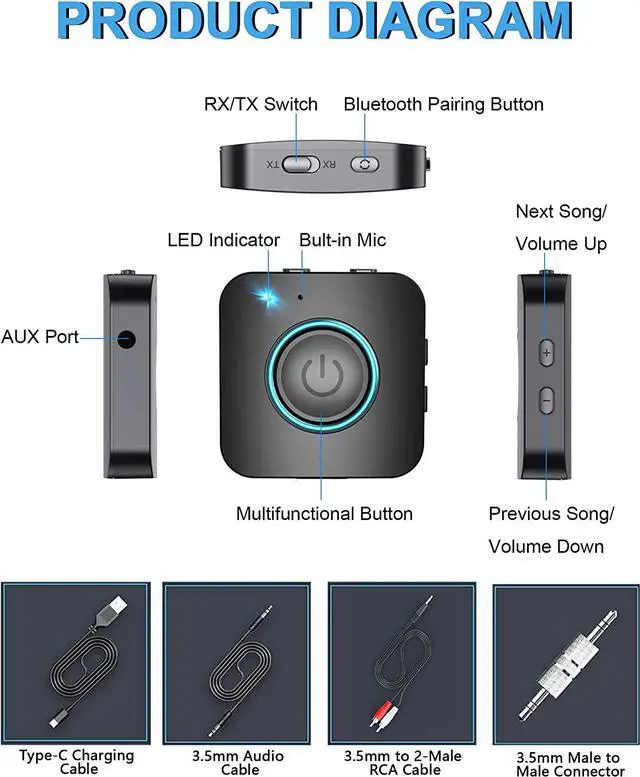
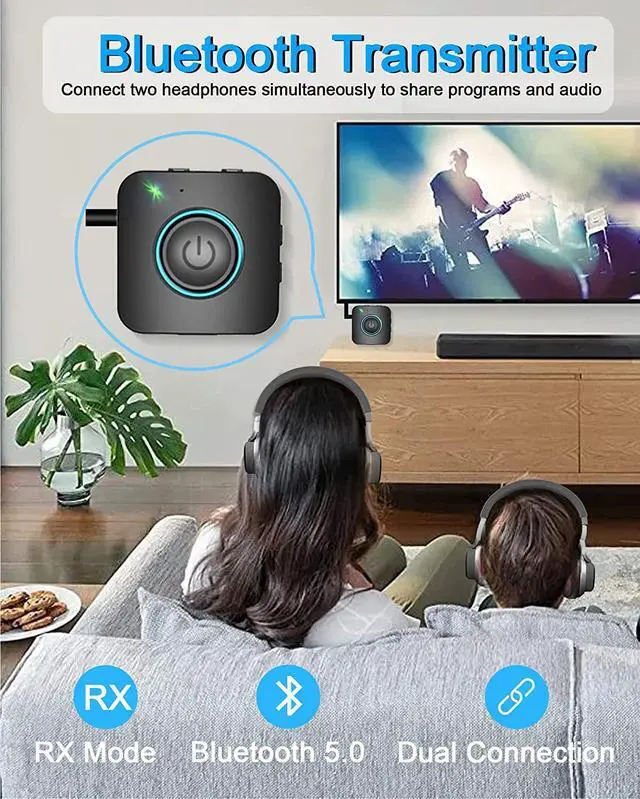
How to Use--Pairing in TX mode:
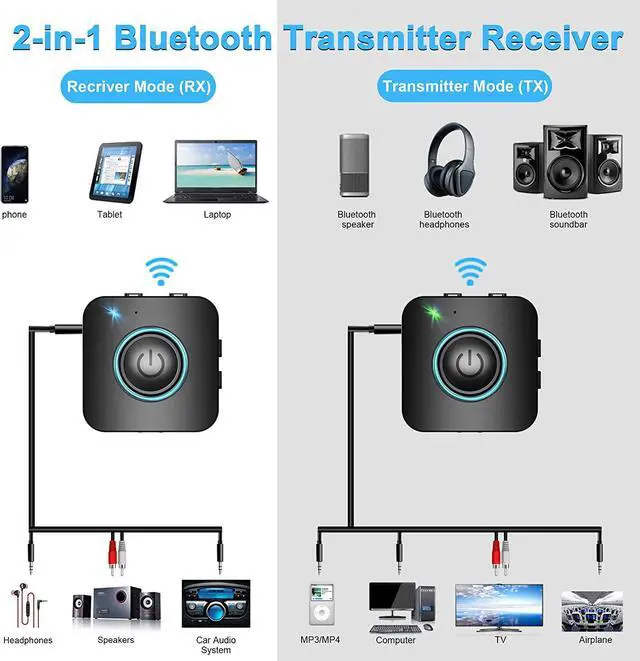
1. Use a 3.5mm audio cable to connect the product to the 3.5mm audio output port of the car audio/TV/computer and other equipment;
2. Turn the Bluetooth receive/transmit switch on the side of the product to the "TX" position to put the product in transmit mode;
3. Press and hold the MFB button for 3 seconds to turn on the adapter, the green indicator light stays on for 1 second and then automatically enters the pairing state, the green indicator flashes quickly.
4. Turn on the Bluetooth headphone or Bluetooth speaker and turn to pairing state, it will automatically connect to the adapter, please make sure the distance between adapter and Bluetooth headset is within 3ft. After the connection is successful, the green indicator light will be on.
PAIR 2 DEVICES SIMULTANEOUSLY
In TX mode, the transmitter can connect to two stereo Bluetooth speakers or stereo Bluetooth headphones at the same time;
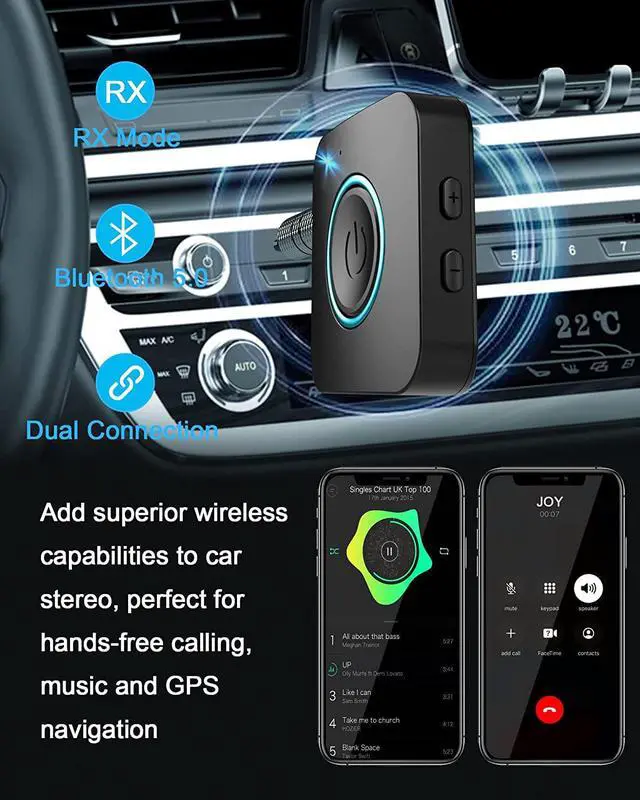
In RX mode, the receiver can connect to two Bluetooth-enabled smartphones or computers at the same time
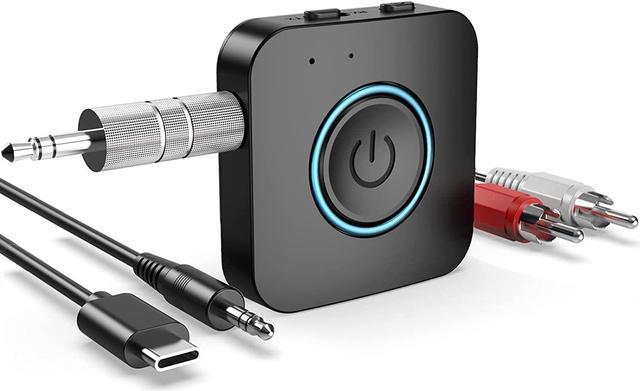
What's in the box?
1*Bluetooth 2 in 1 Adapter
1*3.5mm Audio Cable
1*3.5mm to 2-Male RCA Cable
1*3.5mm male to male connector
1*USB Charging Cable 1*User Manual



 All Categories