


 All Categories
Built for How Business Buys.
All Categories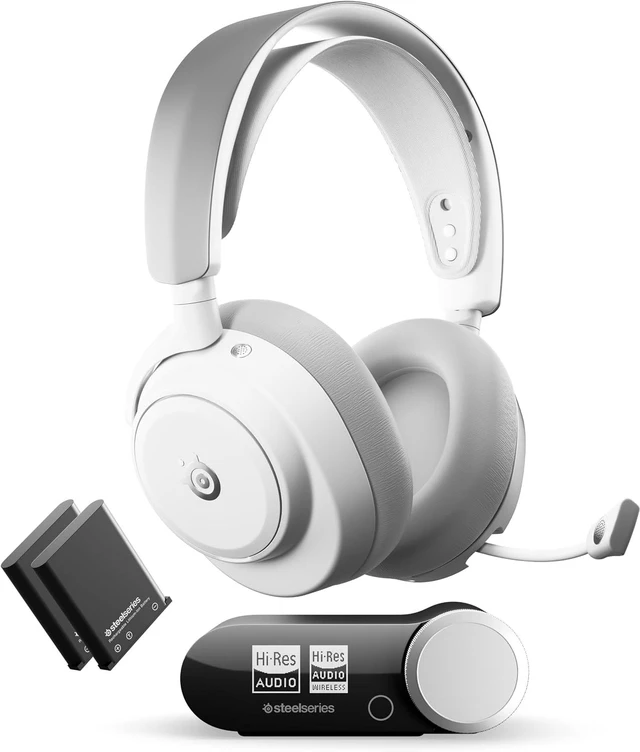



Gaming Products / Headsets

Get the best out of all your connected systems, with the ability to hear your PC, Console, and Mobile simultaneously without lifting a finger.
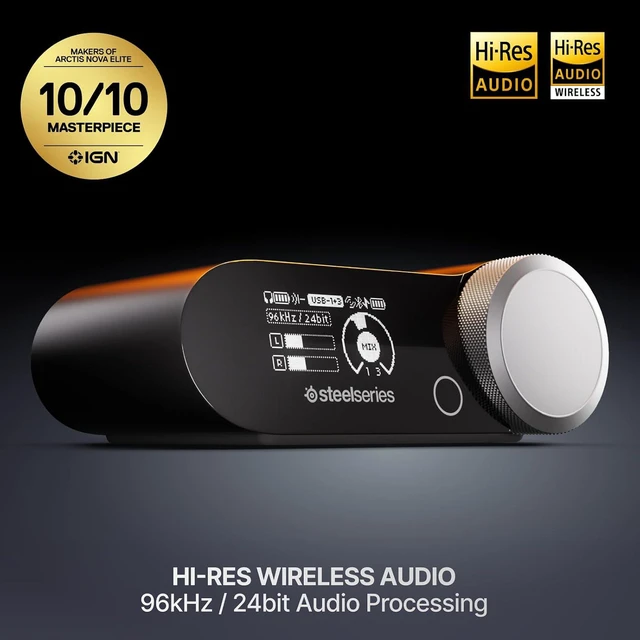
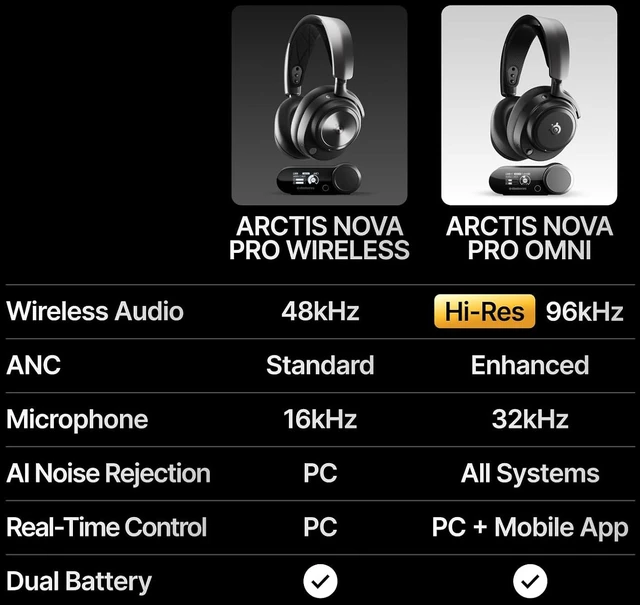
The Hi-Res badge is reserved exclusively for those tested and certified by the Japan Audio Society, to meet the highest standards for wireless audio.


LC3+ codec delivers low latency, high-fidelity wireless audio.

Adjust your Sources, Volume, Mix, EQ, and more – All in real-time
Move between PC, PlayStation, Xbox, Mobile, and more with OmniPlay. Stream multiple sources at once. Connect. Play. Mix.


Mix Discord on PC with game audio from a second system like PlayStation, Xbox, Switch, or even another PC.

Connect all your devices for instant switching. Mix up to 4 audio sources simultaneously (2xUSB+Bluetooth+Line-in).
Cuts out up to 96% of background noise*. So powerful you can be clear in front of a helicopter. Works for every system.
* Independently lab tested. (Oct 2025)

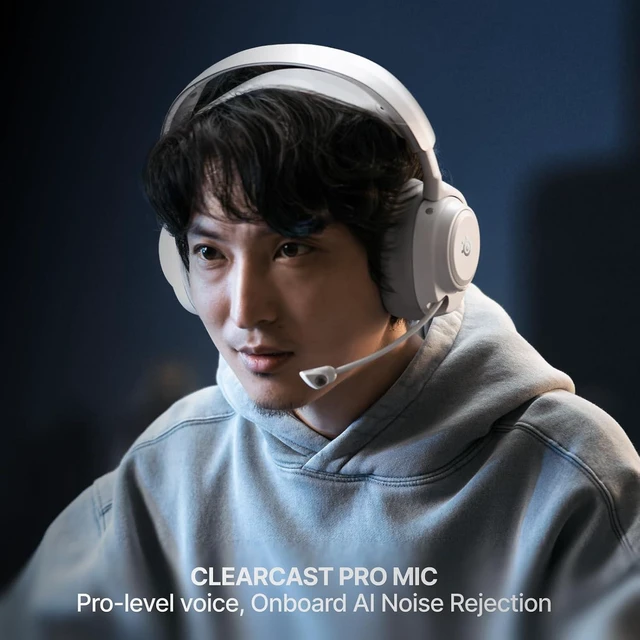
High-bandwidth, omnidirectional microphone for pro-level voice clarity. Effortless mic placement with a wide pickup pattern that captures the full, natural range of your voice.

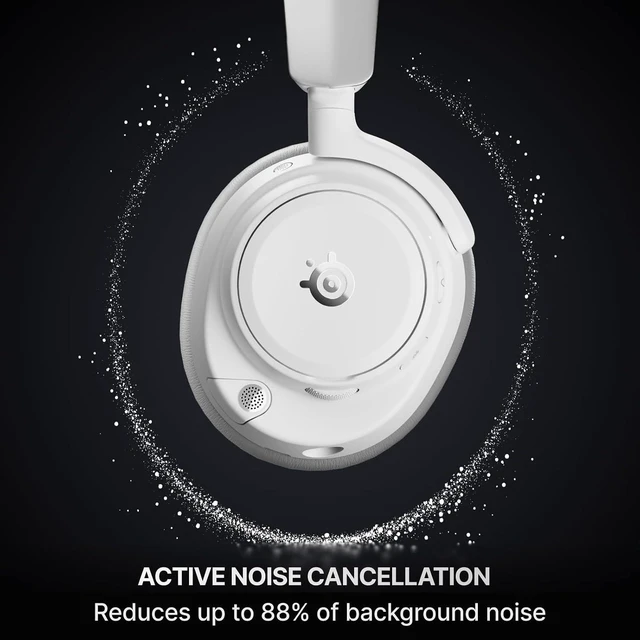
Block up to 40%* more background noise than the competition. Includes transparency mode.
* Independently lab tested against key competitors. (Oct 2025)

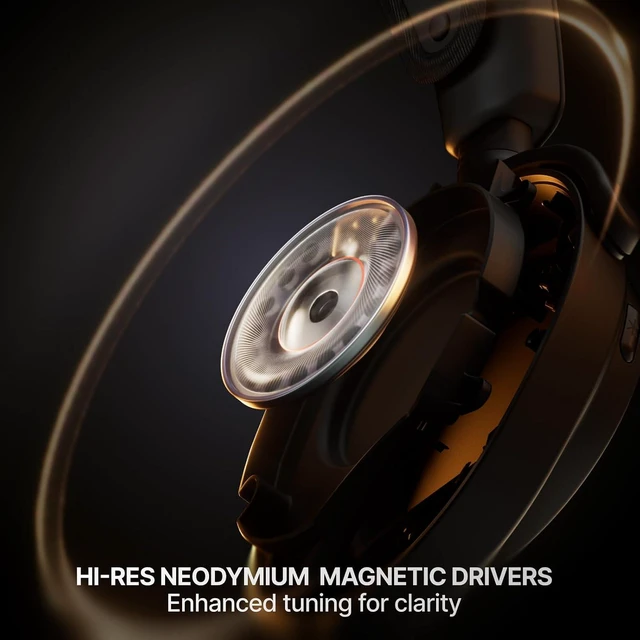
Enhanced tuning, inspired by Arctis Nova Elite and designed for clarity. The 10Hz-40kHz frequency range enables full Hi-Res Certification.
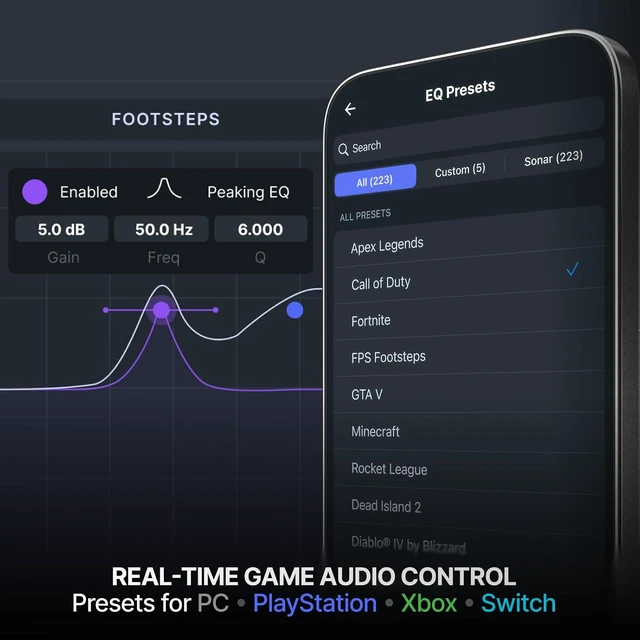
Access your audio settings instantly on console or PC. Use the Arctis Mobile App or GG desktop software for full control.

Choose from 200+ pro EQ presets or create your own by amplifying or reducing specific sounds.

Game, chat, music, memes... control the volume for each sound, even down to individual applications.

Hear critical sounds like footsteps better in games like Call of Duty, Fortnite, GTA, and 200+ more titles. Select via Mobile or PC.


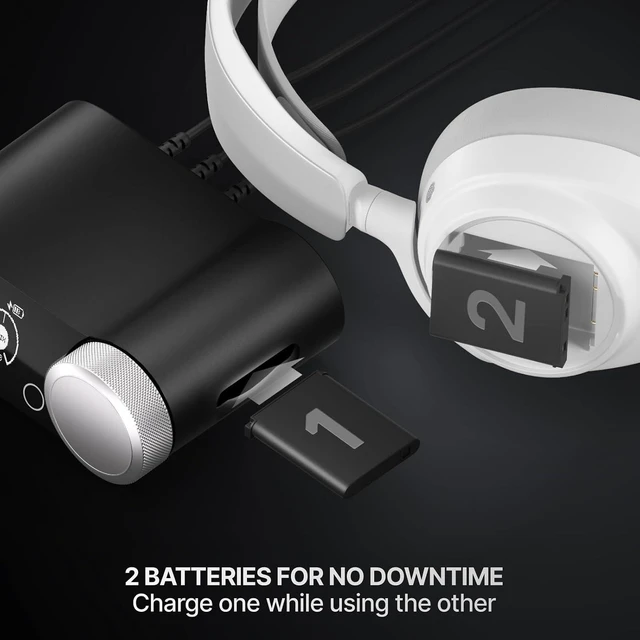
Two batteries for no down time. Charge one via the GameHub while using the other. The Infinite Power System.


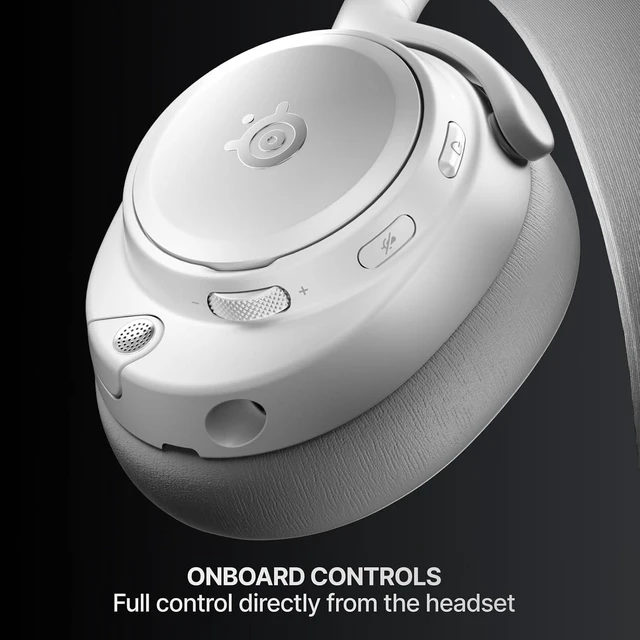
Volume, ChatMix, Source Mix, Mic Mute, ANC mode selection.

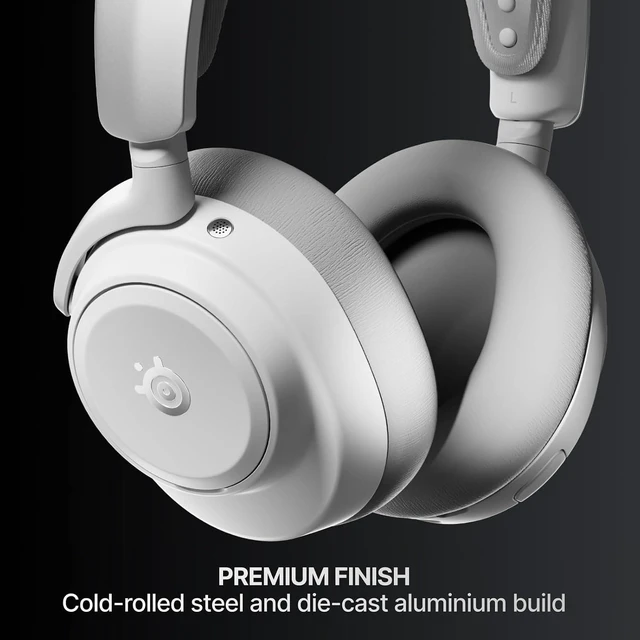
Plush memory foam, wrapped in vegan leather. Suspended inner headband for even weight distribution.
The choice is all on you.

Why do I only see 48kHz audio and not 96kHz/24bit?
Not every system has the capacity to output full hi-res 96kHz/24bit audio. PS5 and Xbox will show at 48kHz/24bit as this is the maximum quality output they currently support.. When using PC or other systems supporting 96kHz/24bit, you may need to adjust your Windows sound mixer settings for Arctis Nova Pro Omni and Sonar Software to ensure they are set to 96kHz/24bit, and then once you play audio this should change on the GameHub.
What is the best USB port to connect my PC, PS5, or Xbox to?
For best compatibility with Sonar, please connect your PC to USB-1, and for Xbox please use only USB-3 in 'Xbox' mode. USB 1, 2, and 3 can all support PC, PlayStation, and Nintendo Switch, depending on your configuration.
Can I use anything other than Xbox on USB-3?
Yes, simply access the GameHub menu for USB-input and select USB-3 mode as USB, not Xbox, and you will be able to connect any non-Xbox system; for example a PS5 or Nintendo Switch.
How do I mix my audio sources?
Simply press the main Volume Wheel once, on the GameHub or the headphones, and you will access source mixing between USB 1 and whichever secondary USB source is playing. This will only appear when two USB sources are active. For mixing Bluetooth volume, please use your on-device controls.
Note: ChatMix is accessible using a second press of the Volume Wheel when using multiple USB sources.
What happens when someone calls my phone?
If you're listening on the 2.4GHz connection and Bluetooth is powered on, and receive a phone call, you will hear a notification in the headset. By pressing the Bluetooth Button, you will answer the call.
To reject an incoming call, press the Bluetooth Button twice quickly.
To hang up an active call, press the Bluetooth Button again.
Can I control ChatMix directly from my headset?
ChatMix is a feature that balances game volume against your in-game chat.
If a single USB source is active - when using an Xbox console or a PC, press the Volume Wheel once on the GameHub or headset to access ChatMix adjustments. You will hear a tone indicating you are in ChatMix mode.
If two audio sources are active - press the Volume Wheel on the GameHub or headset twice to access ChatMix (once will bring up Source mix, a second press will bring up ChatMix). If both Sonar on PC and Xbox are active, the GameHub and the headset will control the Xbox ChatMix.
On PC, you must install SteelSeries' free Sonar Software for Windows to enable ChatMix. It can also be controlled on the GameHub.
Can I control my Bluetooth music using the headset?
Yes, by using the Bluetooth Button. Press once for Play/Pause, twice for Skip Track, and three times for Previous Track.
What could the line-in be used for?
Line-in can be used for a number of possible devices such as legacy gaming systems, TV or AV receiver audio, mixers, external mics, secondary streaming PC audio (if a second USB port isn't free), or any audio device supporting line-out.


