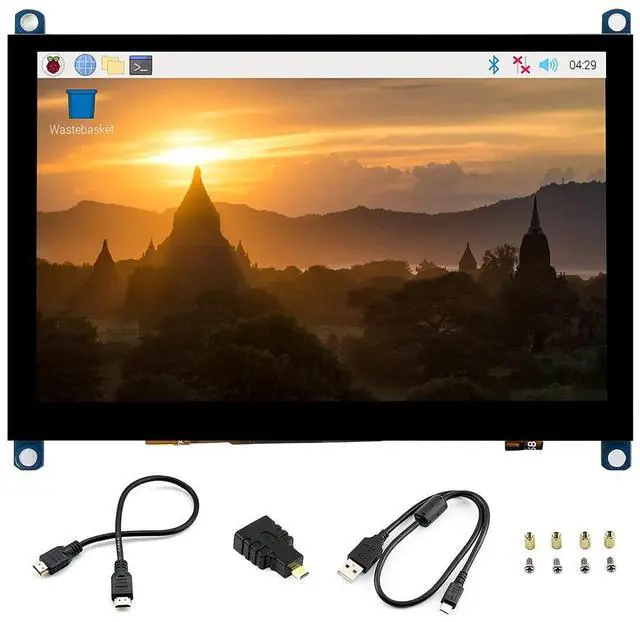
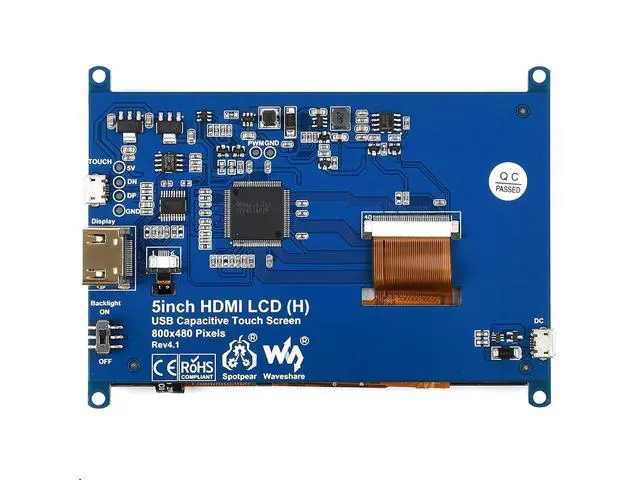
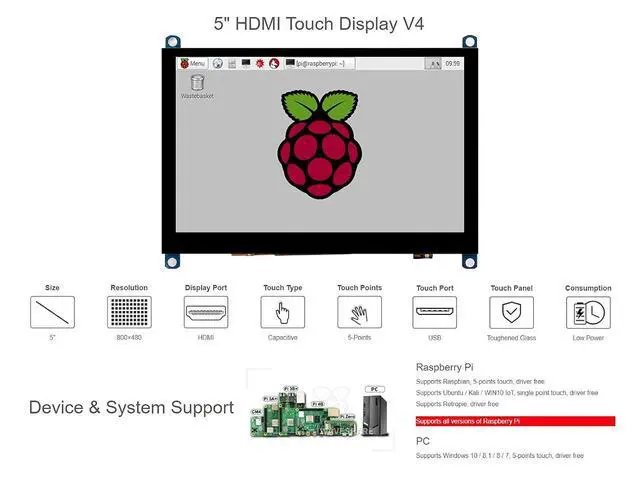
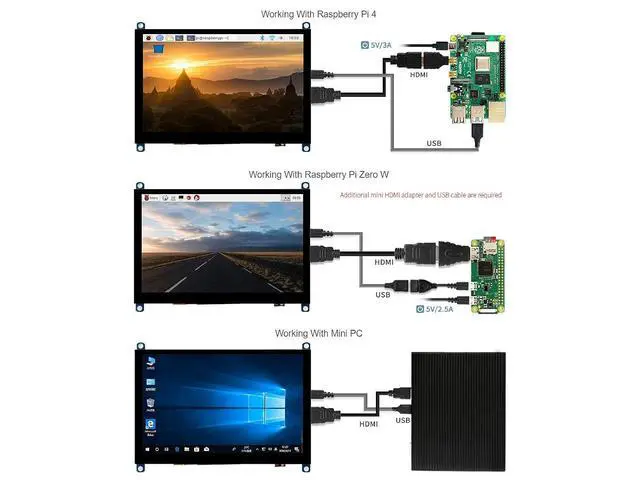
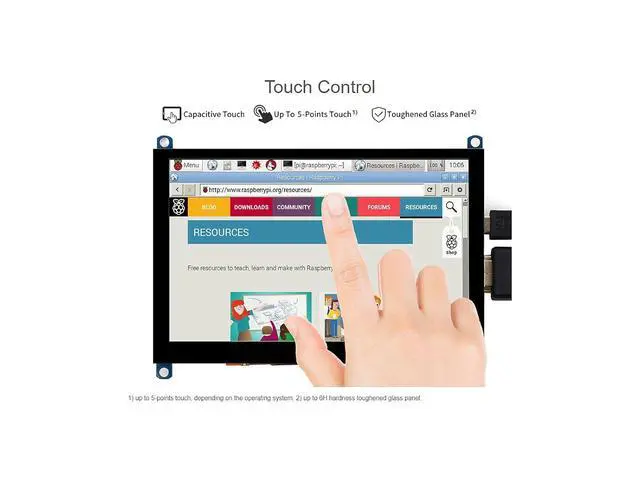
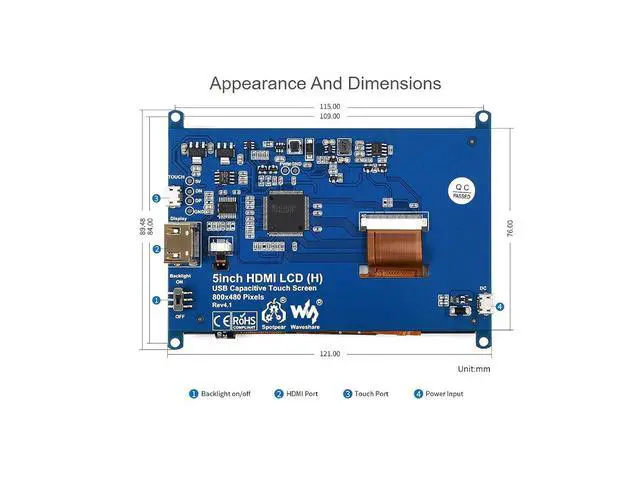
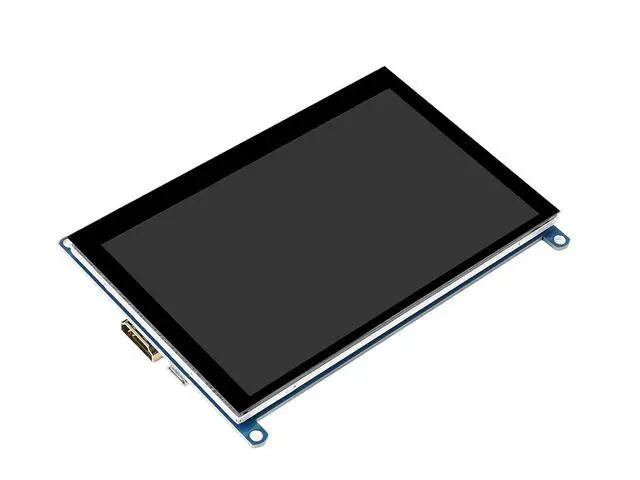
Introduction 5-inch Capacitive Touch Screen LCD, with a resolution of 800×480 and a capacitive touch panel, which supports Raspberry Pi and can also be used as a computer monitor. Features 800x480 hardware resolution Used with Raspberry Pi, supports Raspbian, Ubuntu, WIN 10 IoT, single touch, and driver free. Used with PC, Supports Windows 10 / 8.1 / 8 / 7, 5-points touch, driver free Multi-languages OSD menu, for power management, brightness/contrast adjustment, etc. Package Content 5inch HDMI LCD (H) V4 x1 HDMI cable x1 HDMI to Micro HDMI Adapter x1 USB type A plug to micro B plug cable x1 RPi screws pack (4pcs) x1 FAQ 1.
What should I do if I connect to the PC with LCD and it cannot display normally? Make sure that the HDMI interface of the PC can output normally. The PC only connects to this LCD as a monitor without others. You should connect the touch cable first and then the HDMI cable. Some PC need to be restarted to make the LCD display normally.
Note: The PC must use a windows system. 2. Do I need an external power supply when I use a 5inch HDMI LCD (H) with Raspberry Pi? When the Raspberry Pi is powered by a 5V 2A power adapter and connects to a 5inch HDMI LCD (H), it doesnt require an external power supply by default. However, if the user uses the Raspberry Pi to drive other high-power devices at the same time, the USB interface on the Raspberry Pi may be insufficiently powered, at this time an external power supply is required. 3. How to use the touch function when connected to a Linux PC which is non-designated? You can try to compile the universal touch driver "hid-multitouch" into the kernel, which generally can make the touch function work. 4. What is the working current for the 5inch HDMI LCD (H) when it works normally? Using a 5V power supply, the working current is about 400mA.



 All Categories