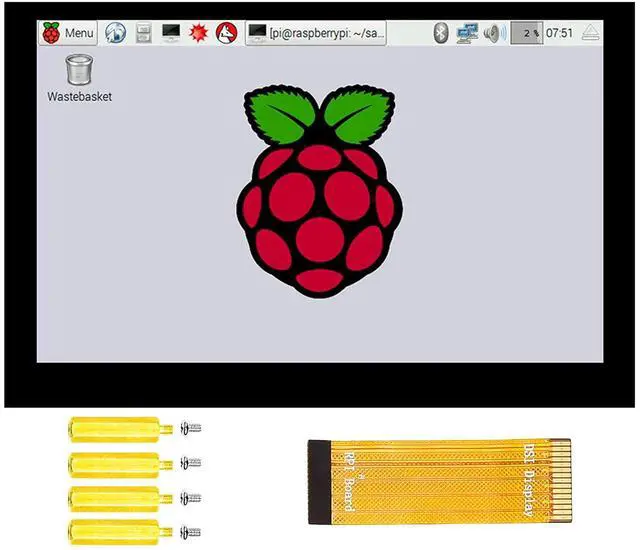
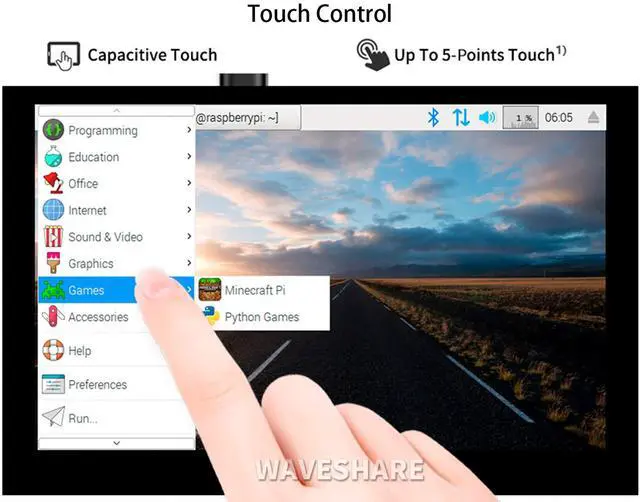
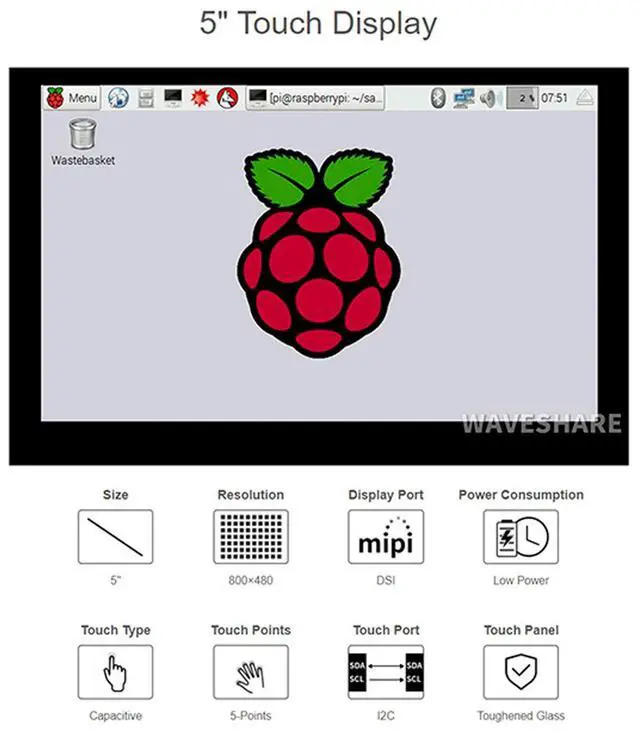
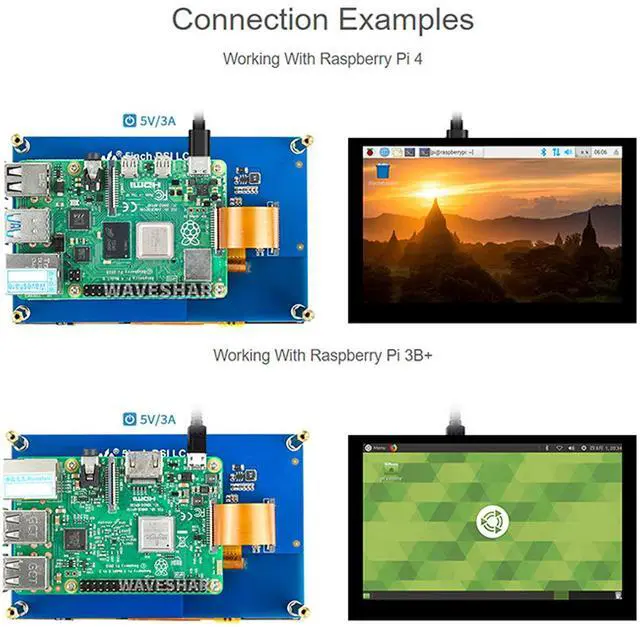
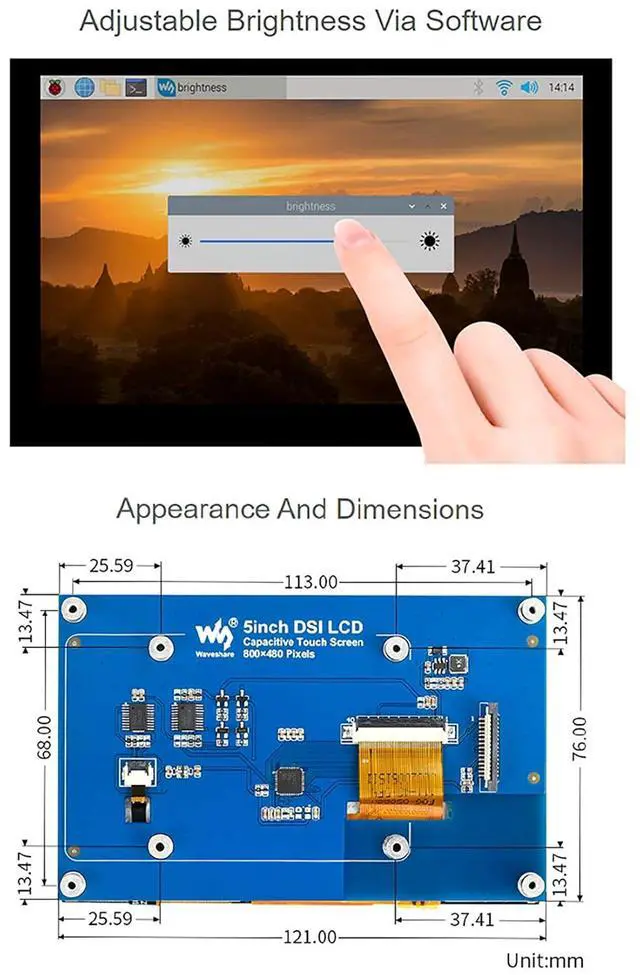
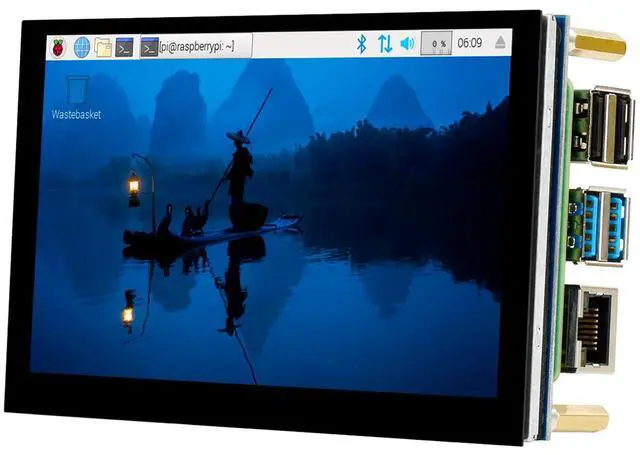
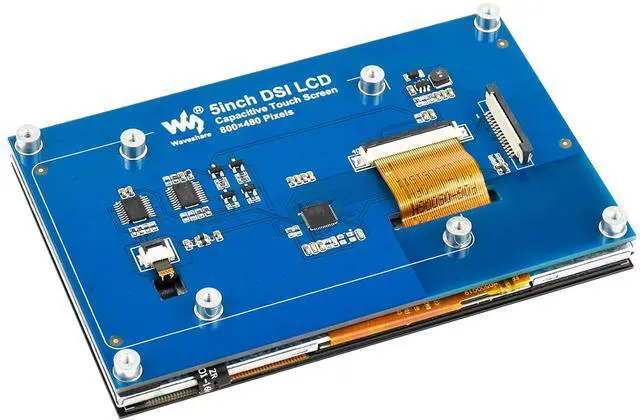
5inch Capacitive Touch Display For Raspberry Pi, 800×480, DSI Interface Features Support Various Device and System 1. Support Raspberry Pi 4B/3B+/3A+/3B/2B/B+/A+ and CM3/3+Board. 2. When connecting with CM3/3+, extra adapter board is required. 3. When working with Raspberry Pi, support various system. Supports Raspbian, 5-points touch, driver free Supports Ubuntu / Kali / WIN10 IoT, single point touch, driver free Supports Retropie, driver free 4. up to 5-points touch, depending on the operating system. Package Content 5inch DSI LCD x1 FPC 15PIN 1.0 pitch 50mm (opposite sides) x1 Screws pack x1 Hardware connection Connect the DSI interface of 4.3 inch DSI LCD to the DSI interface of Raspberry Pi.
For easy use, you can fix the Raspberry Pi on the backside of the 4.3 inch DSI LCD by screws Software setting 1) Download image (Raspbian, Ubuntu, Kali, or WIN 10 IOT) from the Raspberry Pi website. 2) Download the compressed file to the PC, and unzip it to get the. img file. 3) Connect the TF card to the PC, use SDFormatter. exe software to format the TF card. 4) Open the Win32DiskImager. exe software, select the system image downloaded in step 2, and clickWrite to write the system image.
5) After the image has finished writing, save, and quit the TF card safely. 6) Power on the Raspberry Pi and wait for a few seconds until the LCD displays normally. And the touch function can also work after the system starts. Note Online Development Resources are provided, please contact with us if you need.



 All Categories