
Built for How Business Buys.
Your Browsing History
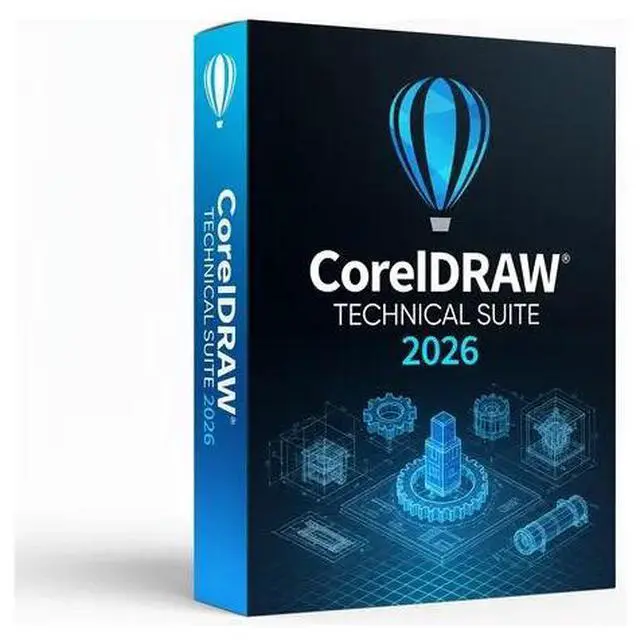

CorelDRAW Technical Suite 2026 is a specialized professional graphics solution designed for technical illustrators, engineers, and documentation teams.
Your purchase includes:
An original alphanumeric license to activate CorelDRAW 2026
You can activate your own Corel account with this license.
Official download
Features:
Experience a seamless transition from 3D design to illustration.
Convert repurposed 3D engineering data into detailed technical illustrations with ease, thanks to a new threaded workflow that reduces the complexities of working with bolts imported from Corel Edition XVL Studio. By referencing the center and edges of an unthreaded bolt, the new 3-Point Thread tool precisely snaps to the sides of your bolt as you drag the thread along it. The new Remove Edge tool takes thread and hole creation even further, removing redundant outer lines from the projected shape with a single click. Changing thread properties on your new, realistic-looking bolt is no longer a chore, as the Remove Edge option transforms the thread into a single, clean object for easy editing. Technical illustrators leveraging 3D designs from existing sources will benefit from additional updates that bridge the gap between CAD and illustration. Now, part links in XVL Studio will be converted to HTML links when imported into Corel DESIGNER, and variable part names used in the Assembly Tree will be mapped to Corel DESIGNER for greater consistency.
Work faster with a refreshed approach to technical illustration. Experience streamlined technical illustration with the tools you use most often concentrated where it matters most: at your fingertips. A redesigned Projected Axes docker brings commonly used technical drawing tools and settings to the forefront of your illustration workspace, starting with the Move Along Axis controls. You no longer need to switch between dockers or other UI controls to move objects on a plane, and with the cube visible, moving elements along the projected axis is much more intuitive. A new projection shortcut makes projecting shapes into and out of a parallel perspective instantaneous, and new projection markers turn what was once a time-consuming process into a time-saver. Set custom perspective settings in your artwork for later use, and when youre ready to work on that single plane again, simply click the marker indicator in your drawing and your saved settings will reappear.
Create complete spare parts pages with impressive new functionality. Create detailed spare parts pages with complete control, thanks to a host of remarkable new features designed specifically to power discrete manufacturing workflows. You can now import .DES, .CDR, and spreadsheet files into the Corel DESIGNER Sources docker to dock technical artwork with specifications in tables. Working with linked assets couldnt be easier, with the ability to sync design and data changes when files are edited elsewhere. And with new support for interactive SVG files, you can convey part information even more clearly by linking drawing callouts to table rows, so that hovering over them highlights the corresponding information. Plus, interactive SVG support extends to exporting, so you can publish fully interactive documentation online.
Work better together with collaborative asset management, review, and approval. No more wasting time! CorelDRAW® Technical Suite's collaboration and asset management tools offer technical illustrators and tech graphics users powerful new ways to stay connected with colleagues and clients as remote work becomes the new normal. Access and manage all your assets from one central location and share symbol libraries across teams. When you or others make changes to shared symbols, you can sync updates to ensure you're always working with the most current resource. When it's time to share your document for review, you can collect live feedback and annotations from one or more collaborators directly within your shared Corel DESIGNER file. As your reviewers collaborate in real time to approve a design, you can respond to and resolve feedback simultaneously to gain significant momentum on your project. A new, intuitive project dashboard makes storing, organizing, and sharing files in the cloud a breeze, while an improved Comments dockable window streamlines filtering through comments.
Transform technical designs into compelling marketing assets. This comprehensive suite for communication
