Short-circuit protection
1.
Battery under-voltage protection adjustment method:
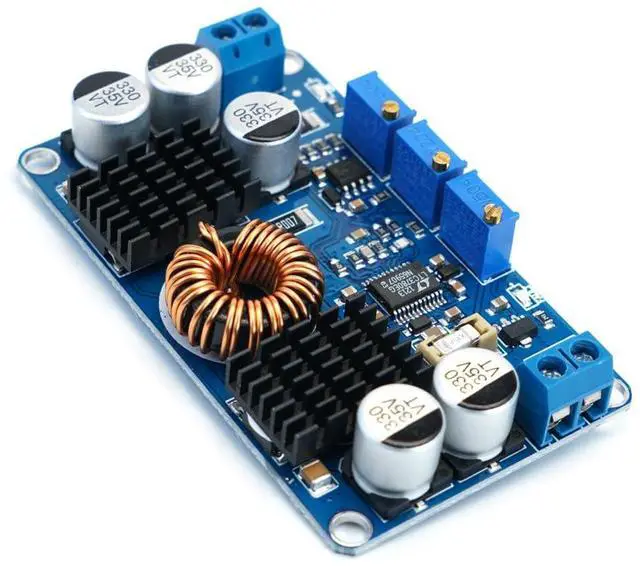
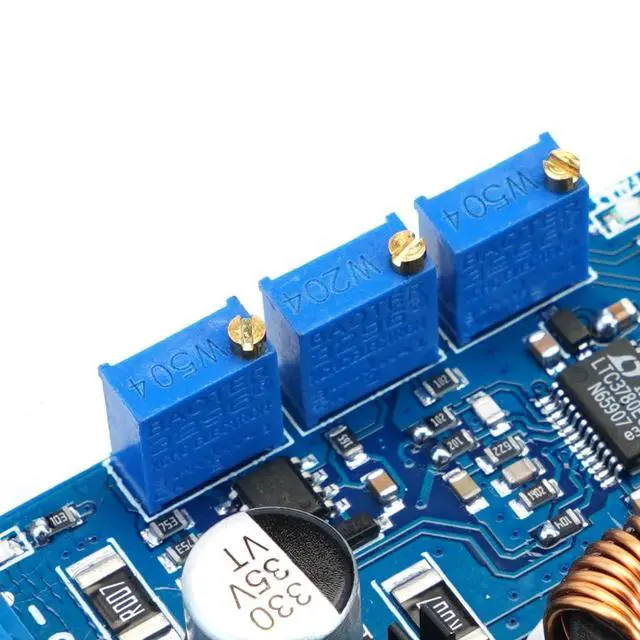
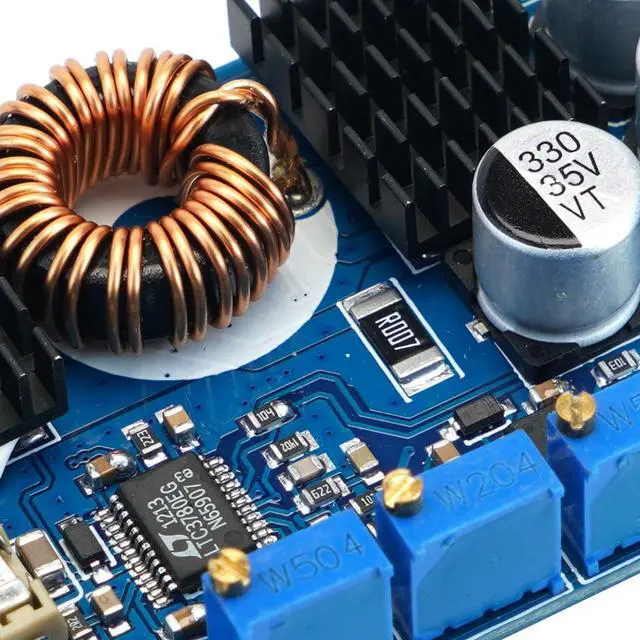
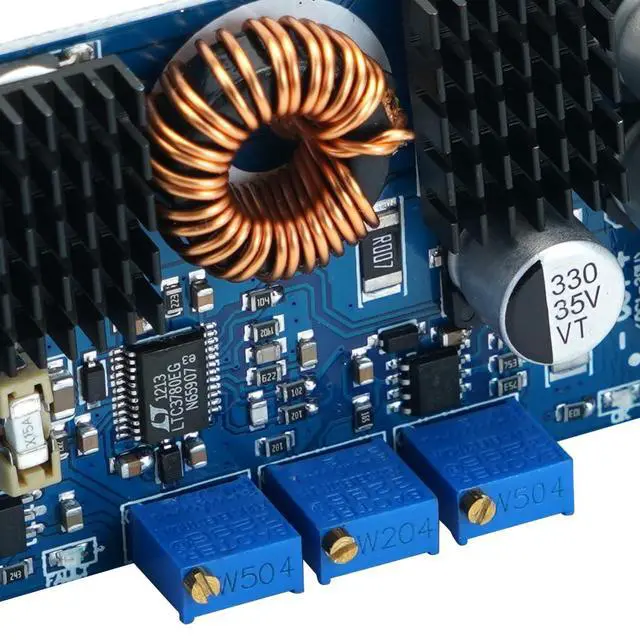
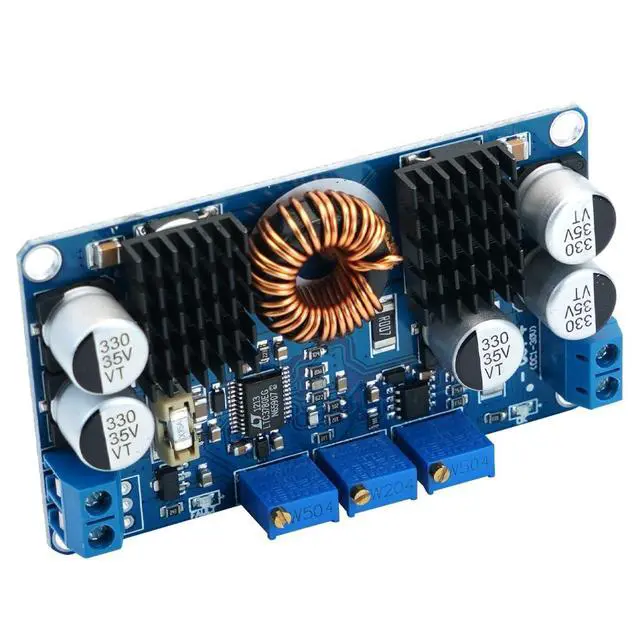
(Example: Setting 10V under-voltage protection and output shutdown for a 12V lead-acid battery) Connect the input to a regulated power supply set to 10V. Adjust the under-voltage protection potentiometer (clockwise to increase, counterclockwise to decrease) until the fault indicator (red light) just turns on; this indicates successful setup. This ensures that when the battery discharges to 10V, power will be automatically cut off to protect the battery from damage.
Note: If the unit is not battery-powered, this setting is not required.
2.
Output Voltage Adjustment Method: Connect the input to a power source (with a voltage higher than the under-voltage protection threshold). The red light will be off and the blue light will be on. Connect a multimeter to the output and adjust the output voltage potentiometer (clockwise to increase, counterclockwise to decrease) until the desired voltage is reached.
Note: Normally, the red light should be off and the blue light on; if the opposite occurs, it indicates a fault (input undervoltage protection, output overcurrent protection, or output short-circuit protection). Please troubleshoot the issue and power the unit back on.
3.
Output current adjustment method: (Using a 12V input to charge a 12V lead-acid battery at 5A as an example) Connect a 12V power supply to the input. Connect an ammeter in parallel to the output (red probe to positive, black probe to negative; short the output directly. We recommend using an ammeter rated at 15A or higher to prevent fuse burnout). Adjust the constant current potentiometer (clockwise to increase, counterclockwise to decrease) until the ammeter displays the desired value of 5A. Remove the ammeter and connect the battery to begin normal charging.
Note: If used in a constant-voltage application, only the maximum output current needs to be set.



 All Categories