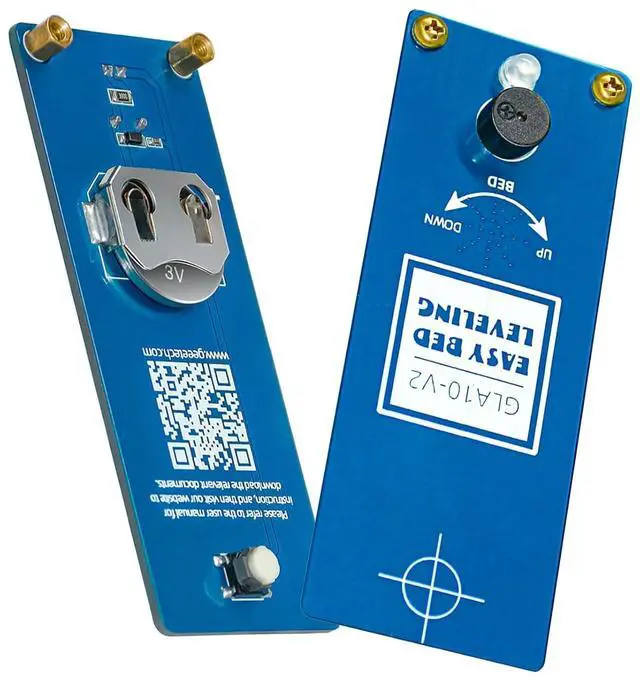
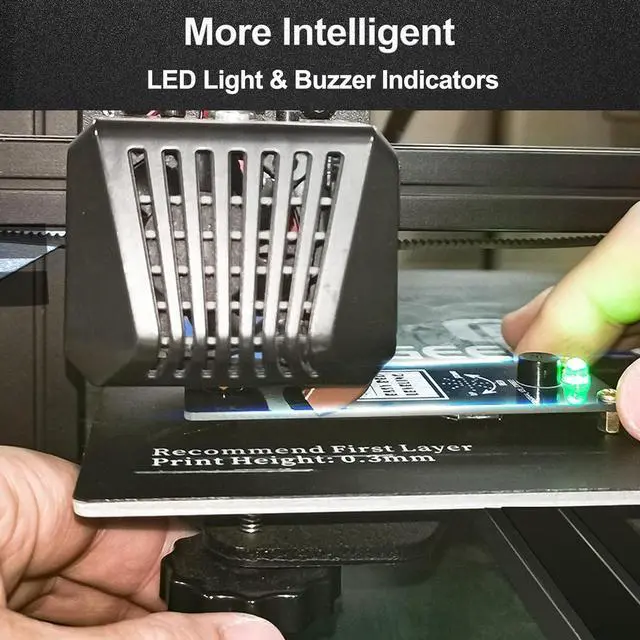
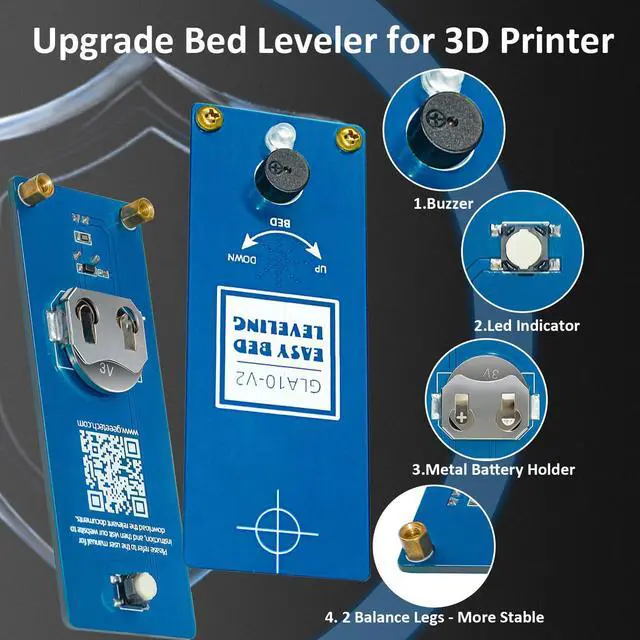
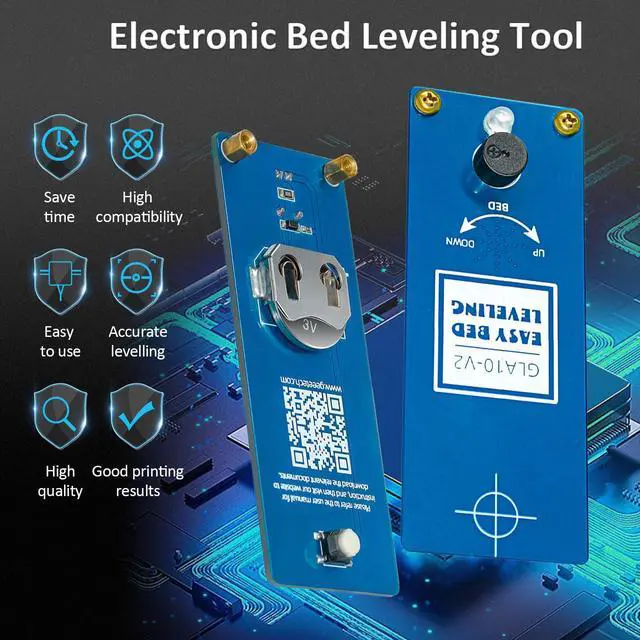
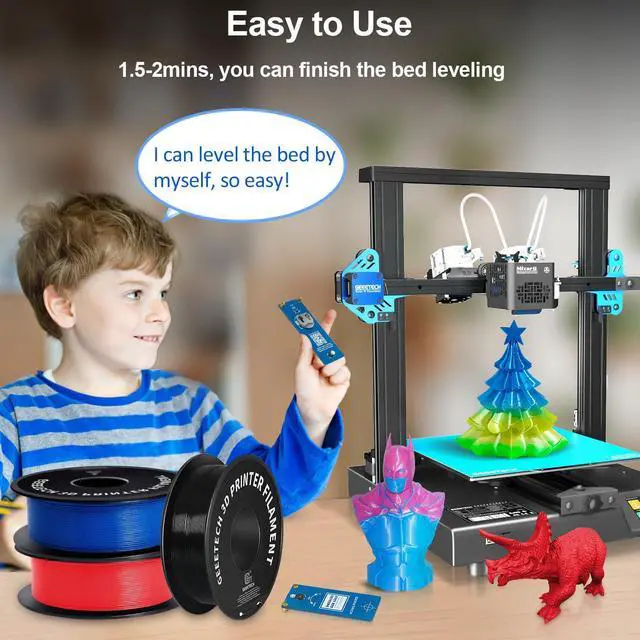
Upgrade Bed Leveler Geeetech's new version for GLA 10. Add Copper legs for more stability. Add the buzzer it will beep after the hot bed is leveled. The upgrade metal battery holder anti-shedding and more durable. Easy to usePerfect for the beginner just place the GLA10 bed Leveler directly between the nozzle and the heated bed adjusting the nut according to the indictor light and the direction arrow for qucik leveling. Time-Saving LevelingAim the nozzle at GLA10 3d printer leveler crosshairs and adjust the leveling nut to match the position of the nozzle. The hatchery is upgraded when the green LED on the GLA10 lights up and the buzzer beep.
Pay attention that the GLA10 just lights up at all four corners of the hot bed. You can finish the bed leveling within 2 Mins. Precise LevelingNo need to use A4 paper to slide back and forth to leve hot bed. There is a green indictor on the bed leveler tool (GLA10). When the nozzle contact the circuit board light will on. GLA10 can make the bed at the same level quickly and accurately. More environmentally friendly and easier than A4 paper. Notice1. Insert the attached CR2032 battery in the battery holder on the GLA10.
Please be careful not to install the wrong positive and negative poles when installing the battery. 2. Please clean up the residual filament on the nozzle so as not to affect the leveling accuracy. 3. If the G-code we provided does not apply to your hot bed please contact us to get a new G-code.