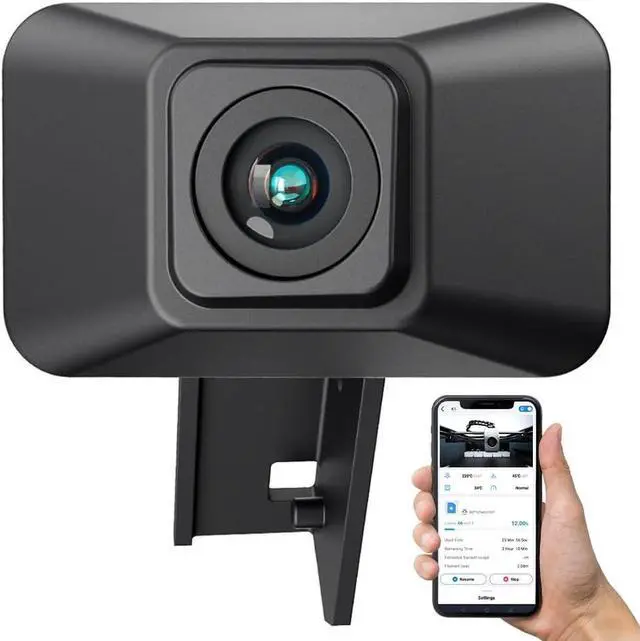
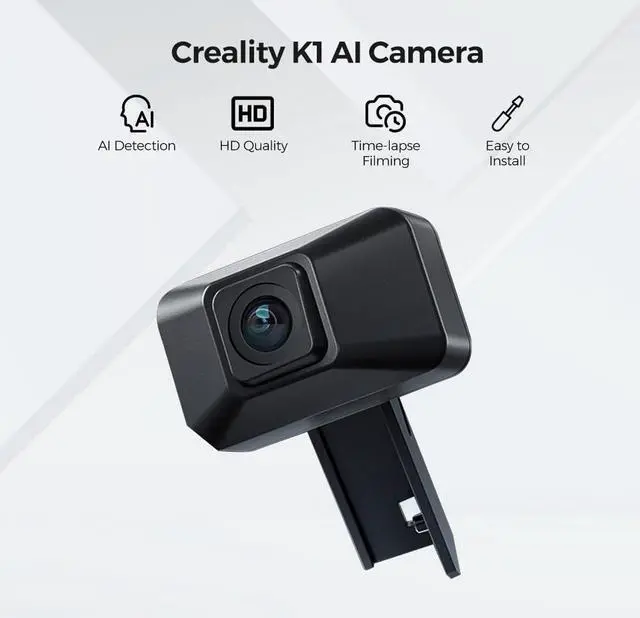
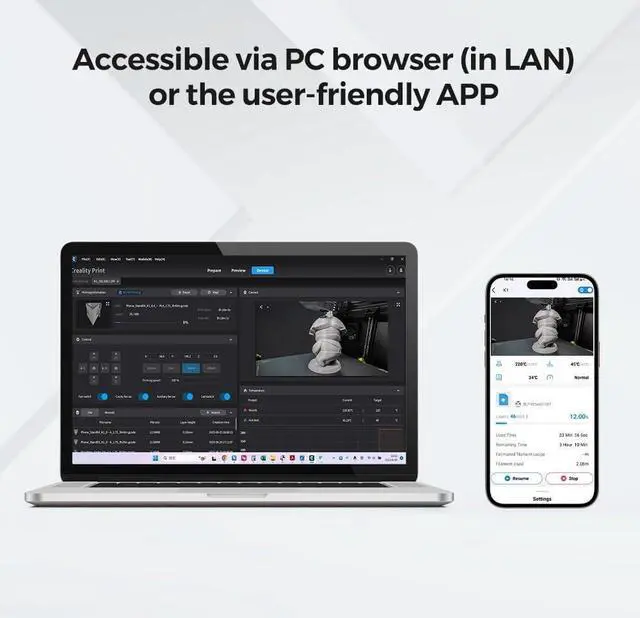
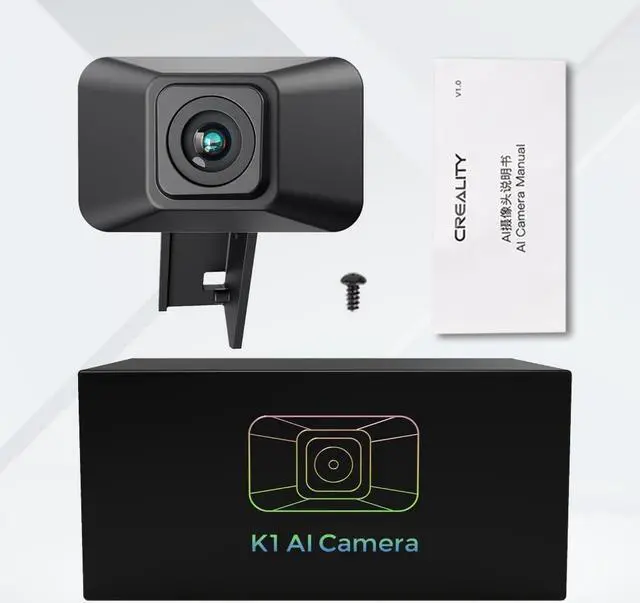
EFFORTLESS & HASSLE-FREE SET-UPCreality K1 AI camera boasts a compact and light design. No complicated settings are required - simply connect the cable to the printer and camera download the user-friendly Creality Cloud APP and connect to WiFi to start monitoring your 3D printing progress. For more details refer to the manual. Enjoy a seamless 3D printing experience with Creality K1 AI camera! REMOTE MONITOR ANYWHEREKeep track of your 3D printing progress in real-time with the AI camera accessible via PC browser (in LAN) or the user-friendly APP. With remote monitoring you can quickly identify and address issues to save filament and valuable time.
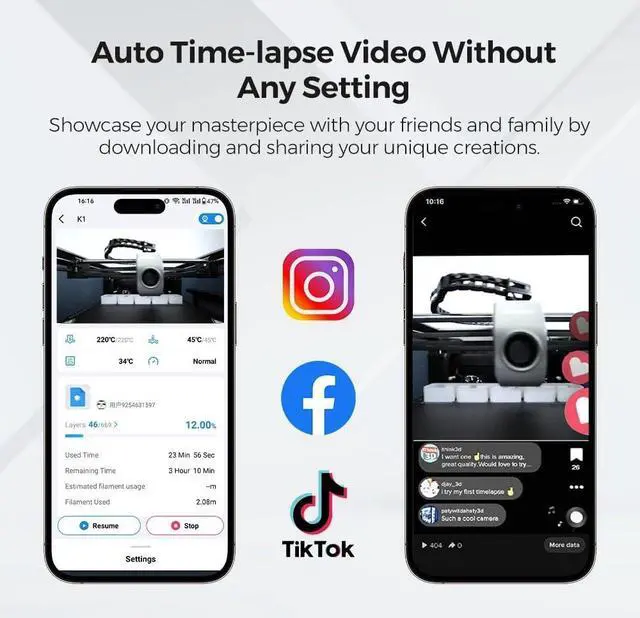
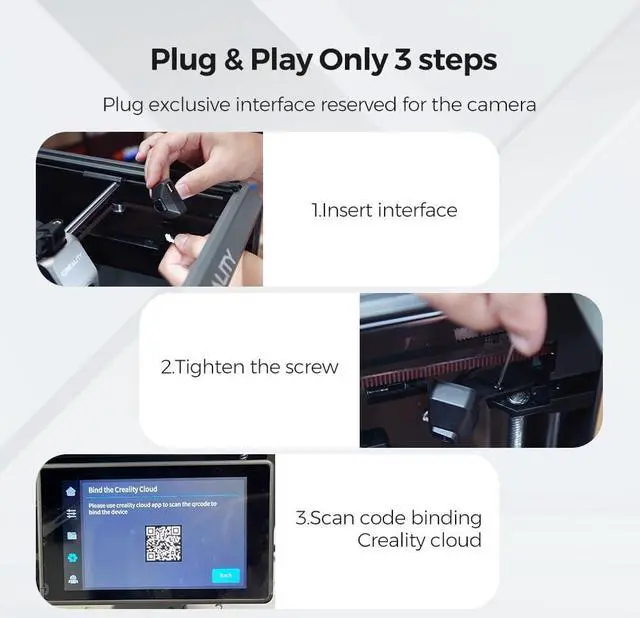
Plus the camera allows you to stop prints promptly preventing potential mishaps. Enjoy unparalleled flexibility and convenience with this 3d printer camera! AUTO GENERATE TIME LAPSE VIDEOSOur Creality K1 AI camera is equipped with an embedded code system that captures the image of the model when each layer is finished. With no additional settings required you can effortlessly create captivating time-lapse videos of your 3D prints. Showcase your masterpiece with your friends and family by downloading and sharing your unique creations. Experience the magic of time-lapse videos with Creality k1 ai camera today! Easy Installation Installing the camera is a breeze and it is fully compatible with the CREALITY K1/K1 MAX 3D Printer.
Thanks to the exclusive interface specifically reserved for the camera you can effortlessly complete the installation process in just two simple steps. It is an official original CREALITY accessory ensuring reliability and optimal performance. After-sale ServiceThere are more than 20 engineers for after-sales service and provide 24/7 customer service with 1-year limited and lifetime technical assistance. Please contact us via ask a questiondirectly to get the professional assistance.



 All Categories