• $99.99
  • Free 30-day Returns
  • Ships from United States.
    Hot Seller

    Shipped by B-IN Electronics

    DC Power Supply Variable, 0-30V 0-10A Adjustable Switching DC Regulated Bench Power Supply with Encoder Knob, Output On/Off Switch, 4-Digit LED Display, 5V/2A USB Charging Port

    • Item #: 9SIVB0EKAY7135
    • Mfr. Part #: BEJesverty SPS-3010H
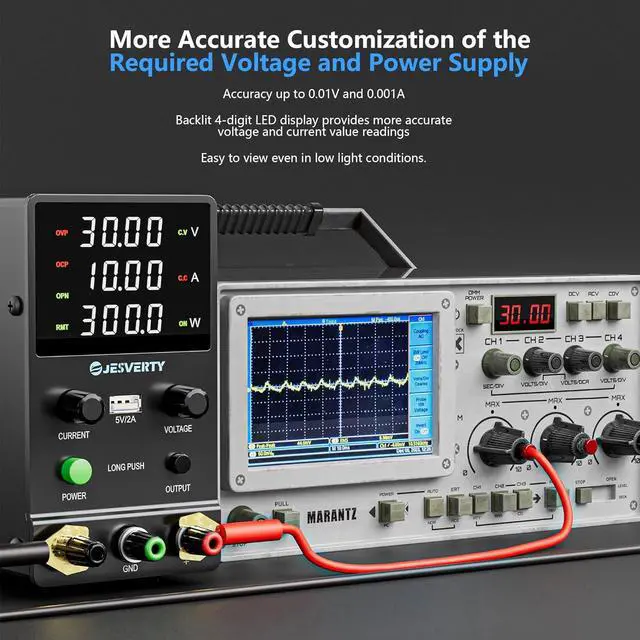
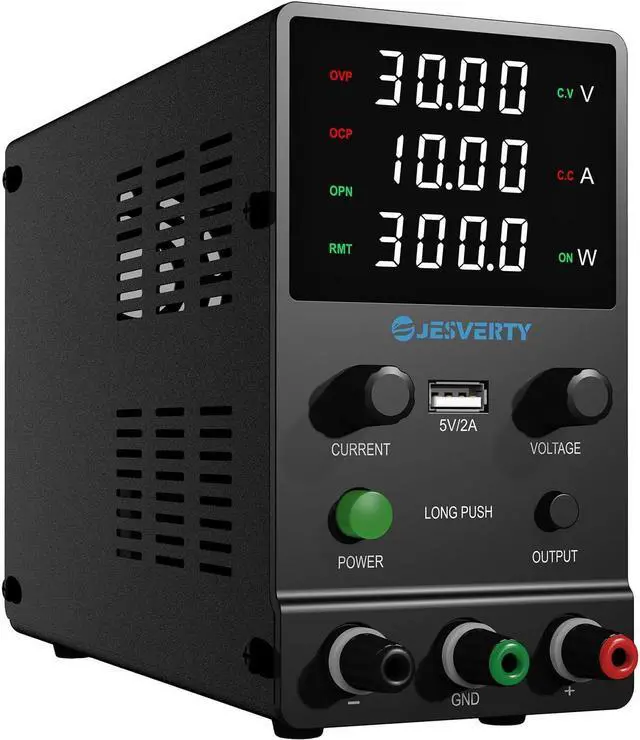
    • NEW SPS-H series power supply upgrades from traditional potentialmeter corase & fine adjustment to encoder knobs to make it more convenient to set your desired voltage and current! ! By turning only one knob, you can set the desired value digit by digit (setting resolution 0.01V/0.001A).
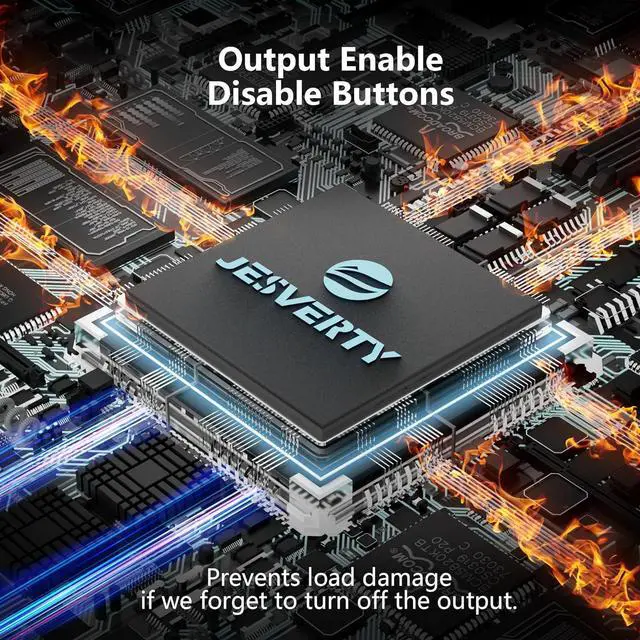
    • With a single press of the added output button, you can easily switch the output ON/OFF. When you want to adjust settings, you don't have to remove the load or turn off the power each time!
    • The Jesverty SPS-H series features a big bright 4-digit LED display that shows measured values of V/A/W that the unit outputs in real-time. The display resolution is up to 0.01V, 0.001A, and 0.1W. You can also adjust the brightness of the screen by turning the voltage and current knobs at the same time, making it easier to see even in dark places.
    +
    +
    Overview
    Specs
    Reviews
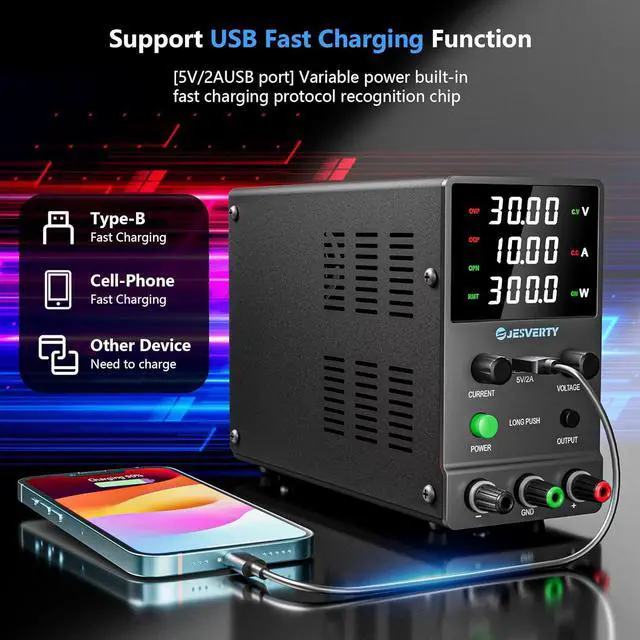
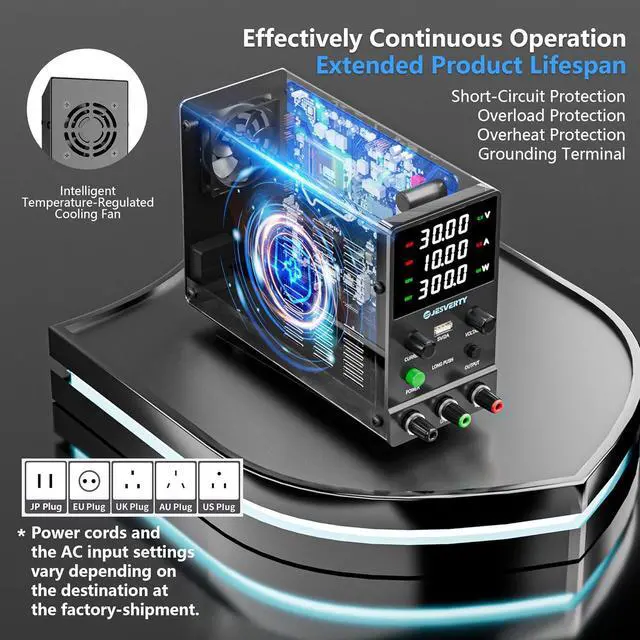
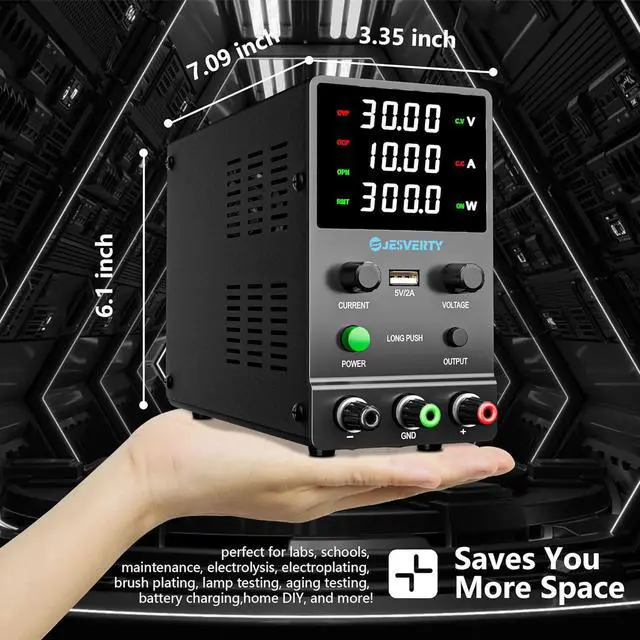
    A 5V/2A USB charging port, OCP over-current protection (settable), OVP over-voltage protection (fixed), temperature-regulated cooling fan, OPN* output status setting, Screen brightness adjustment etc. A handful of convenient functions are loaded within this tiny unit!!
    The Jesverty SPS-H series is made even more compact, measuring only 7.1 (D) x 3.35 (W) x 6.1 (H) inches and weighing approx. 2.5 lbs, which can greatly save valuable space on your workbench. Perfect for applications such as laboratories, educational sites, factory manufacturing tests, maintenance repairs, battery charging, anodizing, electronic work DIY, etc.
    Note: OPN is a function that lets the unit output voltage and current as soon as you turn the power switch on without needing to push the "OUTPUT" button.

    Warranty & Returns

    Warranty, Returns, And Additional Information

    Warranty

    • Please contact the Seller directly for warranty information. Warranty information may also be found on the Manufacturer's website.
    • CONTACT

    Return Policies

    Manufacturer Contact Info

    LOADING...