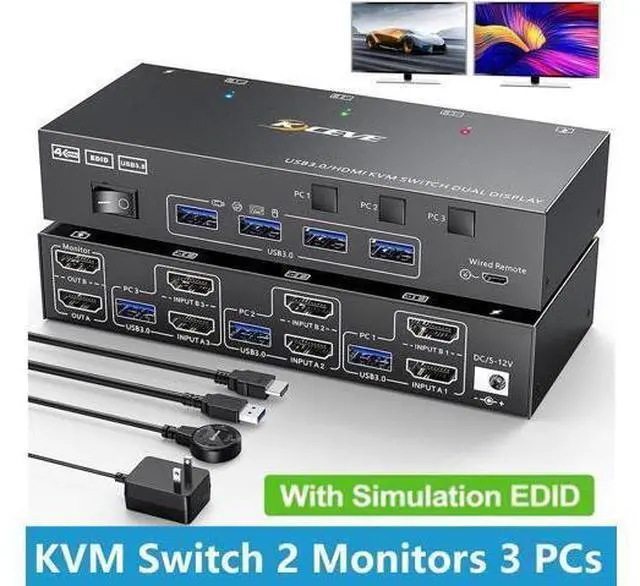
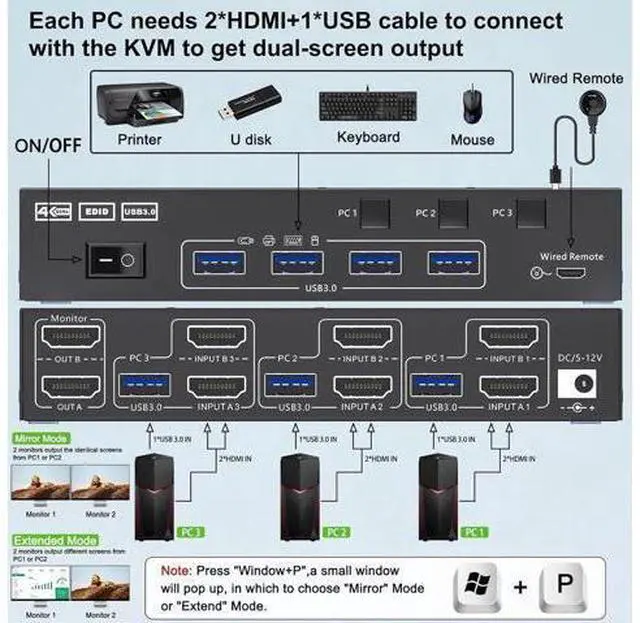
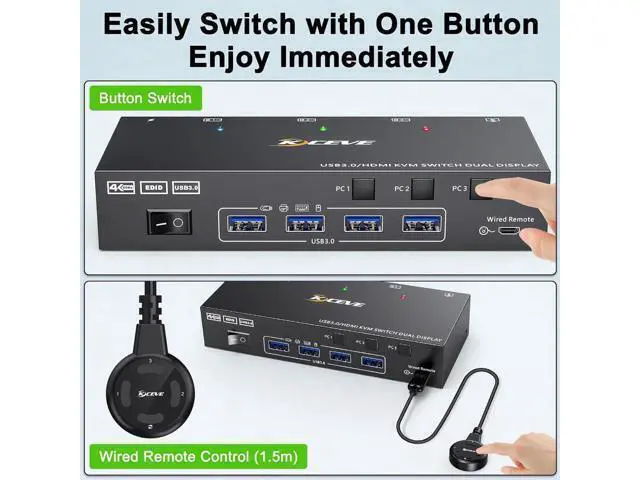
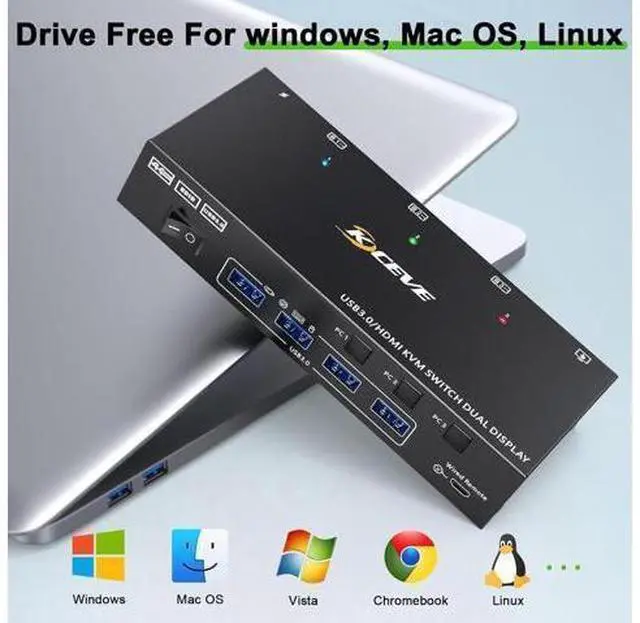
USB 3.0 HDMI KVM Switch 2 Monitors 3 Computers 4K@60Hz Dual Monitor KVM Switch 3 In 2 Out for 3 Computer and 2 Monitors This Dual Monitor KVM HDMI Switch allows to control 3 computers/latops by 1 set of keyboard & mouse and 2 monitors (Extend display mode or Duplicate display mode)
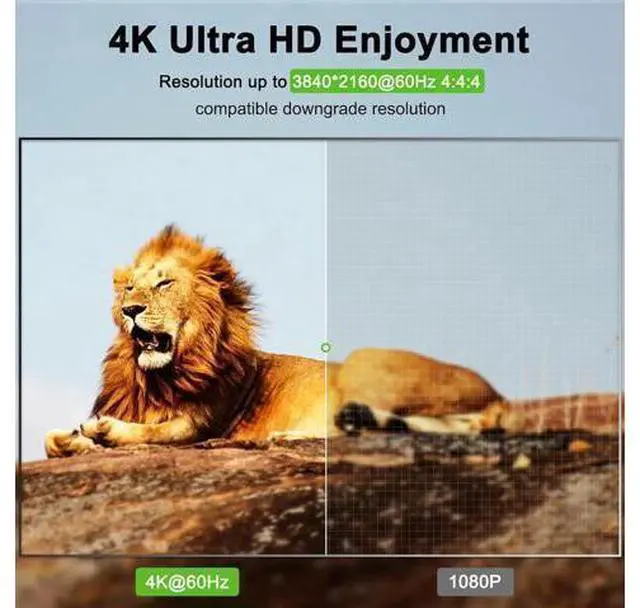
Note: Press "Window+P", a small window will pop up, in which to choose "Duplicate" Mode or "Extend" Mode. Ultra HD 4K@60Hz/2K@144Hz USB 3.0 Dual Monitor KVM switch HDMI support resolution 4K@60Hz/2K@144Hz. 3 computers 2 monitors switch aslo support input terminal to connect 2 computers with different resolutions, e. g. one is 4K@60Hz, the other is 4K@30Hz, 1440P@60Hz, 3D, 1080P@60Hz or lower resolution.
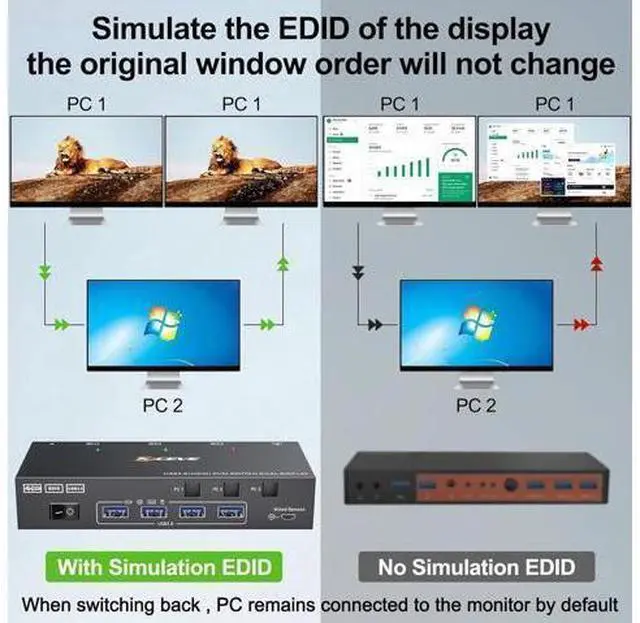
Note: if you need a 4K resolution, please use HDMI 2.0 cable and the length of the HD-MI cables more short more better, and make sure your computers and monitors support 4K! Dual Monitors KVM for 3 Computer with EDID Emulator USB 3.0 HDMI KVM switch can simulate the EDID of the monitor, store the resolution and refresh rate of the display. How EDID works? 1, Lock screen, when you switch from PC1 to PC2, and then switch back to PC1 from PC2, the windows of PC1 will keep the order before switching and will not be disrupted. 2, Automatically identifies and applies the best resolution to the monitor.
Dual screen setup: Quickly set dual-screen output in Windows system 1. Press Windows and P on the keyboard 2. Select Extend or Duplicate 3. Enter to confirm Support Extend display mode or copy display Tw