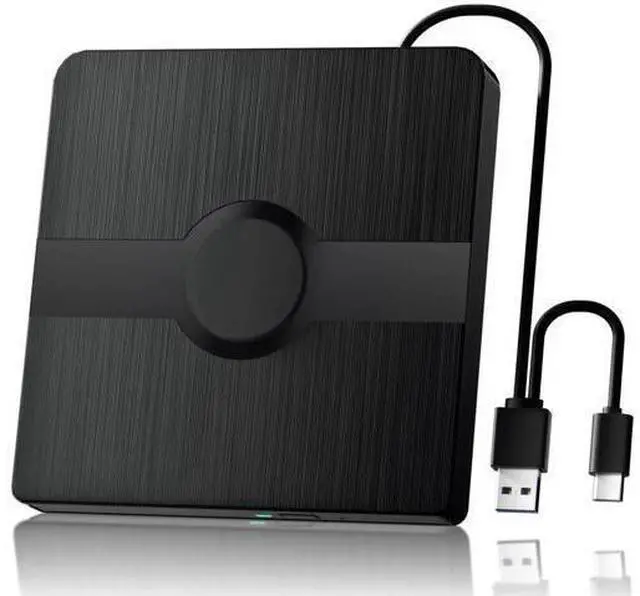
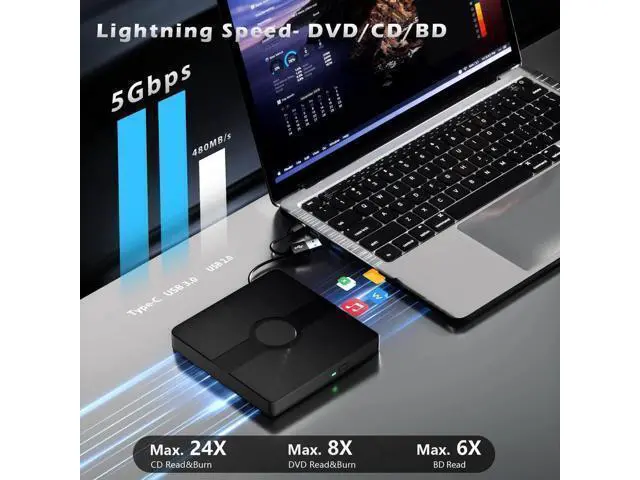
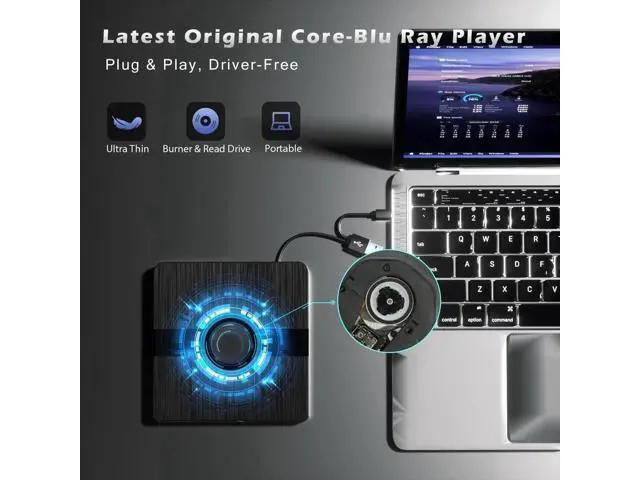
External Blu Ray
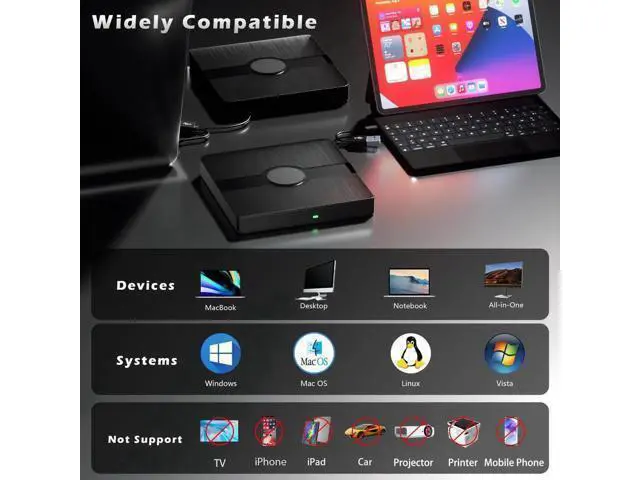
Drive Tips: 1. Do not look directly at the internal laser light source as it may be harmful to the eyes. 2. Keep the external cd drive away from strong magnetic objects and ensure it is placed on a stable desktop surface to prevent damage or unstable operation. 3. The data transfer speed may be affected by the computer and system environment. 4. This external dvd drive does not support use in TV, car, projectors, tablets, smartphones, or Ubuntu systems. 5. If the dvd player for laptop cannot be recognized by your computer or you are experiencing issues with CD playback, try connecting the cd burner directly to a USB port on your laptop or back USB port on your desktop computer. Ensure the CD is properly inserted and not scratched. 6. Make sure there is a built-in practical driver software on your computer or try using the drive with another device. 7. Set the area code correctly according to your region to play discs from that region. 8. Make sure your computer has a media player software such as VLC Media Player before using the cd player for laptop.
Additional Features Easy to
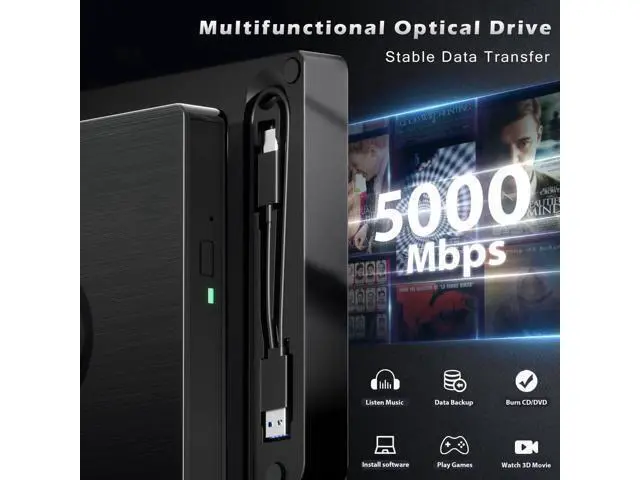
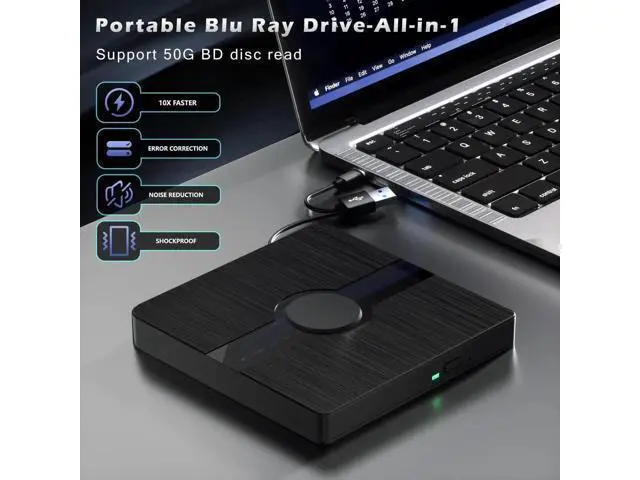
Carry & Use: The unique design of our Blu-ray drive combines both the drive and two different USB cables in one, making it highly convenient and practical. Moreover, the drive features two concealed wire grooves that are specifically designed to store and carry both USB 3.0 and Type-C interfaces. This feature helps users to easily store and transport the Blu-ray drive without taking



 All Categories