USB Floppy Disk Drive - Retrieve beautiful memory from many years ago
Do you have a camera that used floppy disks?
Do you have beautiful memories stored in the floppy disk from decades ago?
Do you have a number of stray diskettes that you cannot open them with your computer?
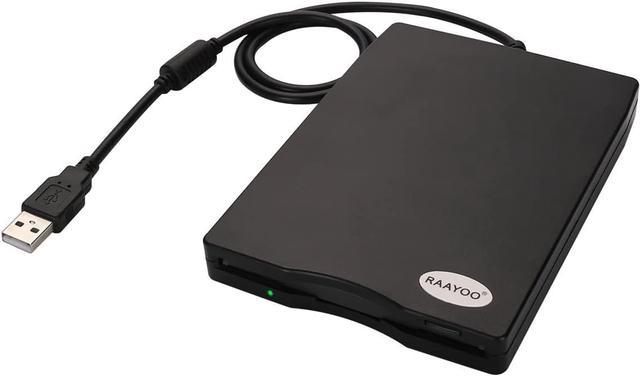
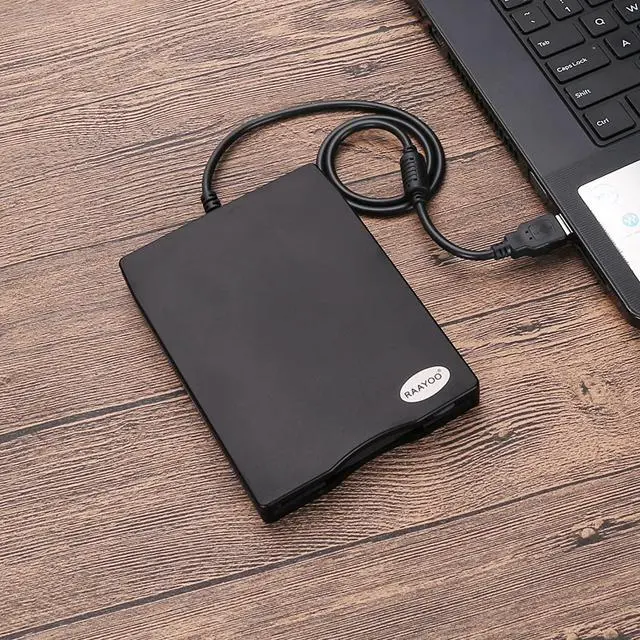
This RAAYOO USB floppy disk drive is perfect solution for accessing information you have on floppy disks. This external disk drive simply connects to your USB port and your computer is ready to access the information. It reads/writes 3.5" floppy disks with 1.44mb capacity, so you are able to pull up some valuable documents you had backed up from decades ago, you also could retrieve many beautiful photos taken by the camera that used floppy disks in the late 90s. Its really good item for anyone who have old floppy disks.
Easy to Use, Plug and Play
- No extra driver required, just plug it into usb connector directly, it will automatically install driver by itself.
- No extra power required, just plug it into USB connector directly without USB extension cable or USB hub to get sufficient power.
(USB 1.1/2.0 is compatible. DON'T SUPPORT USB 3.0. If it is a desktop computer, please plug it into the back USB port of the case.)
Wide Compatibility
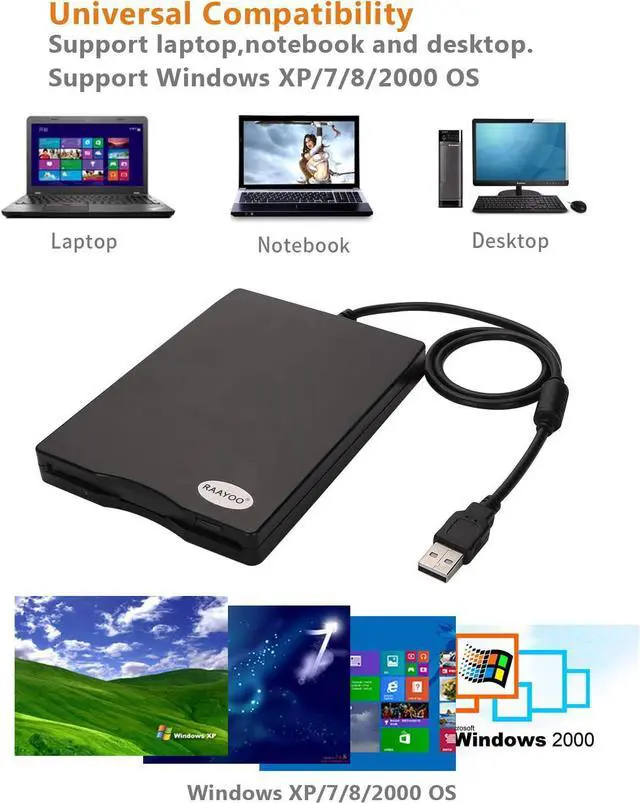
- Support for Windows 98 SE/7/8/2000/XP/Vista operating system. (Because windows 10 often update, maybe it cannot work well on windows 10 operating system, please don't try this item if yours is windows 10 operating system.)
- Support PC Laptop Desktop Notebook Computer,for Dell, for Acer, for Sony, for HP, for Lenovo, etc
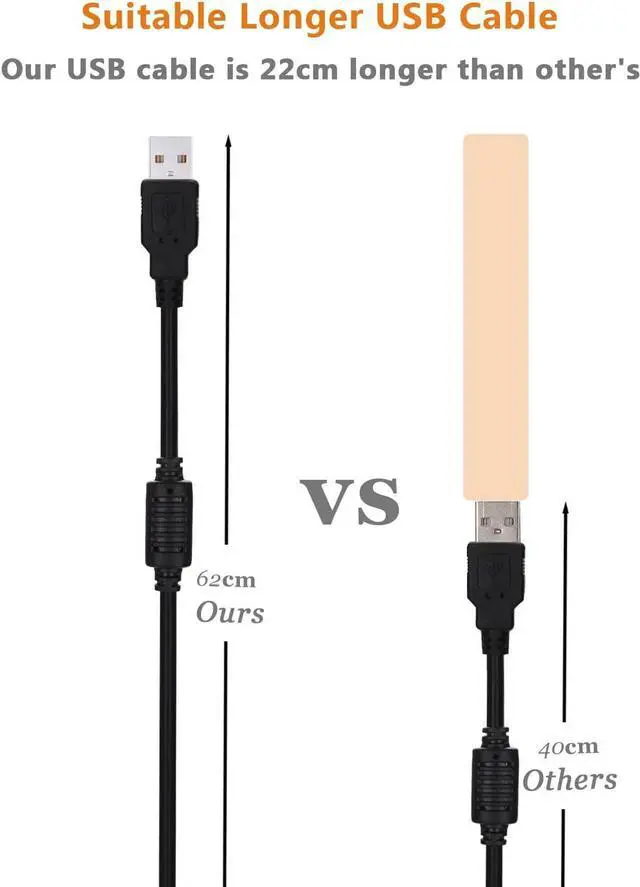
22cm longer than other's USB cable
In order to get sufficient power for the floppy disk drive, we suggest connect the USB date cable to rear USB port of yourcomputer.
This customized longer USB data cable is convenient for you to take power from the rear USB port, it is 22cm longer than other sellers' cable, more convenitent to use.
Feature:
- External Diskette Drive with USB interface
- High quality hard plastic enclosure, durable and very nice looking
- Super slim and light weight, easy to carry
- Read/Write 1.44 MB floppy disk
- USB 1.1/2.0 compatible
- Plug & Play, no extra driver needed
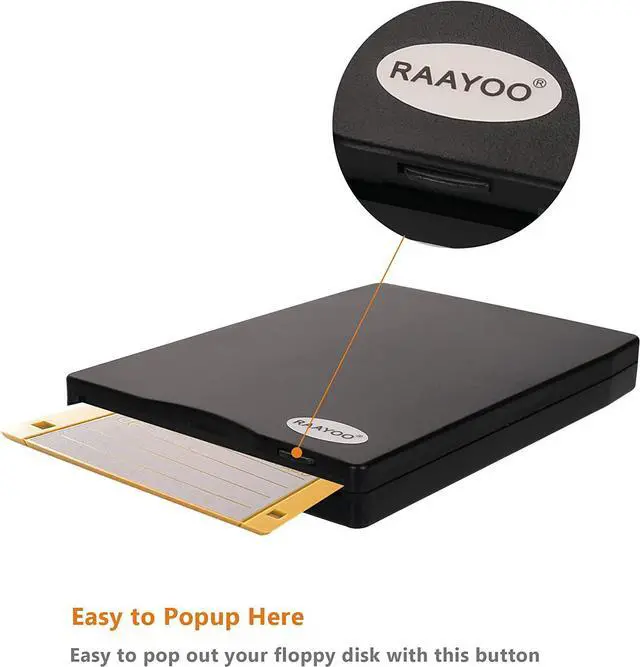
- Easy to popup your disk
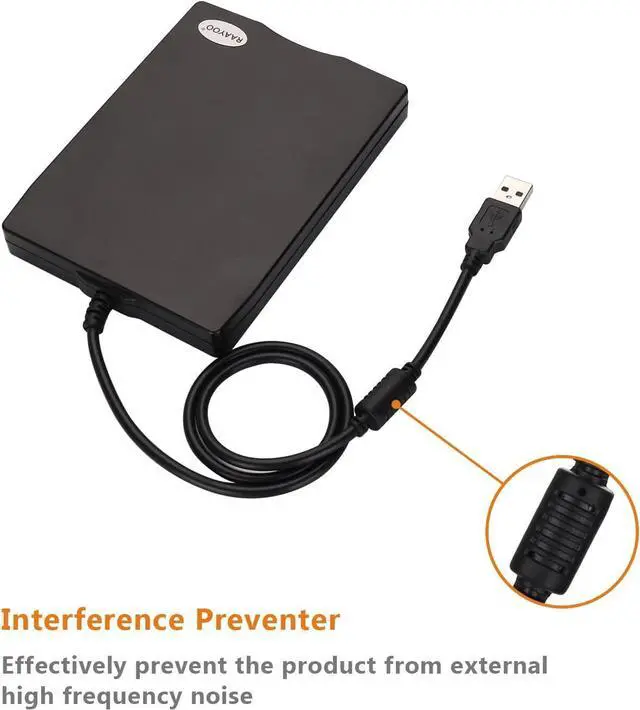
- With interference prventer to prevent from high frequency noise
- Powered directly from the USB port, no external power required
- Support for Windows 7/8/2000/XP/Vista PC Laptop Desktop Notebook Computer
Package Content:
1 x RAAYOO USB Floppy Disk Drive (Black)
1 x RY-D001 User Manual