Before Use:
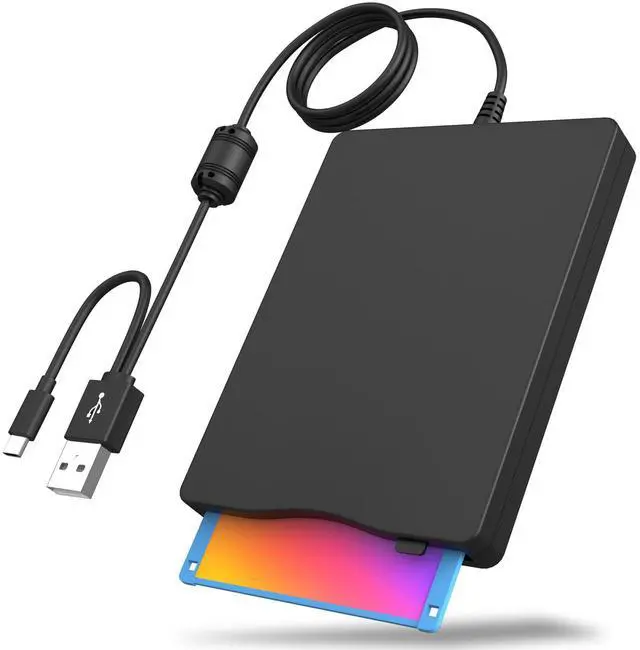
For running smoothly,Please plug our external floppy disk drive into rear USB interface of motherboard directly. If you connect our floppy drive through USB hub,USB extension cable or front USB port, it may not be recognized by your computer since it cant get sufficient power from your computer.
WARM TIPS:The reader might not be able to read all discs because of the operating software on your computer or the old floppy disks.
Product information
| Special Feature | Portable |
| Hardware Interface | USB 3.0 |
| Brand | Wbacon |
| Optical Storage Write Speed | 6x |
| Optical Storage Read Speed | 24X-300X Floppy |
| Hard Drive | Solid State Drive |
| Item model number | 744316243224 |
| Hardware Platform | Laptop |
| Operating System | Windows 7 |
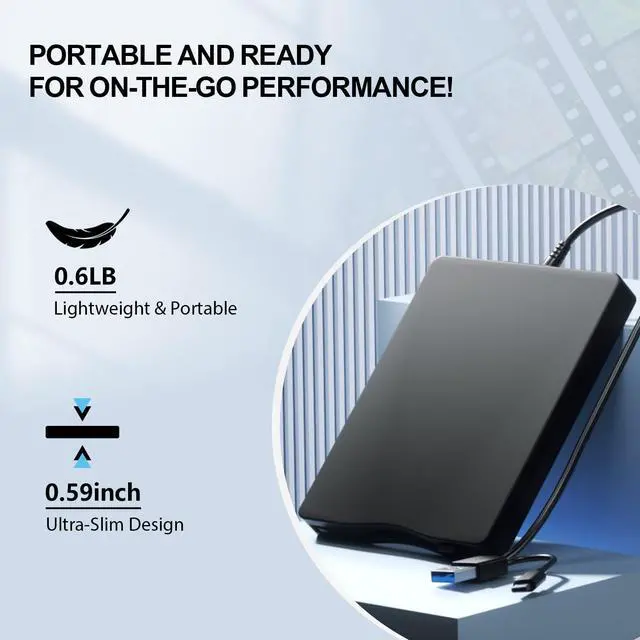
| Item Weight | 11.3 ounces |
| Package Dimensions | 8.19 x 7.87 x 1.1 inches |
| Hard Drive Interface | USB 3.0 |
| Manufacturer | Wbacon |
| Date First Available | April 9, 2024 |
Additional Features
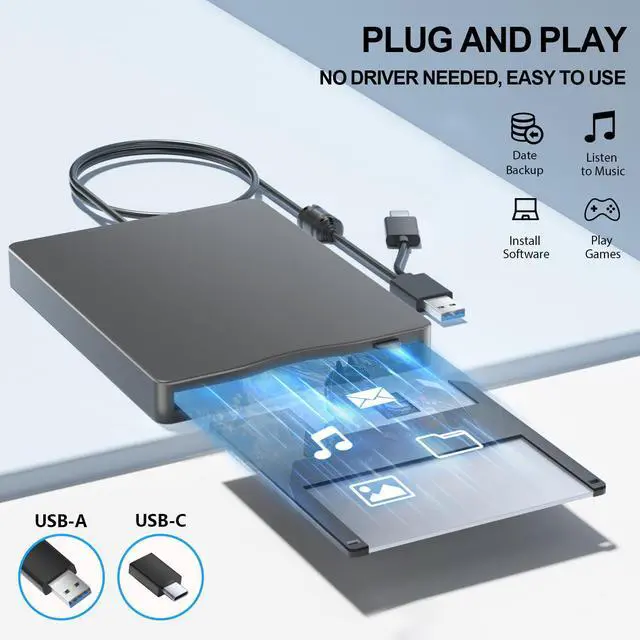
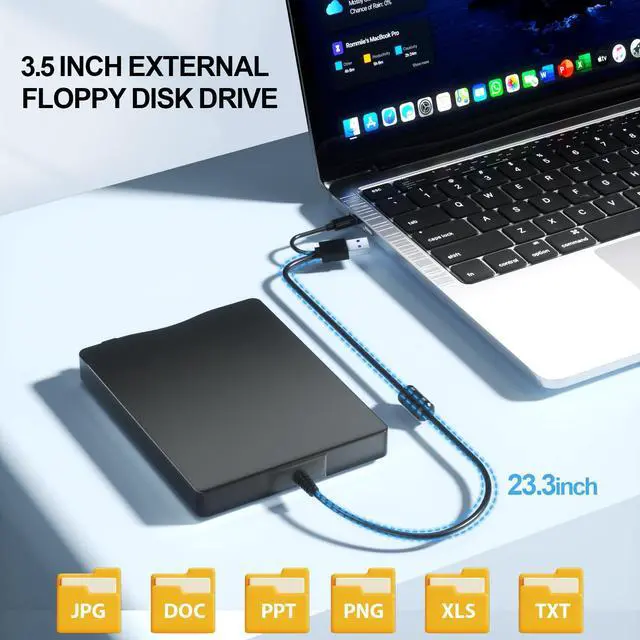
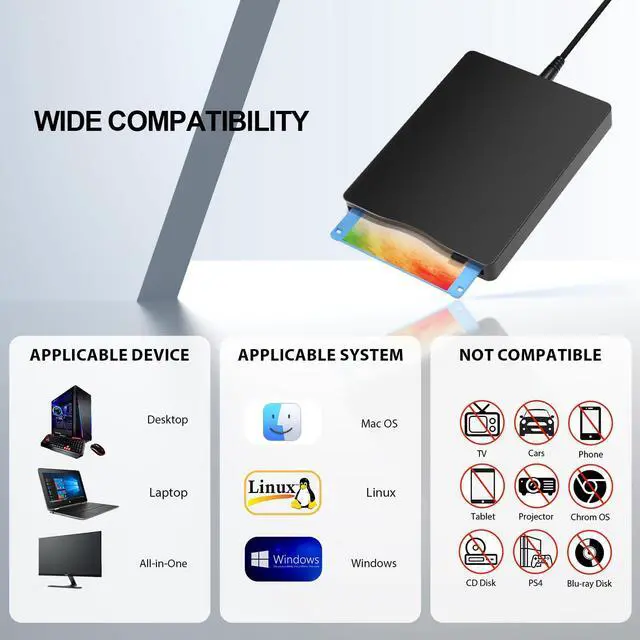
- [Broad Compatibility]--This floppy disk reader is compatible with most PCs, laptops and desktops running Windows 11/10/8.1/7/Vista/XP/2000 operating systems, but is not compatible with Mac operating systems. In Windows 11/10 systems, there are many show/hide options in File Explorer, so after opening "Windows File Explorer", you may not see the drive icon named "Floppy Disk Drive (A:)". Please open "Devices and Printers", right click on the drive icon named "TEACV0.0" under "Devices", move the cursor to "Browse Files" and then click on "Floppy Disk Drive (A:)", then you will see the contents of your disks.
- [NOTE]--Not all floppy disks are readable, this is a factor of age and has nothing to do with hard drives. Floppy disks are a product of the 1980s and 1990s and have been around for 30 to 40 years. Due to this long storage time, some disks may be damaged, mouldy or dusty, so our floppy drives may not be able to open some of your disks successfully, or the floppy drive may be able to open some disks quickly, but stop working due to dust on the disk. NOTE: Before reading a floppy, please check the status of the floppy to prevent the drive from stopping due to a floppy problem.



 All Categories