What's in the box
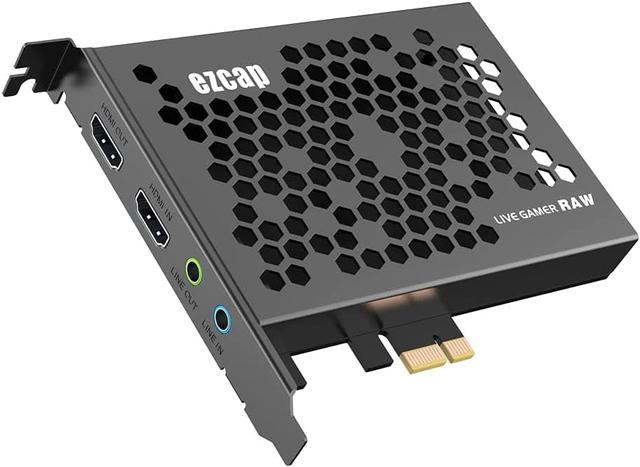
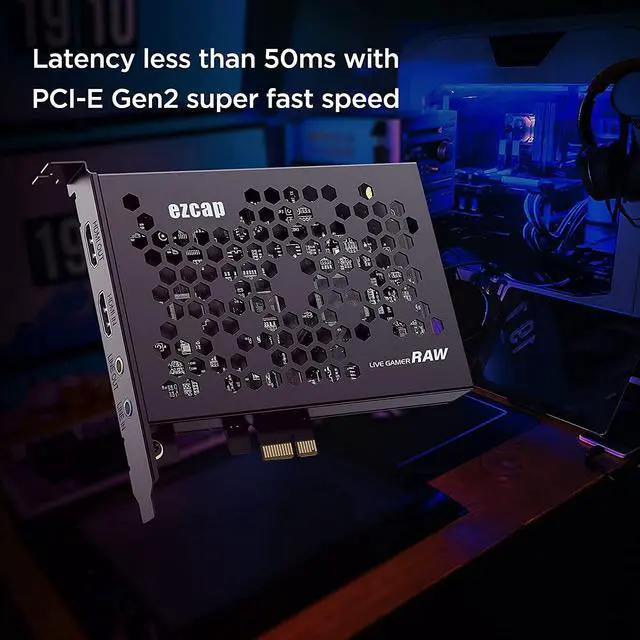
1 * Ezcap324 PCIE HDMI Capture Card
1 * Carry bag
1 * User manual
Features
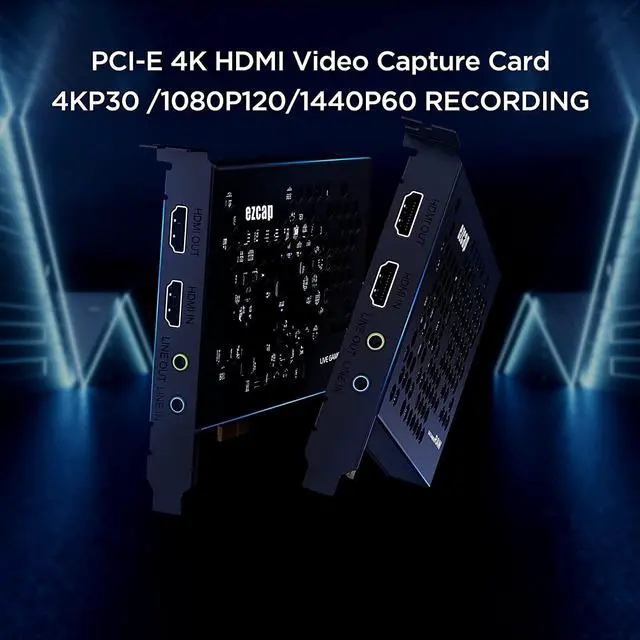
2160p30, 1080p120 and 1440p60 HDMI input and pass-through.
1080p120, 2160p30 and 1440p60 recording.
RGB real color video format up to 1080p30.
Latency less than 50ms.
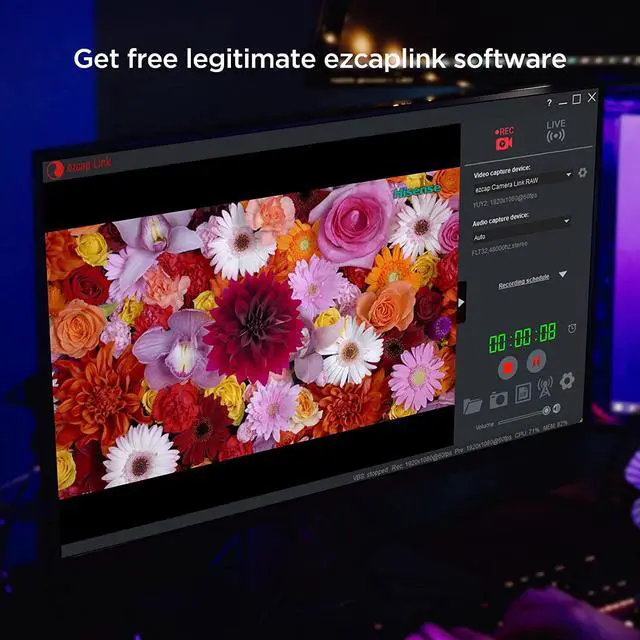
UVC standard, manual driver installation is not needed.
Supports most of third party video capture softwares.
PCIe Gen2 super fast speed.
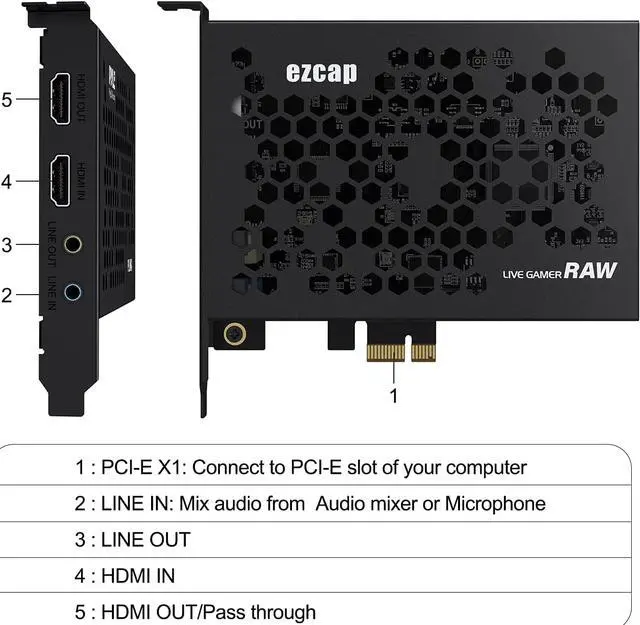
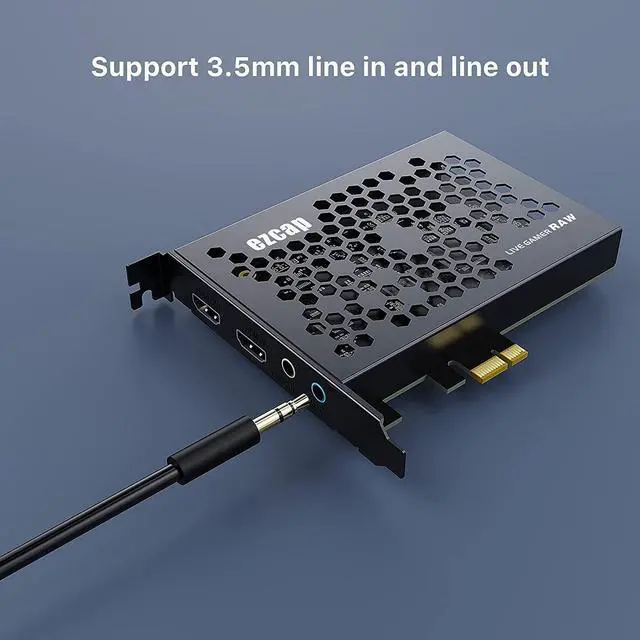
With Line in and Line out port.
Recording Resolution and Max FPS: 3840x2160 - NV12/30; 2560x1440 - NV12/60, YUY/50; 1920x1080 - NV12/120, YUY/60, XRGB/30; 1280x720 - NV12/60, YUY/60, XRGB/60.
System Requirement:
Windows 10 x 64, PCI-E X1 slot For 4Kp30 or 1080p120 recording:Intel Core i5-6XXX / AMD, Ryzen 3 XXX or above, NVIDIA GTX 1060 / AMD RX 5700 or above, 8 GB RAM. For 1080p60 recording:Intel Core i7-3770 recommended, NVIDIA GeForce GTX 650 / AMD Radeon R7 250X or above, 4 GB RAM.
Mac Pro, Mac OS High Sierra 10.15 and above, PCI-E X1 slot
How to install
Before installing ezcap324 Live Gamer RAW capture card, make sure your computer has a free PCI-E X1 slot.
Make sure your PC is shut down first. Then disconnect all the cables from the PC.
Remove the cover on the PC. After you identify a PCIe slot, unscrew the small metal bracket attached to the computer case directly behind the PCIe slot.
Gently yet firmly, slide the video capture card into the PCIe slot, making sure it's fully locked down.
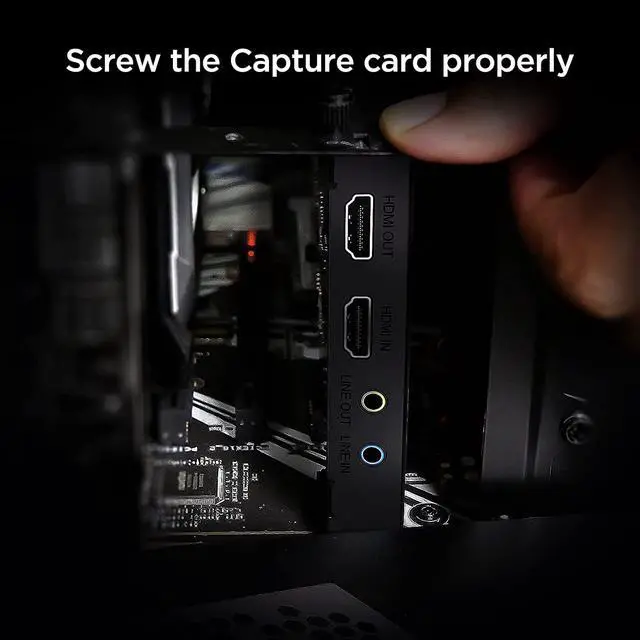
Screw the card into the back of the case so that the inputs and outputs are exposed on the back of the computer case. Place the panel on the case, put the screws back in, and stand the case upright.
Plug all the cables back into the case. Power on the PC.
System will automatically recognize the game capture card, and you will see the device name ezcap Live Gamer RAW in the Device Manager, which means that the device is ready to work.



 All Categories