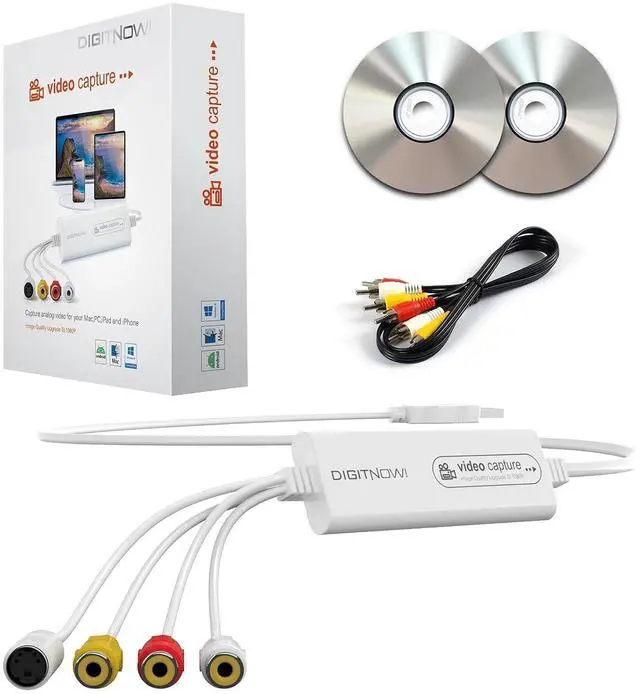
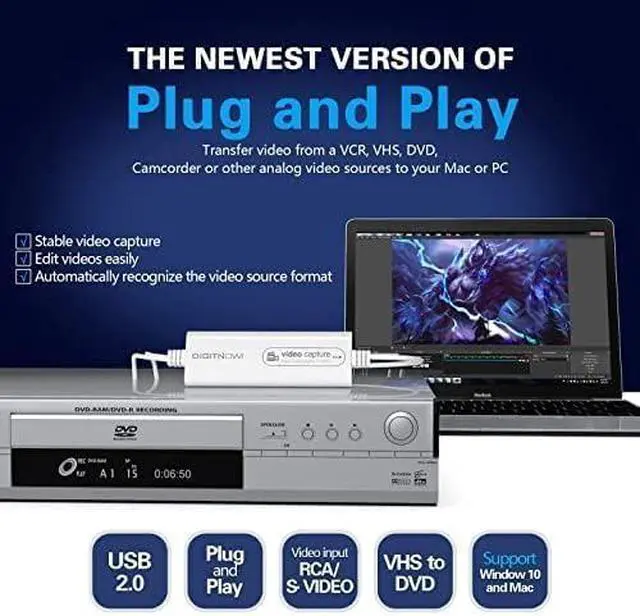
Product description VHS/VCR/Hi8/DVD TO Digital Converter Plug and Play, Easy to Set up
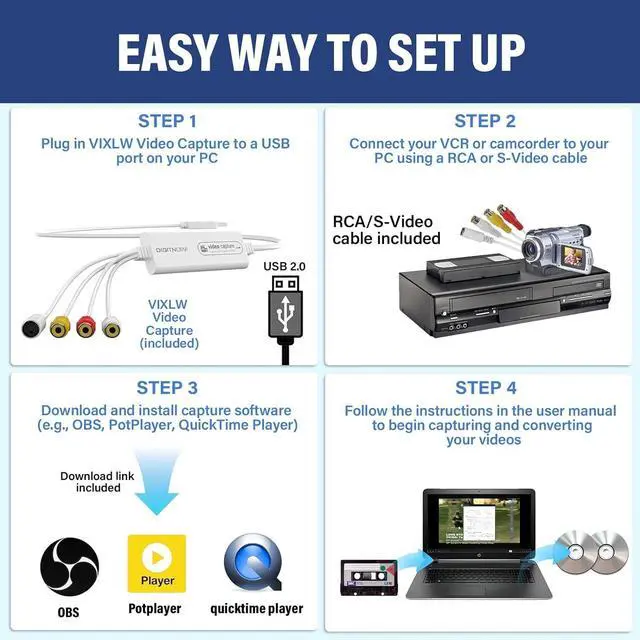
Step 1: Plug in VIXLW Video Capture to a USB port on your MCA or PC. Your computer will install it automatically
Step 2: Download and install OBS, Potplayer or QuickTime Player software (download links are provided in the manual).
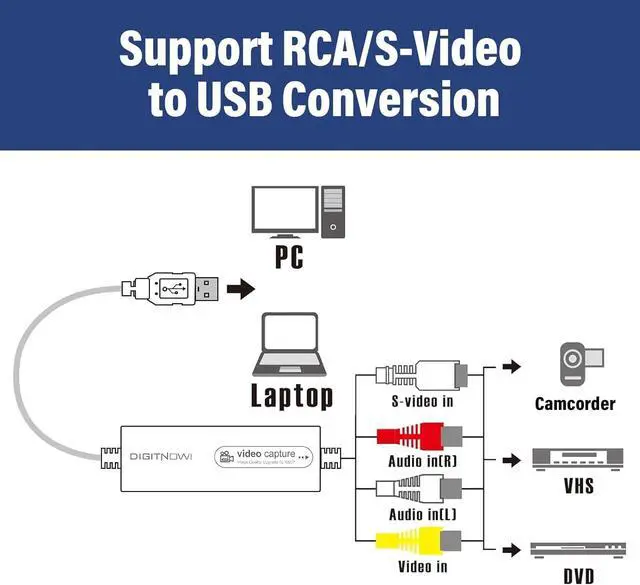
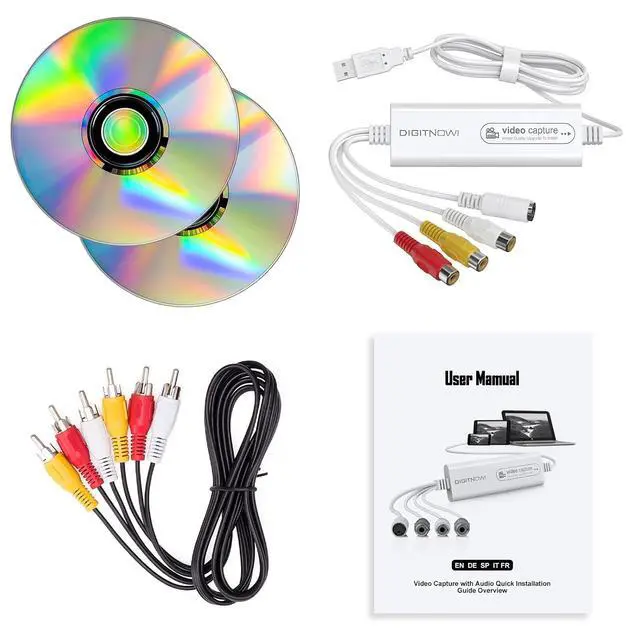
Step 3: Connect VIXLW Video Capture to VHS player or analogue camcorder using the included RCA cable.
Step 4: Follow the instructions in the user manual to begin capturing/converting your videos.
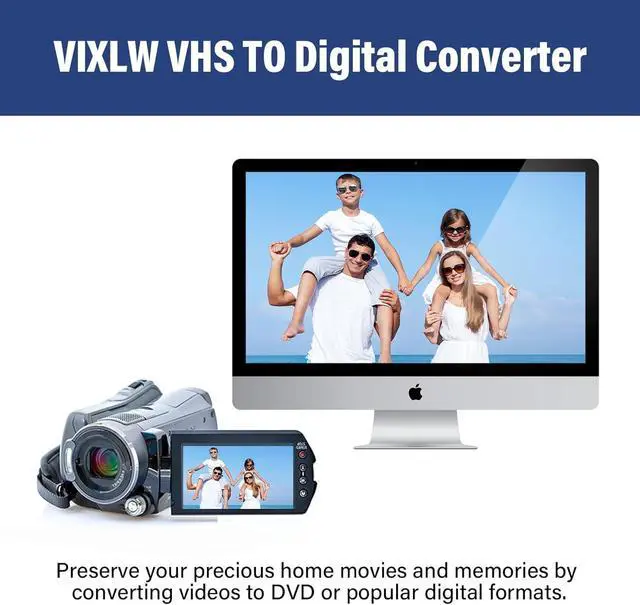
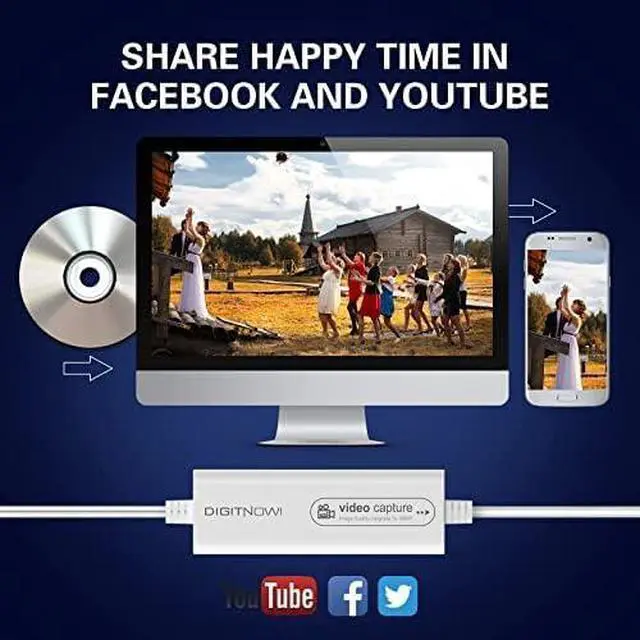
Video resolution: 1920*1080, 1280*720, 800*600, 720*480, 720*586, 640*480, 480*320, 320*240 You can share with your friends and family on Facebook, YouTube, Twitter and other social media. VIXLW VHS TO Digital Converter gives you a way to transfer your old videos for playback on your computer. Save your good memories and don't worry your video tapes deteriorating or losing any more. Why choose VIXLW Video Capture? How can I get audio? About the driver? About capture software? The product is not compatible with my computer, what should I do?



 All Categories