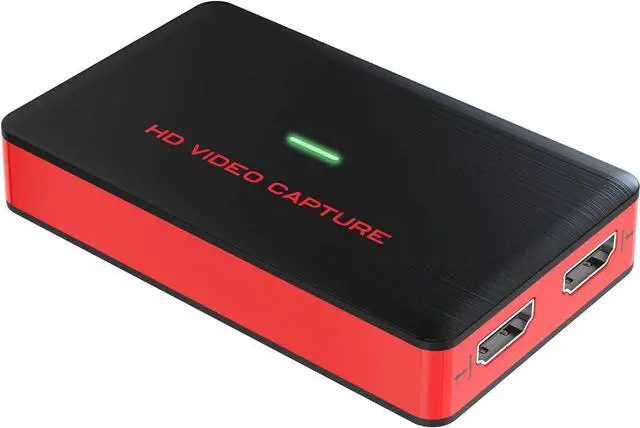
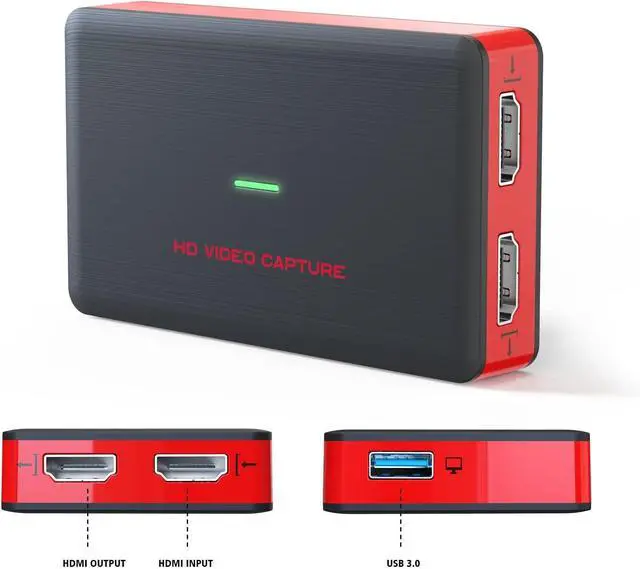
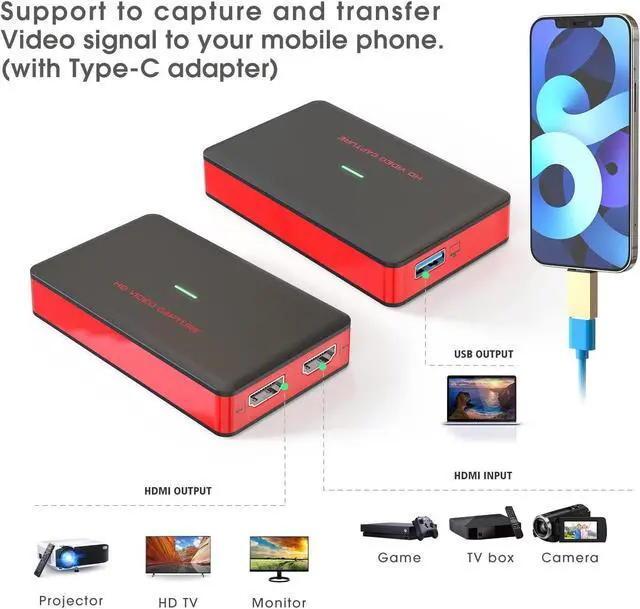
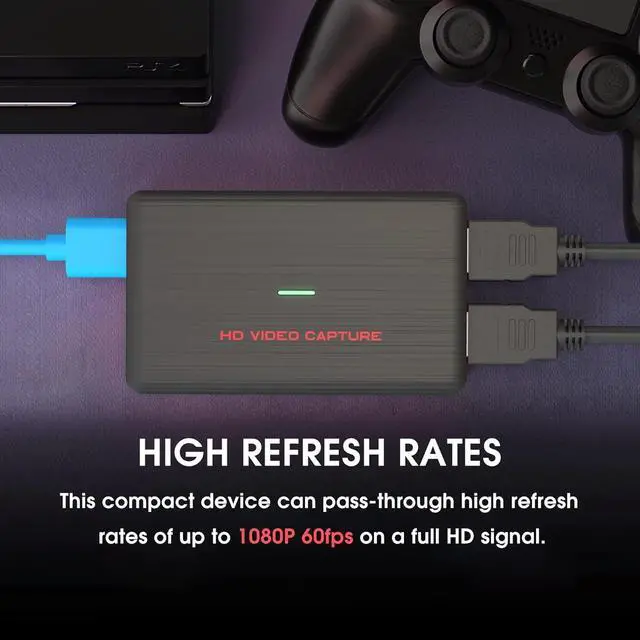
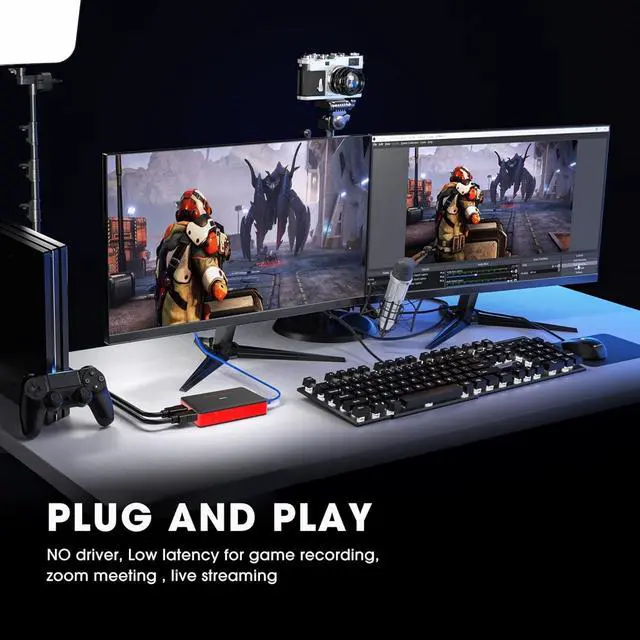
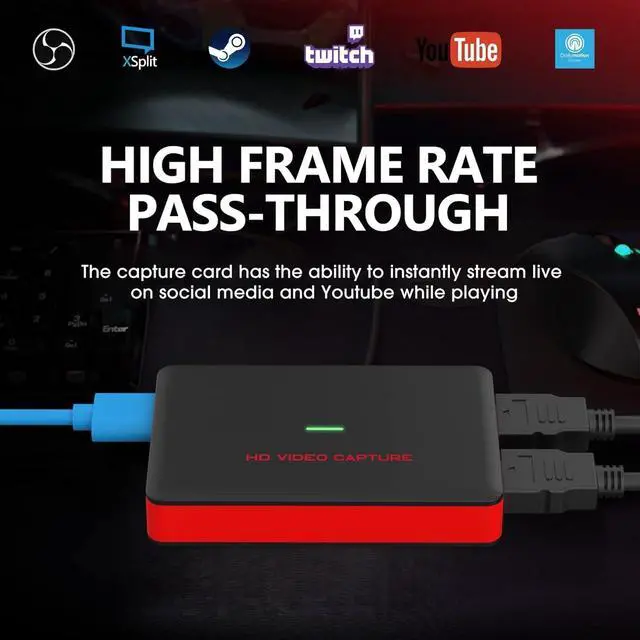
Product description Plug and Play and No Driver needed 1080P 60FPS HD Quality Stronger Compatibility How to
Use: (Work with
OBS studio: )
Step I:
1. Download OBS Studio according to your computers operating system, and install it on your computer. Windows will install the driver automatically, and you will see FHD Webcamera in device manager.
2. Run OBS Studio, Click + icon under Sources window, and select Video Capture Device, then select FHD Webcamera in the drop box next to Device.
Step:
3. Set the video latency for make the audio and video synchronized: ( 3.1 ) Right click Video Capture Device then click
Filters: ( 3.2 )Click to add Video Delay (Async) ( 3.3 ) Set it to 470ms (You can adjust it smaller or bigger uttil you found the audio and video synchronized):
Step: Then you can recording or streaming video.
(Attention: Work with other applications(e. g. VLC, Media encoder, Protplayer): Just run the application then choose capture device to FHD Webcamera. )
Specifications
Interface USB 3.0 Video/Audio Input HDMI Video/Audio Output HDMI System Requirement Windows 7, 8, 10, OS X 10.9 or later, Linux.
PC: Intel Core i5-3400 + NVIDIA GT630, NB: Intel Core i7- 3537U 2.0 GHz + NVIDIA GT735, Mac: i5 quad- core or above, VGA card supporting DirectX 10, Sound card, 4GB RAM, Powered
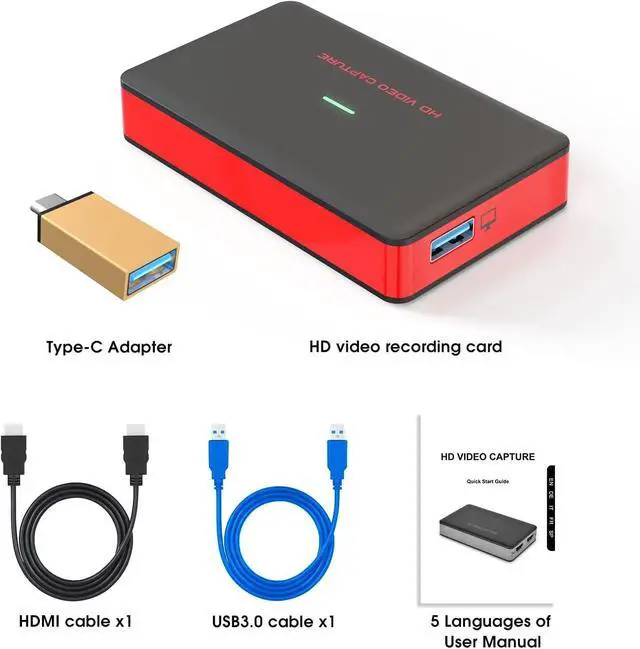
USB 3.0 port: Intel chipset with native USB 3.0 host controller (Renesas, Fresco) Resolution 720 x 480 (60p), 720 x 576 (50p), 1280 x 720p (50p), 1280 x720p (60p), 1920 x 1080 (50i), 1920 x 1080 (60i), 1920 x 1080 (24p), 1920 x 1080 (25p), 1920 x 1080 (30p), 1920 x 1080 (50p), 1920 x 1080 (60p) Software compatibility OBS Studio (windows, OS X); Windows Media Encoder (Windows); Adobe Flash Media Live Encoder (windows, OS X); Real Producer Plus (windows); VLC (windows, OS X, Linux); Quick Time Broadcaster (OS X); Quick Time Player (OS X); Wirecast (windows, OS X) vMix (Windows); Potplayer (Windows) and etc. Interface compatibility DirectShow (Windows), DirectSound (Windows), V4L2 (Linux), ALSA (Linux) OS X (Quick Time) Record Quality Max 1080p 60fps Package Content Video Capture Device, Type-C Adapter, HDMI Cable, USB 3.0 Cable, User Manual



 All Categories