• $113.99
  • Free 30-day Returns
  • Ships from United States.

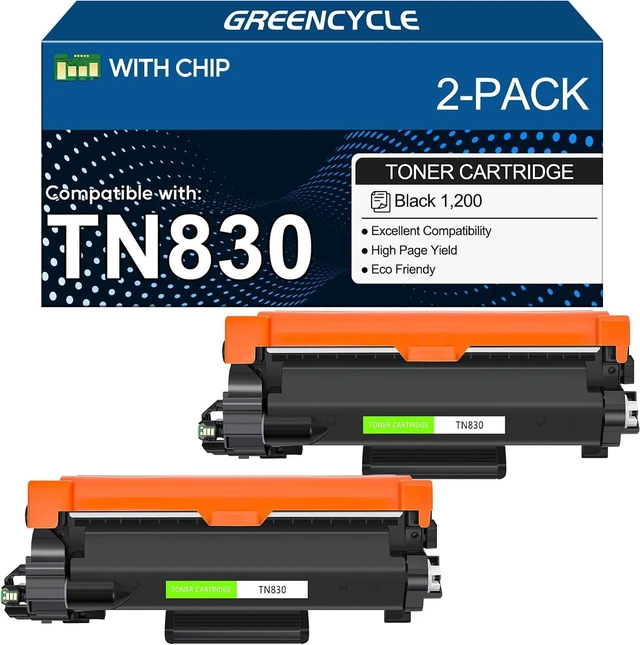
    TN830 Toner Cartridge Replacement for Brother HL-L2460DW 2 Pack Black

    • Item #: 9SIVT5BM3T9018
    • Mfr. Part #: HANWB0FDFLP3QB
    • UNSPSC: 44103105
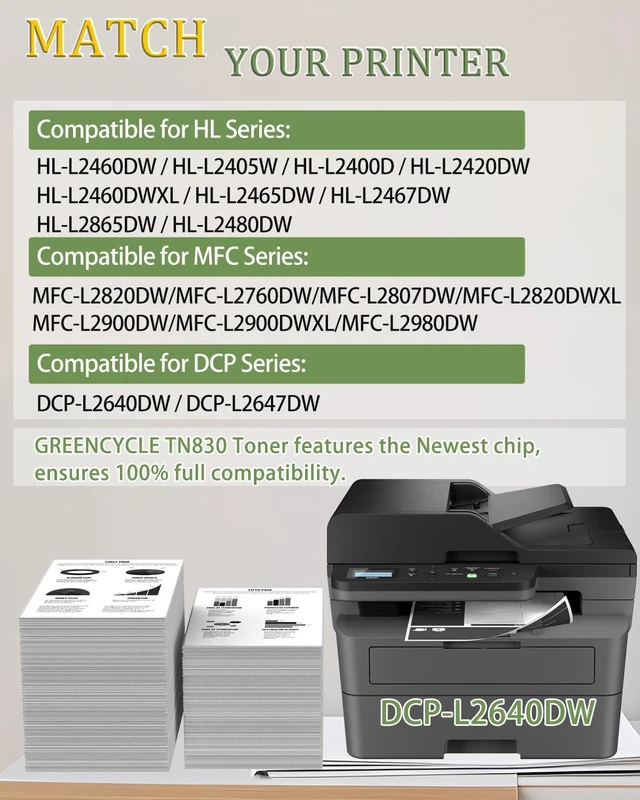
    • Compatible for Brother TN 830 TN-830 Cartridge DCP-L2640DW MFC-L2820DW HL-L2405W HL-L2400D HL-L2480DW Printer
    • Product Name: Greencycle High yield Compatible Toner Cartridge Replacement for Brother TN830 TN-830 Toner cartridges (Color: Black)
    • Package Contents: 1 x User Guide, 2 x TN830 Toner Cartridges (All with chip)
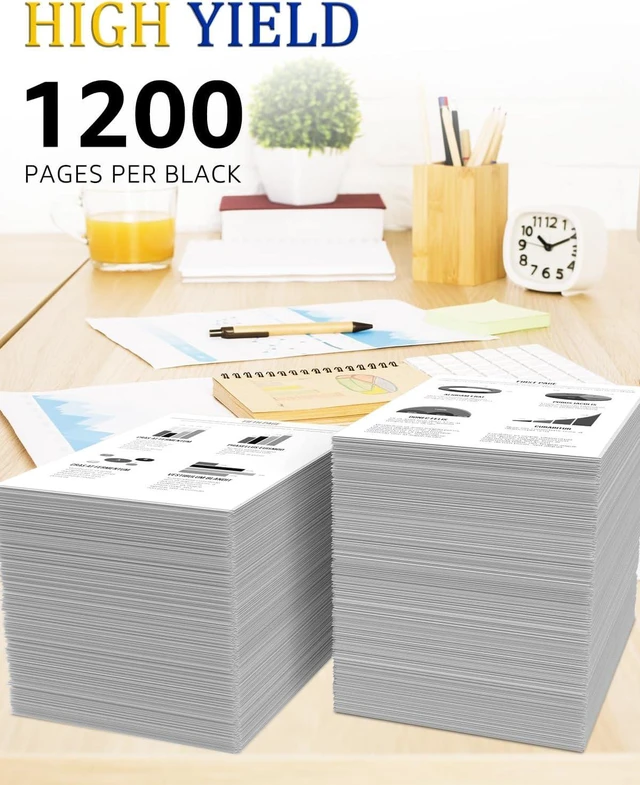
    • Page Yield: Up to 1,200 Pages Per TN830 toner cartridge at 5% Coverage per (Letter/A4)
    • Compatible For Brother printer: HL-L2460DW, HL-L2405W, HL-L2400D, HL-L2420DW, HL-L2460DWXL, HL-L2465DW, HL-L2467DW, HL-L2865DW, HL-L2480DWMFC-L2820DWMFC-L2760DW, MFC-L2807DW, MFC-L2820DWXL, MFC-L2900DW, MFC-L2900DWXL, MFC-L2980DWDCP-L2640DW, DCP-L2647DW laser printers
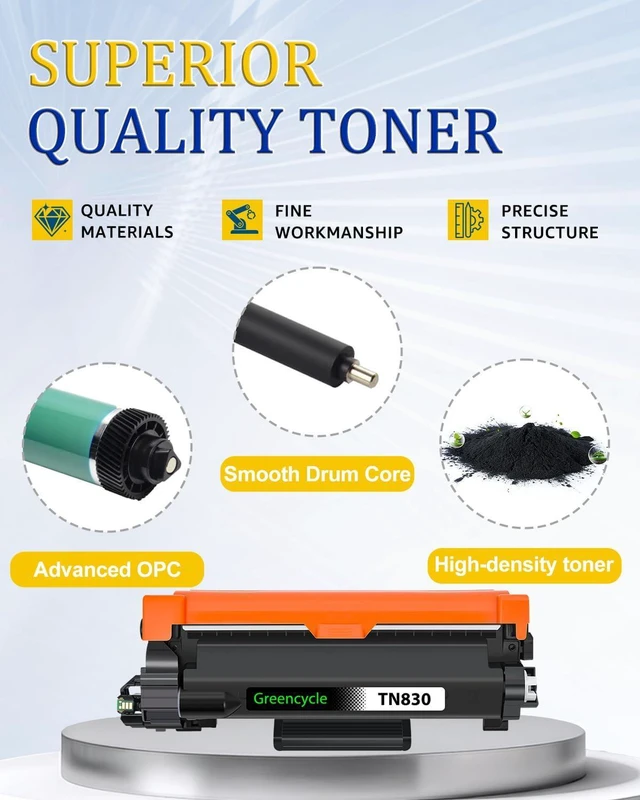
    • Greencycle tn830 black toner cartridges are made of quality materials: toner powder, smart chipsmooth OPC & roller and industrial grade packaging. Make your presentations and printouts stand out with GREENCYCLE toner cartridge that produces clear, crisp, bold, and eye-catching text and graphics.
    +
    +
    Overview
    Specs
    Reviews
    GREENCYCLE Compatible Toner Cartridges for TN830 TN-830 toner cartridge.

    Product Information:
    GREENCYCLE compatible TN830 toner is a replacement for the OEM model with the same compatibility and superior quality. We are committed to helping more writers, graphic designers and publishers create excellent work. We pay attention to more details to ensure you experience superior print quality.

    Page yield: 1,200 pages per black toner cartridge based on 5% page coverage of A4 Letter.

    Compatible for Brother printer: HL-L2460DW, HL-L2405W, HL-L2400D, HL-L2420DW, HL-L2460DWXL, HL-L2465DW, HL-L2467DW, HL-L2865DW, HL-L2480DW MFC-L2820DWMFC-L2760DW, MFC-L2807DW, MFC-L2820DWXL, MFC-L2900DW, MFC-L2900DWXL, MFC-L2980DW DCP-L2640DW, DCP-L2647DW

    How to install a toner cartridge with a drum unit:
    Step 1: Unpack the new cartridges & shake the toner 6-8 times gently to loose the toner evenly.
    Step 2: Remove the orange plastic protective cover.
    Step 3: Insert the toner cartridge into the drum unit.
    Step 4: Insert the toner cartridge & drum unit into the corresponding slots until it snaps into place.
    Close your printer cover, and ready to print.

    Warranty & Returns

    Warranty, Returns, And Additional Information

    Warranty

    • Please contact the Seller directly for warranty information. Warranty information may also be found on the Manufacturer's website.
    • CONTACT

    Return Policies

    Manufacturer Contact Info

    LOADING...