• $92.99
  • Free 30-day Returns
  • Ships from United States.

    80A CF280A Black Toner Cartridge LaserJet Pro 400 M401n M401dn CF280X 80X

    • Item #: 9SIVT5BM3U6038
    • Mfr. Part #: HANWB0BTBR2RH6
    • UNSPSC: 44103105
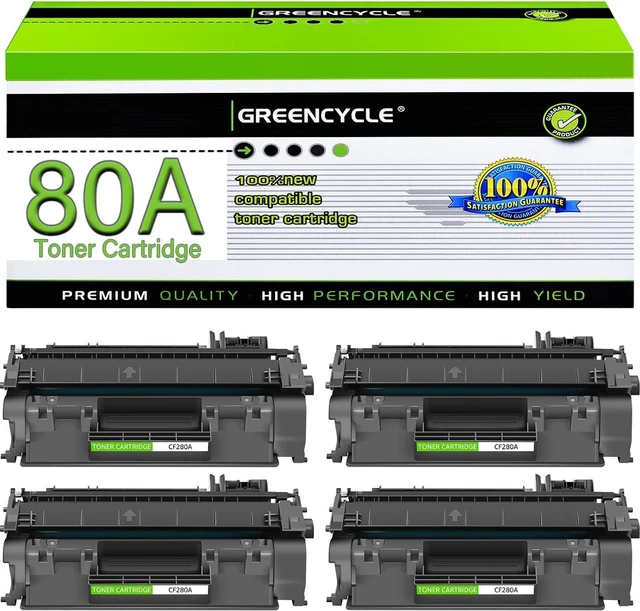
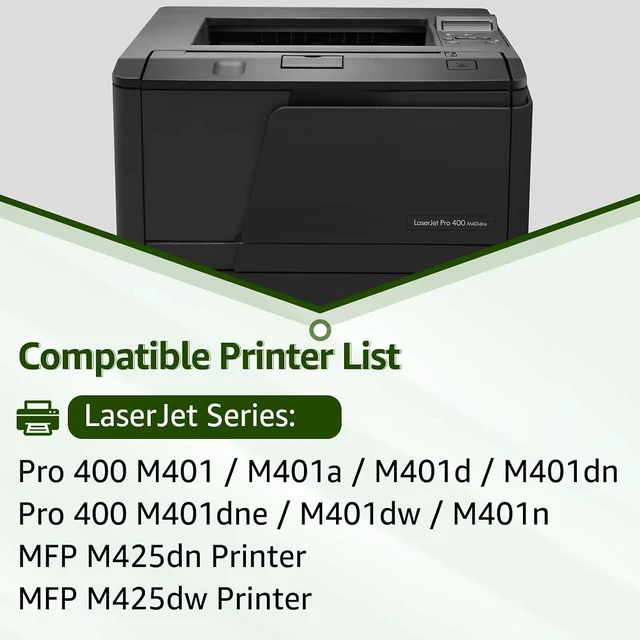
    • Compatible for HP CF280A LaserJet Pro 400 M401n M401dn MFP M425dn M401dne M401dw M425dw M401 M425 Toner Printer Ink 4-Pack
    • Item Name: GREENCYCLE 4-Pack Compatible Toner Cartridge Replacement for HP 80A CF280A Black Toner Cartridge.
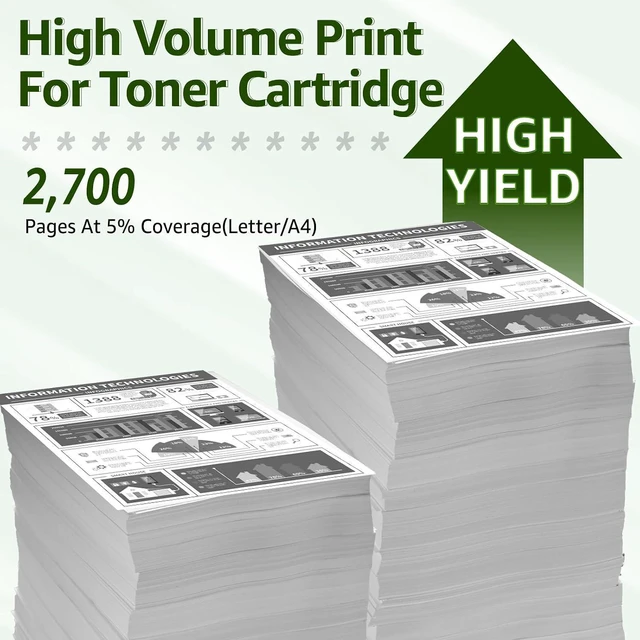
    • High Page Yield: Up to 2,700 pages per CF280A black toner cartridge (based on 5% coverage of Letter size Paper).
    • Compatible for HP Laser Jet Printer: Pro 400 M401 M401a M401d M401dn M401dne M401dw M401n MFP M425dn MFP M425dw Printers
    • Package Included: 4 x CF280A Black toner cartridge + 4 x User Guide.
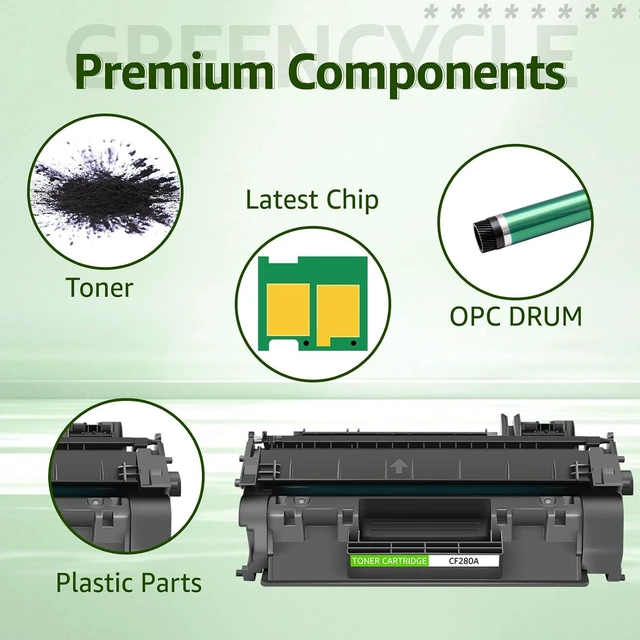
    • Rigorous Manufacturing Process: All GREENCYCLE products utilize high quality components and assemblies to give you excellent printing results. Easy installation and never hurt your printer.
    • Superior Print Quality: GREENCYCLE toner cartridges are constantly striving to provide you with clear and long-lasting print quality that makes your printing job easier.
    • Warm Tip: Please check the printer model of this toner cartridge for CF280A toner cartridge and m
    +
    +
    Overview
    Specs
    Reviews
    1High Compatiblity2Green material3Standardized production4Smart Chip5Premium Material Can these replacement CF280A black toner cartridge work for LaserJet M401dne printer?
    Yes, Greencycle CF280A toner cartridges are compatible for HP LaserJet M401dne printer. Rest assured that it is compatible with all the models in the compatibility list in the description.

    How many pages can the CF280A toner cartridge print?
    Up to 2,700 pages per CF280A black toner cartridge (based on 5% coverage of Letter size Paper).

    How long can these CF280A toner cartridges keep?
    They are covered by 24-month shelf life. If the product is not used for a long time, please place it in a cool and dry place.

    What steps do I need to do before installing?
    We recommend that you shake the toner cartridge from side to side to distribute the toner evenly before installing it, then remove all the plastic parts on top of the toner cartridge, and finally install the toner cartridge into the printer.

    What should I do if I have problems with the product?
    Please don't rush to send the product back first, you can find a button in the order interface to send a message to the seller about the problem you encountered, we will help you solve the problem as soon as possible.

    Can these replacement CF280A black toner cartridge work for LaserJet M401dne printer?
    How many pages can the CF280A toner cartridge print?
    How long can these CF280A toner cartridges keep?
    What steps do I need to do before installing?
    What should I do if I have problems with the product?

    Warranty & Returns

    Warranty, Returns, And Additional Information

    Warranty

    • Please contact the Seller directly for warranty information. Warranty information may also be found on the Manufacturer's website.
    • CONTACT

    Return Policies

    Manufacturer Contact Info

    LOADING...