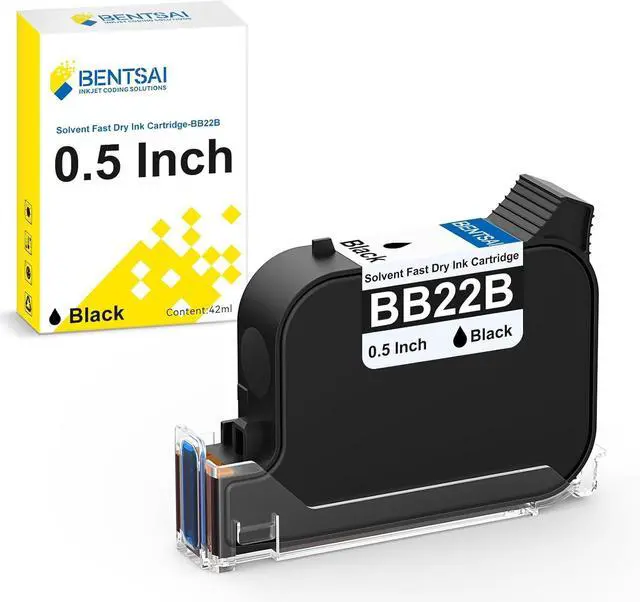
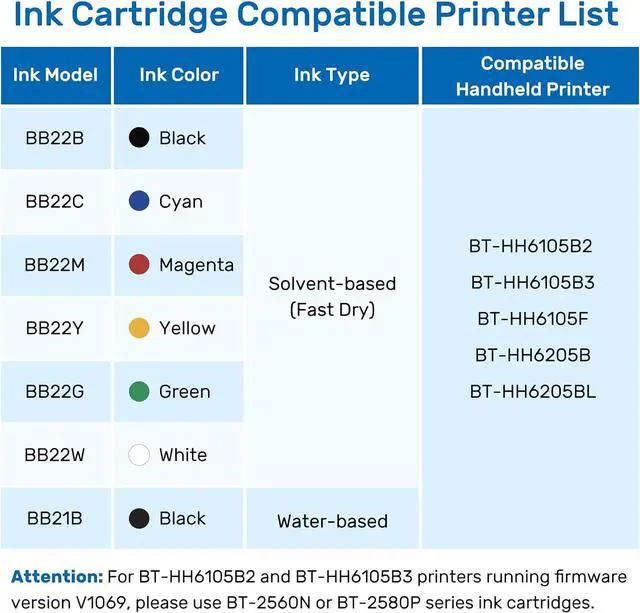
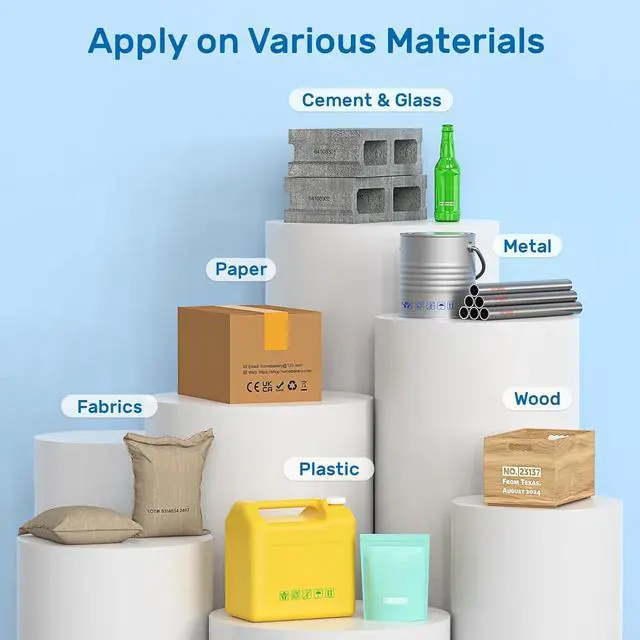
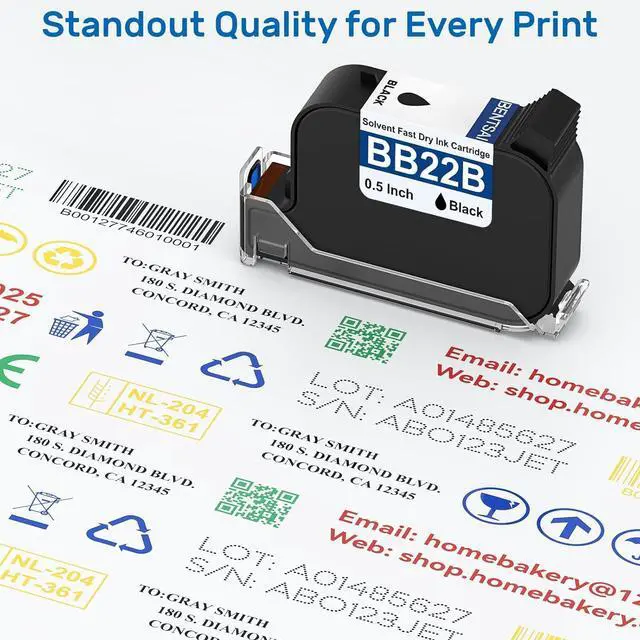
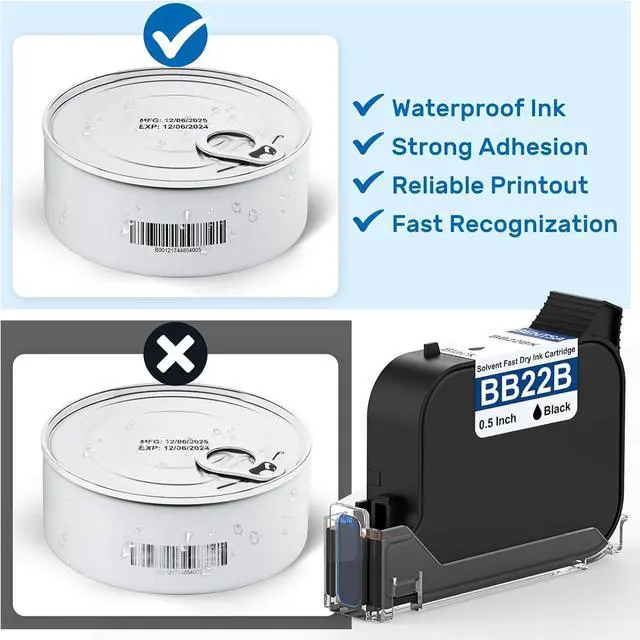
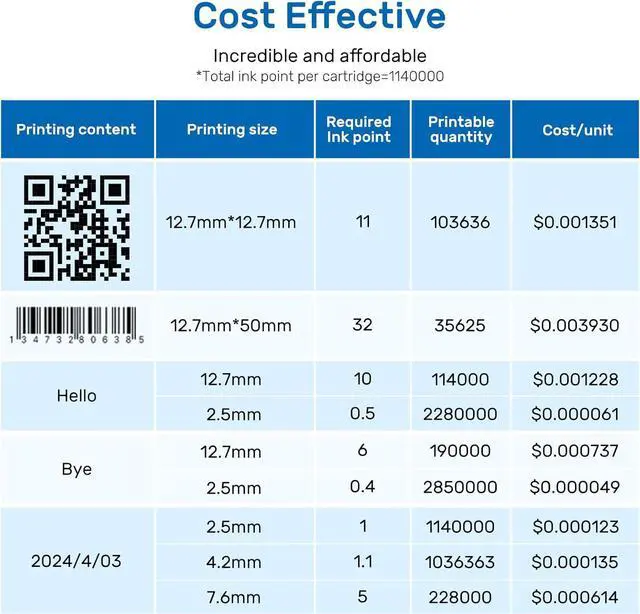
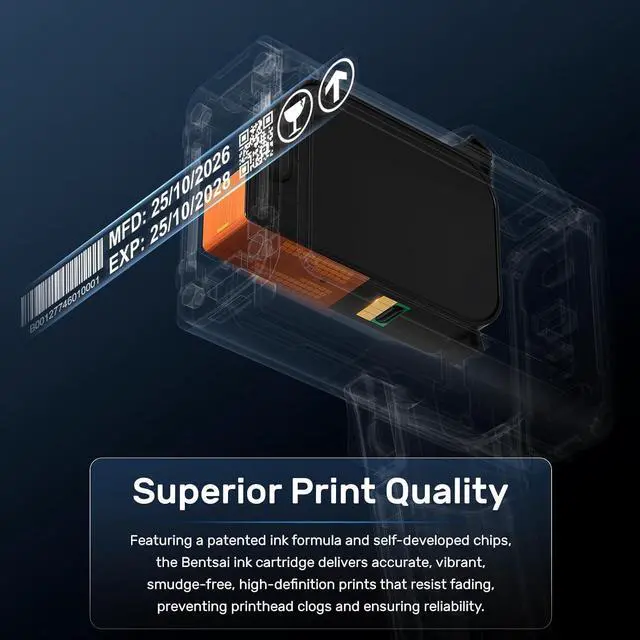
1Clear QR code printing2Diverse date printing3Accurate barcode printing1Advanced technology2Durable printing
Step 1: Open the printer's cartridge slot and make sure the ink model is correct.
Step 2: Remove the ink cartridge's protective cap and then insert the ink cartridge at 45° degree.
Step 3: Press the cartridge and done if the ink nozzle fits snugly with the printer surface.
Easy Installation aplus content video How to Extend the Service Life of Ink Cartridges? aplus content video How to Do if Print Is Not Clear or Complete? aplus content video



 All Categories