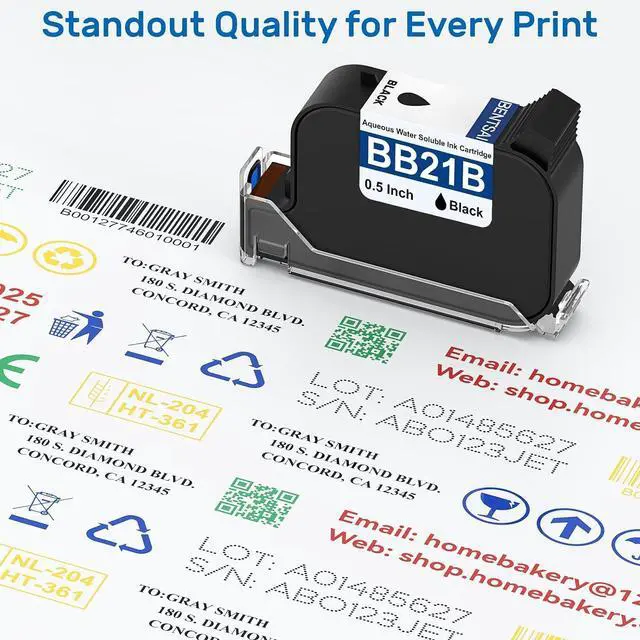
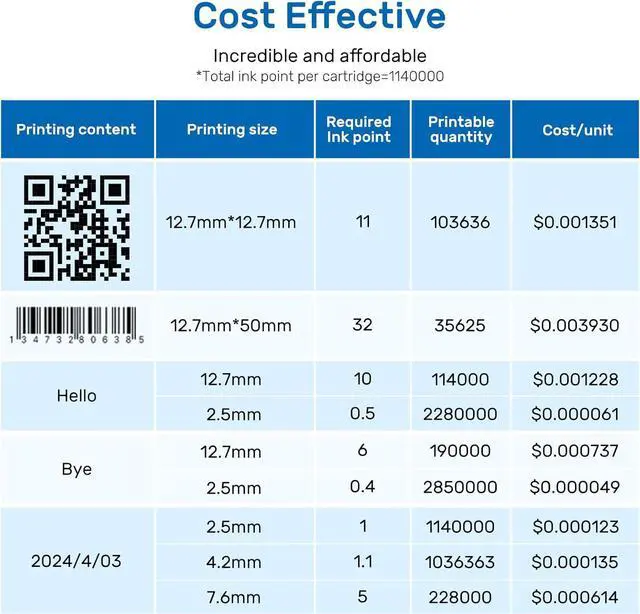
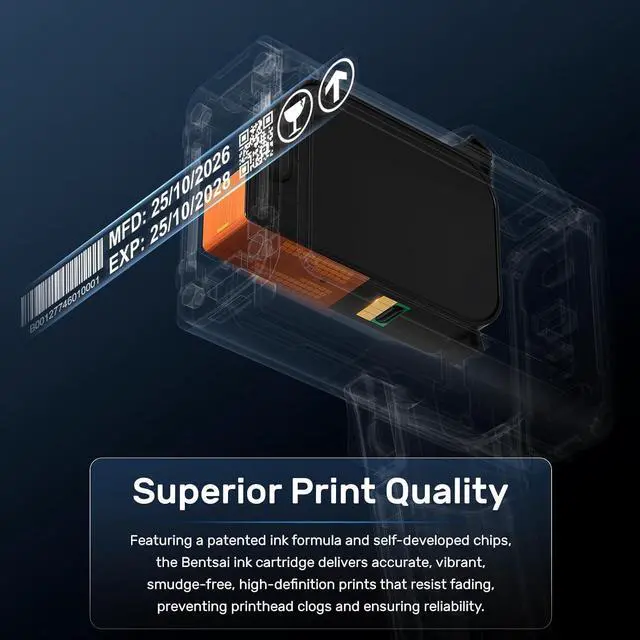
1QR Code Printing Volume2Date Printing Volume3Barcode Printing Volume1 Premium Ink Technology2Unmatched Print Quality
Step 1: Open the printer's cartridge slot and make sure the ink model is correct.
Step 2: Remove the ink cartridge's protective cap and then insert the ink cartridge at 45° degree.
Step 3: Press the cartridge and done if the ink nozzle fits snugly with the printer surface.
The video showcases the product in use.The video guides you through product setup.The video compares multiple products.The video shows the product being unpacked.
· Before use,please shake the cartridge up and down, and wipe the surface of the ink nozzle to make it clean.
· After each use, remember to remove off the ink cartridge from printer.
· Please wipe the nozzle surface again, clean the residual ink on the ink nozzle and protection cap, and cover the protection cap.
· Store the cartridge in a cool, dry and shaded area.
The video showcases the product in use.The video guides you through product setup.The video compares multiple products.The video shows the product being unpacked. Easy Installation aplus content video How to Extend the Service Life of Ink Cartridges? aplus content video



 All Categories