What should I do if my printer displays "Non-HP Cartridge", "Incompatible", or "Cartridge Error"?
This is a standard notice when using premium compatible cartridges. Simply click "OK", "Continue", or "Dismiss" on your printer screen or computer to resume printing.
Do these cartridges show real-time ink levels, or will they constantly report "Low Ink"?
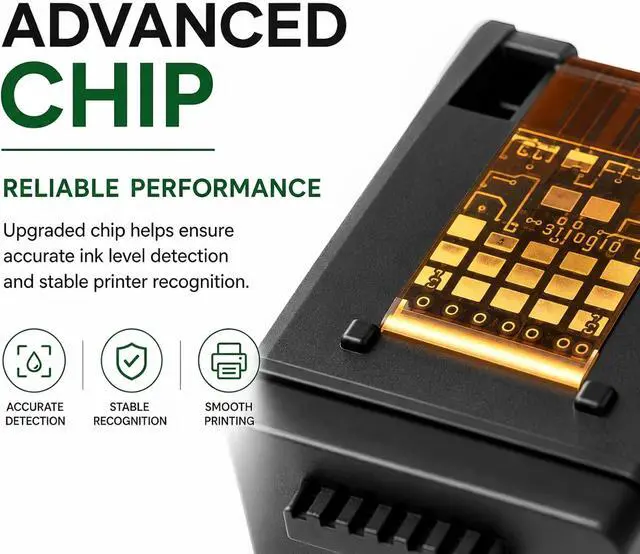
They display full, accurate ink levels! Thanks to our high-compatibility chips, your printer will accurately read the remaining ink from the moment you install them, giving you reliable status updates so you never run out of ink unexpectedly.
How do I fix print quality issues like streaks, faint text, or missing colors?
Minor ink dry-up at the nozzle can occasionally happen during transit or storage. Try these quick fixes:Run 12 "Clean Printhead" cycles through your printer's Tools / Maintenance menu.
How can I prevent printer firmware updates from blocking compatible cartridges?
We recommend disabling "Automatic Firmware Updates" on your printer. Go to your printer screen: Settings > Printer Maintenance > Update Settings > select Turn Off Auto-Update.This ensures long-term uninterrupted use of cost-effective cartridges.
What should I do if my printer displays "Non-HP Cartridge", "Incompatible", or "Cartridge Error"?
Do these cartridges show real-time ink levels, or will they constantly report "Low Ink"?
How do I fix print quality issues like streaks, faint text, or missing colors?
How can I prevent printer firmware updates from blocking compatible cartridges?



 All Categories