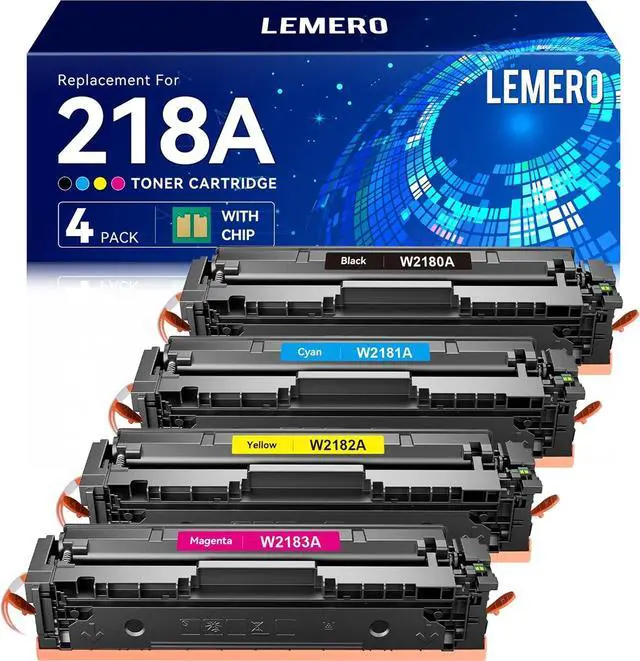
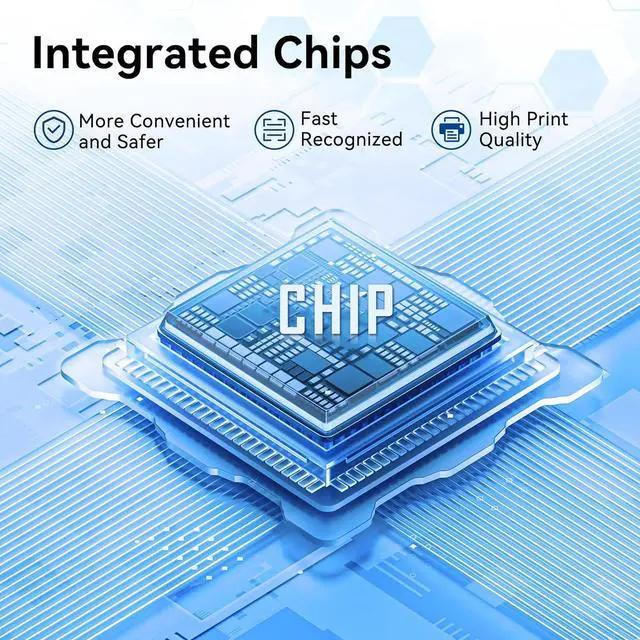
Does the LEMERO 218A toner cartridge need a chip installed before use?
No. This 218A comes with a pre-installed compatible chip, ready to use right out of the box. It also supports real-time toner level monitoring on your printer's display, just like an HP original cartridgeso you always know when it's time to replace.
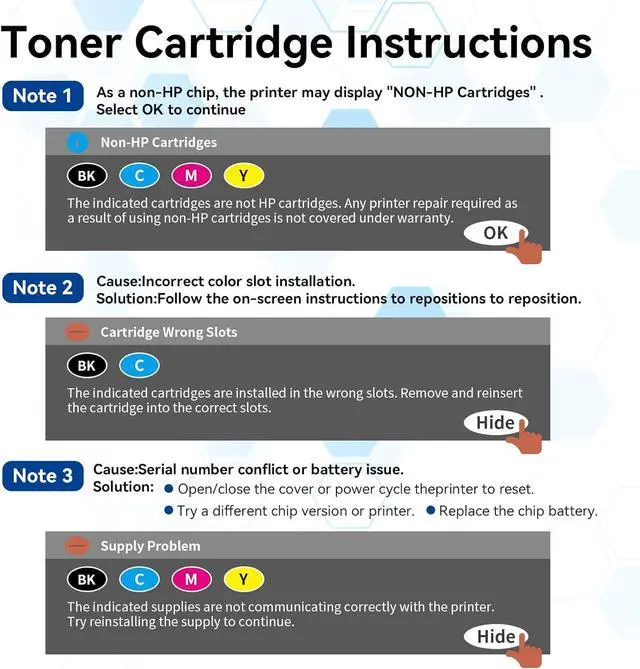
What should I do when the printer shows NON-HP Cartridges?
Simply press OK to continue using the cartridge. If needed, refer to the printer manual for further troubleshooting steps.
What should I do when the printer shows Cartridges in Wrong Slots?
Follow the on-screen instructions. Remove the cartridge and reinsert it into the correct slot until you hear a click, then close the printer cover properly.
What should I do when the printer shows Supply Problem?
Try opening and closing the printer cover, or restart the printer to reset the system. If the issue persists, test with another set of cartridges or a different printer. If none of the above works, the cartridge chip may need to be replaced.
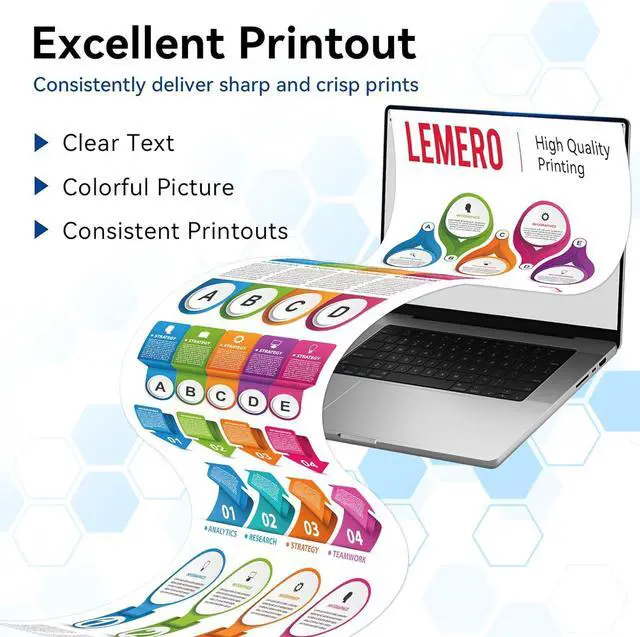
How is the print quality of LEMERO 218A?
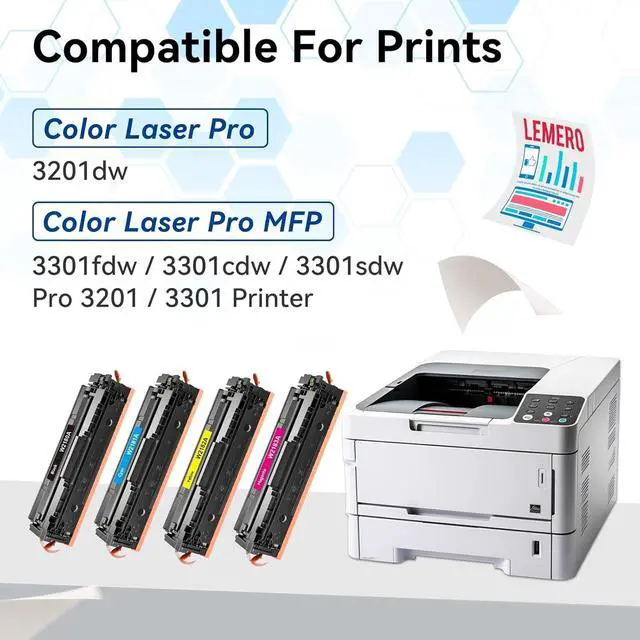
Excellent. The LEMERO 218A delivers sharp, vibrant color prints. It's compatible with HP Color LaserJet Pro MFP 3301cdw, 3201dw, and moreperfect for home, office, or school use.
Does the LEMERO 218A toner cartridge need a chip installed before use?
What should I do when the printer shows NON-HP Cartridges?
What should I do when the printer shows Cartridges in Wrong Slots?
What should I do when the printer shows Supply Problem?
How is the print quality of LEMERO 218A?



 All Categories