Product Specification:
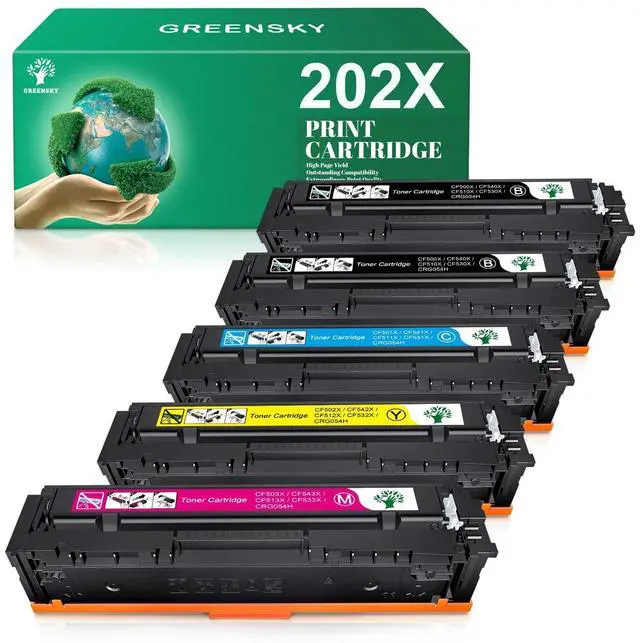
Compatible Brand: For HP
Part#: 202X /CF500X/CF501X /CF502X / CF503X/ 202A /CF500A/CF501A /CF502A / CF503A
Type: Printer Toner Cartridge
Condition: Brand new (Non-OEM)
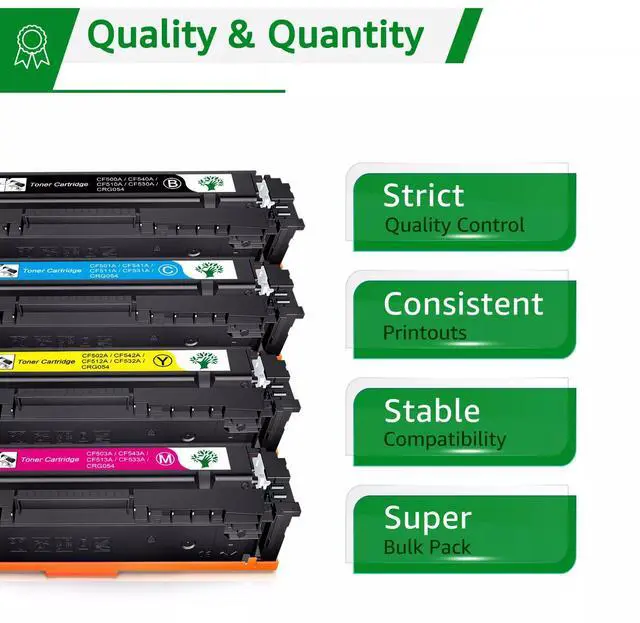
Package Include: 2 Black + 1 Cyan + 1 Yellow + 1 Magenta
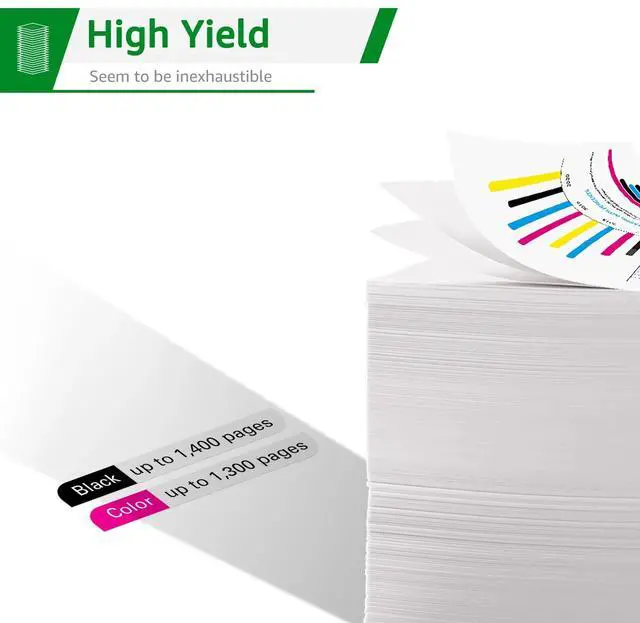
Capacity / Page Yield:
Black: 3, 200 Pages @ 5% Coverage
Color: 2, 500 Pages @ 5% Coverage
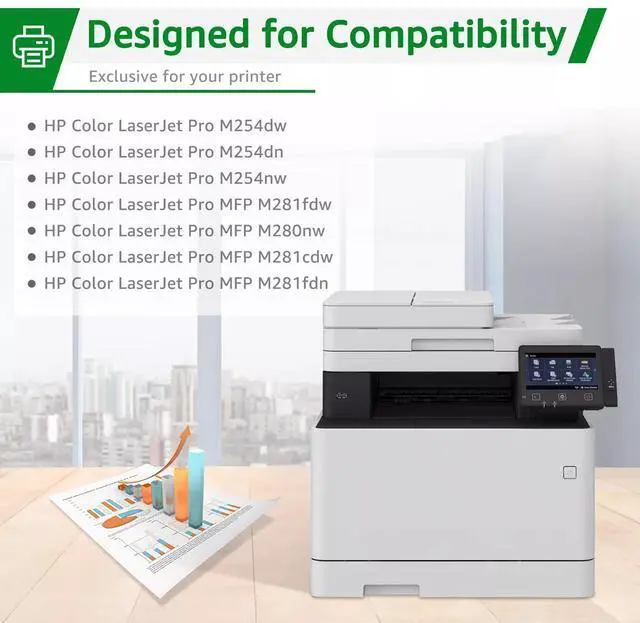
Compatible Printer Models:
HP Color LaserJet Pro MFP M280NW M281CDW M281FDN M281FDW
HP Color LaserJet Pro M254DW M254NW M254DN
***Not all Printers models listed here, please refer to title or check with us. Thank you.
Instruction
1 Navigate through the menu of your laser printer using the keypad.
2 Choose "Replace Toner. "
3 Select the cartridge that you want to replace (the printer will give you options of which cartridge you would like to replace). The selected cartridge will rotate to the inside front of the printer.
4 Open the printer door and lift up the handhold. Gently dislodge the cartridge for removal.
5 Take a new toner cartridge out of the box and shake it gently. Remove the protective tape.
6 Insert the new cartridge into the laser printer and align the cartridge with the arrows. Push down gently to make sure it is locked into place.
7 Close the front panel of the printer, and it is ready for use.