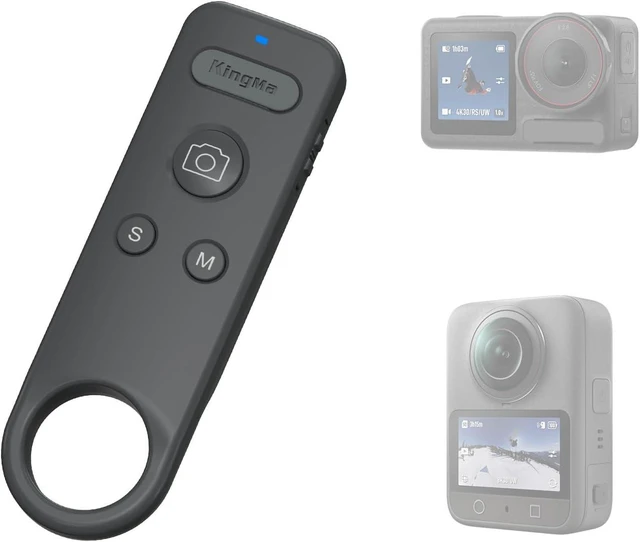
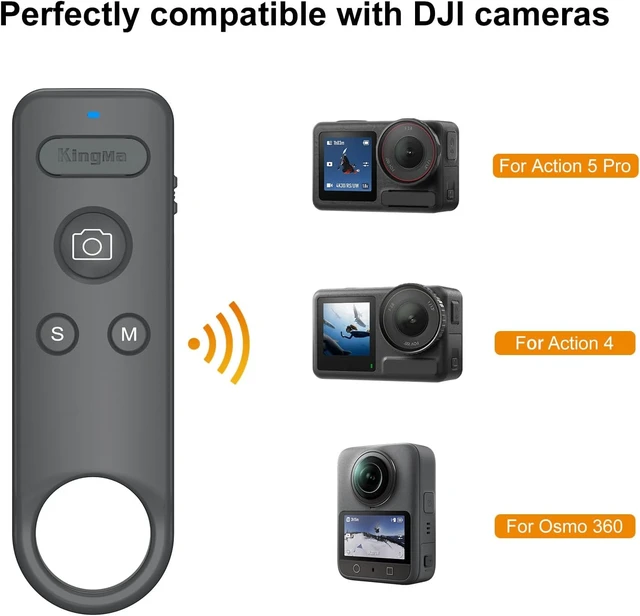
Compatible with 8/9/10/11/12/13
Remote Setup Tutorial
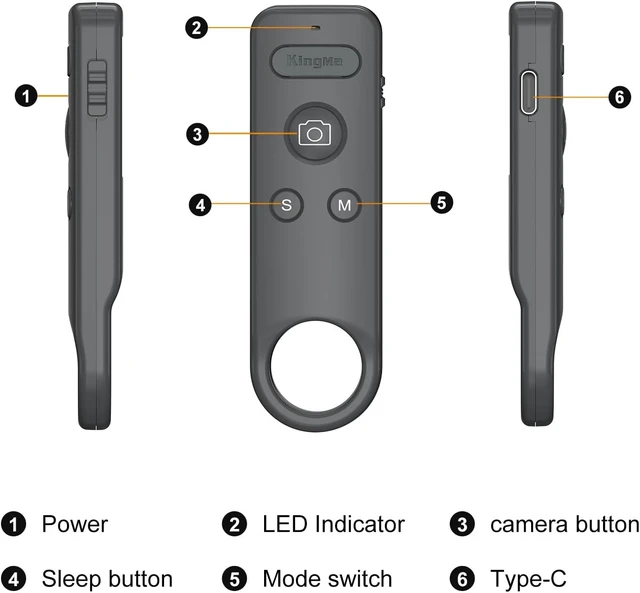
- Slide to ON to turn on, open the Go-Pro Control Center page.
- Click the Add Paired Device button, long press the "S" and shutter button of the remote at the same time, the LED turns green is always on for successful connection.
- In video mode, tap the shutter to record video, tap again to stop recording.
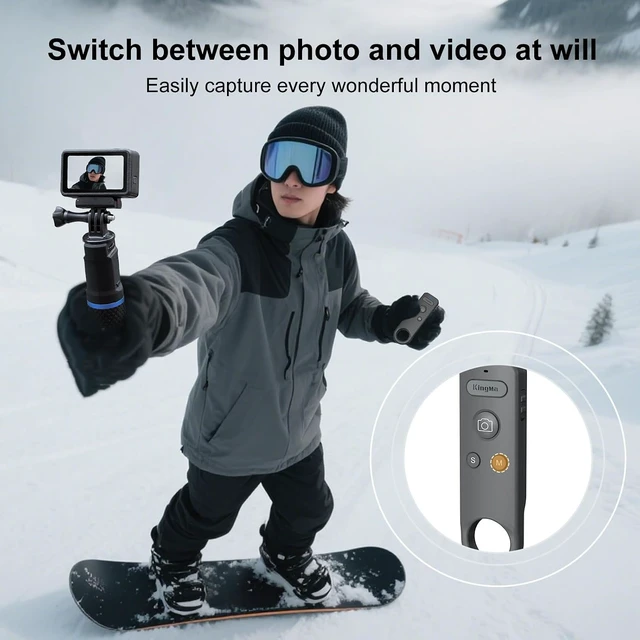
- Tap the "M" button to switch the camera part of the mode.
Press and hold the S button to turn the camera off or on.Compateble with X2/3/4/5 GO 3/3S ACE PRO
Remote Setup Tutorial for Insta 360
- Slide to ON to turn on, open the Control Center page, click the Bluetooth Remote.
- Long press the "S" and shutter button of the remote at the same time,the LED flashes> Click to re-search> Click the "Insta360 GPS Remote" >The remote is connected successfully.
- Tap the "M" button to switch the camera part of the mode.
- Short press "S" to put the camera to sleep > Short press "S" again to activate the camera >Long press "S" to turn the camera off/on
- Automatic connection for next use after power off.



 All Categories