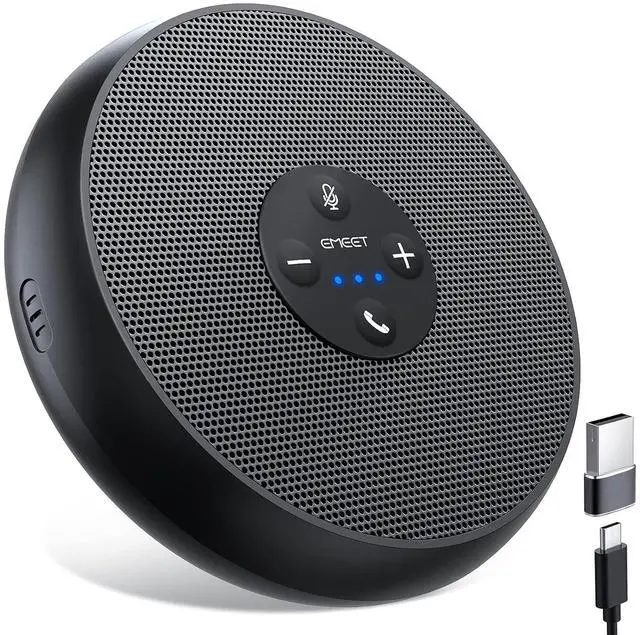
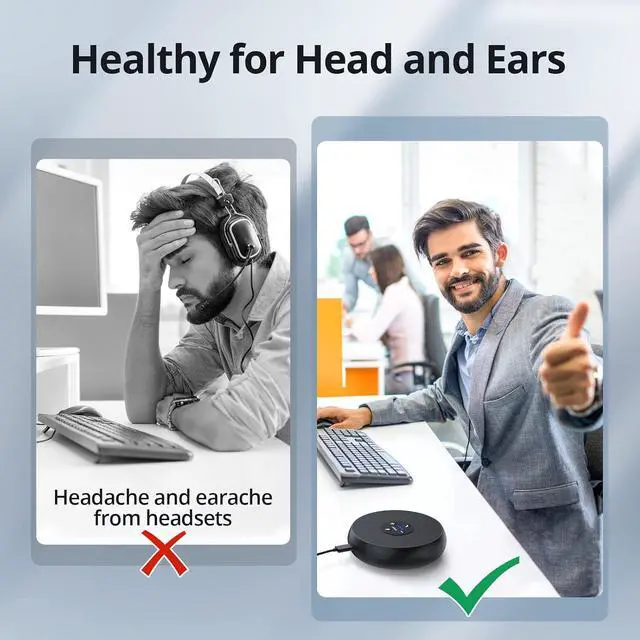
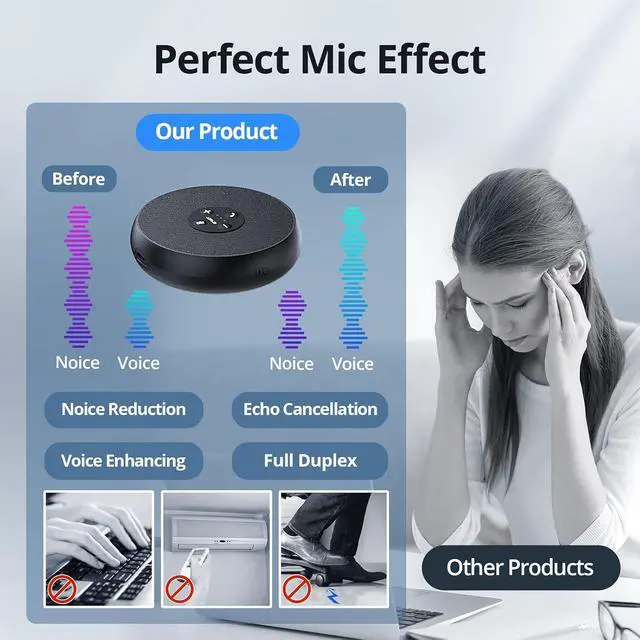
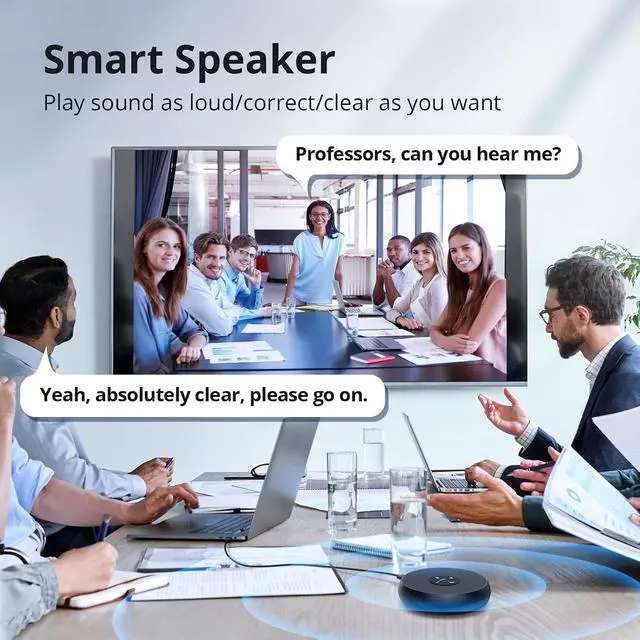
Product description Updated Functions The ZOOM certified EMEET OfficeCore M1A is a fully updated USB speakerphone in EMEETs product lines. Compared with bluetooth speakerphones, a USB wired one promises more reliable and stable connection. USB Speakerphone The smart speakerphone is composed of usb conference microphone and usb conference speaker. A simple and portable speaker with microphone device can meet your needs of voice picking up, transmitting, and playing. Intelligent Noise Reduction The laptop speakers with microphone works effectively in reducing the impact of environmental noise, therefore, the other side can be clearly heard.
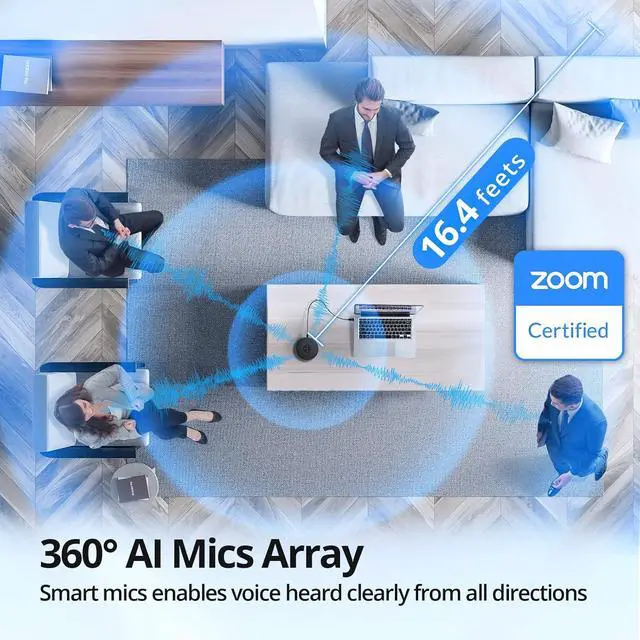
Smart Echo Cancellation The speaker and microphone for computer will cancel the echo smartly to avid the awkward situation of its participants hear their own voices. Human Voice Enhancement The computer microphone and speaker helps to enhance humans voices despite of surrounding noises like dog bark, fan shout, vehicle audio, etc. Simultaneous Communication EMEET USB conference microphones VoiceIA algorithms make simultaneous two-way interaction more natural, vivid and immersive. Optimized Speaker Volume The simple speakers for pc has 9 volume levels which can be adjusted freely. In scenarios with 5-8 people, the speaker can be clearly heard from close or far.
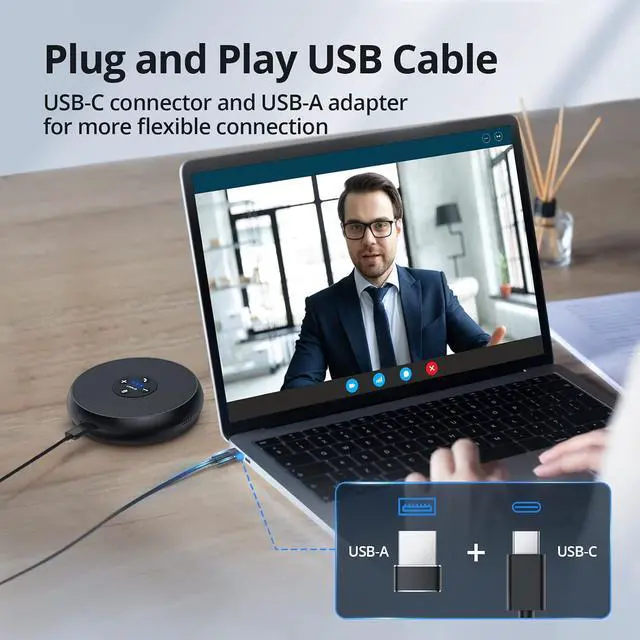
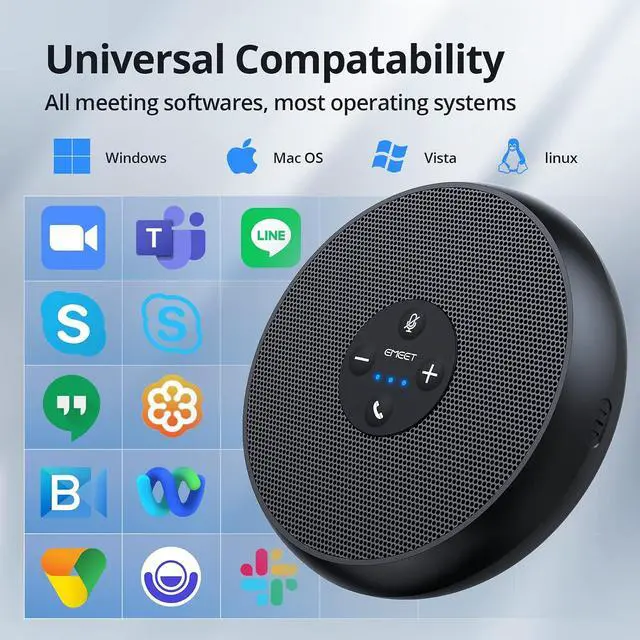
Efficient Plug & Play The computer speakers with microphone can easily connect to PC via USB-B cable or USB-A adapter, no driver nor app needed. USB cable ensures strong connection. Fast Mute The USB speaker and microphone for computer is designed to protect your privacy via 1-click mute function. Whenever and wherever you need, just mute it for privacy. Convenient Calls When using the laptop speakers with microphone for hybrid meetings, you can answer/refuse calls directly on the control panel without having to look for calling apps. Multiple Volumes The speaker and microphone for computer enjoys 9 volumes.
They can be adjusted on the USB speakerphones control panel. Every volume has a blue LED color to indicate it. True Using Scenes



 All Categories