


 All Categories
Built for How Business Buys.
All Categories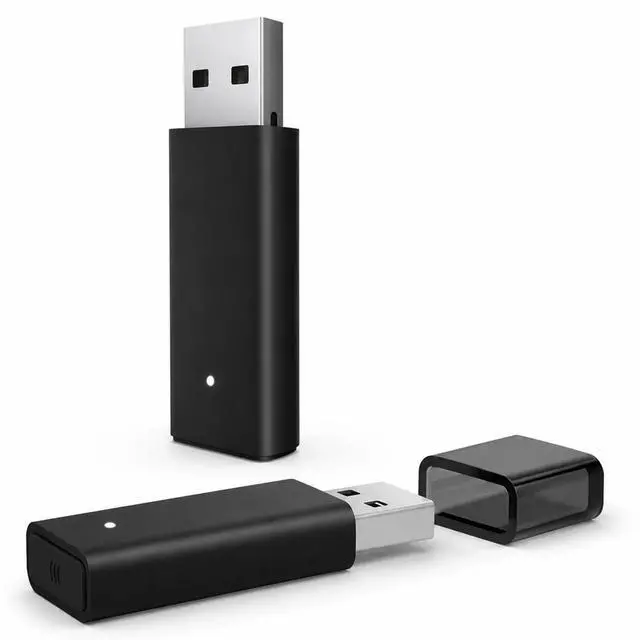
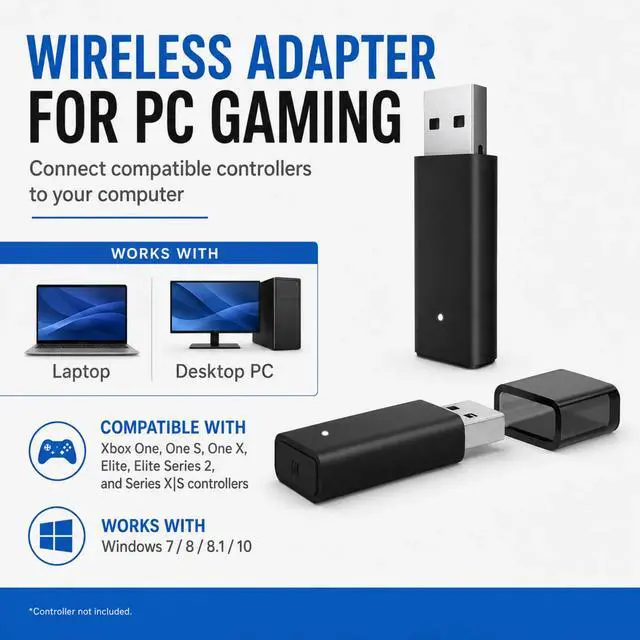


Enjoy a cleaner PC gaming setup with this compact USB wireless adapter. Designed for compatible Xbox Series X|S, Xbox One, Xbox One S, Xbox One X and Elite Series 2 wireless controllers, it connects through a standard USB-A port and helps eliminate the need for a wired controller connection during compatible PC gaming sessions.

Designed for use with compatible Xbox Series X|S, Xbox One, Xbox One S, Xbox One X and Elite Series 2 wireless controllers. The adapter supports compatible Windows 10 and Windows 11 laptops and desktop PCs, making it a practical solution for users who prefer an Xbox-style controller for PC gaming. Not intended for Xbox 360, PlayStation, Nintendo Switch or unsupported third-party controllers.

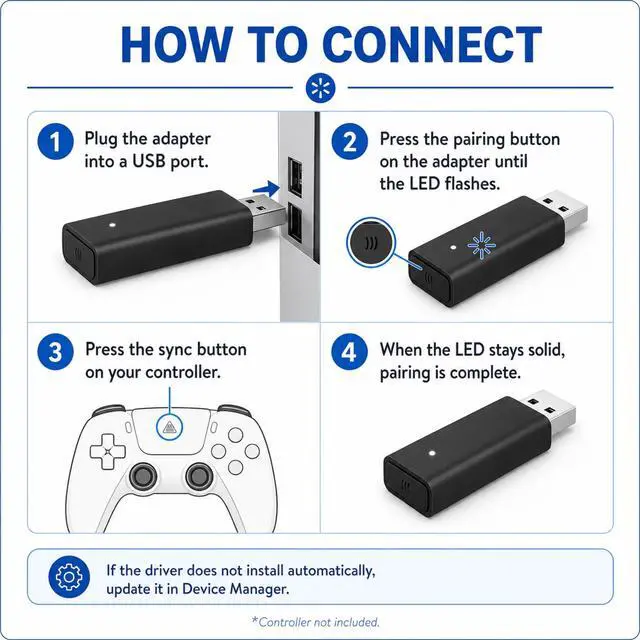
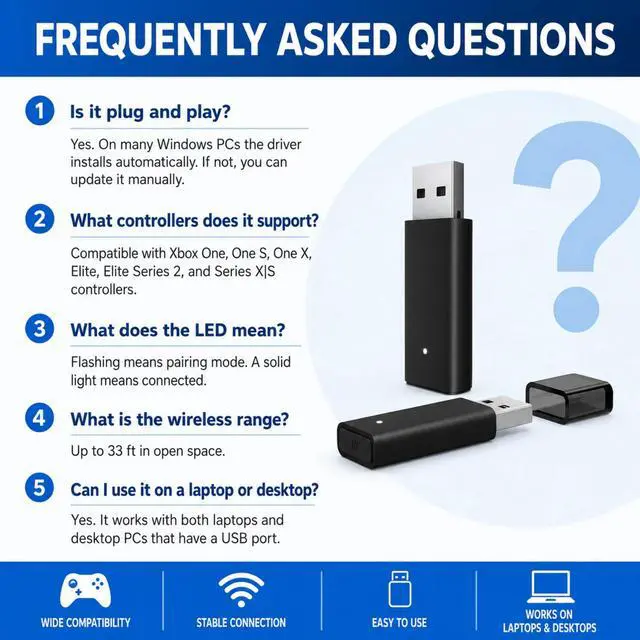
Insert the adapter into an available USB-A port on your Windows PC, activate pairing mode on the receiver, and then place your compatible controller into pairing mode. Once the connection is established, the status indicator provides a visual reference so you can begin gaming without a controller cable.

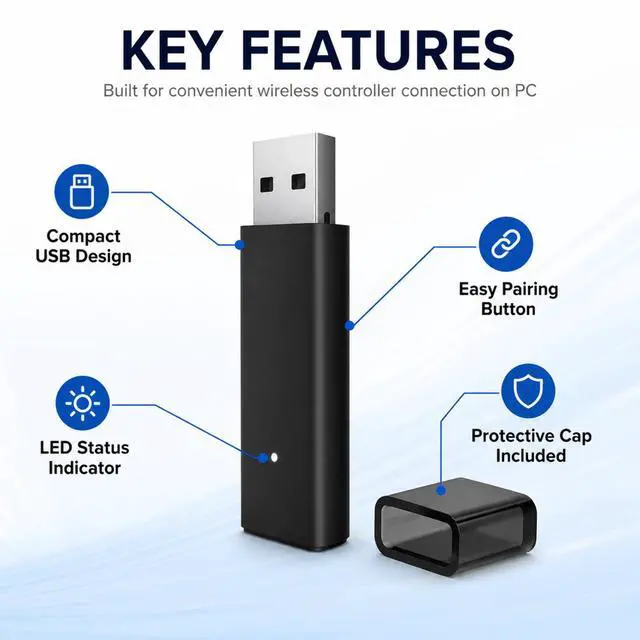
The slim receiver features a compact USB-A design, built-in status indicator, convenient pairing control and removable protective cap. The LED provides a quick visual reference during pairing and connection, while the cap helps protect the USB connector when the adapter is stored or carried between gaming setups.

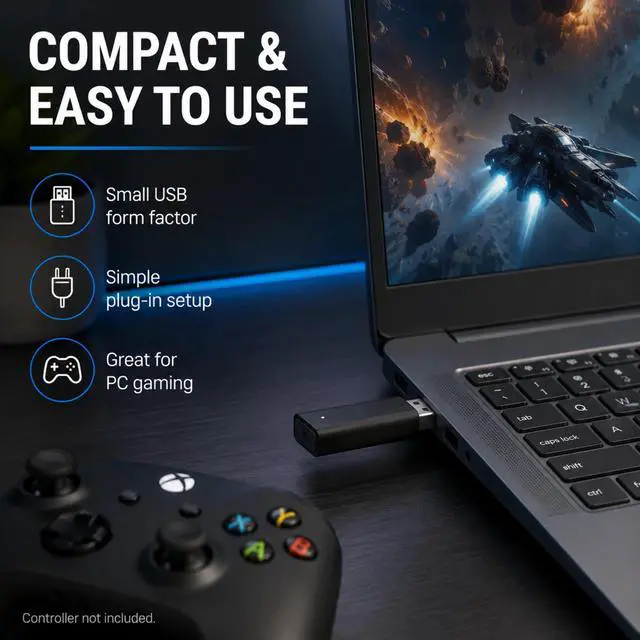
Use your compatible wireless controller with supported Windows laptops or desktop computers equipped with a USB-A port. Its compact format makes the adapter easy to move between PCs, whether you are gaming at a desk, using a gaming laptop or setting up another Windows gaming system.

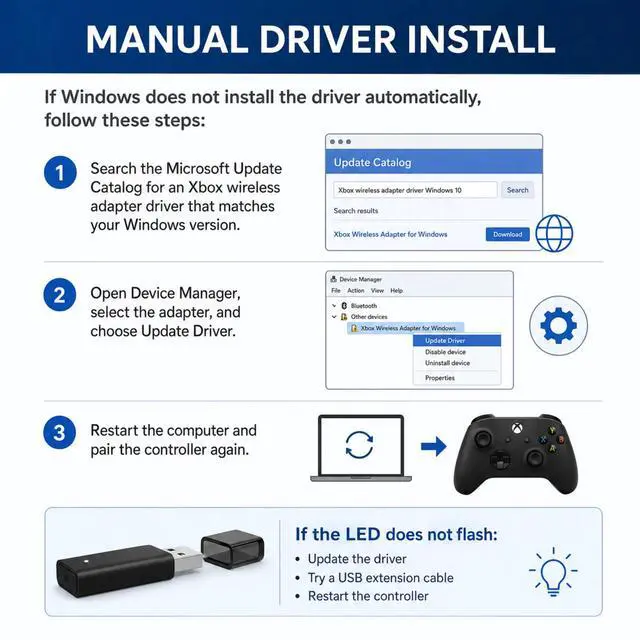
Many Windows systems can recognize the adapter automatically after it is connected. If the receiver is not detected correctly, open Windows Device Manager, locate the adapter, select the driver update option and complete the installation. Restart the PC if required, then pair the compatible controller again.

The package includes one USB wireless controller adapter and one protective cap. The streamlined package provides the essential hardware needed to connect a compatible wireless controller to a supported Windows PC. Controller, headset, USB extension cable and other accessories are not included.
This wireless adapter helps connect compatible Xbox wireless controllers to a Windows PC through a USB port. It works with Xbox Series X/S, Xbox One, Xbox One X/S, and Elite Series 2 controllers for PC gaming without a controller cable. Plug the USB receiver into your PC, pair your controller, and start playing after setup is complete. Windows 7, Windows 8, and Windows 10 systems may require driver setup before pairing. Includes 1 USB wireless adapter only. Controller, headset, USB extension cable, and other accessories are not included. Not compatible with Xbox 360 controllers, PlayStation controllers, Nintendo Switch controllers, or unsupported third-party controllers.
