


 All Categories
Built for How Business Buys.
All CategoriesShipped by Vimtag Smart
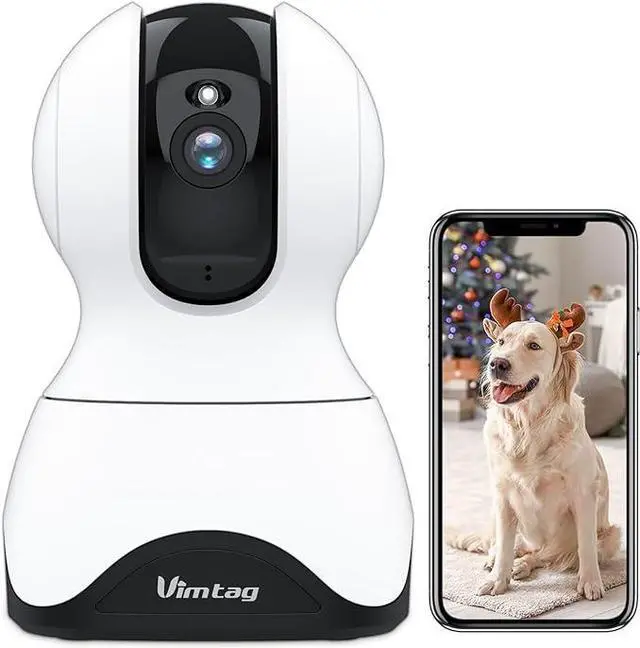
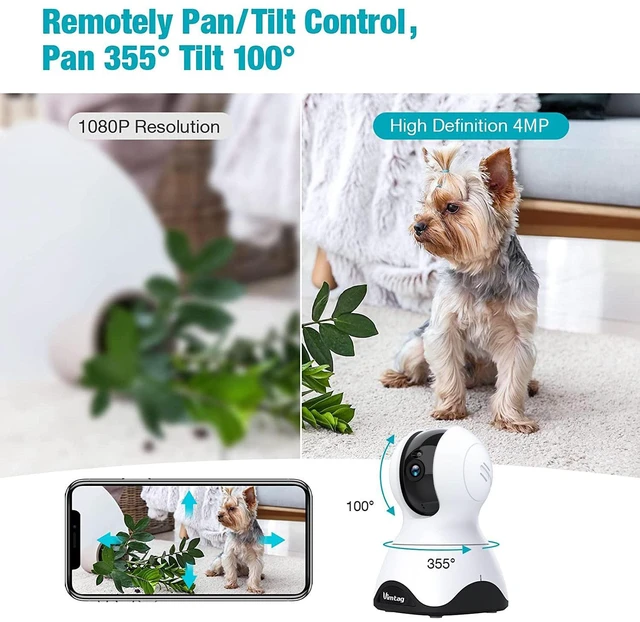


This WiFi camera has 4MP/2.5K for clear images and videos, as well as an 8x optical zoom function for capturing clear images when zooming in and out.

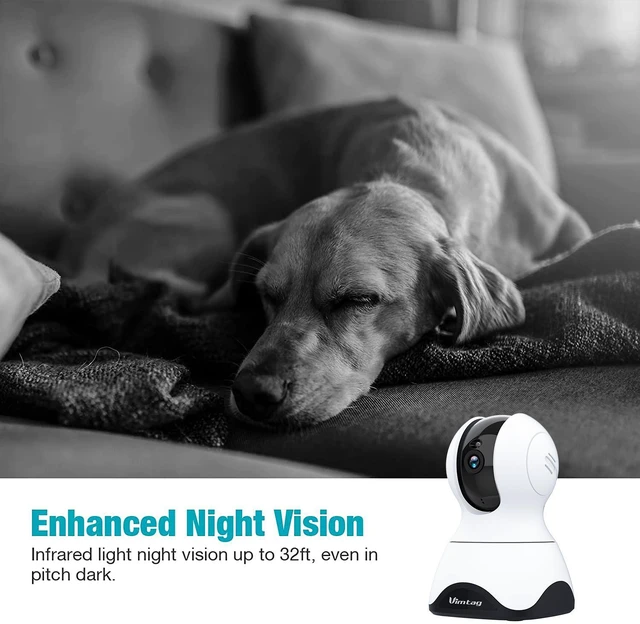
Security camera, Night Vision with a night vision up to 32 ft, auto-switching to night mode when the light is dimmed, helping you see up to 32 feet at night.

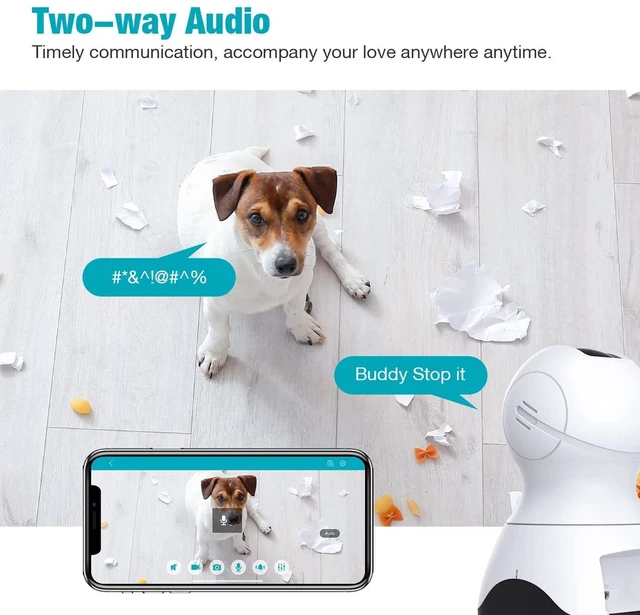
Baby monitor adopts anti noise technology, built-in microphone and speaker allow you talk with you family, baby or pet whenever you want.

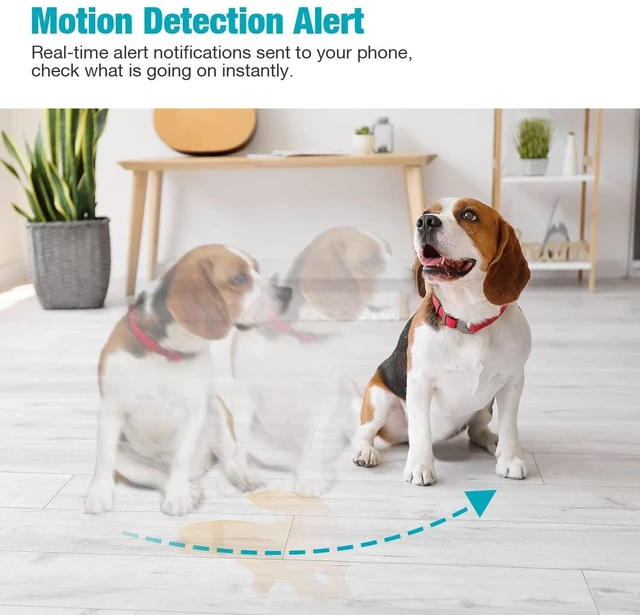
You will get instant alerts from the app when motion, baby cries or unusual sounds are detected.

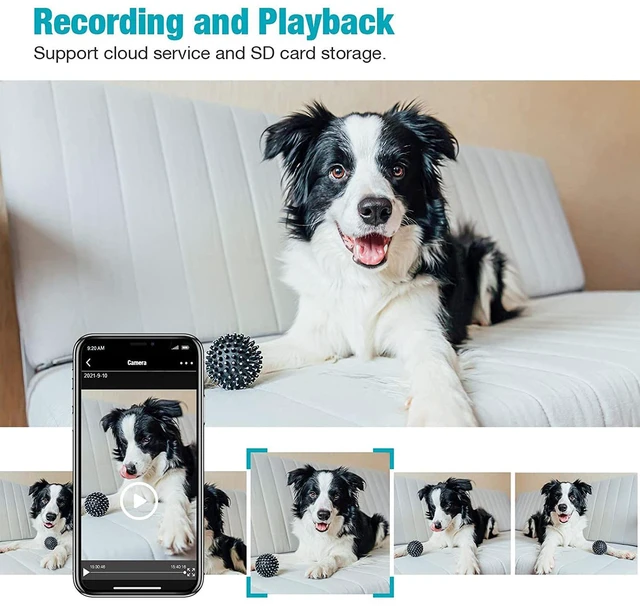
Supports Micro SD card storage up to 512 GB (SD card not included). And using Cloud Storage can avoid the risk of losing footage from SD card.

The puppy camera is compatible with Alexa, controlling baby camera hands-free with your voice, you could ask Alexa to show you the doorway.

Plug in the camera.

Download "Vimtag" APP and connect with 2.4GHz WIFI.

Follow the prompts to add security cameras.

Place anywhere in your home and enjoy.
FAQ
Currently, not support 5GHz, it only supports 2.4GHz Wi-Fi (2.4GHz Wi-Fi has stronger penetration through walls and obstacles, with a wider coverage range).
Supports Wi-Fi network but requires a power plug.
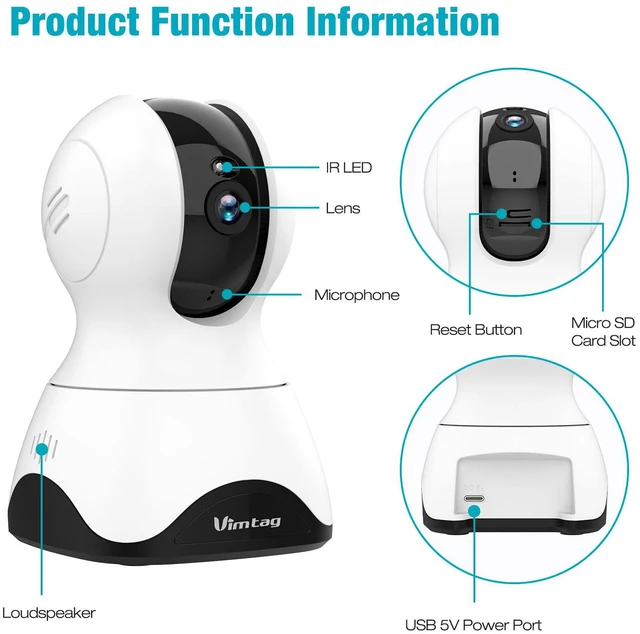
Yes, it does. The MicroSD card slot is located under the camera lens. Slide the lens up to the top, then insert the card, metal side up, into the slot. (Card not included; supports up to 512GB).
The reset button is located under the camera lens. Slide the lens up to the top to see it, After the camera is powered on, press and hold the button for 6 seconds to reset.
No, subscribing to cloud storage service is not mandatory. Each user can enjoy a 30-day free trial of cloud storage. Alternatively, you can opt for continuous local storage using a MicroSD card.
