• $39.99
  • Free 30-day Returns
  • Ships from China.

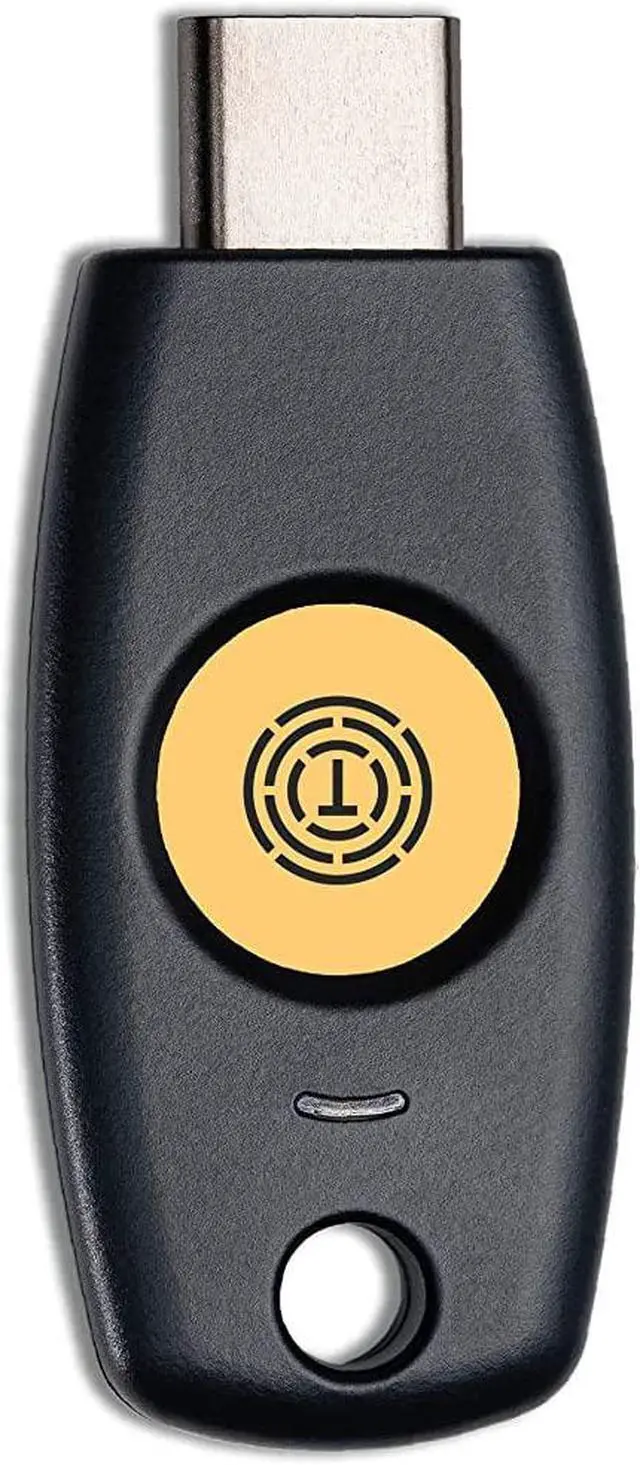
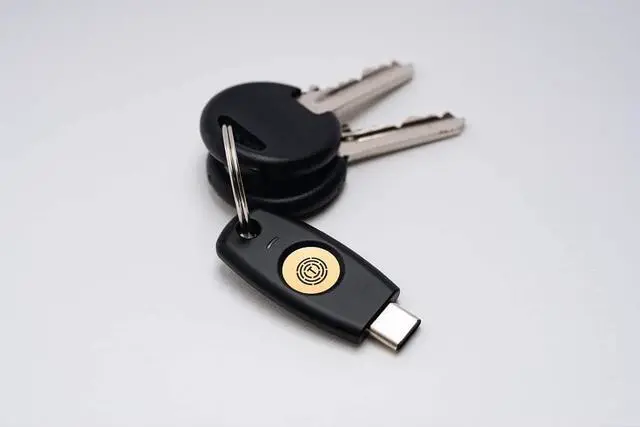
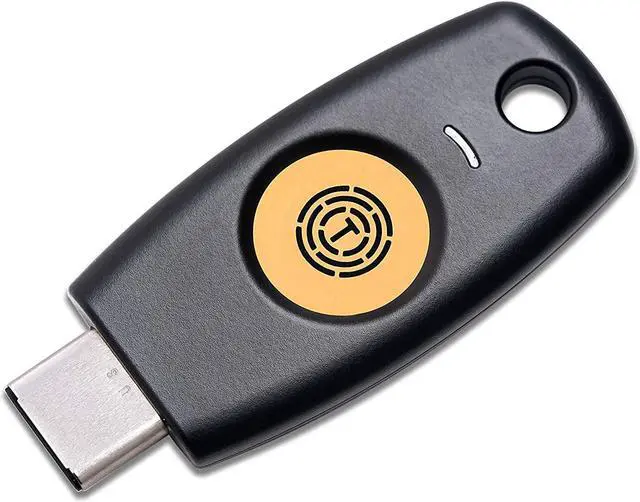
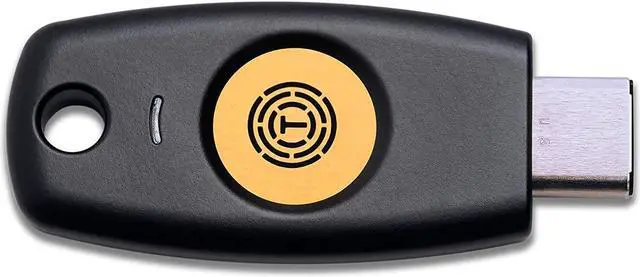
    FIDO Security Key T120 FIDO2 U2F Two Factor Authentication USB Key PIN+Touch (Non-Biometric) USB-C Type

    • Security Key : Protect your online accounts against unauthorized access by using FIDO2 and U2F authentication with T120. It's the world's most protective security key that works with windows, Mac OS, Linux as well as Chrome, Firefox, Edge and many other major browsers.
    • Certified with the new FIDO2 standard, T120 provides the benefit of fast login and strong protection against phishing, account takeover as well as many other online attactks.
    • FIDO2 Level 1 security certified : T120 achieves FIDO2 L1 security certification by the FIDO Alliance.
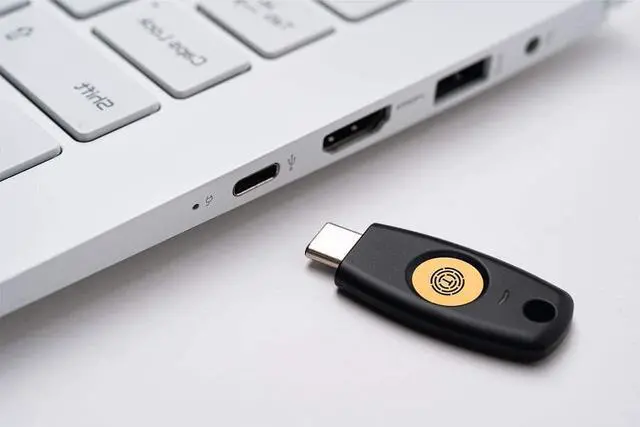
    • Fits USB-C port : Insert the T120 security key into the USB-C port of each service and log in conveniently with one touch
    +
    +
    Overview
    Specs
    Reviews
    image for this item
    image for this item
    Powerful Security

    Through encrypting public key and private key based on FIDO2, T120 provides powerful security with a fast and easy login environment.

    image for this item
    Multiple Client Devices Supported

    T120 is a roaming authenticator that can be used at more than two user's devices.

    image for this item
    Login with one Touch

    Using the capacitive touch sensor method T120 provides excellent security by authenticating the user and preventing the identity theft.

    image for this item
    Easy to use Security Key

    With USB connector attached, T120 does not require extra software nor driver to function as a security key. user may simply insert the key with no extra power, to the USB port and start using the security key with PC.

    image for this item
    image for this item
    STEP 1

    After login into the Chrome browser with ID and password,

    1. Click "Customize and control Google Chrome"

    2. Click "Privacy and security"

    3. Click "Security."

    image for this item
    STEP 2

    Click Manage security keys.

    image for this item
    STEP 3

    1. Click Create a PINand enter your PIN number.

    2. After then, Click save button.

    For more instructions, please scroll down and download the User Manual attached to Product information and Documents in this page.

    image for this item
    Powerful Security
    Through encrypting public key and private key based on FIDO2, T120 provides powerful security with a fast and easy login environment.
    Multiple Client Devices Supported
    T120 is a roaming authenticator that can be used at more than two user's devices.
    Login with one Touch
    Using the capacitive touch sensor method T120 provides excellent security by authenticating the user and preventing the identity theft.
    Easy to use Security Key
    With USB connector attached, T120 does not require extra software nor driver to function as a security key. user may simply insert the key with no extra power, to the USB port and start using the security key with PC.

    Warranty & Returns

    Warranty, Returns, And Additional Information

    Warranty

    • Please contact the Seller directly for warranty information. Warranty information may also be found on the Manufacturer's website.
    • CONTACT

    Return Policies

    Manufacturer Contact Info

    LOADING...