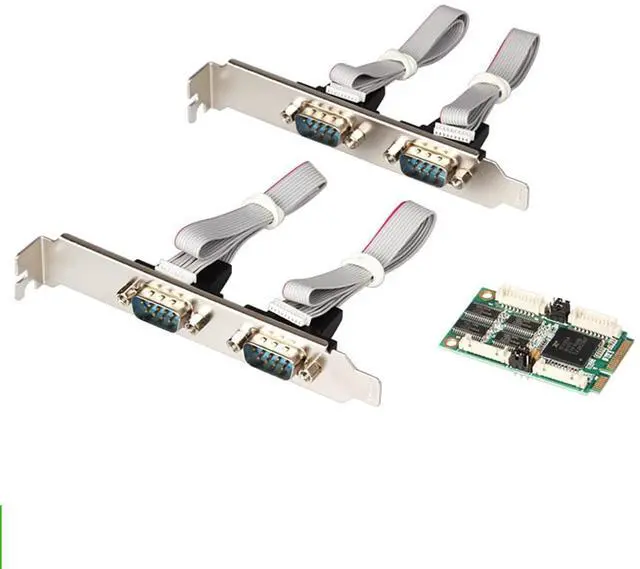
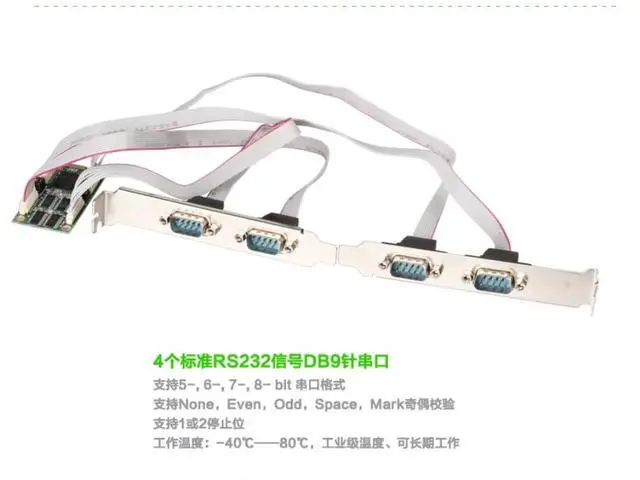
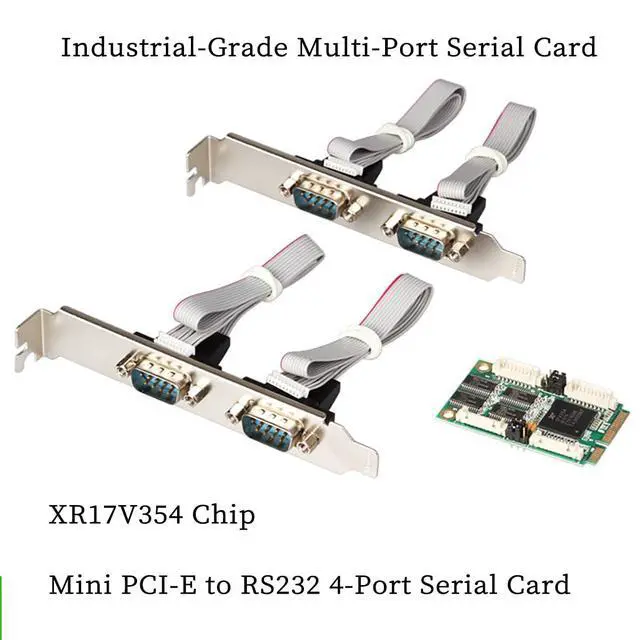
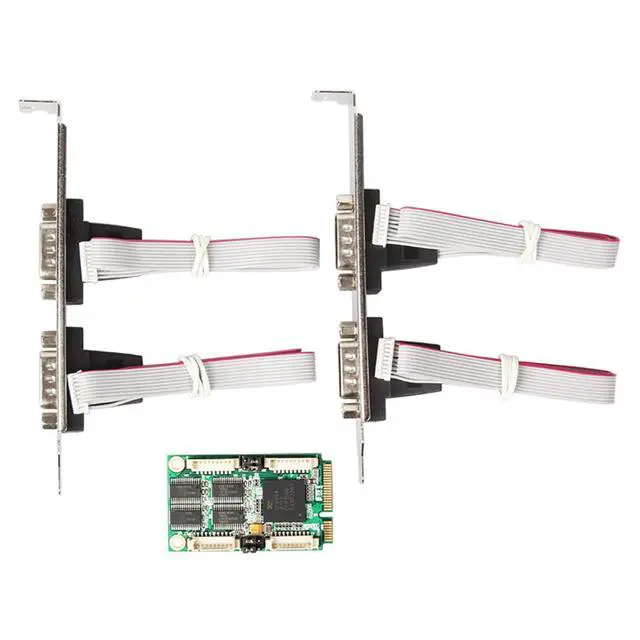
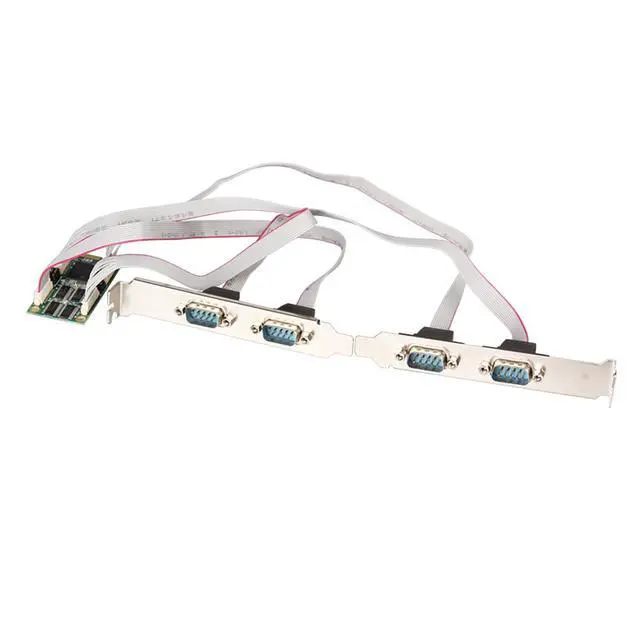
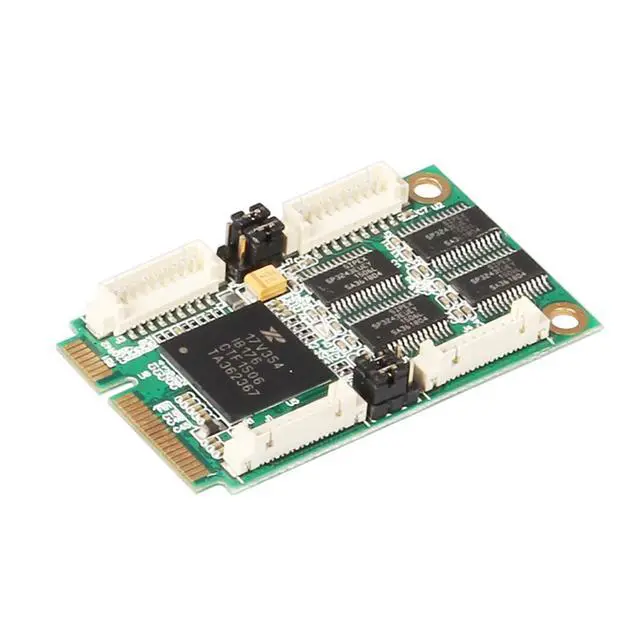
AoQhir Mini PCIe to 4-Port RS232 Serial Card, Industrial-Grade DB9 COM Expansion Adapter Mini PCI Express to RS-232 Converter, -40°C~+85°C Working Temperature Product Description Upgrade your industrial or embedded system with this Mini PCIe to 4-Port RS232 Serial Card, designed for reliable communication and long-term operation in harsh environments. Featuring four standard DB9 serial ports, this adapter allows easy expansion of RS232 interfaces on Mini-ITX or industrial motherboards, perfect for automation, control, or POS systems. Compliant with PCI Express Specification Rev 1.1 and Mini PCIe Electrical Specification Revision 1.2, it ensures seamless integration and stable transmission.
Each port supports up to 230.4 Kbps baud rate (optional models up to 1 Mbps) with 16C450/16C550 UART compatibility and 256-byte transmit/receive FIFO buffer for efficient communication. Supporting 5-, 6-, 7-, 8-bit data formats, multiple parity modes (None, Even, Odd, Space, Mark), and 1 or 2 stop bits, it delivers high flexibility for various serial communication needs. The industrial-grade design (-40°C~+85°C) guarantees durability in factory, automation, and embedded environments. Compatible with Windows XP to Windows 10, Windows Server 20032012, and Linux ( 2.6.
x and newer), this Mini PCIe COM card is ideal for industrial PCs, gaming machines, kiosks, and embedded automation systems requiring stable multi-port serial connections.
Technical Specifications
Interface Type: Mini PCI Express (Full-Mini F1) Number of
Ports: 4 × DB9 (RS232 signal)
Standards Compliance: PCI Express Spec Rev 1.1 Mini PCIe Electrical Spec Rev 1.2 Industrial Standard 16C450/16C550
UART FIFO Buffer: 256 bytes (Tx/Rx)
Baud Rate: Up to 230.4 Kbps (optional up to 1 Mbps)
Flow Control: Hardware (RTS/CTS) and Software (Xon/Xoff)
Data Format: 5, 6, 7, or 8 data bits
Parity: None, Even, Odd, Space, Mark
Stop Bits: 1 or 2
Operating Temperature: -40°C to +85°C (-40°F to +185°F)
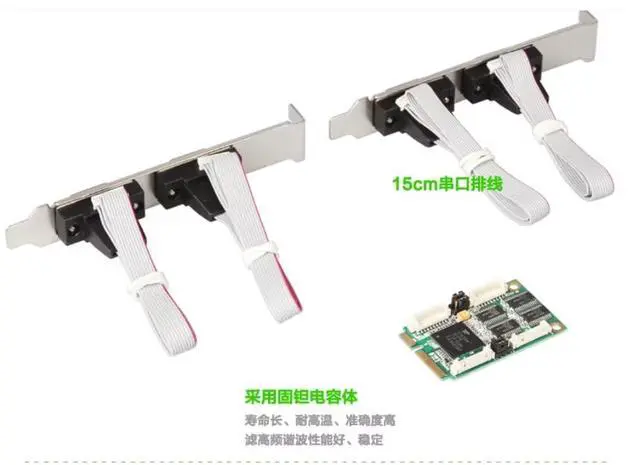
Cable Length: 15 cm / 5.9 inch serial extension cable included Application Scenarios Industrial control systems Embedded automation devices POS terminals and kiosks Gaming machines Data acquisition and communication servers Installation Notes Install drivers before inserting the Mini PCIe card. Insert the adapter into the available Mini PCIe slot of your motherboard. Connect RS232 devices using the provided DB9 cables. The system will automatically recognize and enable serial communication.