• $198.99
  • Free 30-day Returns
  • Ships from United States.

    YUNZII AL80 Wireless Mechanical Keyboard,Full Aluminum CNC, Smart LCD Display,Hot Swappable Gasket Mount 75% Layout with Knob,BT/2.4G/USB-C,QMK/VIA Support for Win/Mac (Black, Cocoa Cream V2 Switch)

    • Item #: 9SIVTSPKYK0974
    • Mfr. Part #: GUHDB0DT72GPXF
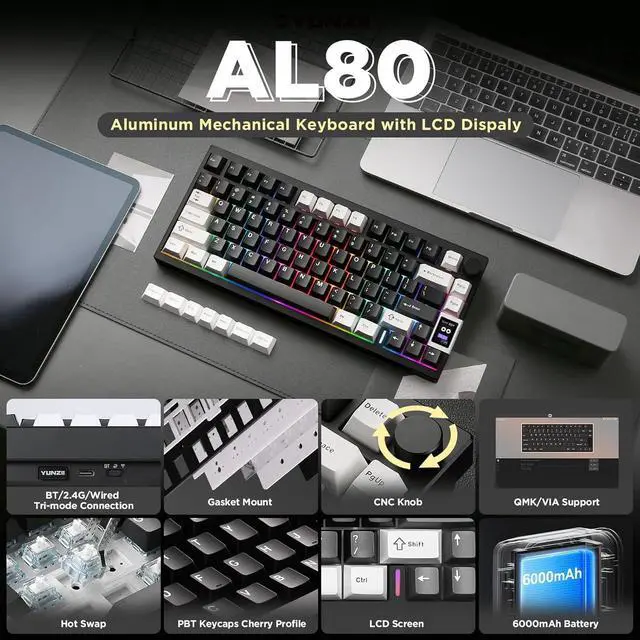
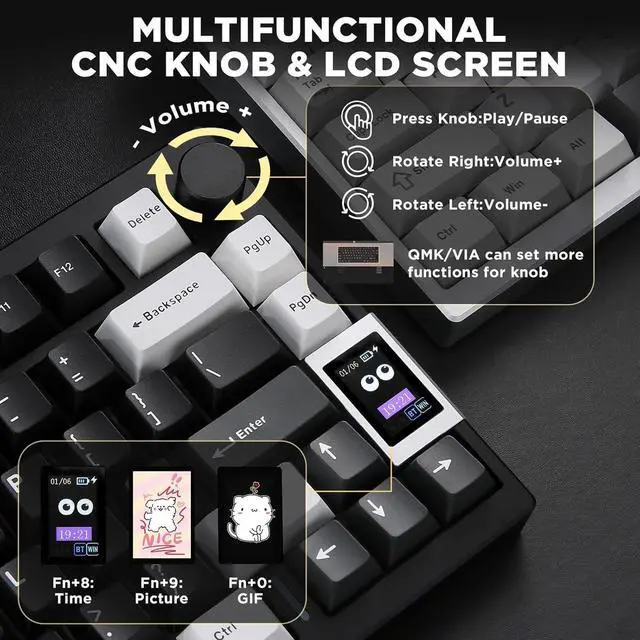
    • Custom LCD Keyboard &Vibrant RGB: YUNZII AL80 wireless mechanical keyboard features a customizable LCD screen that can display time, GIFs, photos, battery status, connection mode, and more. The RGB gaming keyboard has over 20 backlight modes,1.68 million RGB colors and south-facing LEDs. Shortcut keys or drivers support adjusting various dynamic RGB effects, allowing you to experience the infinite fun of RGB
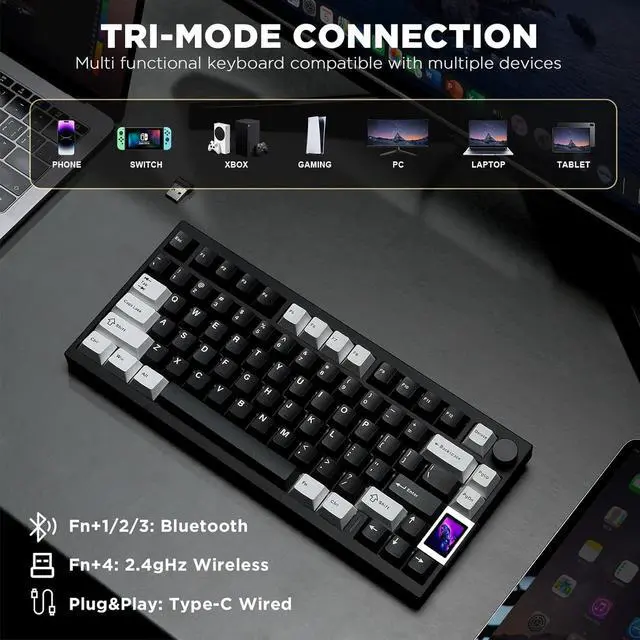
    • Tri-Mode Connectivity with Extended Battery Life:YUNZII AL80 wireless mechanical keyboard offers tri-mode connectivity with Bluetooth, 2.4G wireless, and USB Type-C options. Effortlessly connect up to 5 devices and multiple systems, like Windows, Mac, Linux, Android, iOS, enjoy 1000hz polling rate lag-free performance. Powered by a 6000mAh battery, this anodized aluminum keyboard supports long, uninterrupted sessions for gaming or work, ensuring you stay focused without constant recharging
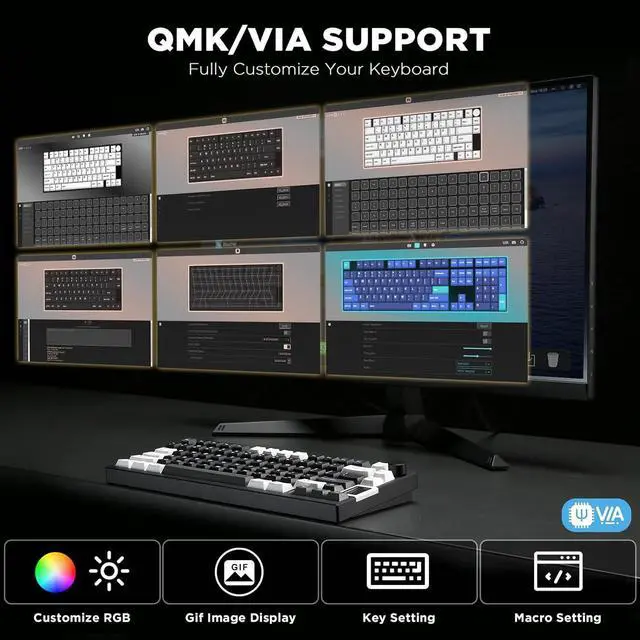
    • QMK/VIA Support for Full Customization: With QMK/VIA support, you can dive in the full
    +
    +
    Overview
    Specs
    Reviews
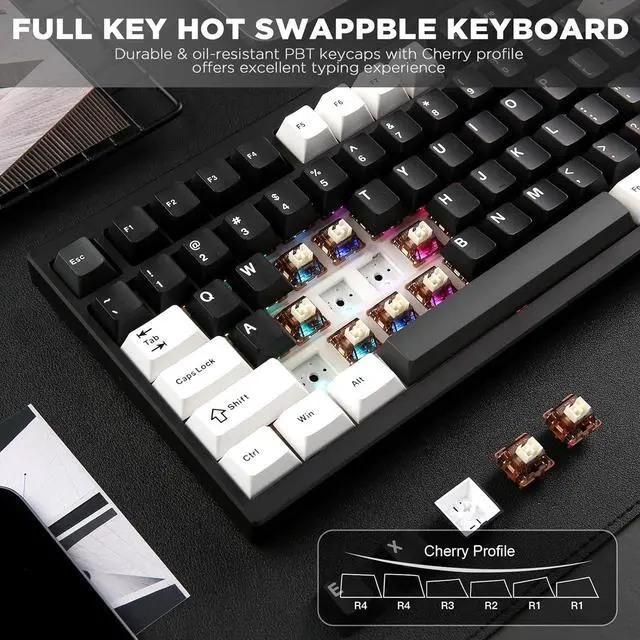
    1Tri-Mode Connection2Hot-Swappable3Gasket Mount4Double-Shot PBT Keycaps5Gateron Zero Switch1LCD Screen&CNC Knob2RGB Backlight3Large Capacity Battery475% QWERTY Layout5Fn+ Shortcuts The side switch allows you to effortlessly toggle between three connection modes: Bluetooth 5.0, 2.4G wireless, and Type-C wired.
    The LOG LED indicates the connection status when using a wireless mode. For example, a steady light means the connection is successful.
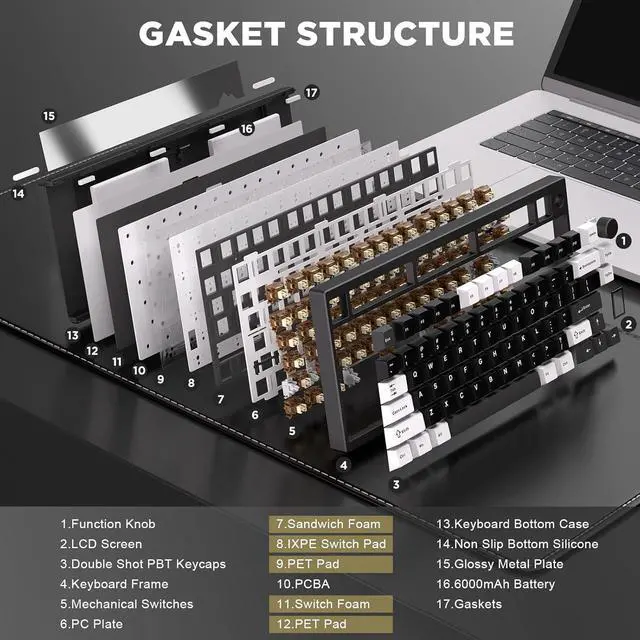
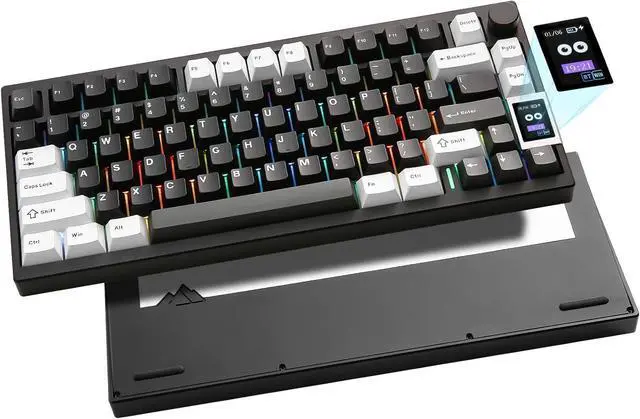
    The AL80 keyboards metal backplate enhances its texture, durability, and premium design, showcasing a sleek and sophisticated design.
    The keyboard features non-slip silicone on the bottom, ensuring stability and smoother typing.

    1. Go to the YUNZll Official Website software page. 2. Find the AL80 software area, and click on the online LCD custom website or download its software. 3. Install it to the computer4. Click on the custom website or software to customize it.
    The video showcases the product in use.The video guides you through product setup.The video compares multiple products.The video shows the product being unpacked. Merchant Video YUNZIIs mission is to make high quality, aesthetic keyboard accessible to everyone - keyboards that inspire creativity and enhance productivity in everyday life.
    AL 80 keyboard 2.4G Dongle Slot &Tri-Mode LOG LED Glossy Metal Plate Non slip bottom silicone How to customize your LCD screen? AL 80 keyboardOur Mission

    Warranty & Returns

    Warranty, Returns, And Additional Information

    Warranty

    • Please contact the Seller directly for warranty information. Warranty information may also be found on the Manufacturer's website.
    • CONTACT

    Return Policies

    Manufacturer Contact Info

    LOADING...