


- Free 30-day Returns
$502.99
Ships from United States.
Sold by Guhong Trade'Shop
Shipped by Guhong Trade'Shop
Meet Your Seller


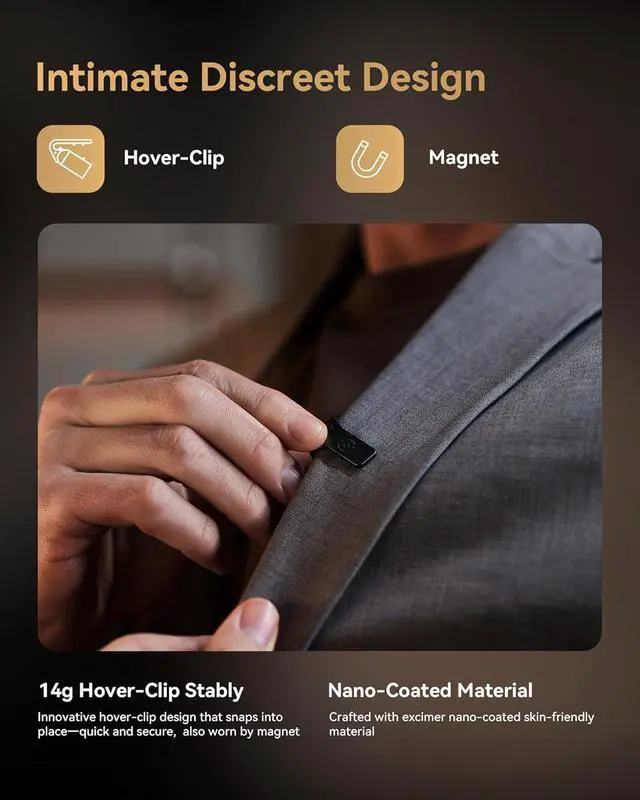
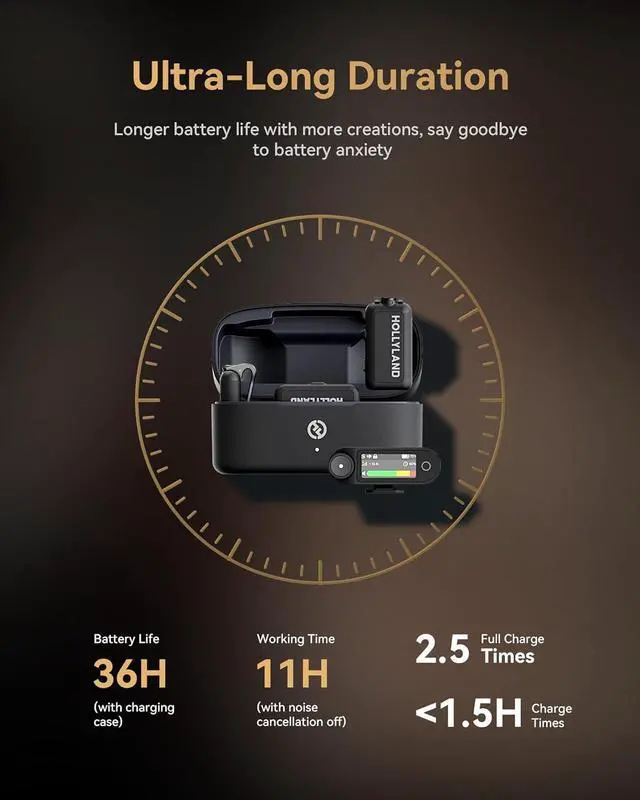


Hollyland Lark MAX 2 Wireless Microphone for iPhone/Camera/Android, AI Noise Cancel, Wireless Monitoring, 32bit Full-Chain Audio, Timecode (Ultimate Combo, 2TX+2RX+OWS Earphones + Charging Case)
- Item #: 9SIVTSPKYK0086
- Mfr. Part #: GUHDB0F2YG21R3
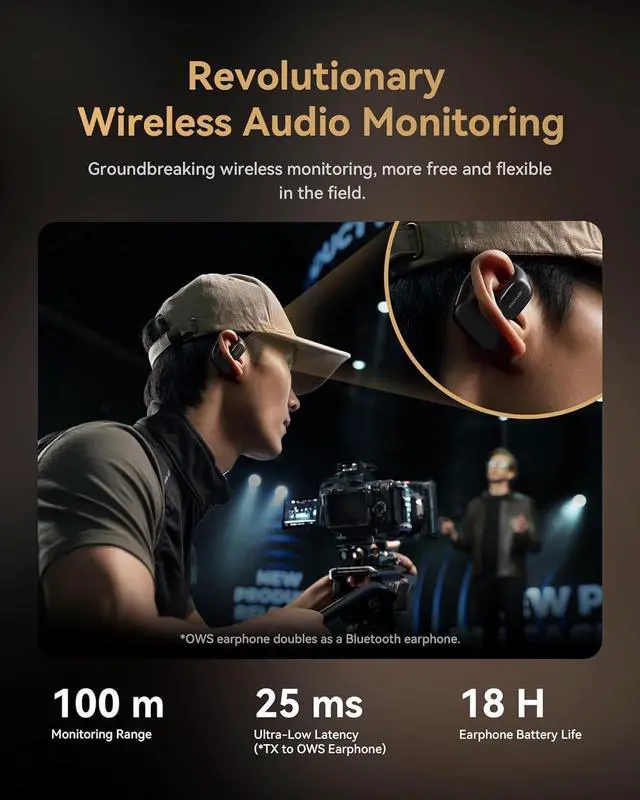
- Revolutionary OWS Earphone Wireless Monitoring: Groundbreaking wireless monitoring tech gives content creators more freedom and flexibility. Up to 100m monitoring range, TX to OWS earphone latency low as 25ms, earphone battery life is 18H. Open-ear design OWS earphones provide all-day comfort. Not only a monitor earphone, but also doubles as a bluetooth headset. Ultra-powerful performance to give you a better experience.
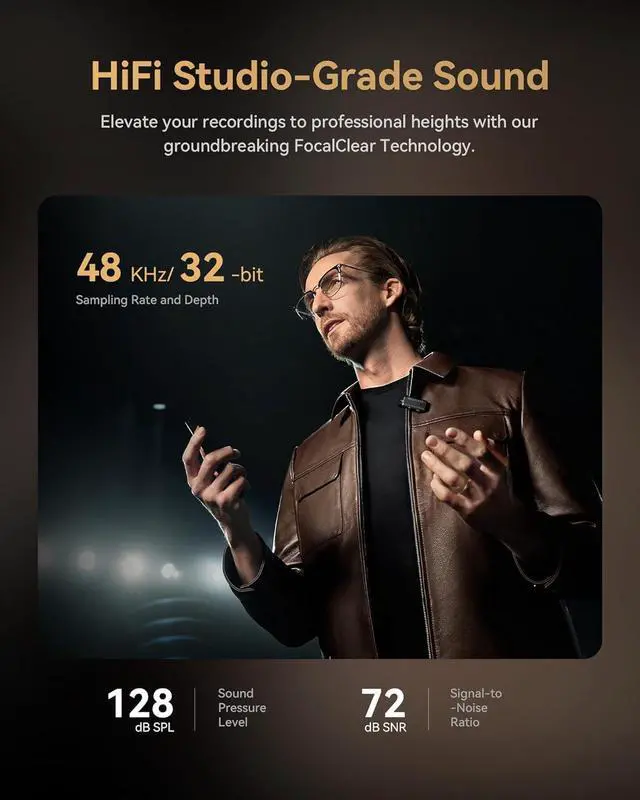
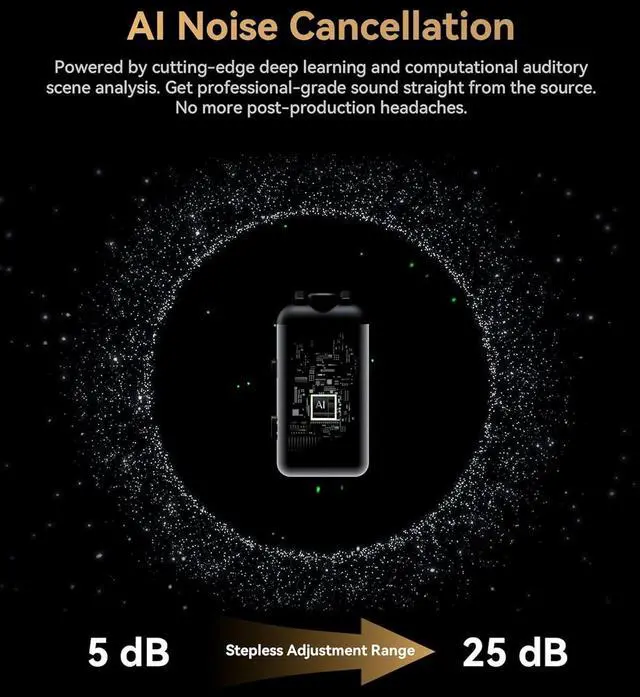
- AI-Powered Studio Clarity: Pioneering deep-learning noise cancellation (525dB stepless adjustment) paired with 48kHz/32-bit float studio-grade recording ensures your wireless microphone captures vocals in pristine detail while eliminating background noise. Ultra-Low latency, zero clipping, and 128dB SPL deliver broadcast-ready audio for live streaming, podcasts, and pro recordingsideal for high-volume environments.
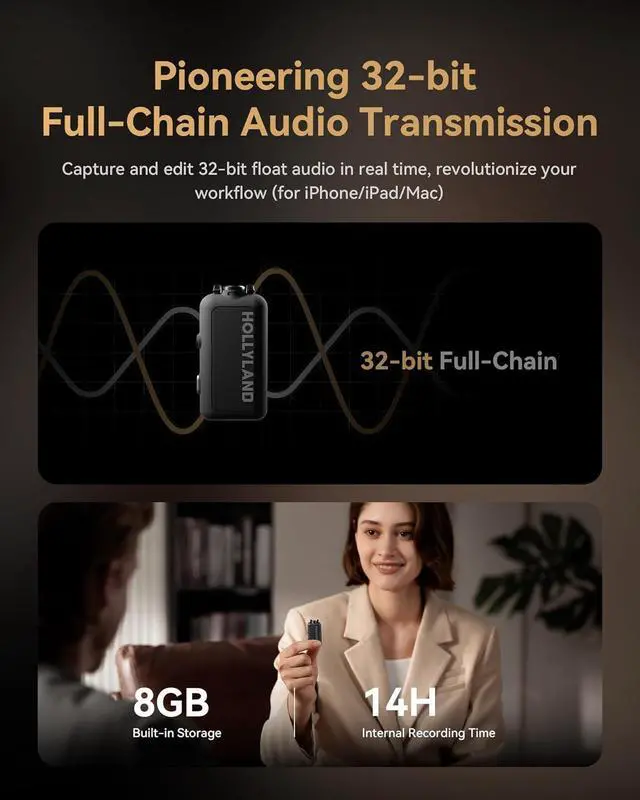
- Pro-Grade 32-Bit Wireless Studio Workflow: The first wireless microphone system with full-chain 32-bit audio transmission: Capture, edit, and sync stud
+
+
Overview
Specs
Reviews
1Broadcast-Quality Audio2Auto Gain Control3Ultra-Long Duration4340m (1115ft) LOS Range1Timecode Sync2Simplified Operation3OLED Screen & App control How do I connect the LARK MAX 2 to a camera and monitor audio?
Two ways:
For Sony cameras with hot shoe: transmit via hot shoe, monitor via TRS.
For other models: both transmit and monitor via TRS.
Why the transmitter cannot turn on Internal Recording and Noise Cancellation?
When the MIC lock is turned on, you can't do any operation on the mic
How to adjust the wireless earphone monitor volume?
No you can't adjust earphone volume directly. Monitor volume is adjusted by adjusting the MIc output level or camera record volume.
What is the LARK MAX 2 camera Recommended Settings?
The recommended Settings will provide reference camera Input (Record level) and Output (Audio level) value according to different camera brands and models, then you need to set it on camera manually.
Hollyland LARK MAX 2 | Flagship Wireless Microphone Hollyland LARK MAX 2 LARK MAX 2 Hot Shoe Adapter How to connect LARK MAX 2 to your phone?
How do I connect the LARK MAX 2 to a camera and monitor audio?
Why the transmitter cannot turn on Internal Recording and Noise Cancellation?
How to adjust the wireless earphone monitor volume?
What is the LARK MAX 2 camera Recommended Settings?
Warranty & Returns
Warranty, Returns, And Additional Information
Warranty
- Please contact the Seller directly for warranty information. Warranty information may also be found on the Manufacturer's website.
- CONTACT
Return Policies
- Return for refund within: 30 days
- Return for replacement within: 60 days
- This item is covered by Guhong Trade'Shop Return Policy
Manufacturer Contact Info
- For a directory of all our manufacturers, please click below.
- Manufacturers Directory
LOADING...