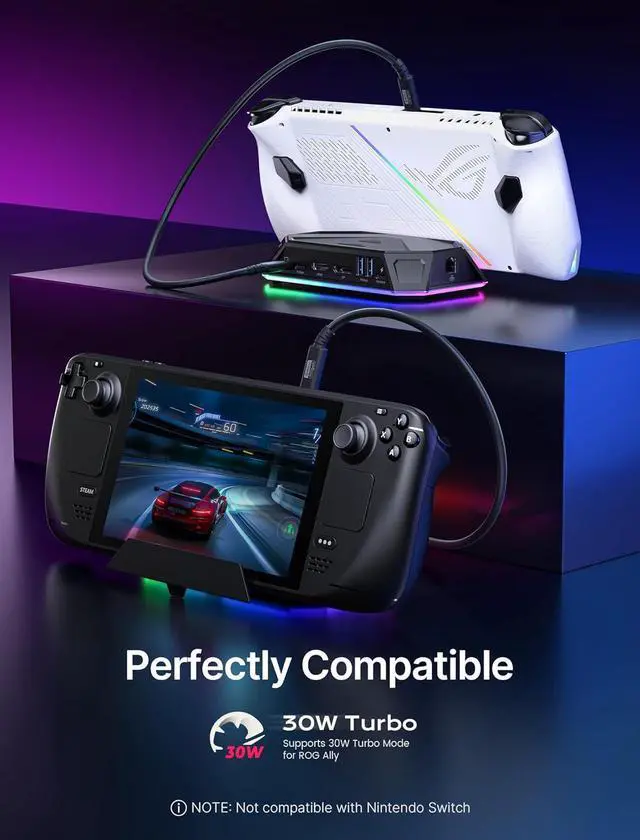
RGB Docking Station for Steam Deck (OLED)/ROG Ally/Legion Go, 12-in-1 Handheld Dock with 4K@120Hz HDMI & DisplayPort Gigabit Ethernet USB C 3.2 USB A 3.2/2.0, SD/TF Slots 3.5mm Jack-HB1201S
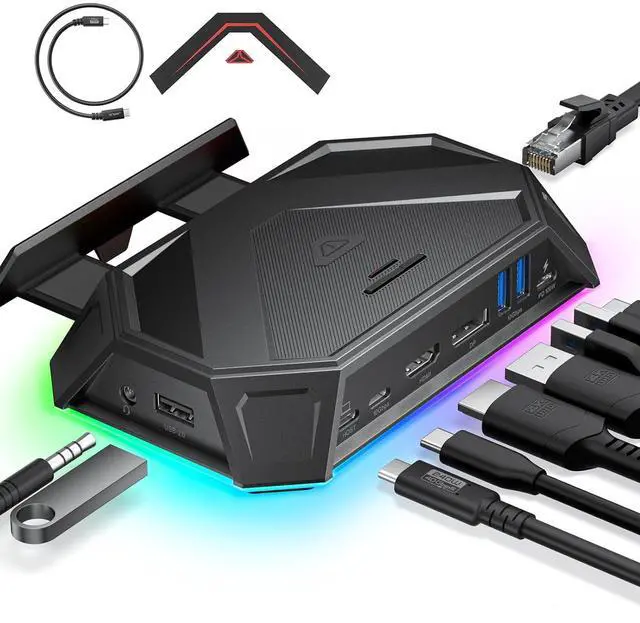
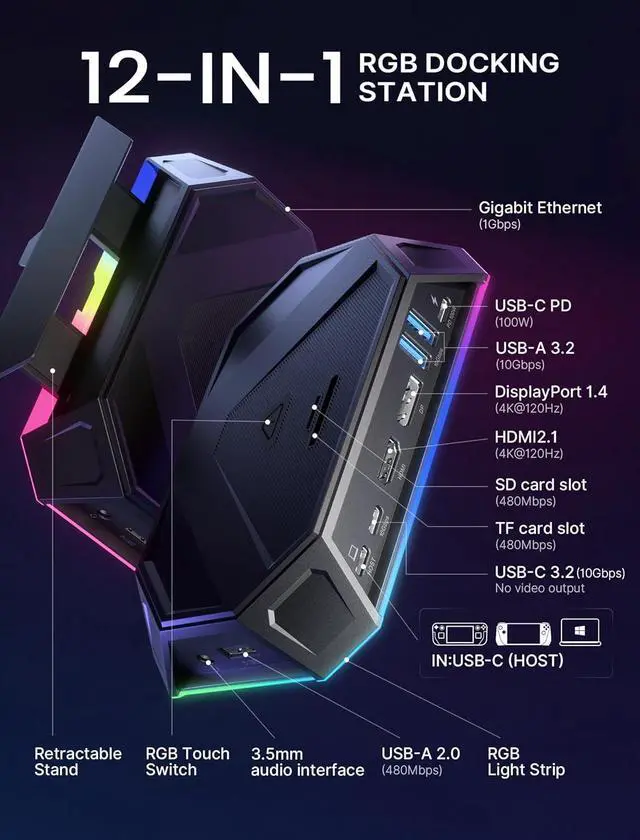
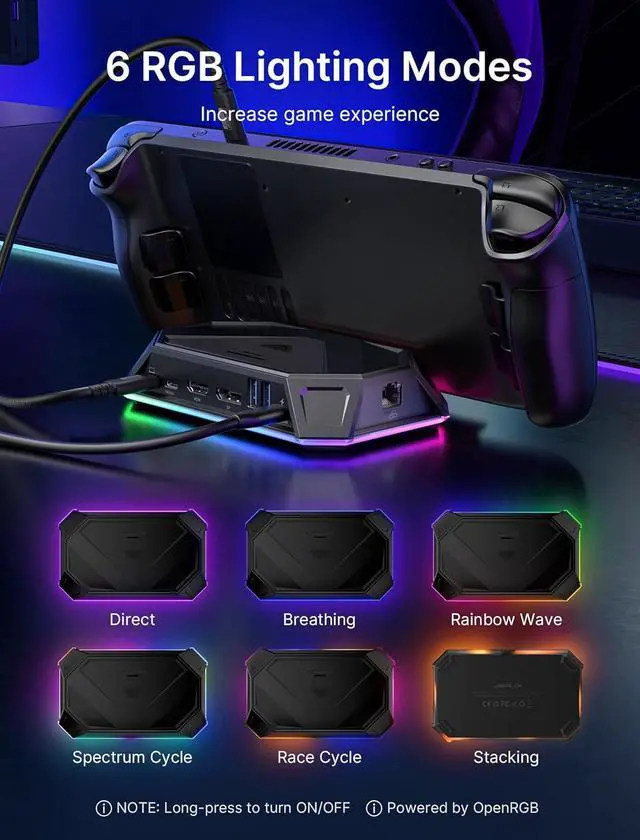
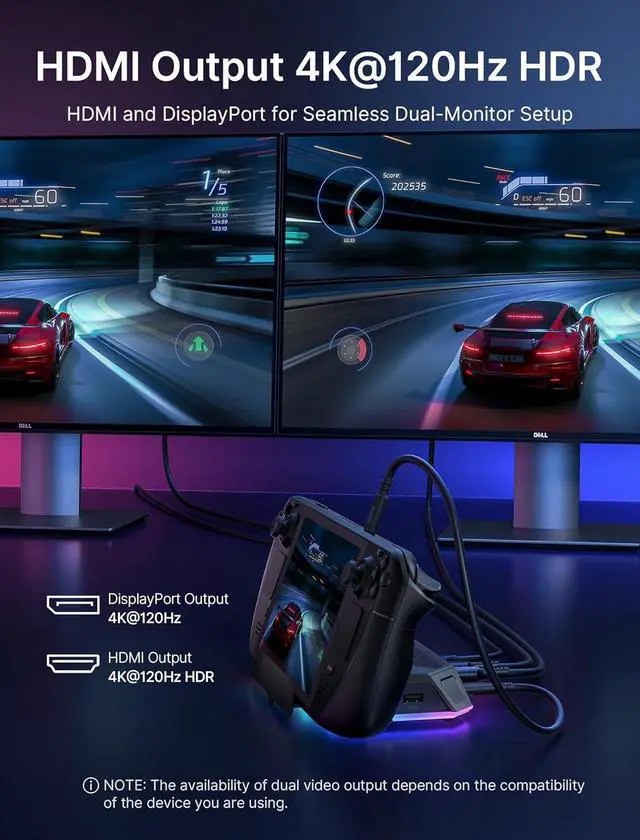
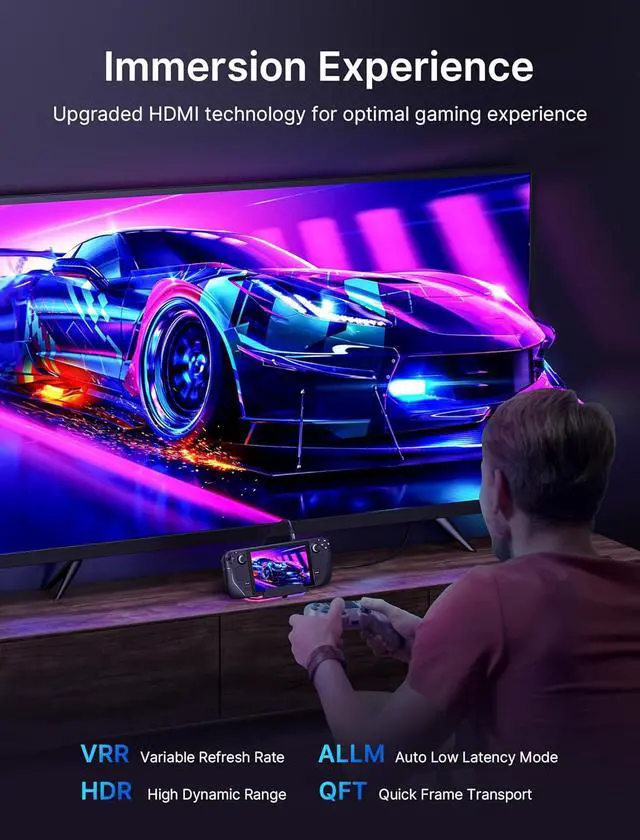
Upgraded HDMI Technology: Equipped with cutting-edge HDMI technology, the upgraded dock supports Variable Refresh Rate (VRR), Auto Low Latency Mode (ALLM), and HDR to eliminate screen tearing, stuttering, and input latency. Delivering lossless visual transmission between gaming consoles and displays, it ensures ultra-smooth gameplay and immersive detail for an unrivaled gaming experience; 12-In-1 RGB Docking Station: Unlock exceptional functionality with the 12-in-1 RGB Docking Station, featuring versatile ports for all your needs. It includes 1 HDMI (4K@120Hz) and 1 DisplayPort (4K@120Hz) for sharp visuals, 2 USB A 3.2 and 1 USB C 3.2 ports (10Gbps) for fast data transfer, plus 1 Gigabit Ethernet port, and 1 USB C PD port supporting 100W fast charging. Also includes 1 3.5mm audio jack, 1 TF card slot, 1 SD card slot, and 1 USB A 2.0 port (480Mbps); 6 RGB Lighting Modes: Enhance your workspace with the RGB Docking Station featuring six dynamic RGB lighting modes: Direct, Breathing, Rainbow Wave, Spectrum Cycle, Race Cycle, and Stacking. Sync these effects with other RGB devices for a cohesive setup. Use the USB C upstream port for connectivity and OpenRGB software for custom lighting control. A top-mounted touch switch provides easy on/off control, allowing you to manage the ambiance effortlessly.; Ultra 4K Output and Dual Screen Display: The HDMI and DisplayPort on this docking station support 4K@120Hz for stunning visuals on HDTVs, monitors, or projectors, perfect for both
+
+
Overview
Specs
Reviews
RGB Docking Station for Steam Deck (OLED) /ROG Ally/Legion Go, 12-in-1 Handheld Dock with 4K@120Hz HDMI & DisplayPort Gigabit Ethernet USB C 3.2 USB A 3.2 / 2.0, SD/TF Slots 3.5 mm Jack-HB1201S
Learn more about the Detailed Specifications
Additional Information
First Listed on Newegg
July 08, 2026
There are no reviews yet.
Do you own this product?
Warranty & Returns
Warranty, Returns, And Additional Information
Warranty
Please contact the Seller directly for warranty information. Warranty information may also be found on the Manufacturer's website.