How to get message notifications on the watch?
1. Connect the watch to CO FIT App and turn to Watch Notification
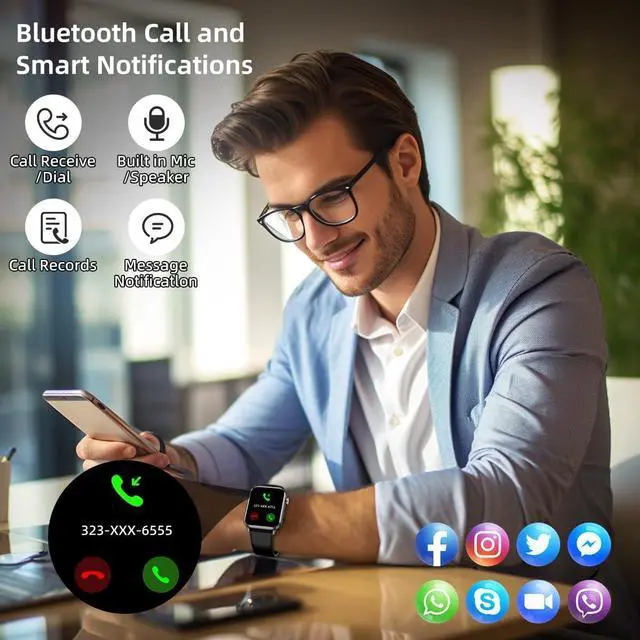
2. On your smartphone, go to the settings menu and locate the notifications or apps section. Look for the settings to your smartwatch's CO FIT app. Choose the App you want to receive messages. For example, if you want to receive Facebook notification, turn on 'Facebook' option and allow notification. Then go to 'Homepage' and pull down screen to sync.
3.
Grant necessary permissions: Make sure that the necessary permissions are granted to the smartwatch companion app and messaging apps. This include permissions for accessing notifications, contacts, or other relevant settings.
4. Please confirm whether the message can be displayed in the notification bar of the phone. The watch receives messages by reading the notification bar of the phone. If the message notification on the phone is not working, the watch cannot receive the message.



 All Categories