• $36.98
  • Free 30-day Returns
  • Ships from China.
    Sold by fadaoe

    Shipped by fadaoe

    Meet Your Seller

    1.85" Smart Watch with 341PPI Retina Screen for Men Women Bluetooth Call, IP67 Waterproof Fitness Tracker Watch with 37 Sports Mode, Smartwatch with Heart Rate/Sleep Monitor/Steps & Calories Counter

    • Item #: 9SIVTT5M1X1860
    • Mfr. Part #: Z2#Q2397_B
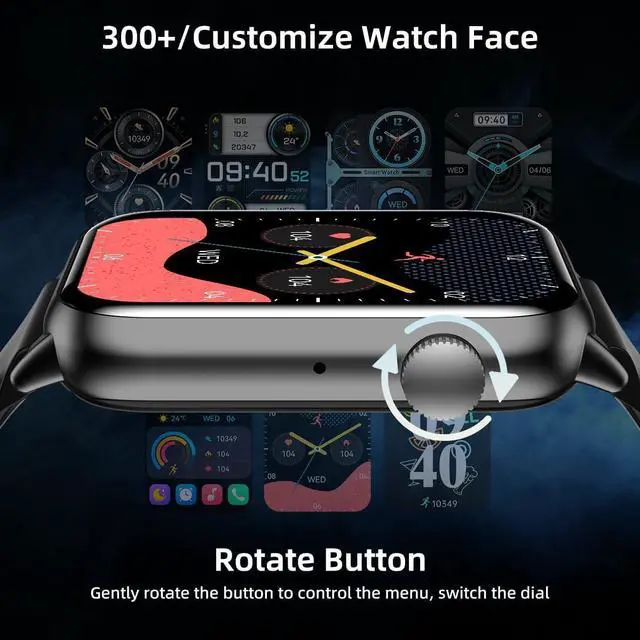
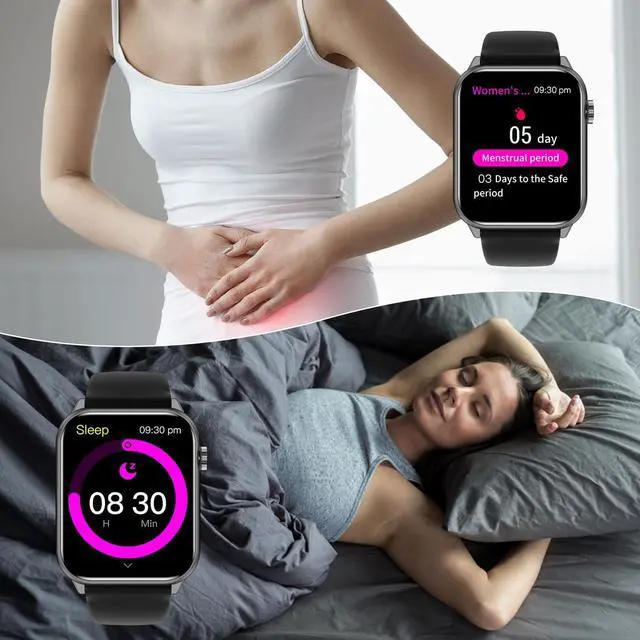
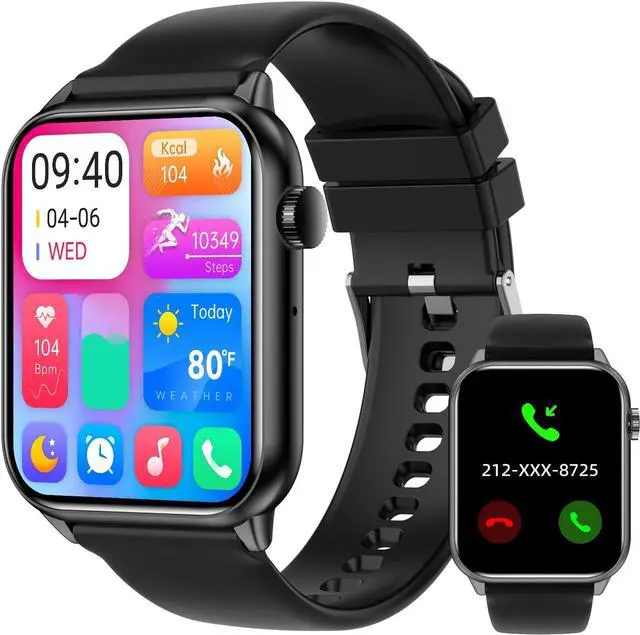
    • [1.85'' Retina Screen Smartwatch] Equipped with a stylish square dial with a 341PPI HD resolution to provide a better visual experience. The smooth transition from curved glass to the zinc alloy metal watch body, which is slim and exquisite, with Rotation Button.
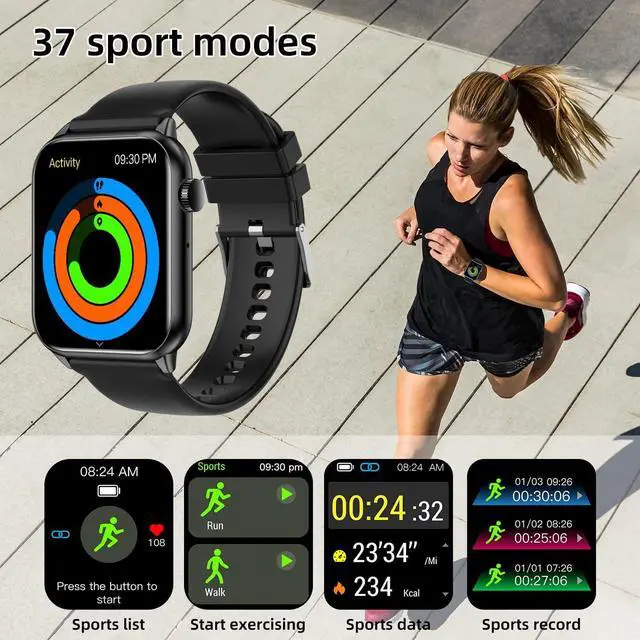
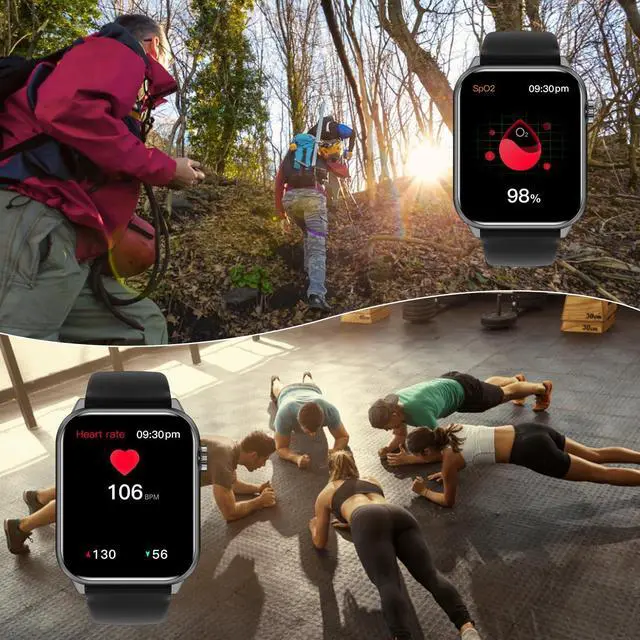
    • [37 Sports Modes Real-Time Data] Fitness watch has a variety of professional sports modes, both indoors and outdoors, including running, yoga, basketball, cycling, and more, and has IP67 waterproof watch.
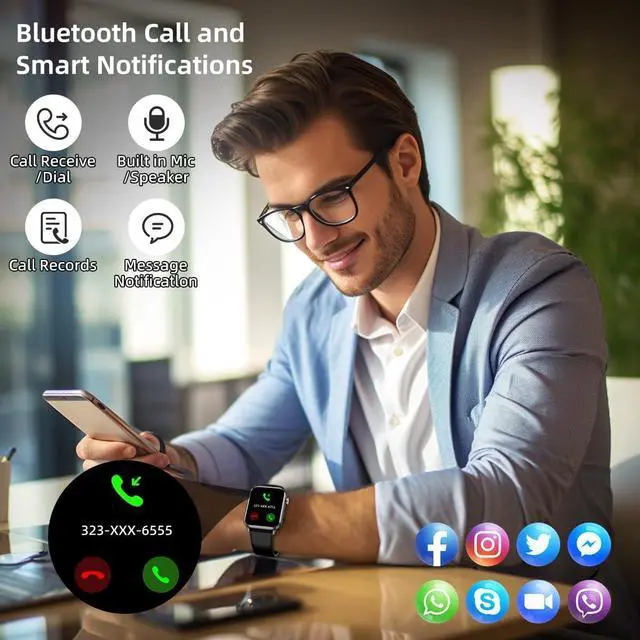
    • [Bluetooth Call & Message Reminder] With bluetooth connectivity, You can answer and reject calls, check your call history, store contacts on your android watch, read messages (Facebook, WhatsApp, etc).
    • [Built-in Smart Reminder Function] Smart watches for men women including timing reminder, alarm clock reminder and sedentary reminder and other functions.
    • [A Multifunctional Smart Assistan] Perfect companion for your travel, party or daily life, with functions such as remote camera, music control and multi-language support.
    +
    +
    Overview
    Specs
    Reviews
    How to get message notifications on the watch?
    1. Connect the watch to CO FIT App and turn to Watch Notification

    2. On your smartphone, go to the settings menu and locate the notifications or apps section. Look for the settings to your smartwatch's CO FIT app. Choose the App you want to receive messages. For example, if you want to receive Facebook notification, turn on 'Facebook' option and allow notification. Then go to 'Homepage' and pull down screen to sync.

    3.
    Grant necessary permissions: Make sure that the necessary permissions are granted to the smartwatch companion app and messaging apps. This include permissions for accessing notifications, contacts, or other relevant settings.

    4. Please confirm whether the message can be displayed in the notification bar of the phone. The watch receives messages by reading the notification bar of the phone. If the message notification on the phone is not working, the watch cannot receive the message.

    Warranty & Returns

    Warranty, Returns, And Additional Information

    Warranty

    • Please contact the Seller directly for warranty information. Warranty information may also be found on the Manufacturer's website.
    • CONTACT

    Return Policies

    • Return for refund within: 30 days
    • Return for replacement within: 30 days
    • This item is covered by fadaoe Return Policy

    Manufacturer Contact Info

    LOADING...