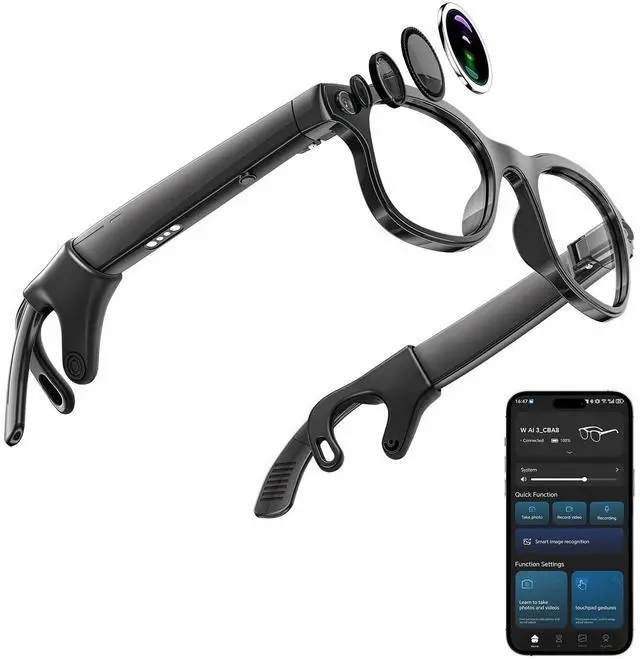
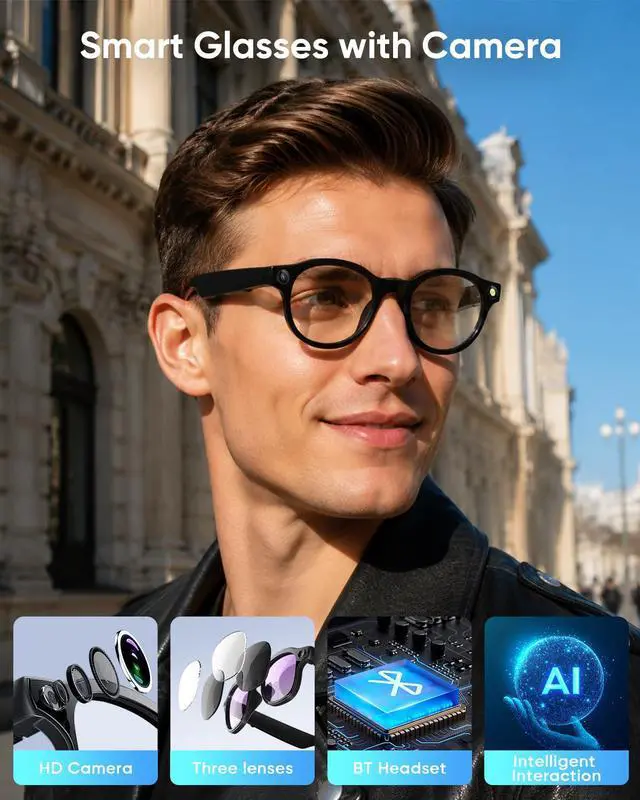
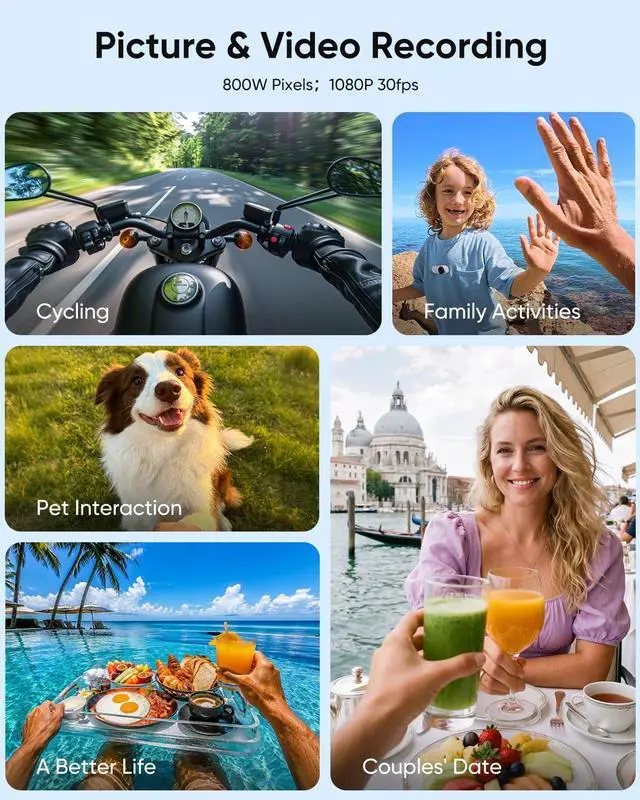
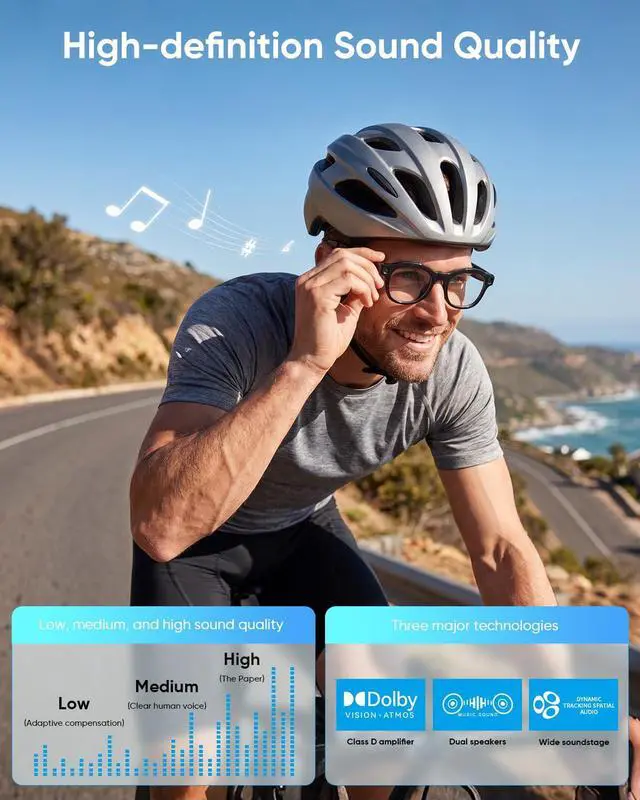
Take Photos & Videos RecordingThis pair of smart glasses comes with an 8-megapixel camera, allowing you to transfer the captured pictures and videos to your mobile phone. By default, the video recording duration is set to 3 minutes (you can adjust it to 9 minutes or 12 minutes within the application). Please note that video recording and synchronization will drain a significant amount of battery power from the glasses, so avoid recording overly long videos. BT Music & CallThis pair of smart glasses can connect via Bluetooth to play music, and it also supports making phone calls.
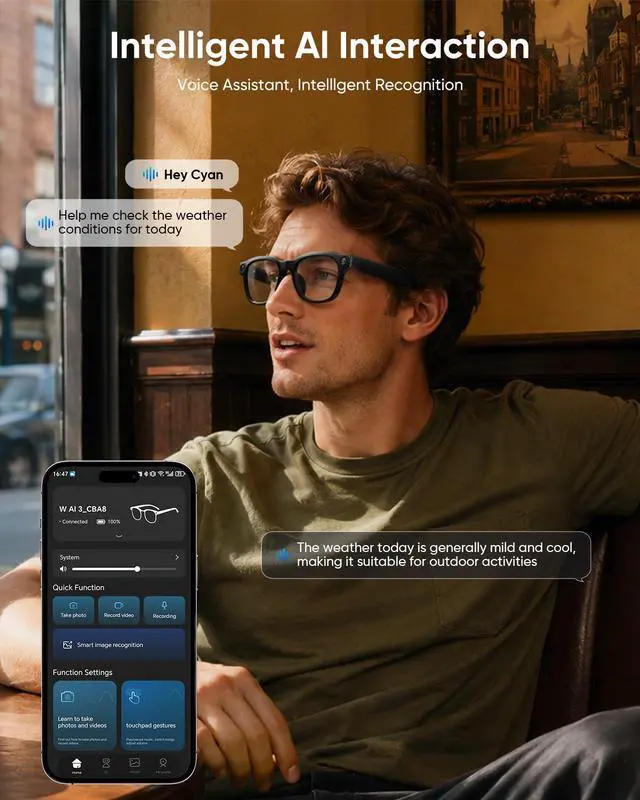
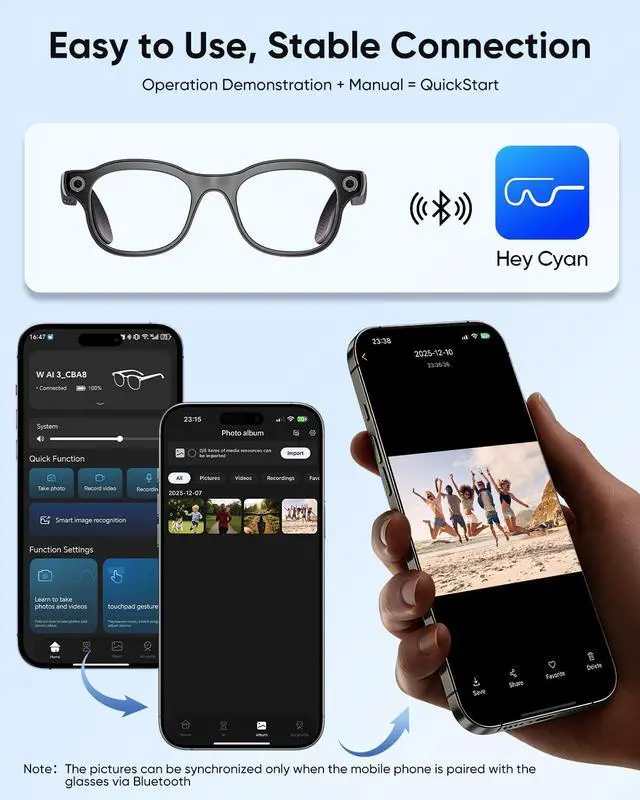
During your travels, you can enjoy the ultimate experience provided by smart devices. AI Function & Voice AssistanceThis pair of smart glasses utilizes the large model of ChatGPT. It can identify objects, search for information, adjust the sound volume, and execute commands by using "HeyCyan". Please note that online translation must be performed through the accompanying application of the glasses, as the glasses do not support this function directly. Simple connect & Easy UseWhen the glasses are powered on and the phone's Bluetooth is enabled, open the glasses app and allow the phone to pair via Bluetooth.
Be aware that if you deny the app's permission to use, the pairing will fail. You will need to uninstall the app and re-download it to restore normal pairing.
Note: Due to privacy policy requirements, when you record videos or take pictures, the lights on the glasses will automatically turn on.
Note: Before synchronizing the pictures, please ensure that your mobile phone's Bluetooth is in a connected state with the glasses



 All Categories