Model Number:0570
Compatible Microsoft Model:xbox
Origin:Mainland China
Certification:NONE
Function Description:
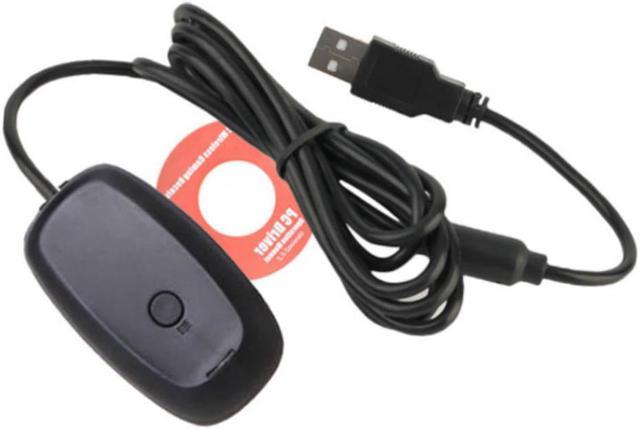
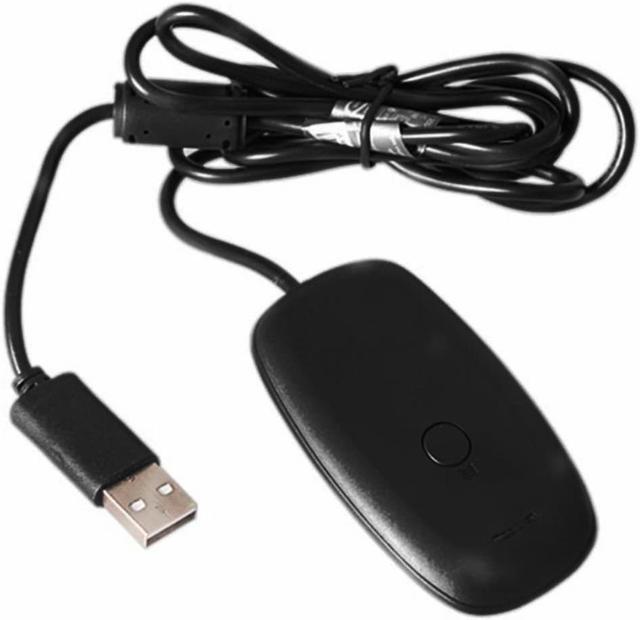
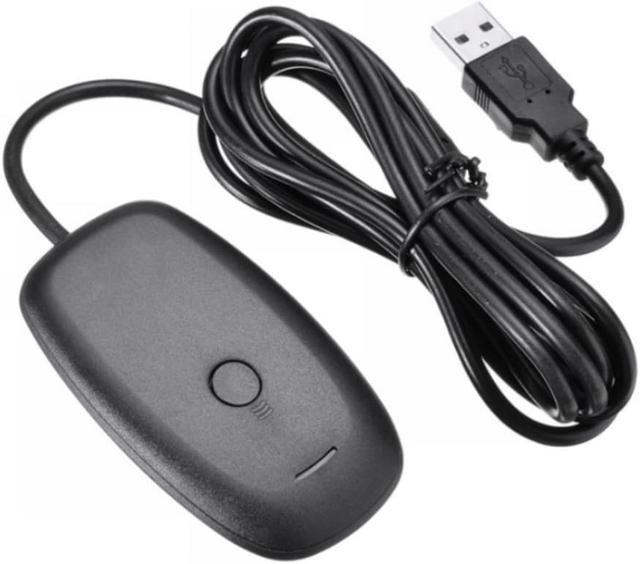
1. With this Xbox 360 wireless receiver, you can use the Xbox 360 game console on your PC to wirelessly connect to the windows platform for games.
2. This Xbox 360 wireless receiver adopts 2.4GHz wireless transmission technology, with a reception range of 10m, and uses the USB2.0 interface to connect to the personal computer, with high transmission speed and stable performance, giving players high game enjoyment.
3. In addition, the Xbox 360 wireless receiver can connect a variety of Xbox 360 accessories, including Xbox 360 Wireless handle, Xbox 360 Wireless steering wheel and Xbox 360 Wireless Headphones. Players can connect up to 4 groups of Xbox 360 Wireless handles, 4 groups of wireless headphones and a variety of wireless accessories at the same time with only one receiver.
Scope of application:
It can be used on both Xbox Console and PC.
Matters needing attention
The receiver can connect the 360 Wireless handle to the computer to play PC games wirelessly (the game needs to support the handle). It can receive four XBOX360 peripherals at the same time (such as handle, wireless guitar, wireless headset, etc.), and the wireless effective distance of the receiver is 10m. 2. The configuration requirements for the computer are: Windows XP Service Pack 1 or above, and Vista is also supported; Pentium above 300 MHz; More than 128 MB of memory; More than 150 MB hard disk space; USB interface.
Usage method:
When the computer is connected for the first time, the computer finds new hardware and prompts to install the driver. After the driver is successfully installed, press and hold the circular button on the receiver for about 1 second, and the green light on the receiver will flicker continuously, indicating that it enters the code matching state. Then press the code matching button on the handle to check the code. After the code matching is successful, you can play the game.