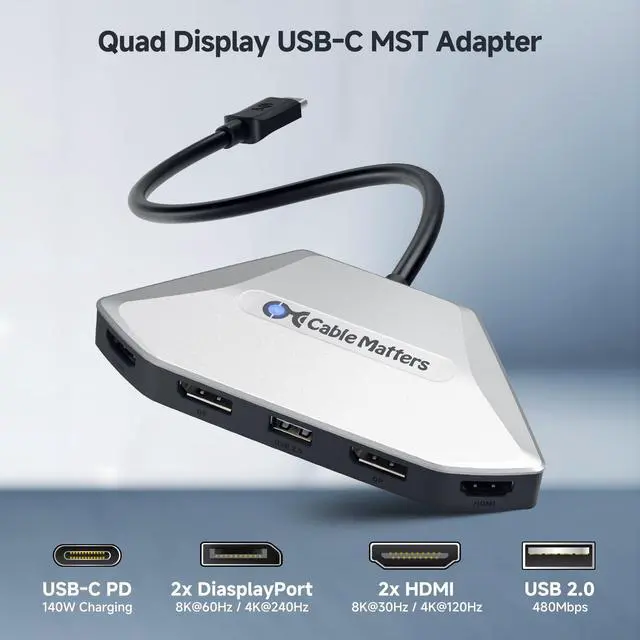
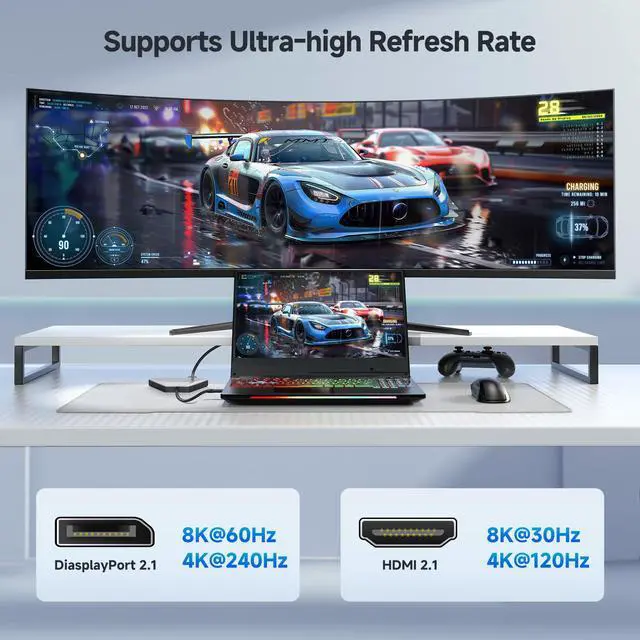
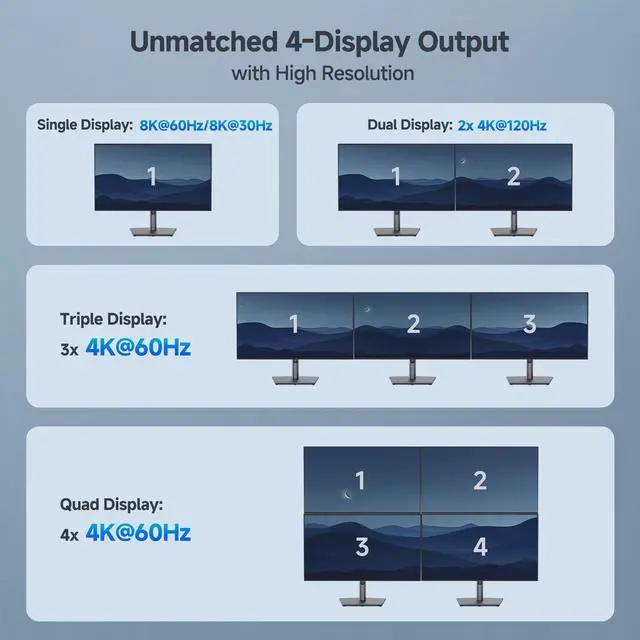
Unmatched 4-Display Output with High Resolution: Elevate your workspace with the 4K Quad Display USB C MST Adapter, supporting up to 4 monitors. Achieve 8K@60Hz/4K@240Hz over DisplayPort 2.1 or 8K@30Hz over HDMI 2.1 for a single display. For multi-display setups, enjoy 4K@120Hz on dual displays and 4K@60Hz on triple or quad setups, with DSC 1.2 enabled for optimal performance.
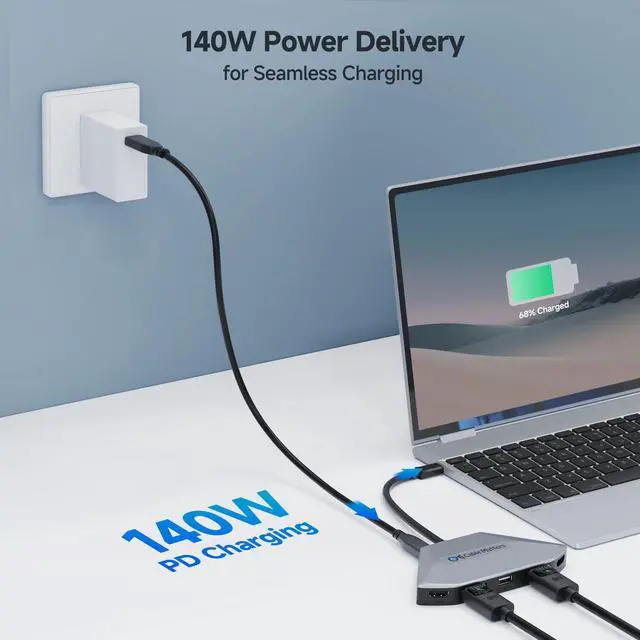
140W Power Delivery for Seamless Charging: Stay powered up while driving multiple high-resolution displays with the 140W Charging. This USB C Hub Multiport Adapter ensures uninterrupted charging, keeping your laptop or device fully powered, whether you're tackling intensive tasks or enjoying extended gaming sessions.
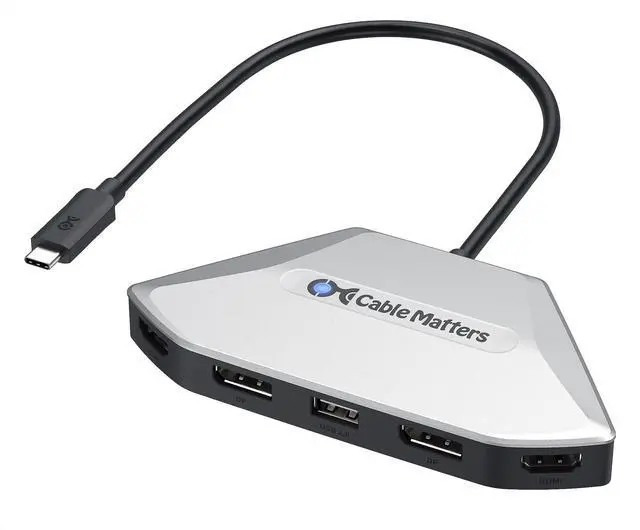
Versatile Connectivity for Multi-Display Setups: Featuring 1x 140W PD Charging, 2x DisplayPort 2.1, 2x HDMI 2.1, and 1x USB 2.0, this USB C to DisplayPort MST Hub offers flexible connectivity options. Perfect for modern setups, its fully compatible with Thunderbolt 4, USB4, and Thunderbolt 5 devices, making it future-proof for Intel and AMD systems.
Boost Productivity and Immersion with Multi-Display Power: Transform your workspace or gaming area with the Thunderbolt 4 MST adapter. Easily manage complex workflows or immerse yourself in high-definition gaming, ensuring smooth, synchronized performance across multiple screens, boosting both productivity and entertainment value.
+
+
Overview
Specs
Reviews
4K Quad Display USB C MST Adapter, Windows Only, DP & HDMI
Learn more about the Detailed Specifications
Model
Brand
Cable Matters
Series
201099
Details
Type
USB-C to VGA Adapters
Changer Type
USB C Charger
Color
Silver
Cable Length
4.5 L x 2.5 W x 0.6 H inches
Specifications
usb_c, 6, Plastic
Connectors
Thunderbolt
Laptops
Connector Plating
Plastic
Cable Jakcet Type
Plastic
Connector Style
usb_c
Dimensions & Weight
Dimensions
1.9 cm x 13 cm x 14.9 cm
Weight
0.11 kilograms
Disclaimer
Disclaimer
Laptops
Additional Information
First Listed on Newegg
August 13, 2026
There are no reviews yet.
Do you own this product?
Warranty & Returns
Warranty, Returns, And Additional Information
Warranty
Please contact the Seller directly for warranty information. Warranty information may also be found on the Manufacturer's website.



 All Categories