


Meet Your Seller


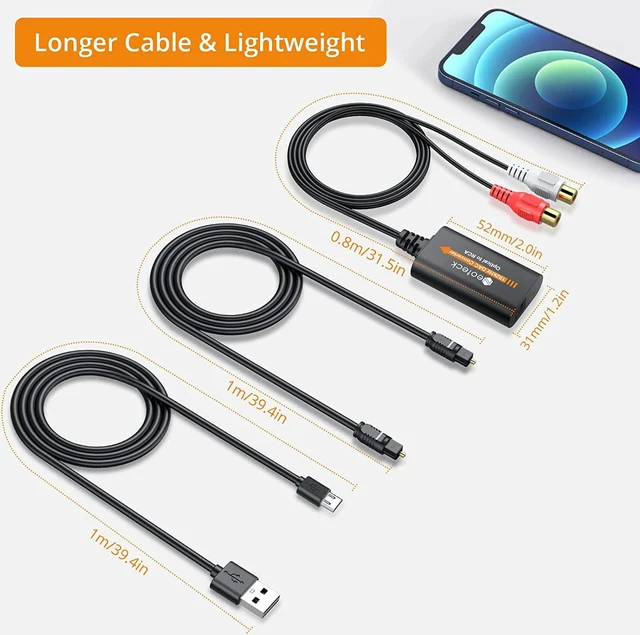


192kHz DAC Converter SPDIF to RCA Built-in Audio Amplifier Chipset and RCA Cable, Small and Lightweight Compatible with HDTVs, Set-Top Boxes and DVD/Blu-Ray Players
- Item #: 9SIV36AKE31979
- Mfr. Part #: ID-HAHXZ7901
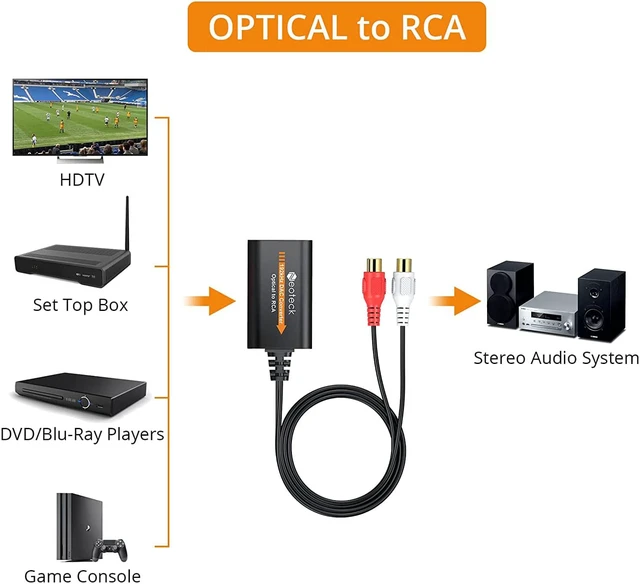
- Optical to RCA Converter:Neoteck DAC Converter Converts Optical Toslink Digital Audio Signals to Analog RCA Audio, and the Sound is Synchronized without Delay When Connected, Which can Perfectly Work with HDTV, Set Top Box, DVD/Blu-Ray Players and Game Consoles.
- 192kHz 24bit DAC:Our 192KHz Digital to Analog Converter Supports Sampling Rate at 32kHz, 44.1kHz, 48kHz, 96kHz and 192kHz, and 24-bit SPDIF Incoming Bit Stream on Left and Right Channels, Making You Enjoy the Most High Quality Sound and Video Feats.
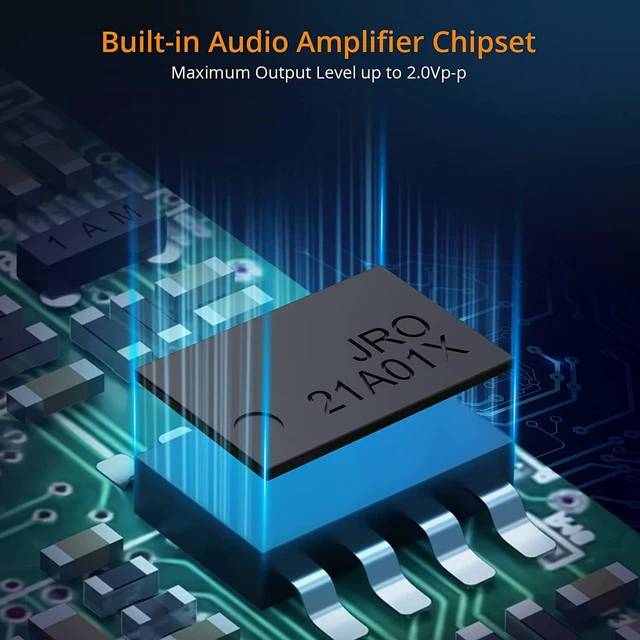
- Audio Amplifier Chipset:This Digital Signal Converter Comes with High-performance Built-in Audio Amplifier Chipset, Whcih can Amplify the RCA Output Level to Ensure A Good Anti-interference Function As Well As Pure and Clear Output Sound .
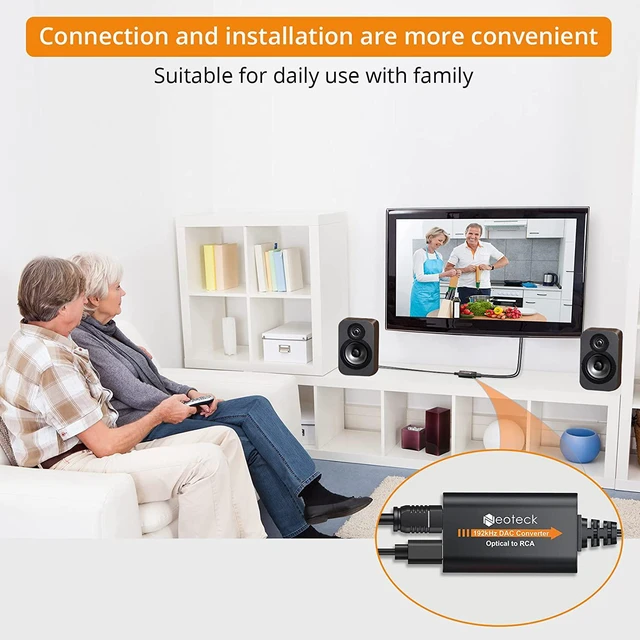
- Simple Plug and Play:With Built-in RCA Cable,the Analog to Digital Audio Converter is Compact and Lightweight to Hang On the Wall without Taking Much Space.
+
+
Overview
Specs
Reviews
Connection and Operation:
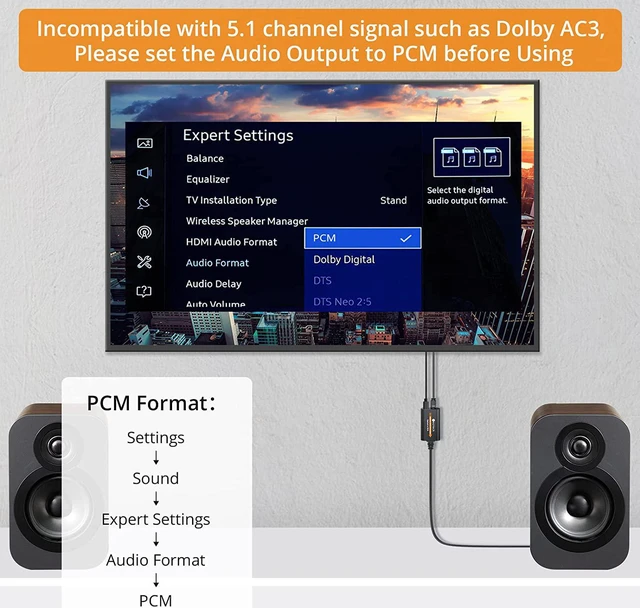
1. Use the optical cable to connect HDTV and other playback devices to the optical interface of Neoteck DAC. (Please kindly set your HDTV into PCM.)
2. Use the RCA cable to connect Neoteck DAC to stereo audio system. NOT support DTS Dolby ac-3 and other 5.1ch digital audio.
3. Use the USB cable to connect the power interface of Neoteck DAC converter to the official standard DC 5V/1A power supply.
Other Installation Instruction:
1. If the volume (from Neoteck DAC output) is not loud enough, please connect the output of DAC with power amplifier.
2. If it does not compatible with Netflix, Amazon Prime Video, YouTube, please go to TV audio settings and change the digital audio output from auto to PCM.
Warranty & Returns
Warranty, Returns, And Additional Information
Warranty
- Please contact the Seller directly for warranty information. Warranty information may also be found on the Manufacturer's website.
- CONTACT
Return Policies
- Return for refund within: 30 days
- Return for replacement within: 30 days
- This item is covered by Electronics World Return Policy
Manufacturer Contact Info
- For a directory of all our manufacturers, please click below.
- Manufacturers Directory
LOADING...