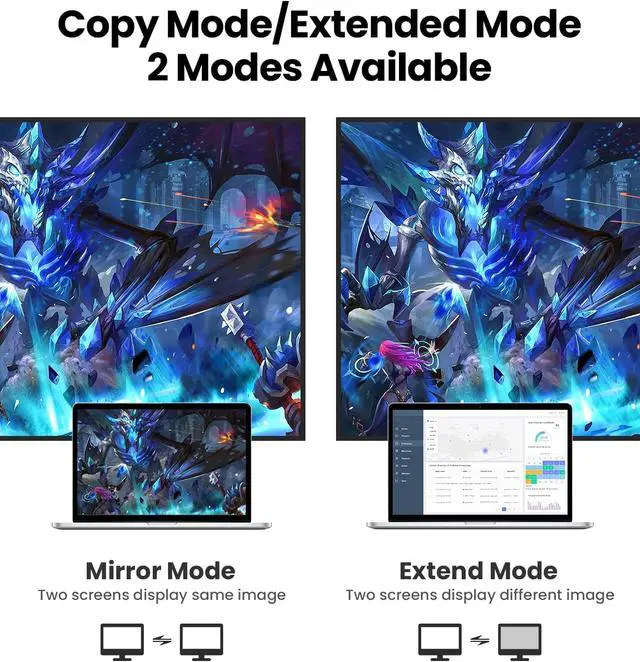
How to set Mirror & Extend Dual Mode:
For MacOS, Top left corner Apple icon-->System Preferences-->Displays-->Mirror or Extend Displays;
For Windows 10, press Windows key + P combination command-->choose Duplicate or Extend.
For Windows system laptop, if the external monitor could not work, please update the BIOS and graphic card driver from laptop official website.
If the resolution of your laptop is higher than the external monitor:
For windows:
Windows Menu--> Setting--> Display--> Advanced Display Settings, set your laptop's resolution same as or lower the resolution of external monitor.
For MacOS:
Left-upper Apple icon-->System Preferences-->Displays-->Mirror displays. Then your HDMI & VGA monitor would mirror your Mac. However here you have two choices. One is "Optimize For" your built-in Retina Display, the other is "Optimize For" your HDMI monitor. You can choose which one you like.remium Material: Aluminum Alloy
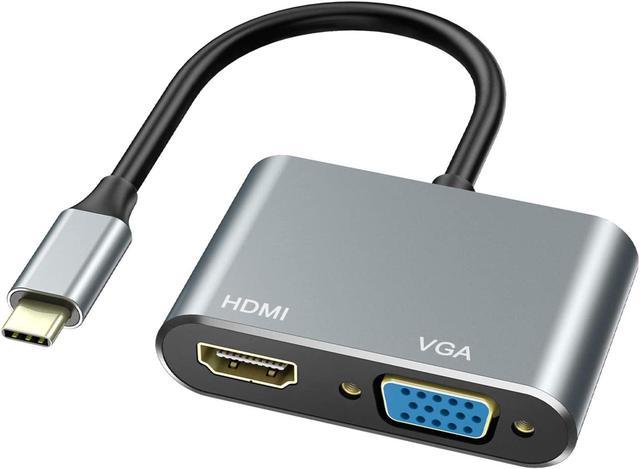
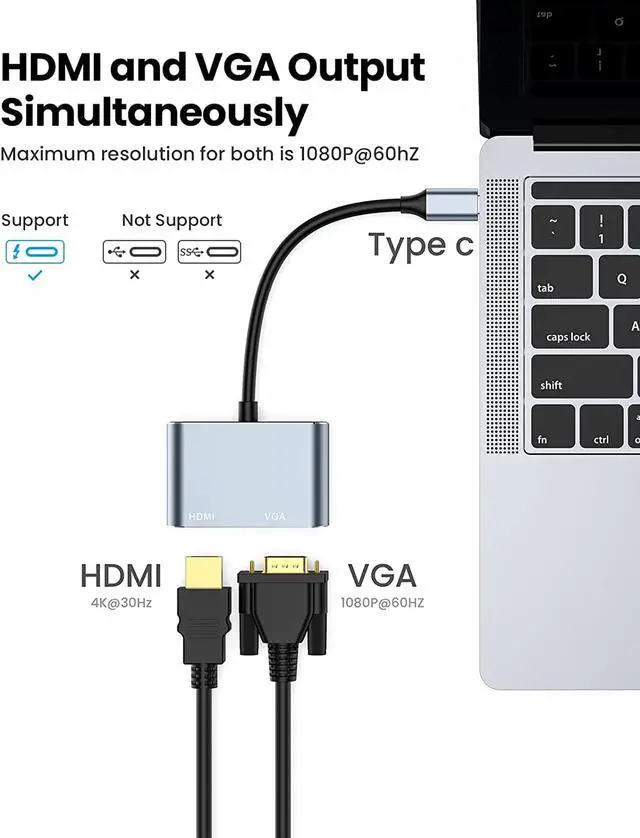
HDMI and VGA Work Simultaneously
This USB C Adapter allows you to expand the desktop to 2 external displays at a time.
Plug and Play
Easy to use, no driver or software required. Support systems Google Chrome OS; Windows7 / 8/10; XP; Linus; Vista
Lightweight and Compact Design
Lightweight and portable,easy to carry around.Perfect for traveling and presentation
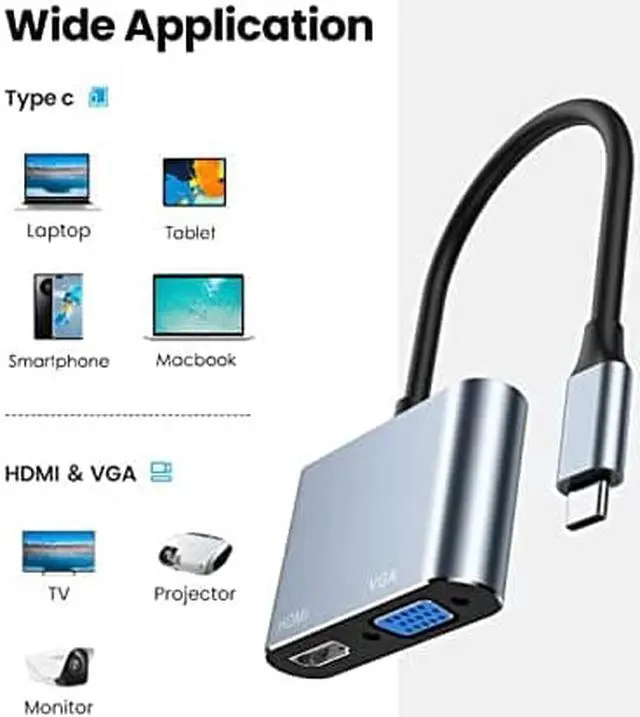
Compatible with :
MacBook/ MacBook Pro (2019/2018/2017/2016), Macbook Air 2018, Mac mini 2018, iPad Pro 2018
Dell XPS12(9250) /Dell XPS13(9350) /Dell XPS15(9550), Dell Latitude 13 7000/Latitude 13 E7370
Lenovo Yoga 720-13IKB/ Yoga 900-13ISK/ Yoga 910/ Yoga 920/ Yoga 930 LG G5, LG gram 14Z990-V.AA52C
HP EliteBook 745/ 13.3'' Spectre Laptop 13-af001TU/ 15.6'' HP Probook 450 G5
13'' ASUS Zenbook UX330UA
Microsoft Surface Book 2/ Surface Go/ Surface Laptop 3 Huawei Macbook Mate10/ Mate10 pro/ Mate20/ Mate20 pro / Mate30/ Mate30Pro
Samsung Galaxy S10+/S10/S9+ /S9 /S8+ /S8 Plus, Note 10 / 9 / 8
Note:
1.When HDMI& VGA works simultaneously,the Max.resolution of the two is 1090x1080P@60Hz and two monitors show the same contents.
2.Extend Mode: VGA and HDMI work at the same time, while two monitors only show the same content.
3. Pls make sure your laptop's Type C Port supports video output or DP Alt Mode, otherwise hdmi wont' work.
4.Pls make sure your laptops have USB C port. Vilcome 2 IN 1 USB C Adapter doesn't support any laptops that have MINI DisplayPort.
Specification
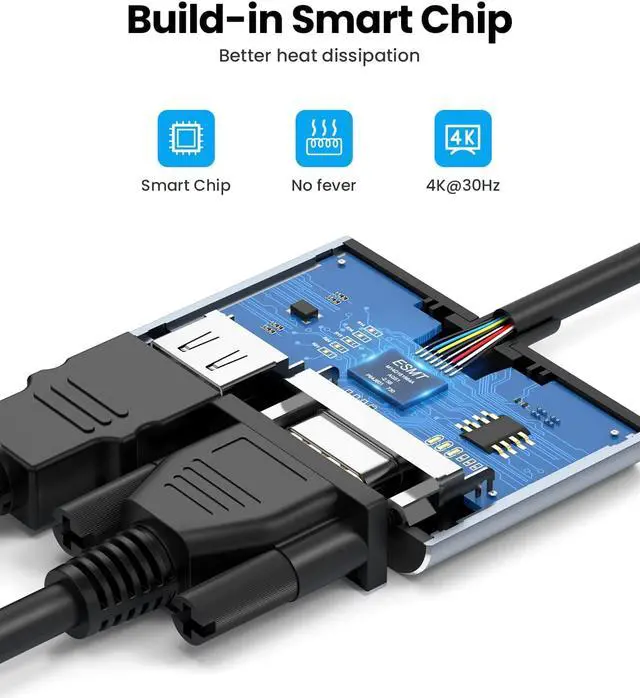
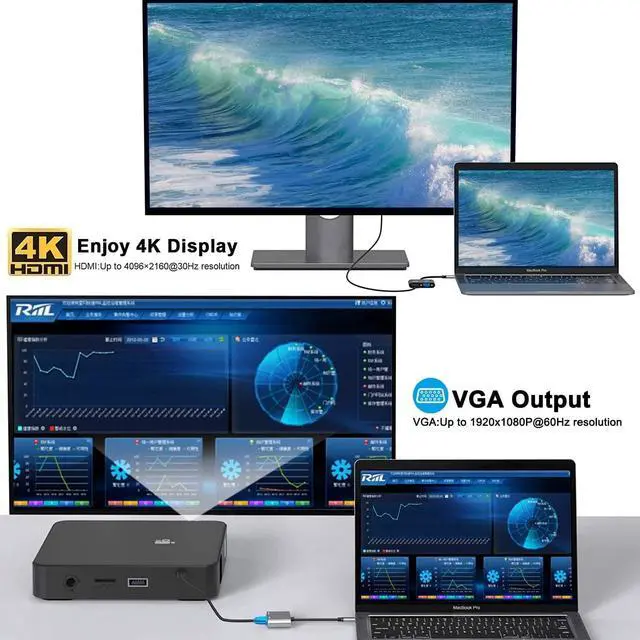
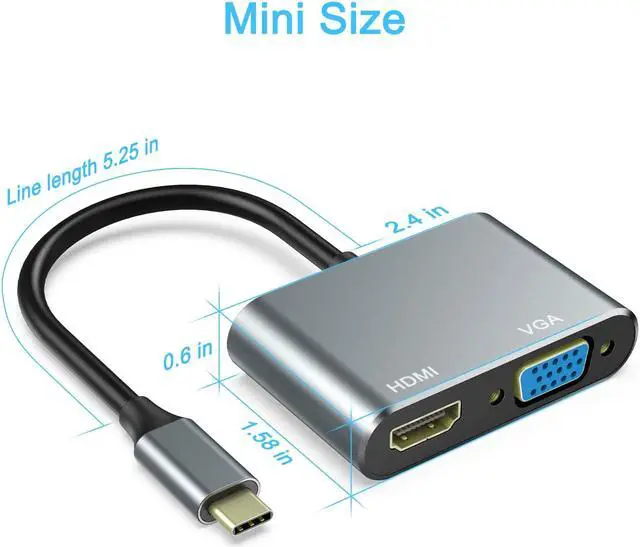
1xHDMI Port Female,Support Max Resolution to 3840x2160 UHD 4K/30Hz
1xVGA Support Max Resolution to 1920x1200 FHD/60Hz
USE TIPS:
This HDMI USB C Adapter ONLY work with those laptops that the USB Type C Port supports video output or DP Alt Mode, which makes you more easily to transfer or mirror your USB-C laptop to an HDMI / VGA TV,projector or monitor. It doesnt' work with any laptops that have MINI Displayport(Mini DP Port).
This hub's interface cannot be used with extension cords and adapters, and can only be directly connected to the TYPE-C interface of the computer.
Pls make sure your HDMI devices support 4K@30Hz, otherwise you need set 1080p resolution or lower. That's to say, the resolution our devices support depends on your hdmi devices.
Pls use HDMI 1.4 Standard cable to get HD Resolution.
The length of HDMI or VGA cable do not exceed 78.7 Inch(2 Meters).