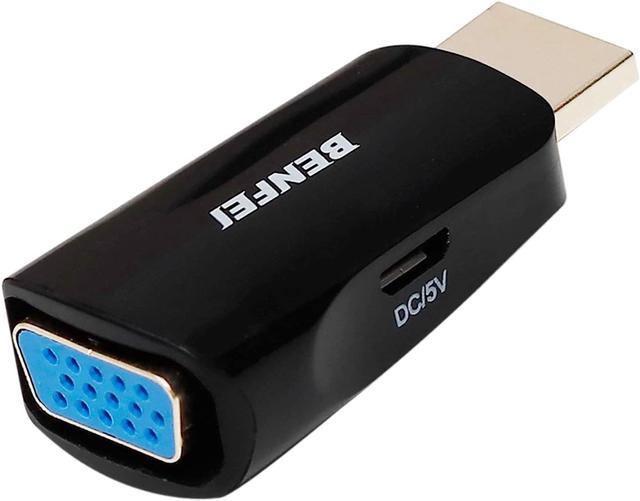
BENFEI Compact HDMI to VGA Male to Female Adapter
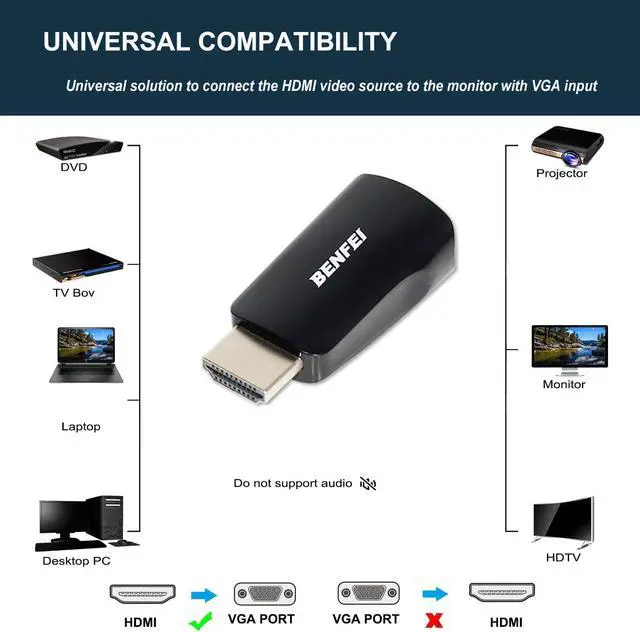
Benfei HDMI to VGA Adapter provides a cost-effective and universal solution for connecting a desktop, laptop, or other devices with HDMI port to a VGA display such as monitor, projector or TV. Connect the HDMI male end of the converter to the HDMI port of your HDMI device, and connect the VGA female end to your VGA cable from the display.
Specifications
- Input: HDMI Male
- Output: VGA Female
- Audio Support: No
- Installation: Plug and Play
Crystal Clear Image
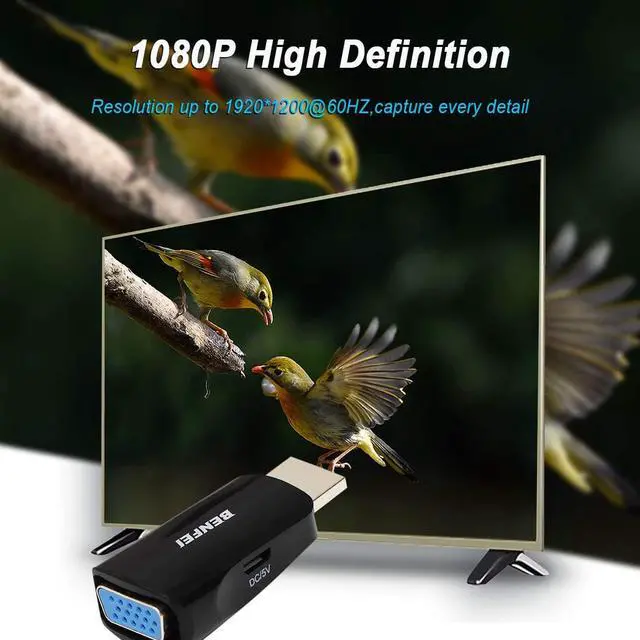
Supports resolutions up to 1920 x 1080 @ 60Hz (1080p Full HD), including 720p and 1600x1200 for HD monitors or projectors.
Universal HDMI to VGA solution
Compatible with computer, pc, desktop, laptop, ultrabook, notebook, Chromebook, Raspberry Pi, Intel Nuc, Roku, PS3, Xbox One, Xbox 360, Wii U, Set Top Box, TV BOX, or other devices with HDMI port;
Also Compatible with Low voltage HDMI source. compatible with Blu-ray player and devices with low-power HDMI ports such as SONY PS4, Apple MacBook Pro with Retina Display, Mac mini, and Apple TV
Note:
This adpater is used to connect the HDMI source to the VGA Display, it could not work in the opposite direction. For the VGA source to HDMI Monitor solution, please see the table in the following.
Ultra Durable
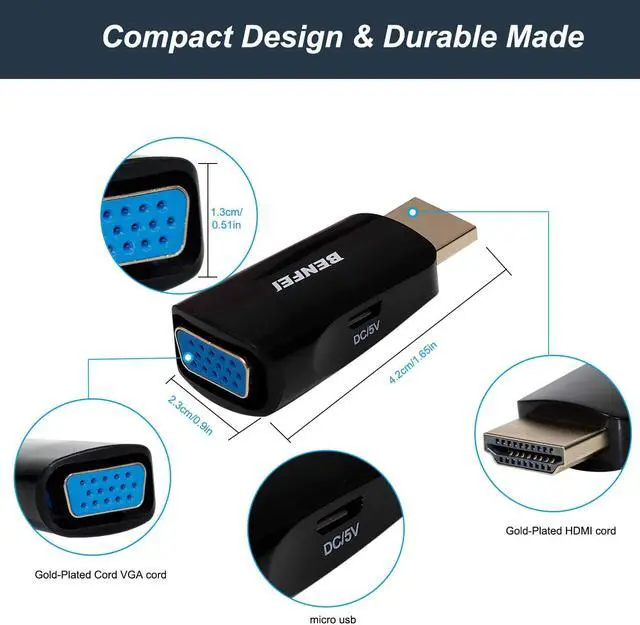
Gold-plated connectors resist corrosion, provide rigidity, and improve the signal performance
Adopt Advanced PCBA solution to gurrante the solution durability
Reinforced joint to ensure the durability
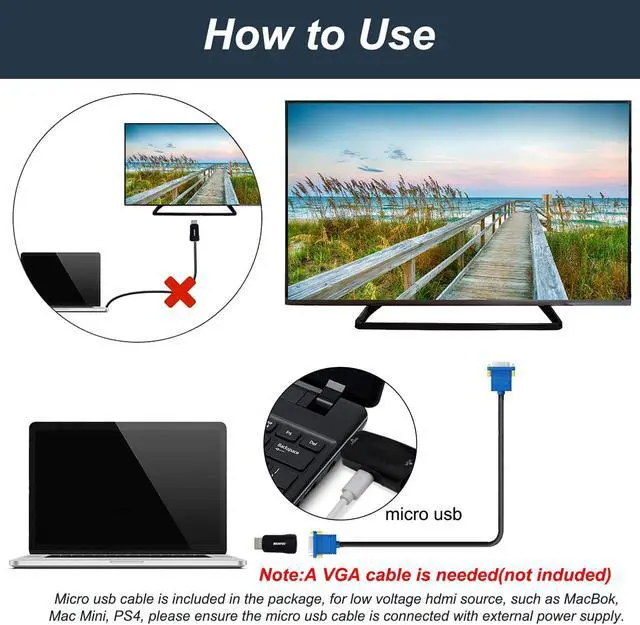
For low voltage HDMI source, such as MacBook Pro, Mac Mini, PlayStation 4, the regular HDMI to VGA chipset or solution could not work normally due to insufficient power supply. BENFEI HDMI2VGA is a universal solution with external power supply enable more widely compatibility.
Compact Design
Tuck this lightweight gadget into your bag or pocket to do a business presentation with your laptop and projector, or extend your desktop screen to a monitor or TV;
How to Use
1st Step:
Plug the Micro USB to USB charging cable to the BENFEI HDMI2VGA adapter
Plug the Micro USB to USB charging cable to the external power supply
Note:
The micro usb to usb charging cable is already included in the package.
2nd Step:
Connect the VGA cable to the VGA monitor
Connect the VGA cable to the BENFEI HDMI2VGA adapter
3rd Step:
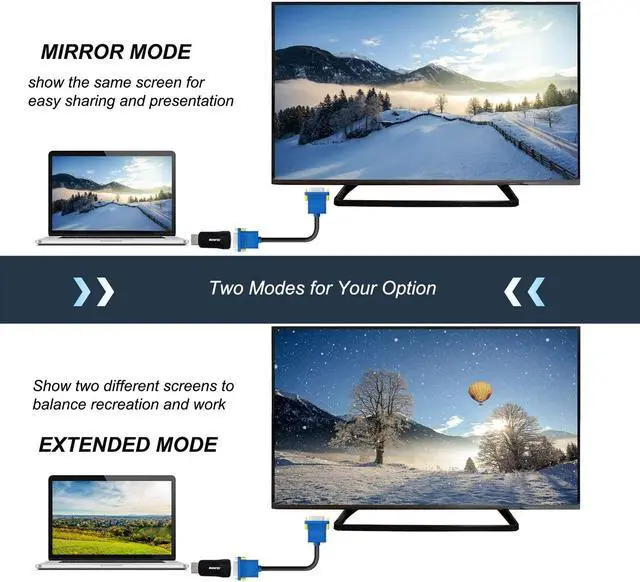
Select the video mode, mirror mode or extended mode as your need
Mirror Mode: Makes your holiday photos and favorite films so much more interesting and enjoyable on the big screen!
Extended Mode: Works like a charm for multitasking



 All Categories