


Meet Your Seller

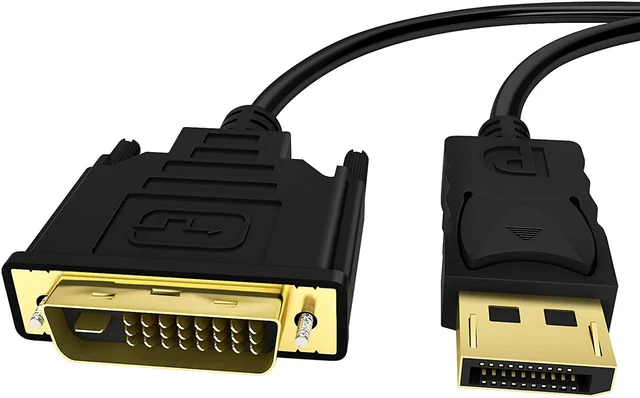


DisplayPort to DVI Cable, 10 Feet DP to DVI Gold Plated Adapter Cord, Compatible with PC, Laptop, HDTV, Projector, Monitor and More (10 Ft, Black)
- Item #: 9SIV36AKBN0055
- Mfr. Part #: CA-YBHSF762-1
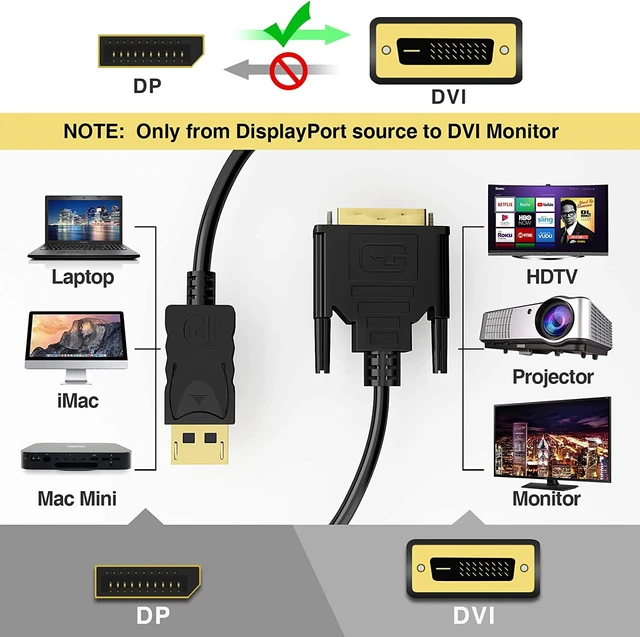
- DisplayPort to DVI:Display Port to DVI contains an advanced chip for optimal performance, directly connects a monitor or projector with DVI input a DisplayPort (DP, DP++, DisplayPort++) . Note: Only support DP to DVI transimission, not Bi-directional
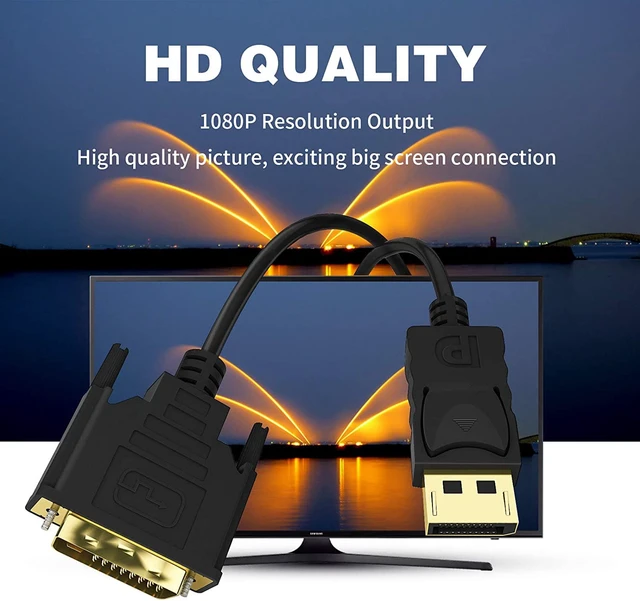
- High Quality Resolution: Supports video resolutions up to 1920x1080 (1080P Full HD) @60Hz, including 720p, 1600x1200, 1280x1024 for high definition monitors or projectors
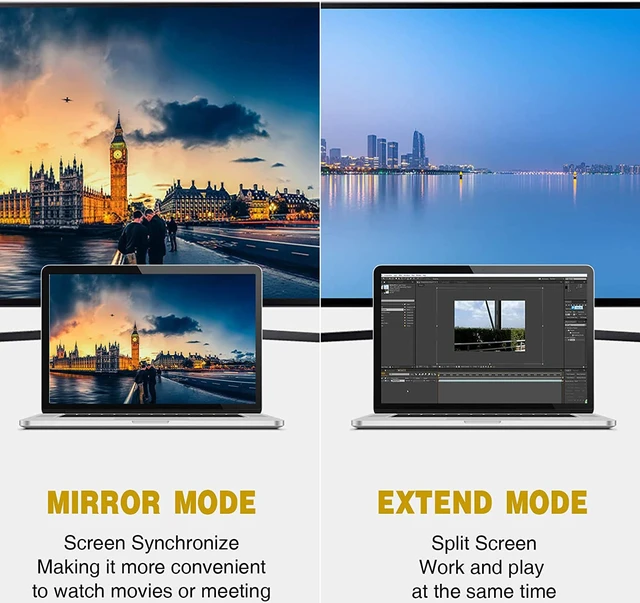
- Extended and Mirror Mode: You could easy to cutover extened desktop or mirrored displays for difference needs. Compatible with PC, Laptop, HDTV, Projector, Monitor and more. Ideal for video streaming, gaming, or extending a workstation
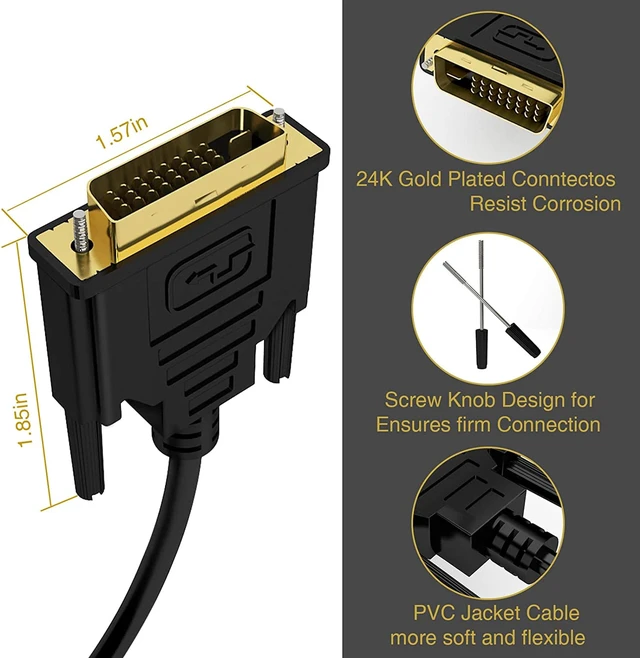
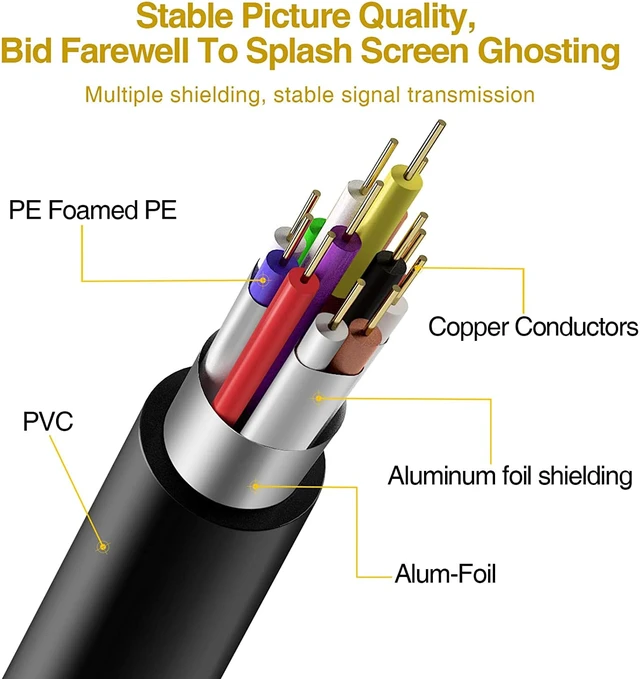
- Great Performance: DP to DVI gold plated connectors ensures a maximum signal transmission reliability, and the bare copper conductors for high-speed rate
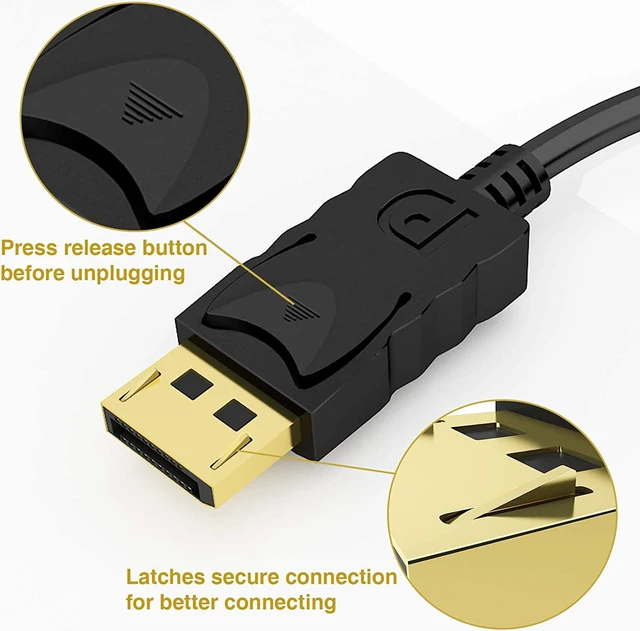
- Plug and Play: No need to install any drivers or softwares and external power. Displayport connector with latches provides a sercure and stable connection, please press the latch down befo
+
+
Overview
Specs
Reviews
VANDESAIL DisplayPort to DVI Adapter Cable - Male to Male
DP to DVI addpater cable provides a easy and cost-effective solution for connecting a desktop, PC, or others to a DVI display such as monitor, projector, HDTV and more.
This item supports video resolutions up to 1920x1200 / 1080P (Full HD)(16:10) and PC graphics resolutions up to 2048 x 1152 @60Hz (16:9).
And the gold plated connectors ensures a maximum signal transmission reliability, and the bare copper conductors for high-speed rate.
Display Port to DVI cable has Two Difference Mode - Extened Mode & Mirror Mode, make your life and work more convenient.
Extened Mode
Works like a charm for multitasking. You could double your workspace through by working in the laptop and watching the movie in the HDTV at the same time.
Mirror Mode
You could connect and configure a big display for sharing something with this Display Port to DVI cable. Such as make a home theater or show presentations.
How to use?
- From: DisplayPort Male (PC, Laptop, Graphics card) .
- To: DVI (DVI-D) Male (Monitor, TV, Project, etc).
Note:
- It is not Di-directional, only from DP to DVI.
- DP port connector with latches provides a secure connection with a release button that must be depressed before unplugging.
Warranty & Returns
Warranty, Returns, And Additional Information
Warranty
- Please contact the Seller directly for warranty information. Warranty information may also be found on the Manufacturer's website.
- CONTACT
Return Policies
- Return for refund within: 30 days
- Return for replacement within: 30 days
- This item is covered by Electronics World Return Policy
Manufacturer Contact Info
- For a directory of all our manufacturers, please click below.
- Manufacturers Directory
LOADING...