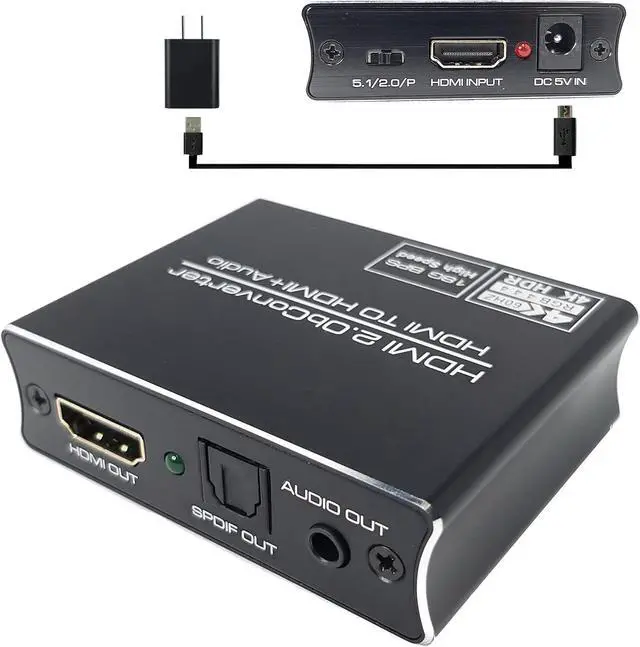
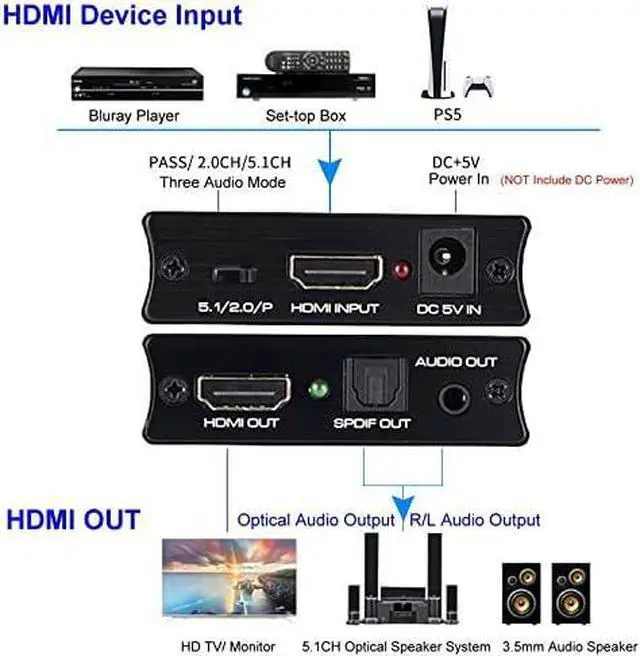
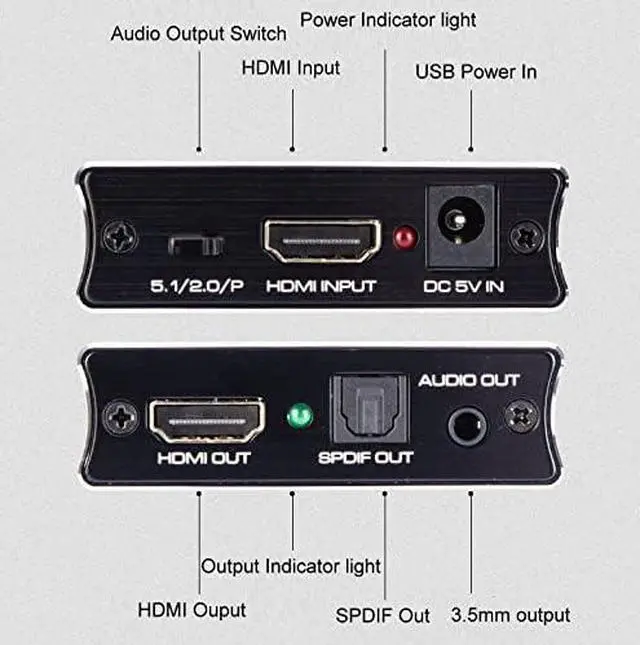
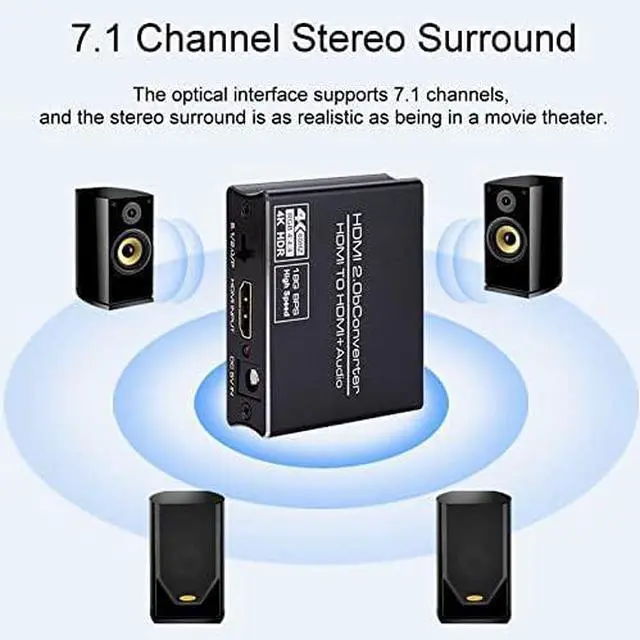
Output cable distance: 20m AWG26 HDMI standard cable;
Max working current: 500mA;
Operating Temperature range: (-15 to +55)Operating
Humidity range: 5 to 90%RH (No Condensation); Dimension (L x W x
H): 65x52x20 (mm);
Weight:
75gNotes: Please use the machine as the instruction listed to keep the long use lifetime of the machine. 1The machine should be placed at the spot far from the Damp High-Temperature Dusty Erosive and oxidative environment. 2All parts will be free from the strong shake hit fall. 3Touching the power adaptor with the wet hands is prohibited. 4Pls hold the power adaptor head and do not pull the power cord when cut off from the socket. 5Pls turn the power off when the machine is not used for long time. 6Pls do not open the cover and do not touch the inside parts. 7Pls use the original factory power adaptor. Before power on pleases check the connection line carefully. And make sure that all interfaces are normally connected. The common trouble shooting way shows below:
1Non-Power-Connected: a) Check if the power adaptor head is truly and correctly inserted the power socket. b) Check the power switch if it is in on status.
2No Picture: a) Pls to make sure that the TV is on and has been connected with the machine. b) To check if the signal source is on and well connected. c) Check the system connection quality. d) Check if the line is all good quality. e) Check the cable quality.
3Obscure Picture: a) To try again to connect the cable to be free from the unsuccessful connection. b) HDMI Cable Quality.
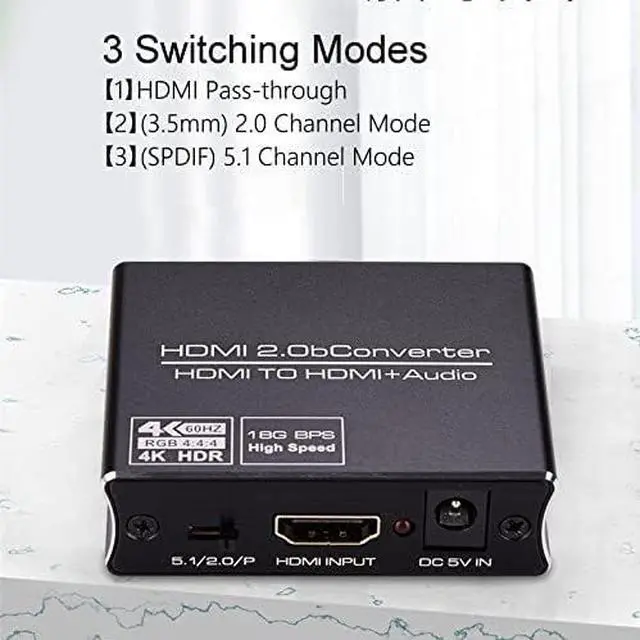
4No sound: a) Please confirm the setting position of audio mode switch.



 All Categories