All Categories
Built for How Business Buys.
All Categories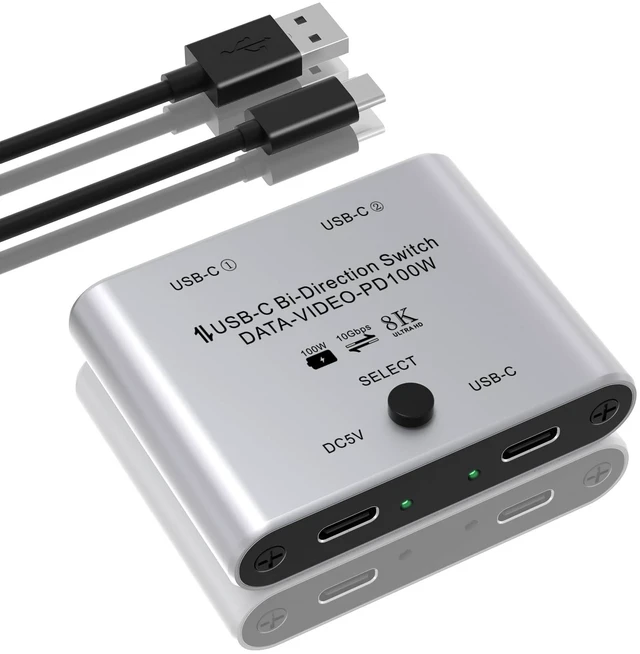
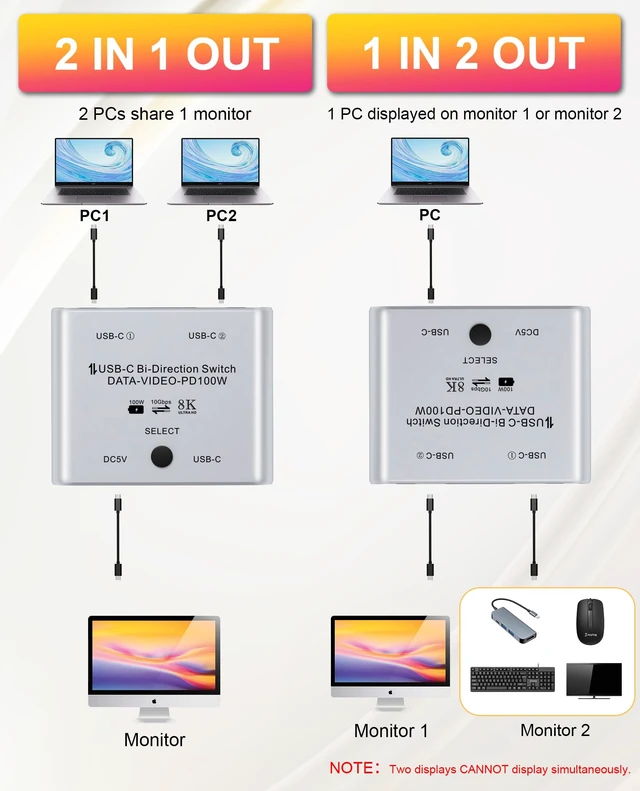
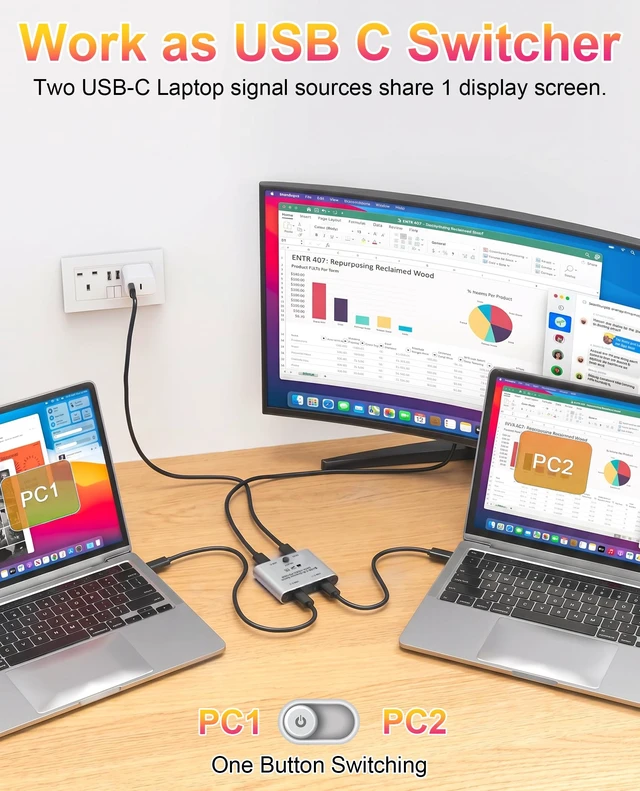
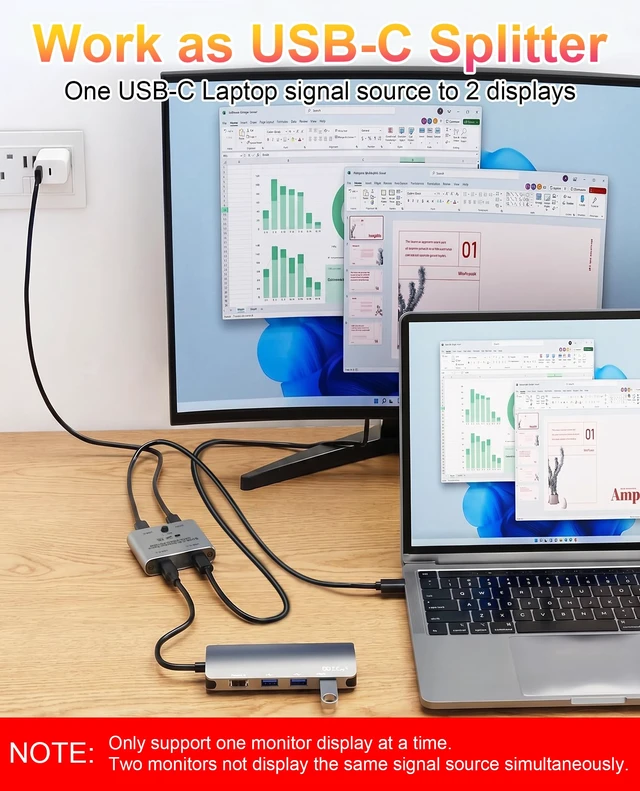
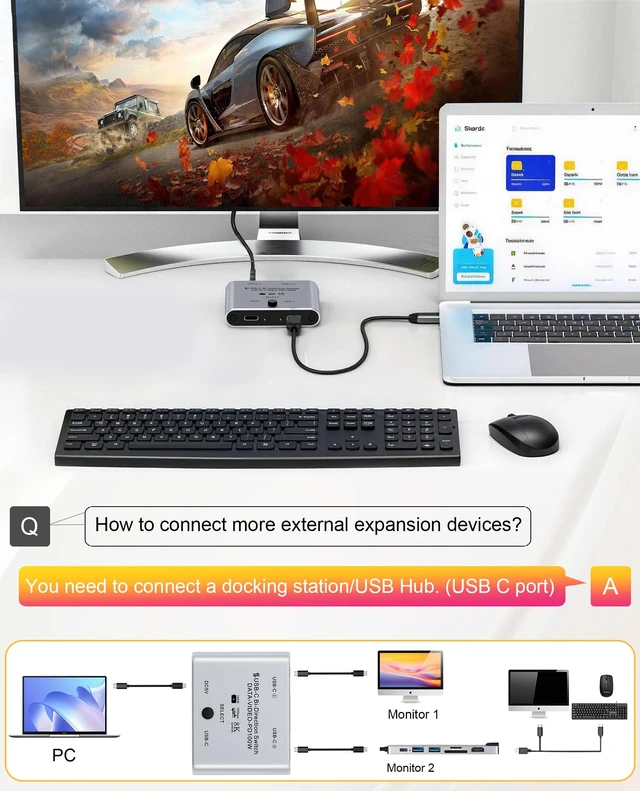


NoteDoes not support one computer to display on two monitorsThis product has limited compatibility with Macs using M-series chipsets and macOS 13 and above, and may not support multi-monitor expansion. Recommended for Windows users.If it doesn't work, please contact us to check if the switcher is linked correctly for you Aluminum Bidirectional USB C SwitchThe USB-C Switch allows switching 2 USB C devices for 1 computer / switching 1 USB C device between two computers. No additional power supply required, no driver installation required. Note: Need to connect a standard USB-C USB3.1 Gen2 cable (not included) and use the included USB cable to power the switch
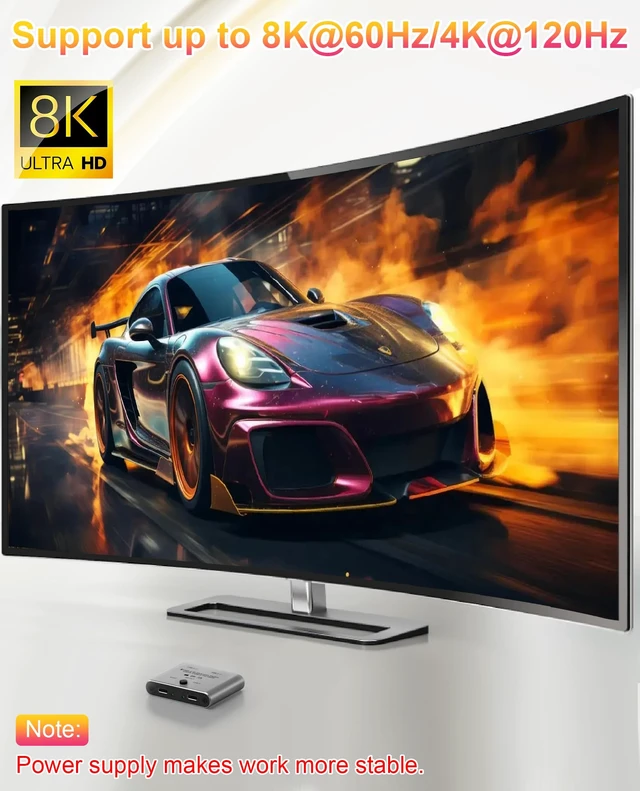
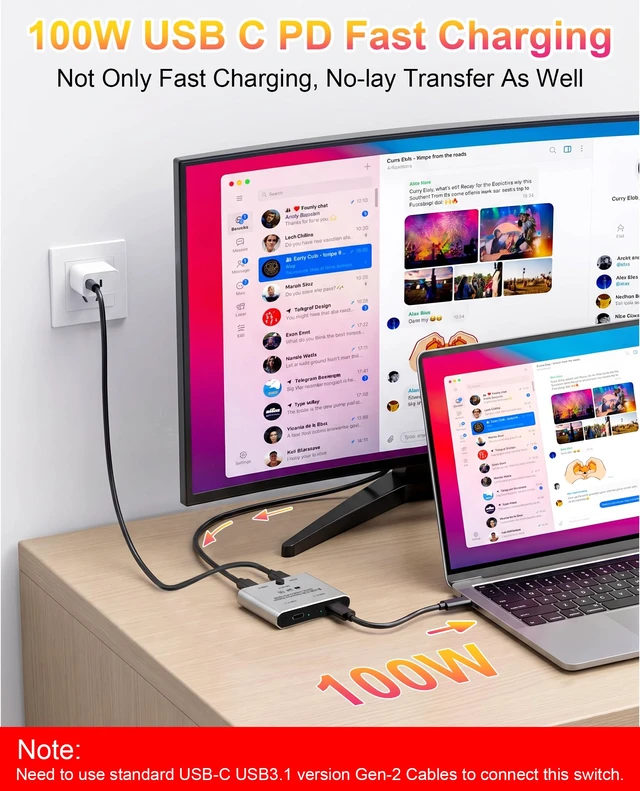
8K HD Display and 100W Reverse ChargingOur USB C splitter supports 8K@60Hz video to USB-C display, the specific resolution depends on your source device. Please connect to the power supply when using the switcher to ensure stability, and the USB C switch can reversely charge the connected device quickly with a power of up to 100W.
Wide Compatibility and StabilityCompatible with Windows 10/8/8.1/7/Vista/XP, Mac OS, Linux, and Chrome OS. The USB-C KVM switch is suitable for most USB devices with USB 3.0/USB 2.0/USB 1.1 ports. For two computers with the same system, such as two Windows or two Macs, the operation will be more stable. It is very suitable for sharing a USB C device in offices, multimedia teaching, conference rooms, schools and training facilities.
10Gbps transmission speed and one-click switchingThe USB C Switch supports data transmission up to 10Gbps, and is also backward compatible with USB 2.0 and USB 1.1. Easily switch between different systems and different computers with just one button.
What You GetOur package contains: 1 * Bidirectional USB C Switch, 1 * USB C Power Cable, 1 * User Manual. For USB C switch for 2 computers, we support 24-hour email and 2-year after-sales service. If you encounter problems, please feel free to contact us.
Confirm the cable is inserted in the correct directionIncorrect connections can cause lag and failure. Please make sure your cable is inserted in the correct direction. Please feel free to contact our technical customer service staff for answers